That’s exactly what the recipe does. It uses the function that you shared above as part of the process.
You have two options for running the model on Pollination. You can either use the UI or use the API to submit your simulations.
In either case, the process is similar:
- Create a project
- Add the
custom-energy-simulationrecipe to the project - Create a new study
- Submit the study to Pollination
Here is a recording that shows the process:
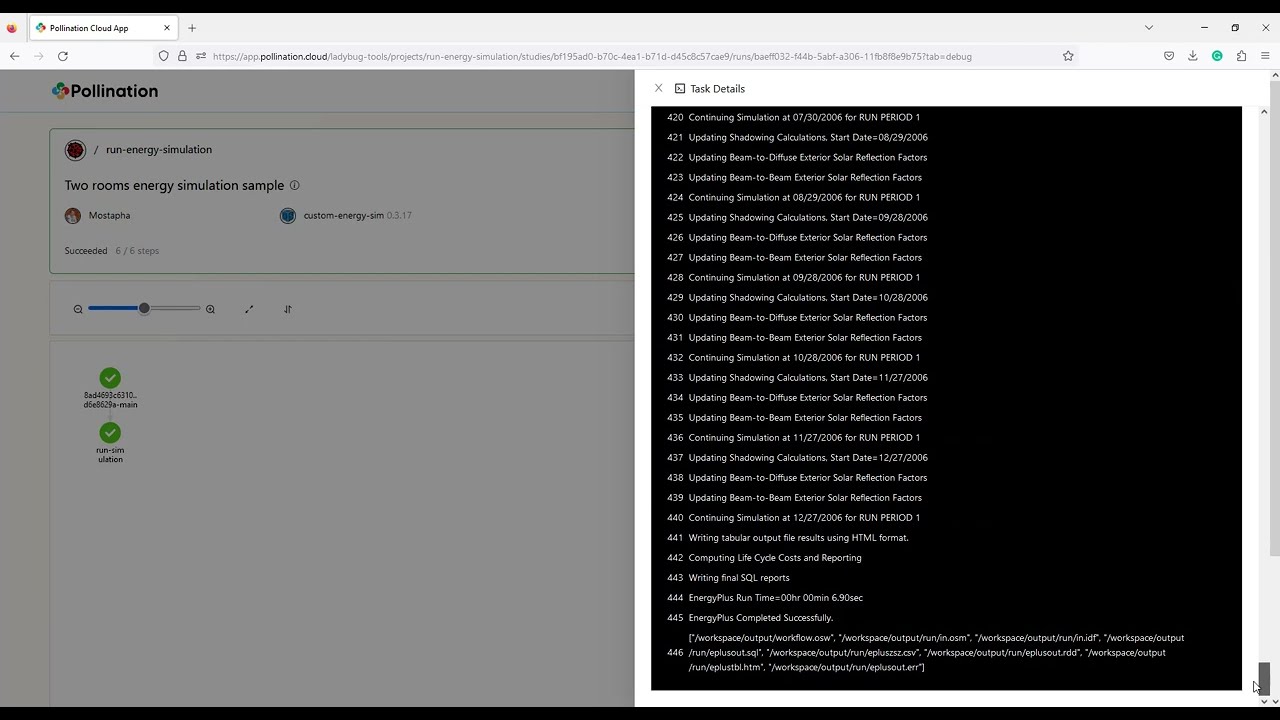
You can see the command that is used to translate the model and run the simulation.
Here is a sample code that shows how to use the API to submit them: