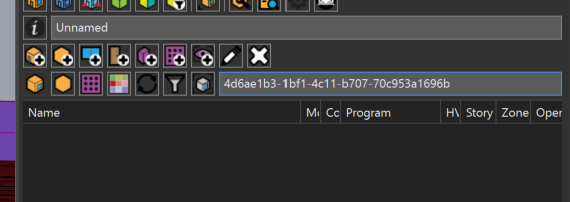
I am setting up a daylighting simulation and hitting a validation error.
Workflow (new model): Rooms were split first using PO_SplitRooms, then I added apertures and border shades for the recessed façade using PO_AddApertureShades. Everything looked fine until we tried to run the daylight simulation.
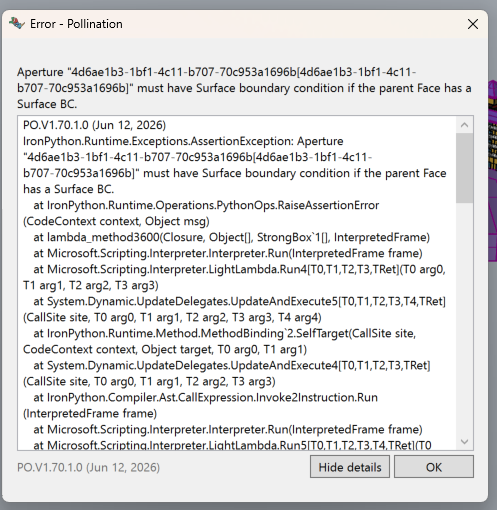
Error:
Aperture “4d6ae1b3-1bf1-4c11-b707-70c953a1696b” must have Surface boundary condition if the parent Face has a Surface BC.
Also: Pasting that aperture ID into the Room Manager and Orphaned Object Manager returns nothing, so I cannot locate it to inspect or fix it.
Hi @sabrinaroszelin, welcome to the forum. Did you try to run the validation command first? That should show you the location of the problematic aperture.
There are also a few commands to help with this. My suggestion is to select all the rooms and run PO_ResetBoundaryConditions then try to solve adjacencies again and see if it resolves the problem.
Thanks @Mostapha, that hasnt worked unfortunately. Its brought on a new error message giving a few rooms with no matching objects and that it cannot split a solid geometry.
I also couldnt find the initial problematic aperture. Searching by filtering returned nothing.
The issue in this model was happening because of the geometry of the windows on adjacent walls didn’t match correctly. Fixing the geometry differences using the PO_MatchChildObject command fixed the issue.
 Hi
Hi