Hi to all the team,
First I want to congratulate you on the V3 Revit Plug-in, honestly massive improvement. I think this workflow is a lot more efficient.
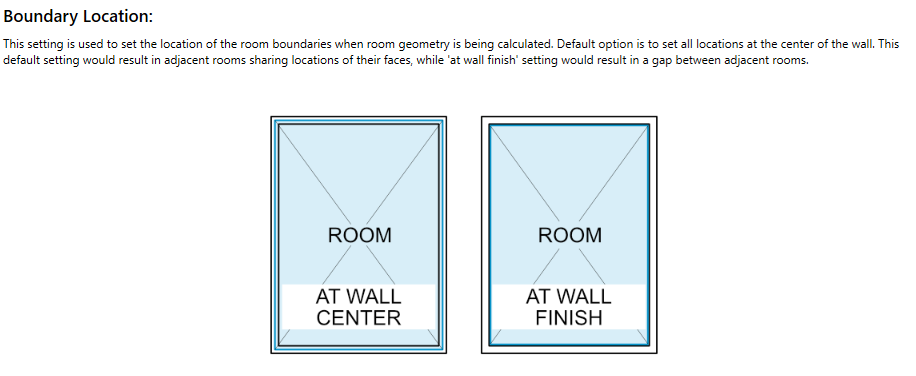
I am not sure if I brought this up before, but if I have not I should have. My take on room boundary is that while the current options work fine. I believe the right approach is slightly different and hopefully possible to implement. I believe the right approach is to use the wall center for interior walls/partitions, and to use the exterior/outside wall finish for the exterior walls. This I believe captures gross area more accurately as some modelling guidelines have a requirement for the Modelled floor area (MFA) to be within a certain percentage of (GFA). Also generally speaking this captures more accurately the actual exterior surface area.
Let me know your thoughts.