We are working on a project with complex building geometry. One building has a spiral/curved façade, while another has a tilted cube-like form. We are considering using the Pollination Revit plugin to transfer the geometry from Revit to IESVE and would appreciate guidance on the following:
Can complex geometries such as spiral/curved façades and tilted building forms be successfully converted from Revit to IESVE through Pollination while maintaining the overall building geometry?
The Revit models are currently at a very early design stage and do not have Rooms/Spaces tags. Can Pollination generate an snapshot directly from the Revit building geometry without Rooms/Spaces?
Any guidance for converting complex geometries would be greatly appreciated.
These are two different cases when it comes to Pollination Revit plugin.
Exporting tilted faces is a known limitation of the Revit plugin.
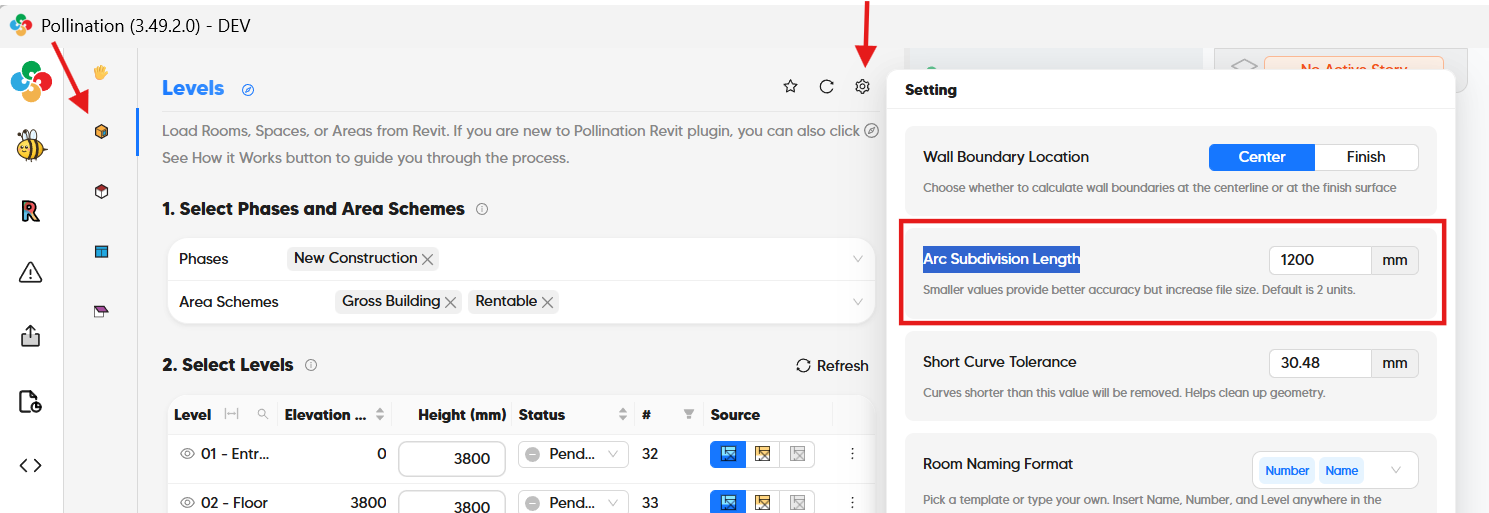
That said, you can export curved faces as long as they are extruded faces. You can control the number of segments by adjusting the “Arc Subdivision Length” input.
No. Revit plugin works of the rooms/spaces as the starting point. Have you tried to populate the rooms automatically? It is easy to do in Revit.
Is it possible for you to share a couple of screenshots from the model with me? You can send them as a private message or email them to me. I should be able to provide better project specific guidance. That said, here is my typical workflow for such models:
Use Revit to place the rooms,
Clean up the rooms in the Model Editor as extruded rooms. Add the roofs whenever possible.
Add tilted walls and other non-extruded geometry to the model as shades.
Export the model as an HBJSON.
Open the HBJSON file in Rhino and use the tilted shades as a guide to adjust the non-extruded rooms.
This will still be much faster than rebuilding everything in Rhino. Let me know if you need any help during the process.