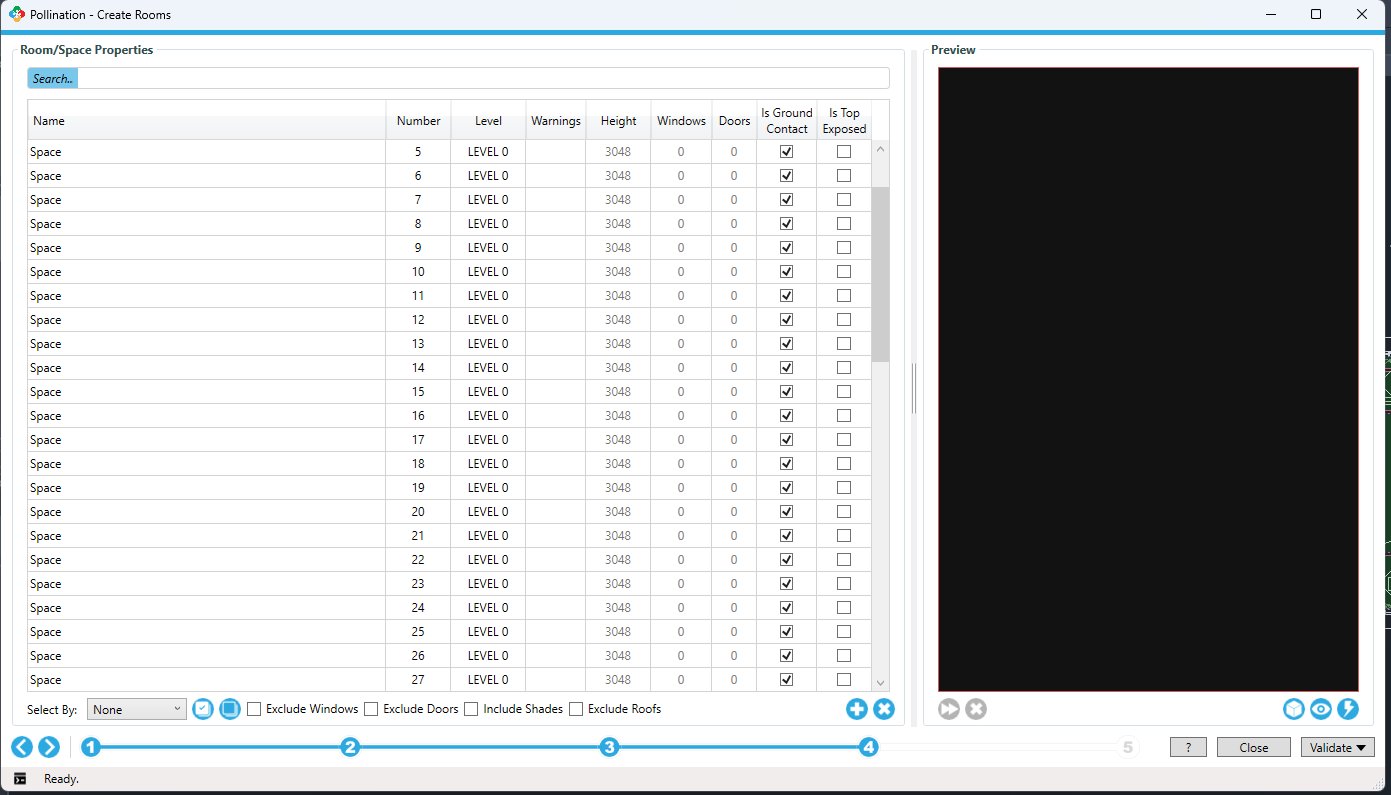
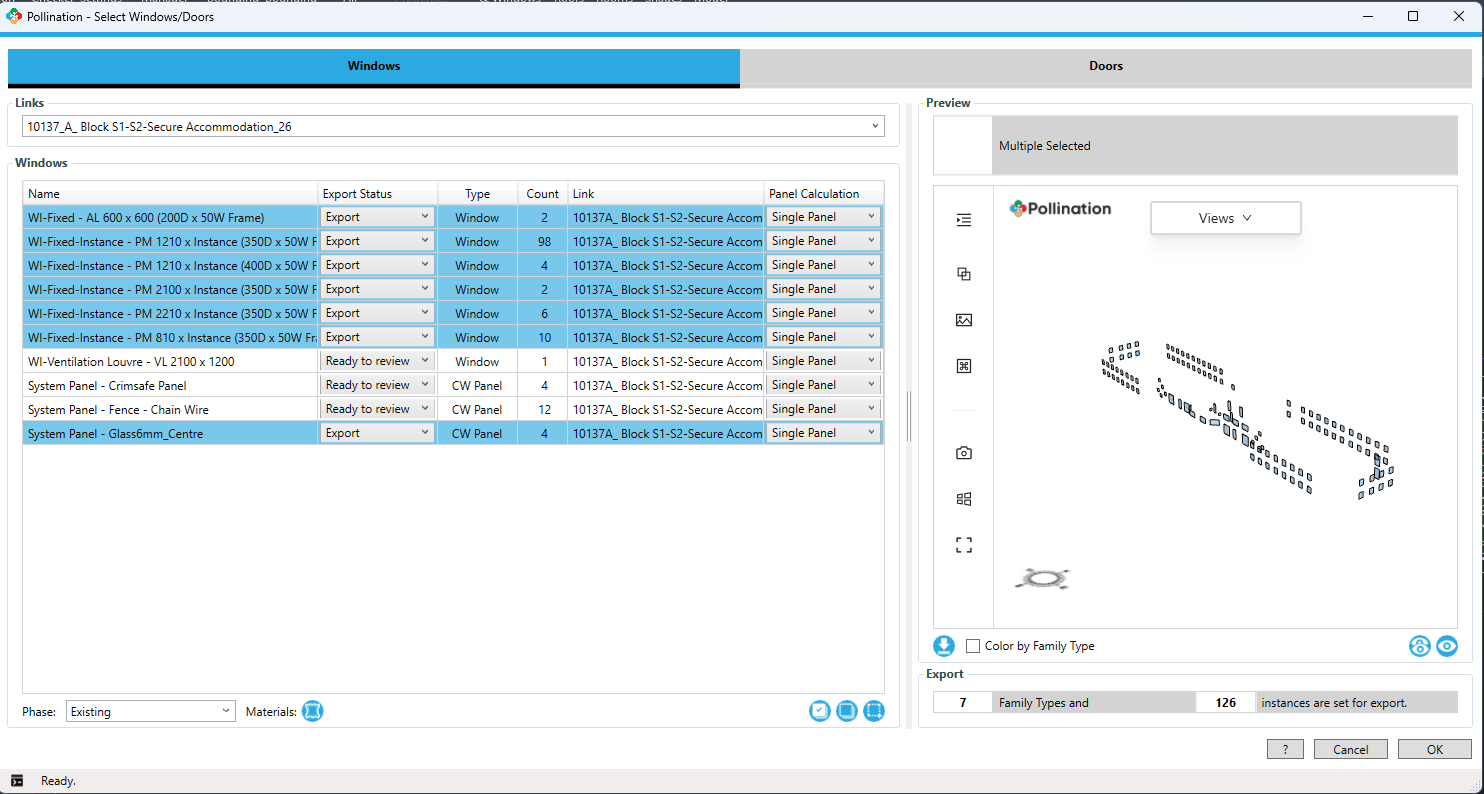
I also don’t appear to be getting windows show up in my rooms in Revit 2026 despite exporting them in the windows tool and checking the boundary box offset…
Hi @tristaneast, this is happening because you have exported all the rooms in the Full Volume mode and not the Extruded mode. Try converting the room to 2D by using the command that shows up in the model editor and you will see the normal behavior. It is the command with a 3D in the icon in your screenshot.
Hmm. Not sure what might be happening but for now you can export the windows as an HBJSON and use the “Import Windows” feature to add them to the rooms.