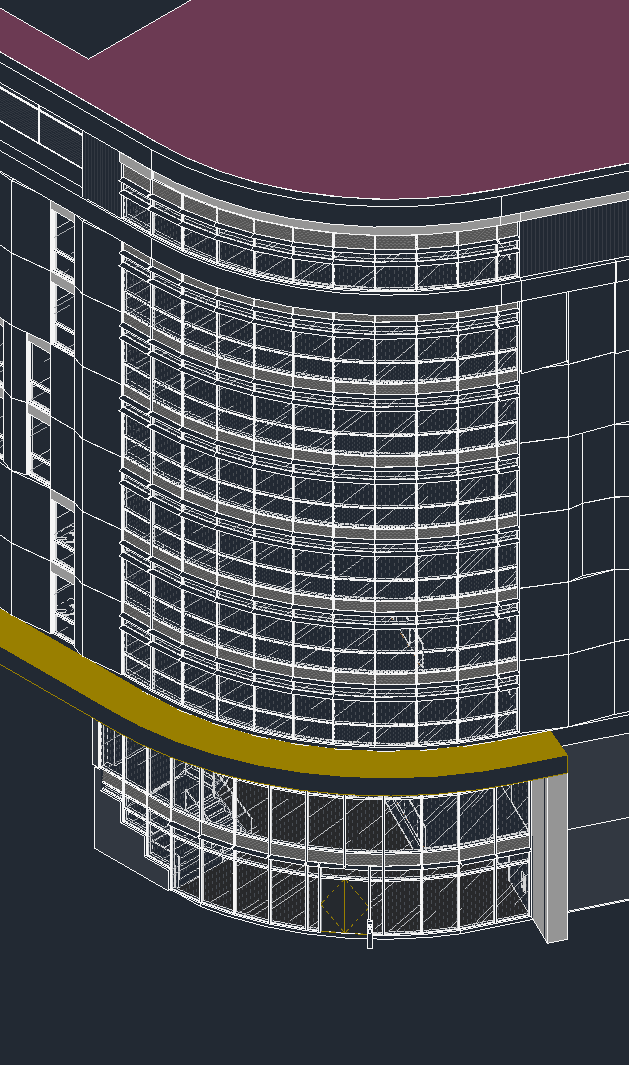
Hello, I’m having some difficulty getting Pollination to properly capture a curtain wall from Revit. While the curtain wall is composed of linear segments, Pollination seems to want to “re-solve” the arc and impose different segments, which causes the glazing to not show up properly. Here’s a snip of the area in question from Revit:
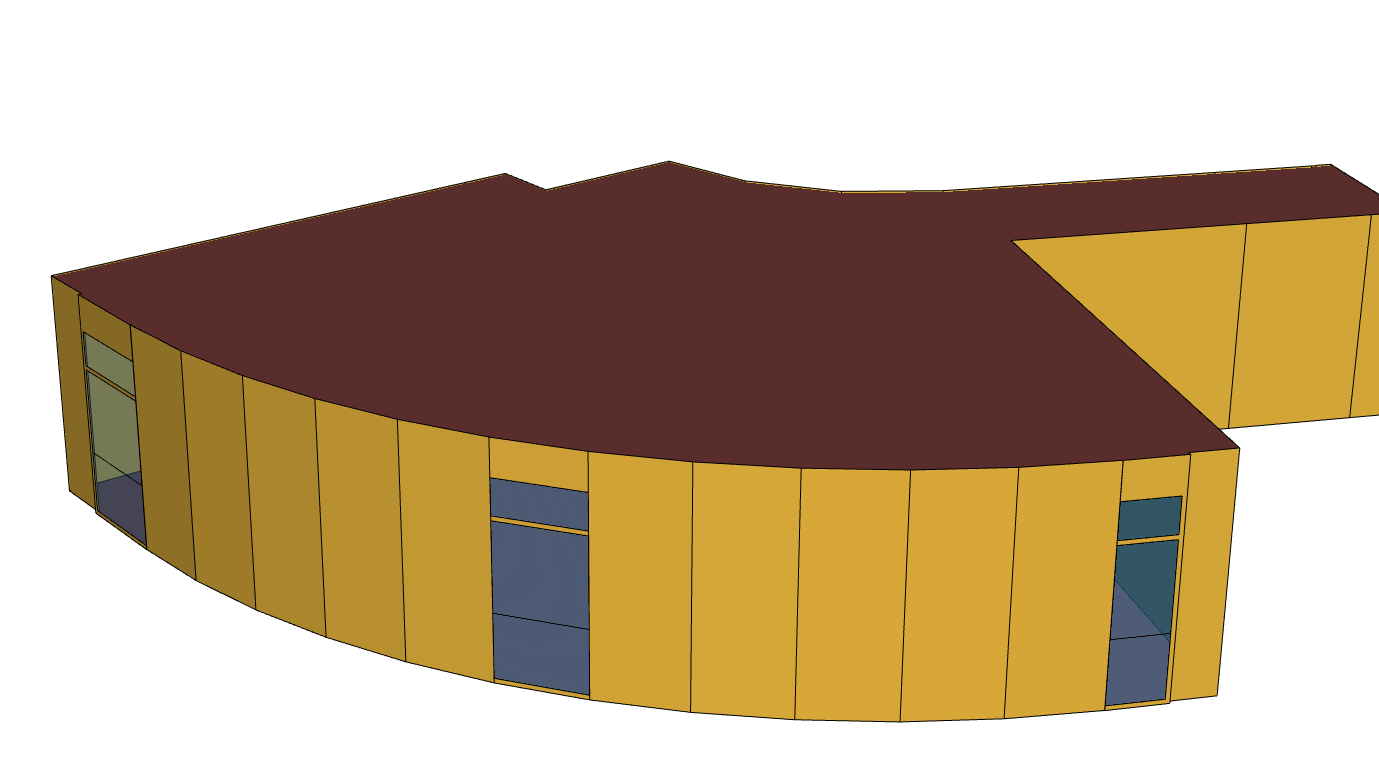
The curtain wall is room bounding. I’ve tried inputting different combinations of arc lengths and bounding boxes in Pollination (including measuring centerline of mullion to mullion to try to force the geometry), but the most I can get are a few instances of the windows around the curve, and panels that don’t match the Revit model (one floor shown for simplicity):
Thank you for documenting your question carefully.
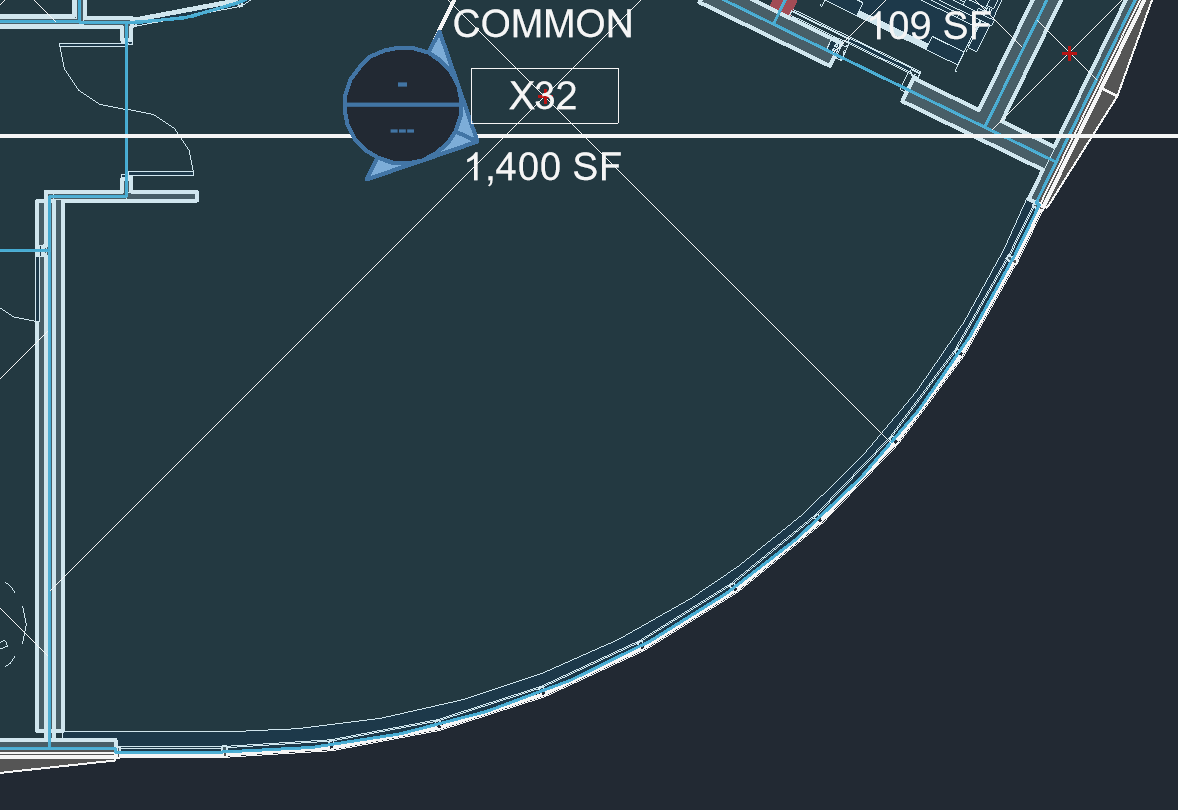
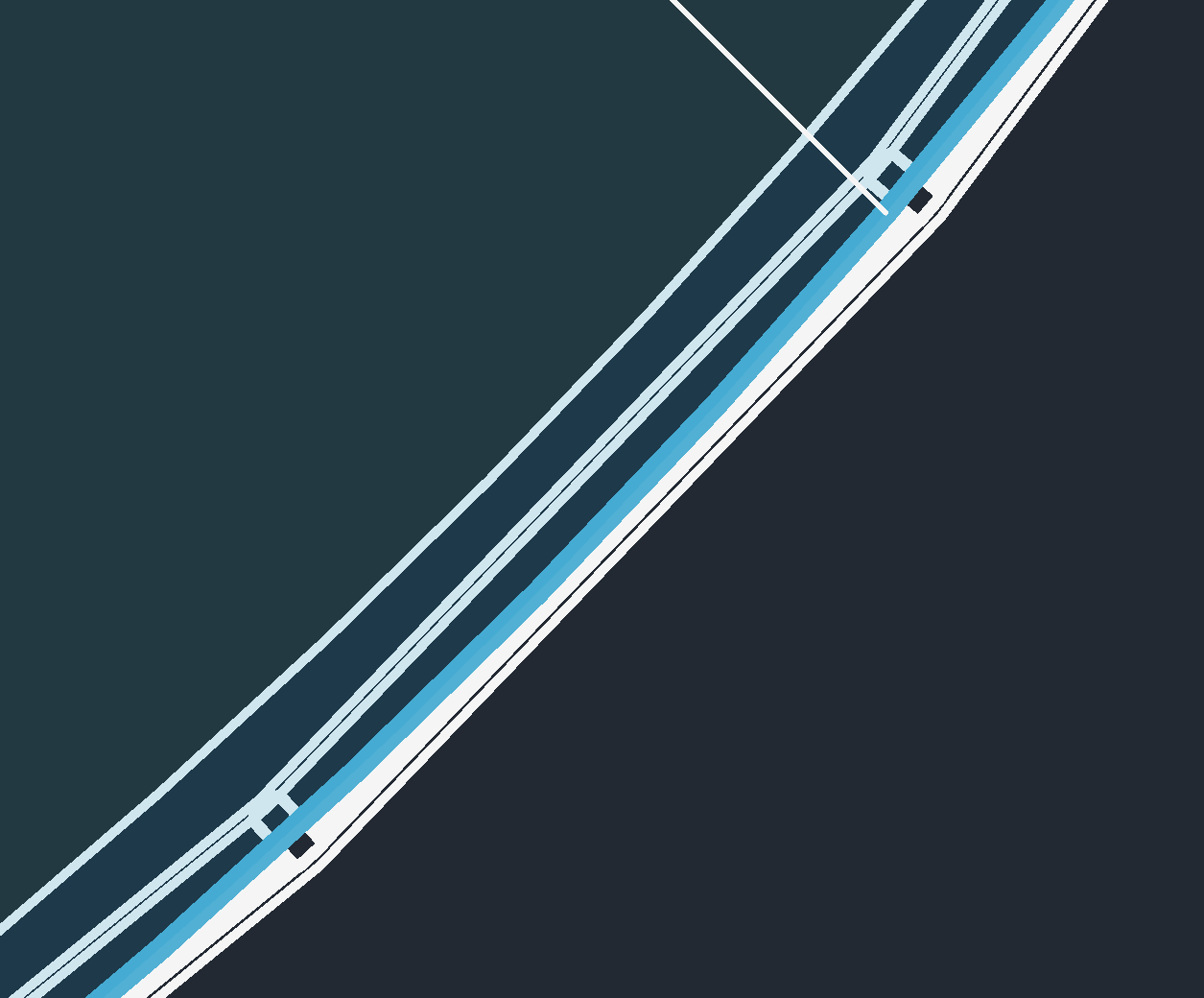
Here is the source of the issue. The Revit room boundary dictates the room boundary in Pollination. I suspect the host wall is arced and is the room bounding element.
One way to get around it is to use a polygon to draw a series of new room separation lines behind the curtain walls.
That said, we have made several improvements to parsing the windows on curved walls. Are you using the latest version of the Revit plugin? These windows should go through automatically.
If those didn’t solve the problem, feel free to share the model with me via a private message, I will have a closer look.
 Hi
Hi