When trying to validate a snapshot, I automatically get redirected to “This page is having a problem. Try coming back to it later”. and am forced to refresh. I cannot upload a log as everything crashes out.
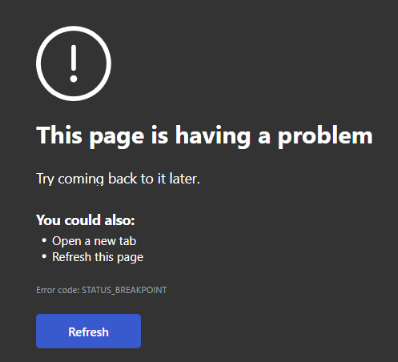
Update. This has to do with windows - it does not crash when no windows are included in the model.
Hi @stevepinks,
Sorry about that. Are you using V2? Can you share the Pollination model with us for testing?
Thanks for the speedy reply. Yes sure, below is a link to the model with windows that fails upon validation attempt. I can get it to work if I exclude windows but this is not ideal. I would love to have a way to resolve whatever window issue there is within Pollination.
Thank you, @stevepinks! I sent a request to get access to the model. Once you give me access, I’ll have a closer look and report back.
I just approved your request. Also, to answer your earlier question, yes I am using V2.
Hi @stevepinks,
What’s the destination engine that you pick when running the validation? I tried a couple of them and I can’t recreate the error.
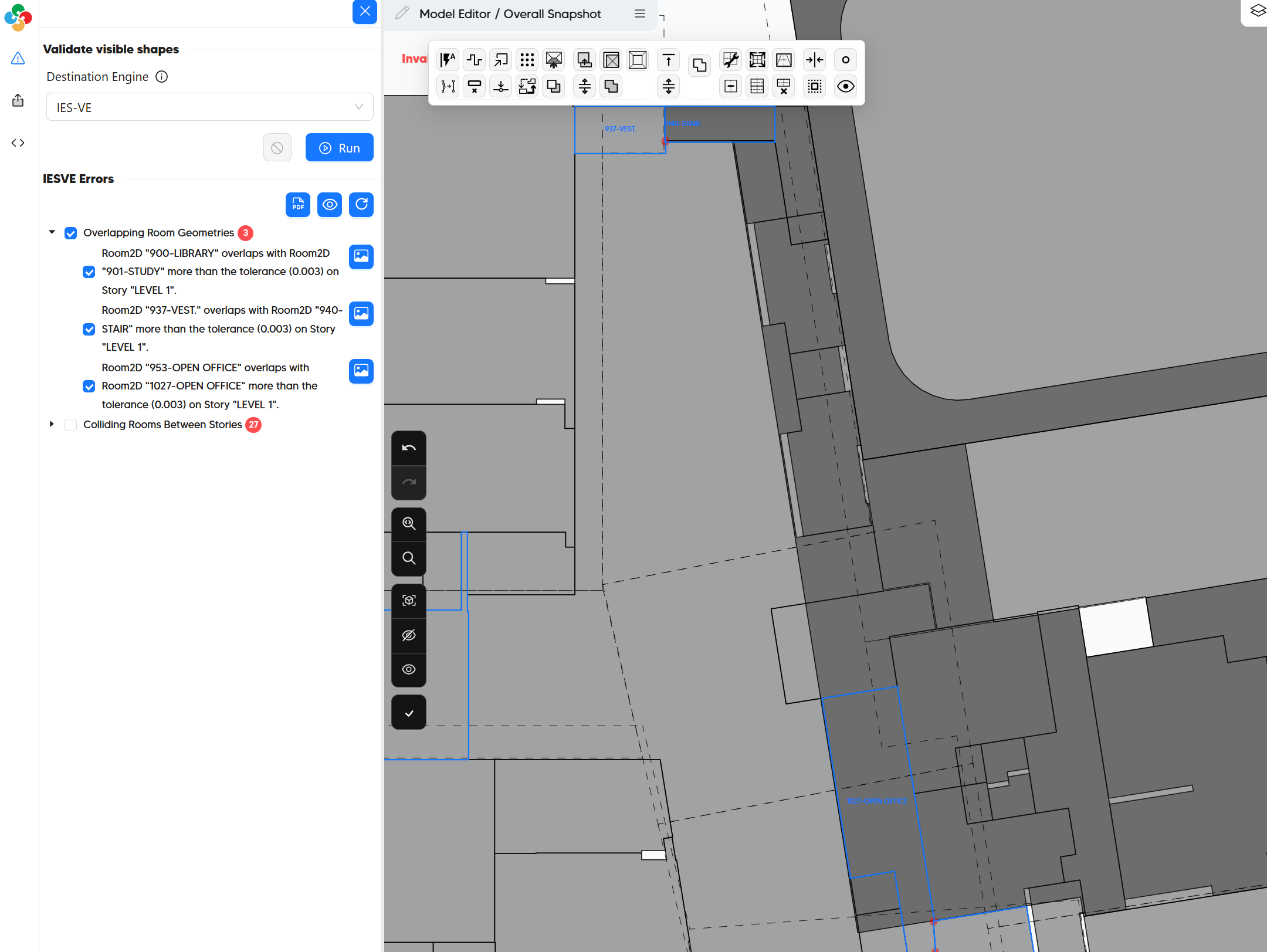
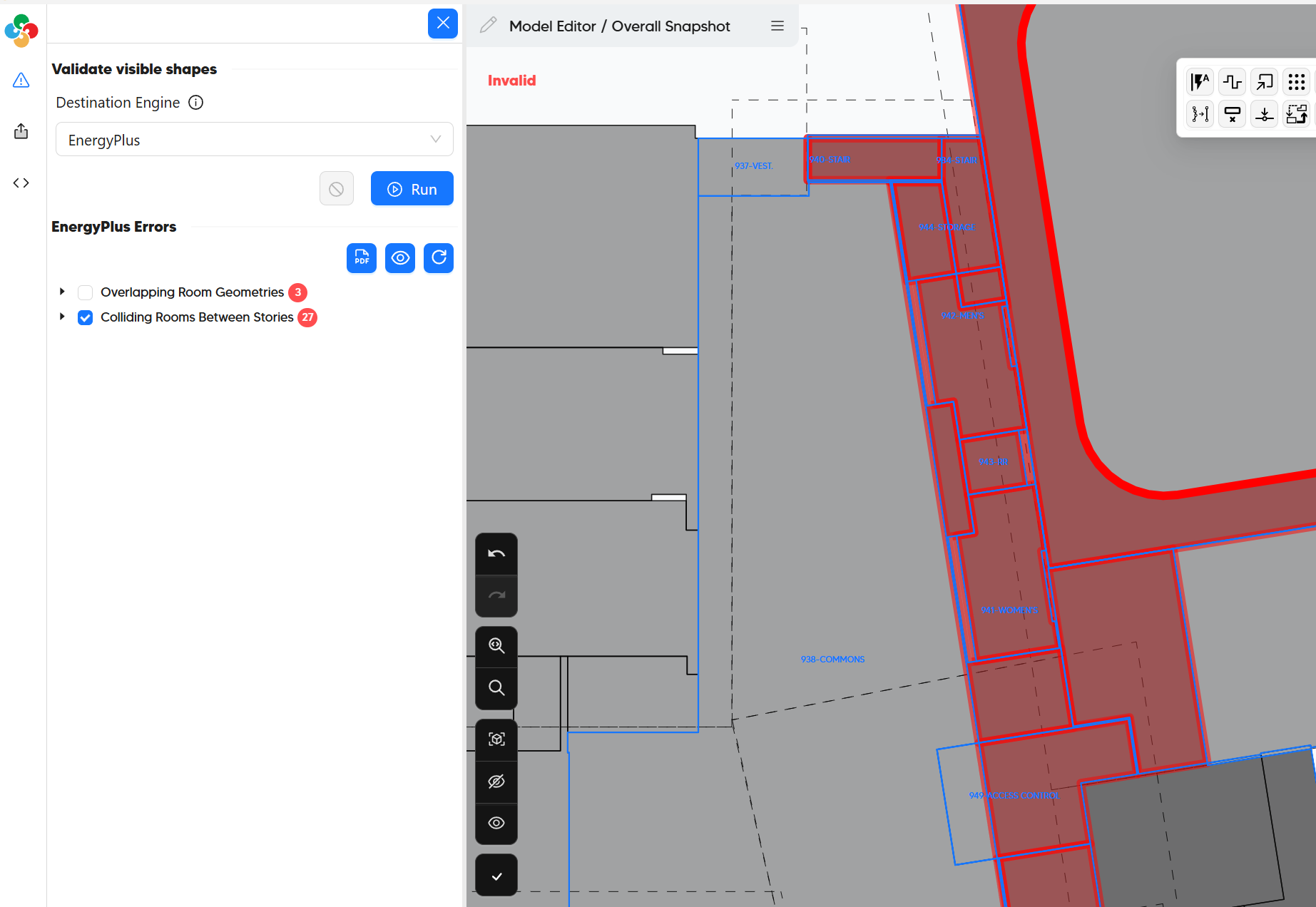
Can you try to update to the latest version of the Pollination Revit plugin that we released yesterday? That might automatically fix the issue.
Interesting. Yes sure, I’ll update and rerun. I am looking to export to IESVE, so a GEM file. That said, I couldn’t get past the validate step. I’ll reach out shortly.
I can validate now! Thank you. Our IT team also found that the Python script was getting flagged by the company antivirus and they’re needing to make some internal adjustments. Either way, this has been resolved. Thank you for the help.
Excellent! I’m glad to know you are all set to go.
As a side note that model might be a bit hard as the very first model. Particularly, the roofs. Make sure to check this link for dealing with roofs in the Model Editor:
And let me know if you need any help to get your model to the finish line. 