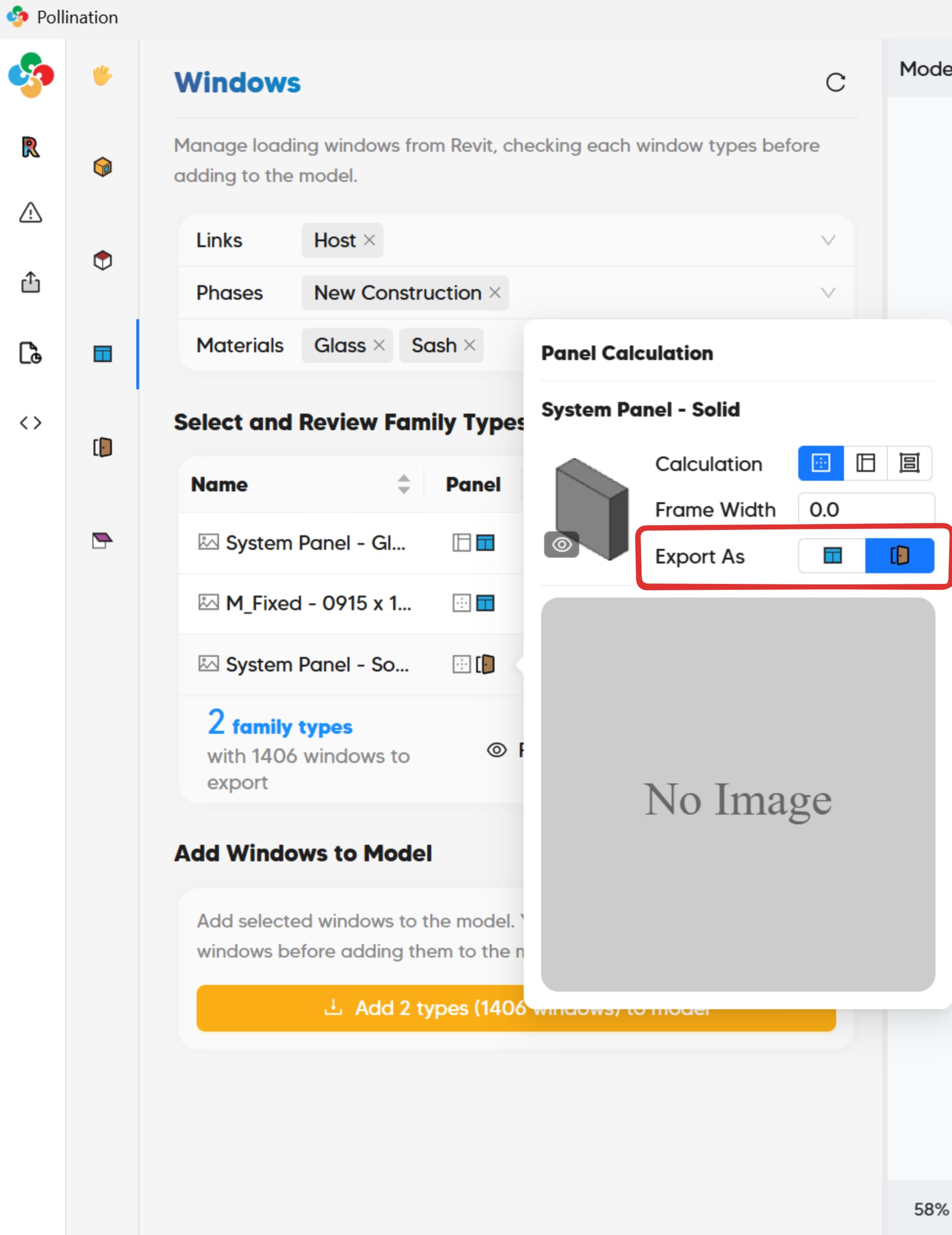
Is there a way to export spandrels as doors in the Revit plug-in? Some context - In our energy modeling process, we build unique constructions in IES for spandrels that ultimately are categorized as doors. I believe we’d be able to export spandrels out of revit as shading objects as long as we’re able to separate them from the glass panes. Is there a way to export them as doors or to change the shading objects into doors? We are comfortable using the rhino and revit plugins so either avenue would work well.
@kbren the easiest way to categorize a Curtain Wall Panel as a Door is to simply model it as a Curtain Wall Door. There is a special Family Category for Curtain Walls Doors in Revit, and these act as Curtain Wall Panels meaning that they can be placed in a Curtain Wall, and fit into a grid, but they are actually of Category Doors. We parse them as Doors too. That should do exactly what you want.