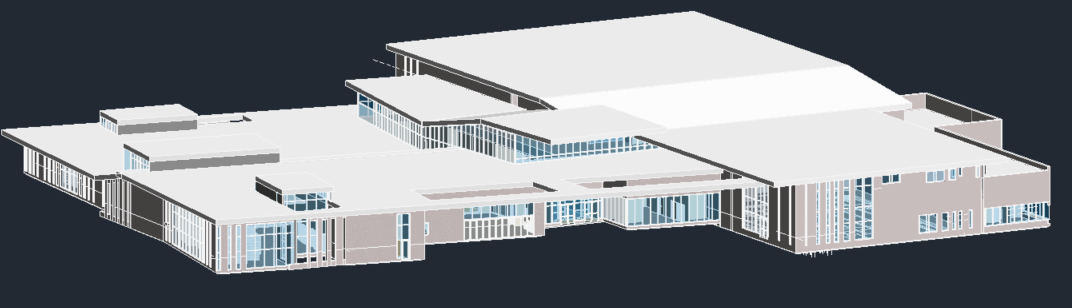
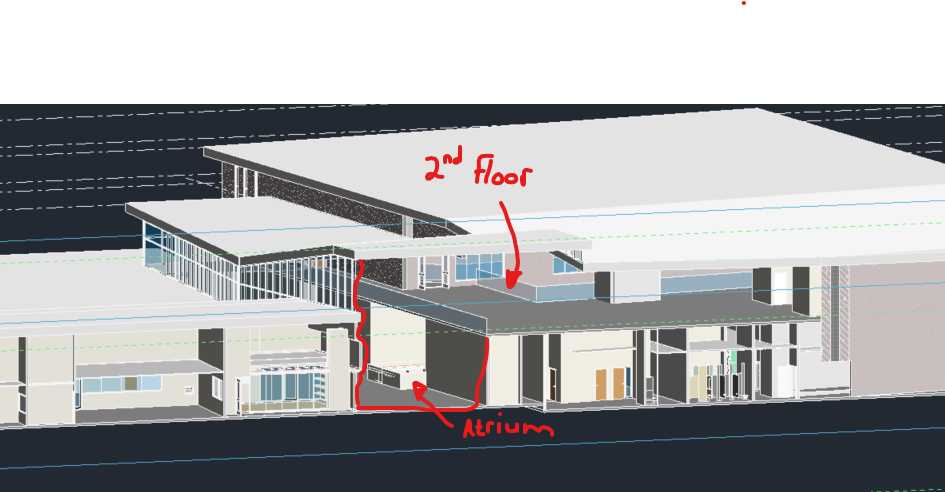
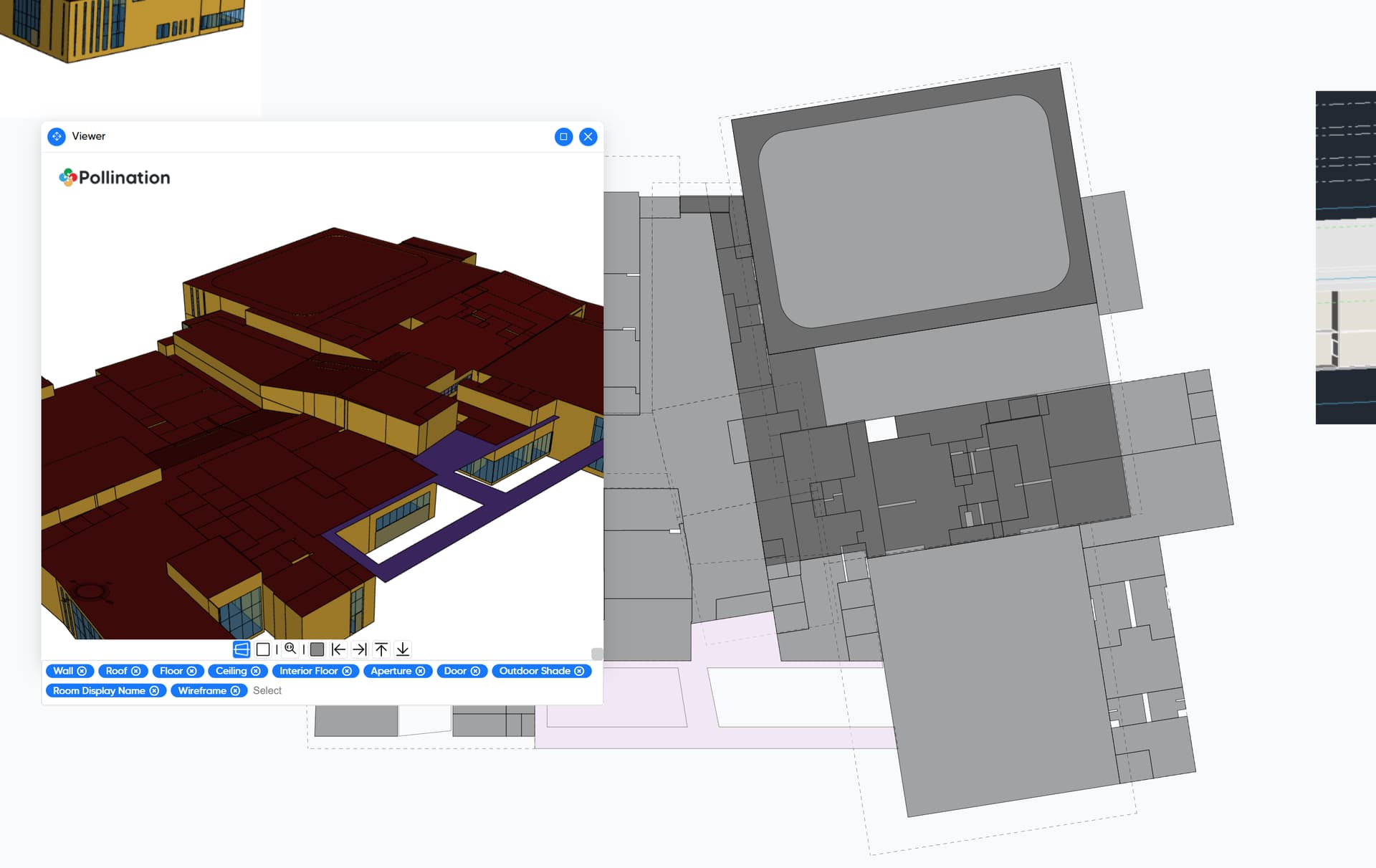
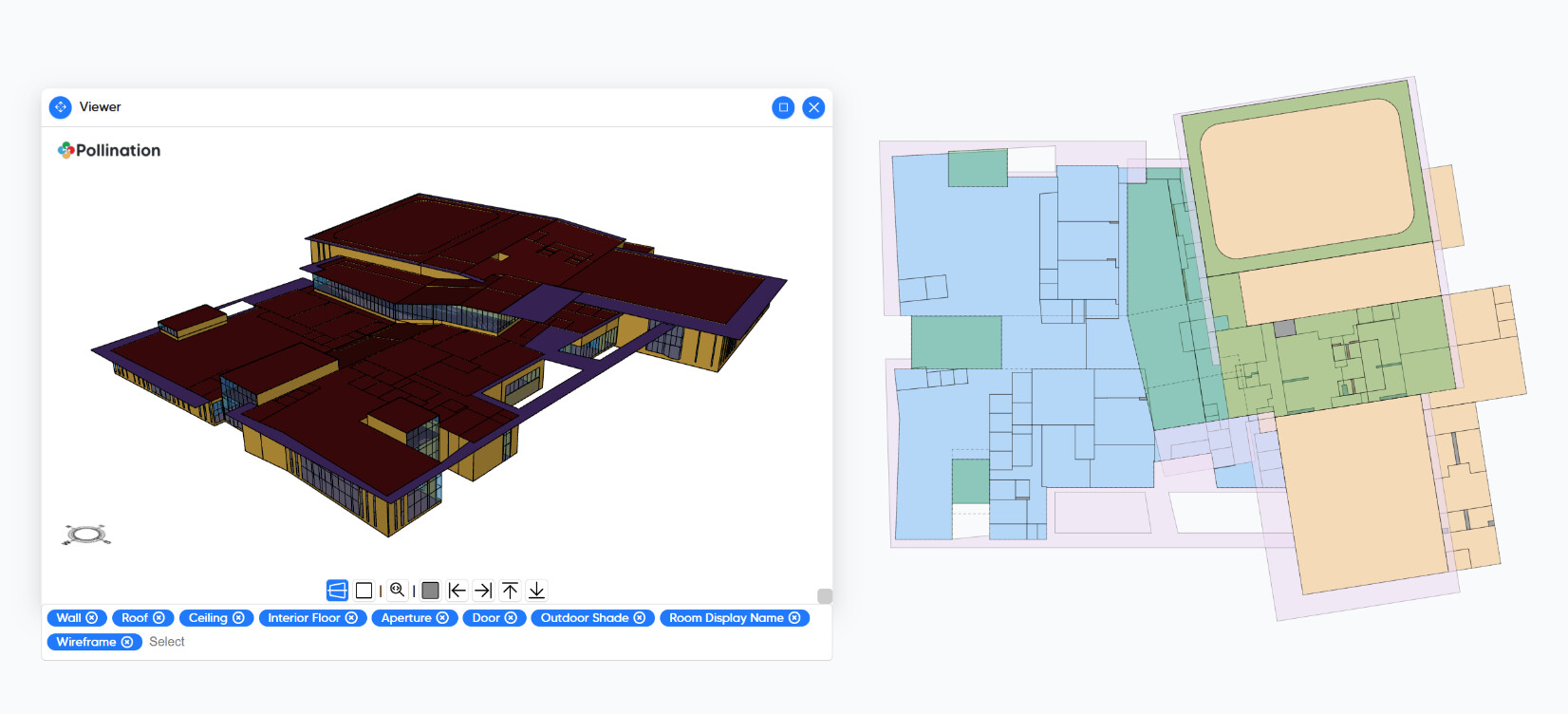
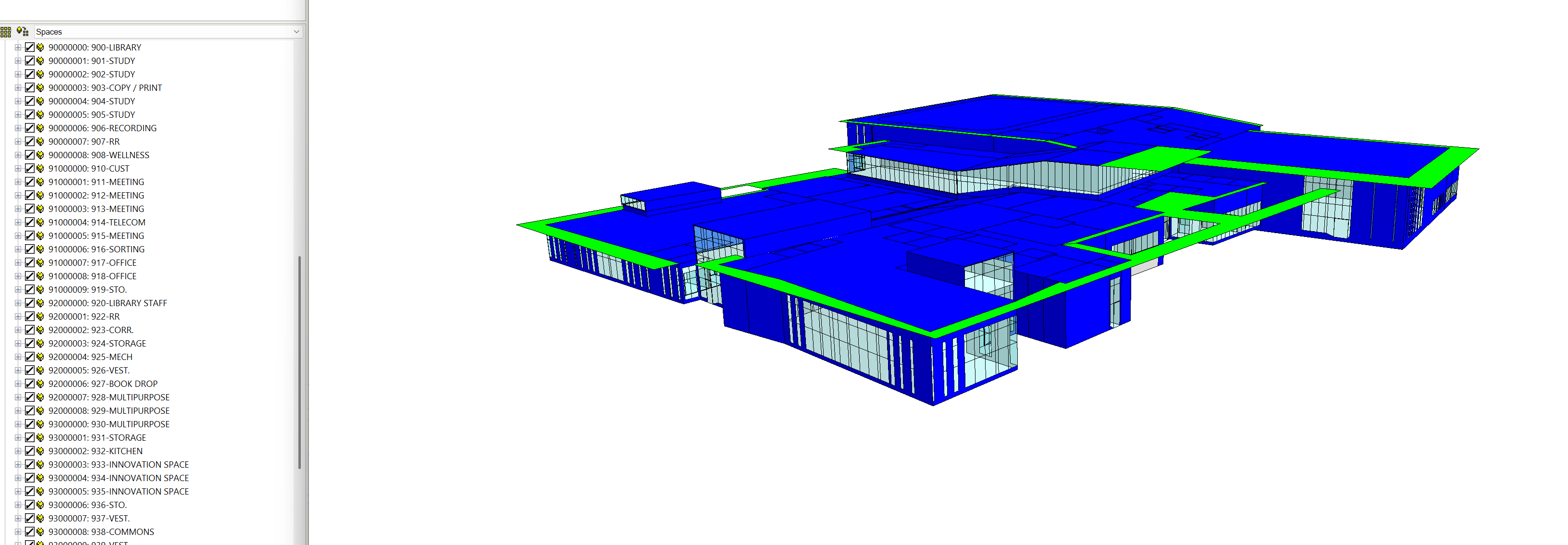
I have a more complicated building geometry within Revit that I am looking to export to IESVE. Half of a space needs to have the roof define the top, and the other half of the room is covered by a second floor. Can this be handled within Pollination or doe this require post-editing within IESVE?
Yes, you can handle this by splitting the roof and assigning each part of the roof to the correct story. I can record a video for you that shows the process. Can you give me access to the file you shared?
Let me know if you have any questions. This is not an easy first model when it comes to the roofs. Let me know if you need more help cleaning them up. If you can clean up the rooms, it will be much easier to help with the roofs. Particularly, since I haven’t seen the Revit model, I’m not sure which line I should pick to align the rooms, and split the roofs.
Thanks Mostapha! Yes, this is a challenging first model for sure… Unfortunately, this is the project I have to tackle right now. I am working on Pollination training material for the rest of the engineering team so perhaps a challenging first model is a good thing since I have the time to learn and then share with the team. I appreciate your assistance I (and we as a firm) adopt Pollination.
Hi @stevepinks, let me know how it goes. I’ll be happy to record a video that shows the cleanup process from start to end for this model and share it with you later next week.
@mostapha, if you’re willing to create a start-to-finish video walkthrough of this model, it would be incredibly helpful to me. I’ll share the Revit model with you in case it’s useful. Thank you again for your support!
@mostapha, two specific items I would appreciate you discussing on that training video are:
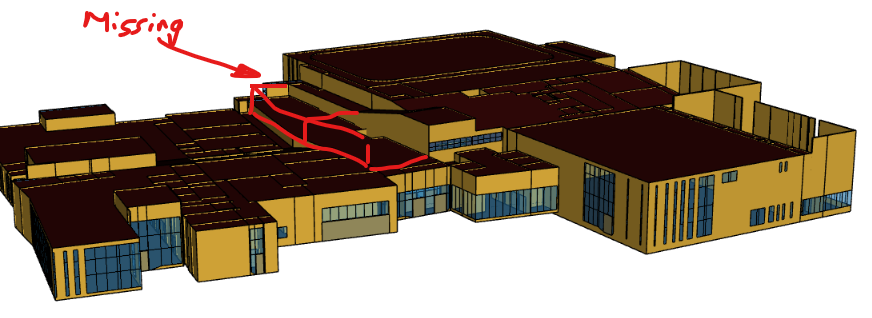
The windows from that atrium are not appearing, even though I have fixed the roof level issue. Can you help me with that?
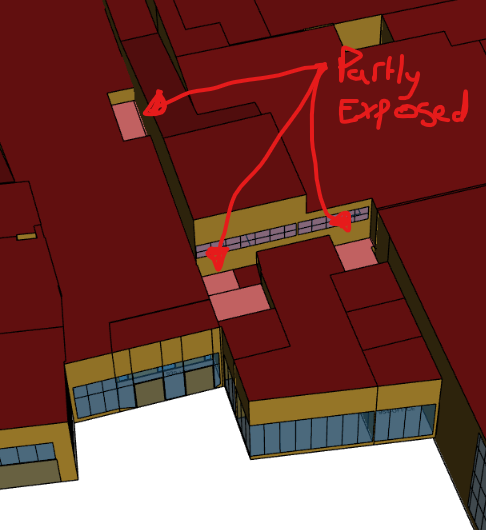
The roofs seemed to double up in some places. Is this something you noticed in my export from Revit? I have had to delete duplicated roof instances throughout this job and I do not know why that is happening.
That being said, the process can get really complicated with our current limitation for supporting clerestory windows. I ended up mapping different parts of the roofs to several levels to get it to work, but in my opinion, the overall workflow is too complicated for a typical user. I’ll still share the recording video with you via an email hoping the other parts of the video is helpful.
But I think, I will re-record the video at some point in the future once we support clerestory windows natively. @chriswmackey and I have talked about supporting clerestory windows for some time now, and this should be a good excuse to give it a try sooner rather than later.