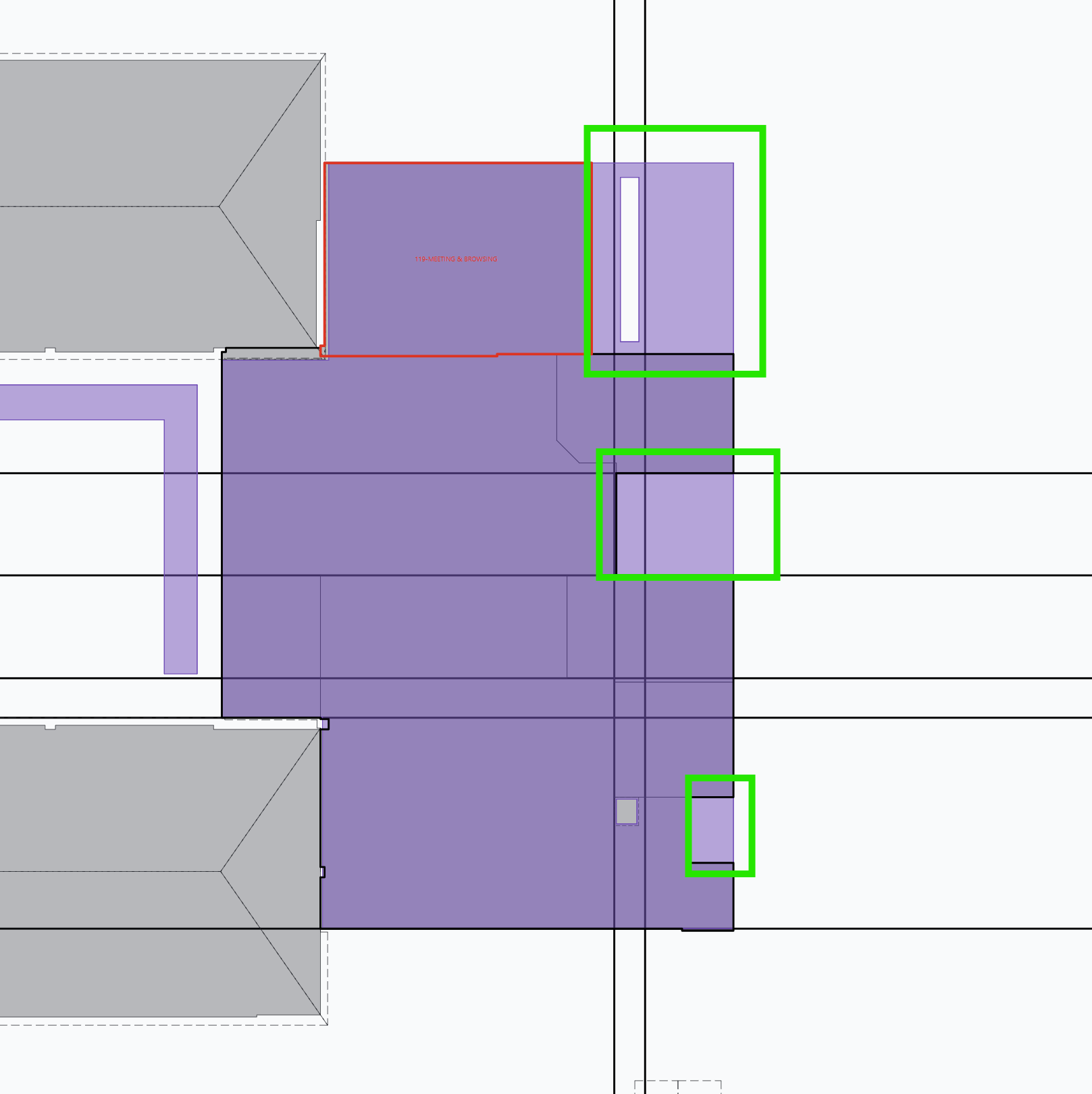
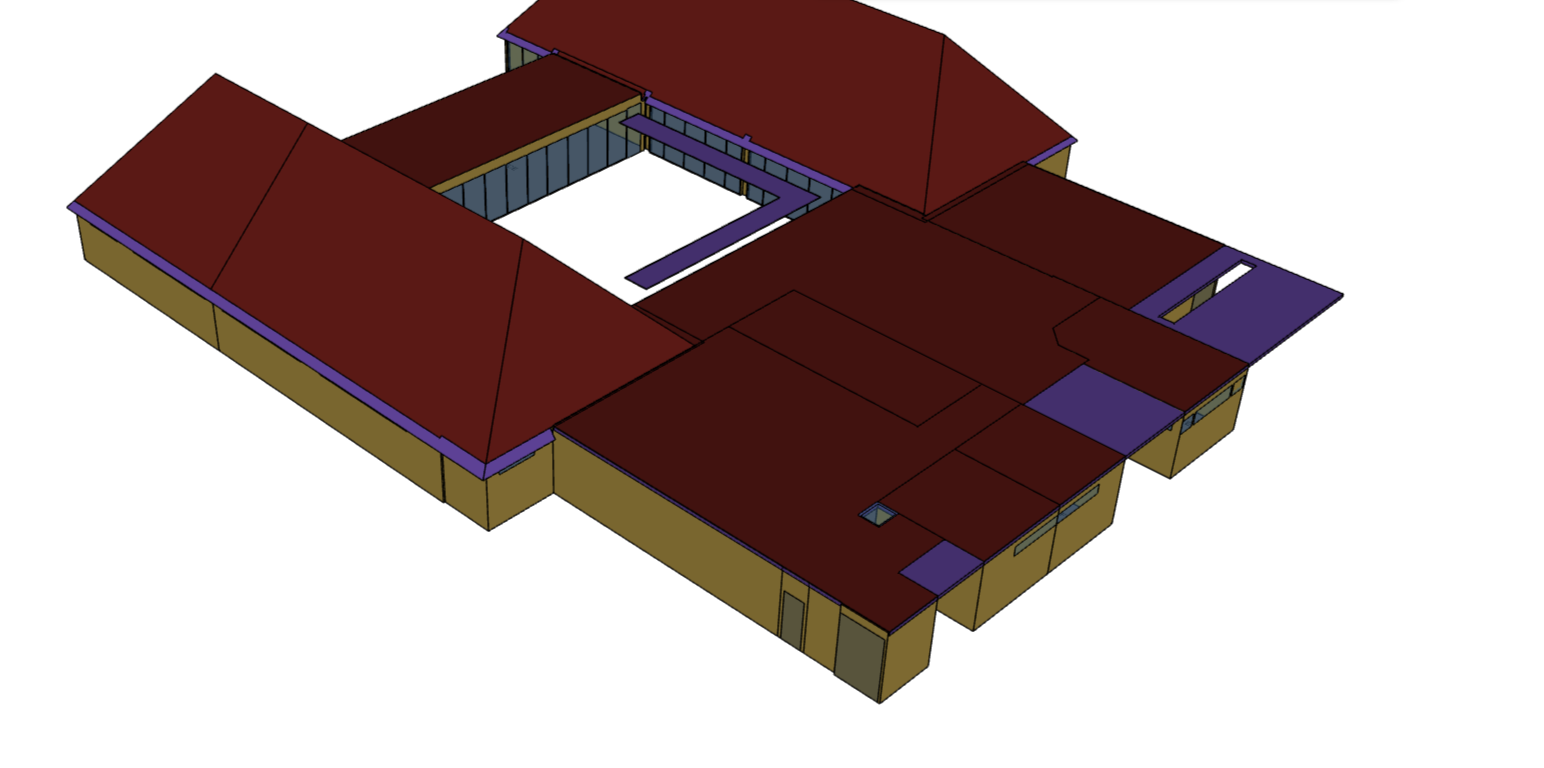
Hi all, quick question. Is there a way i can use the split feature with a shade and a boundary line?
I am used to the workflow where i split a roof (by selecting the roof and a boundary line) and then convert sections of the split up roof into a shade.
But this time, I want to split a shade that I imported from Revit Plugin to only show up in a particular section. Essentially, I want to delete parts of the shade after splitting it with the boundary.
Am i missing a feature?
is there a way around this?
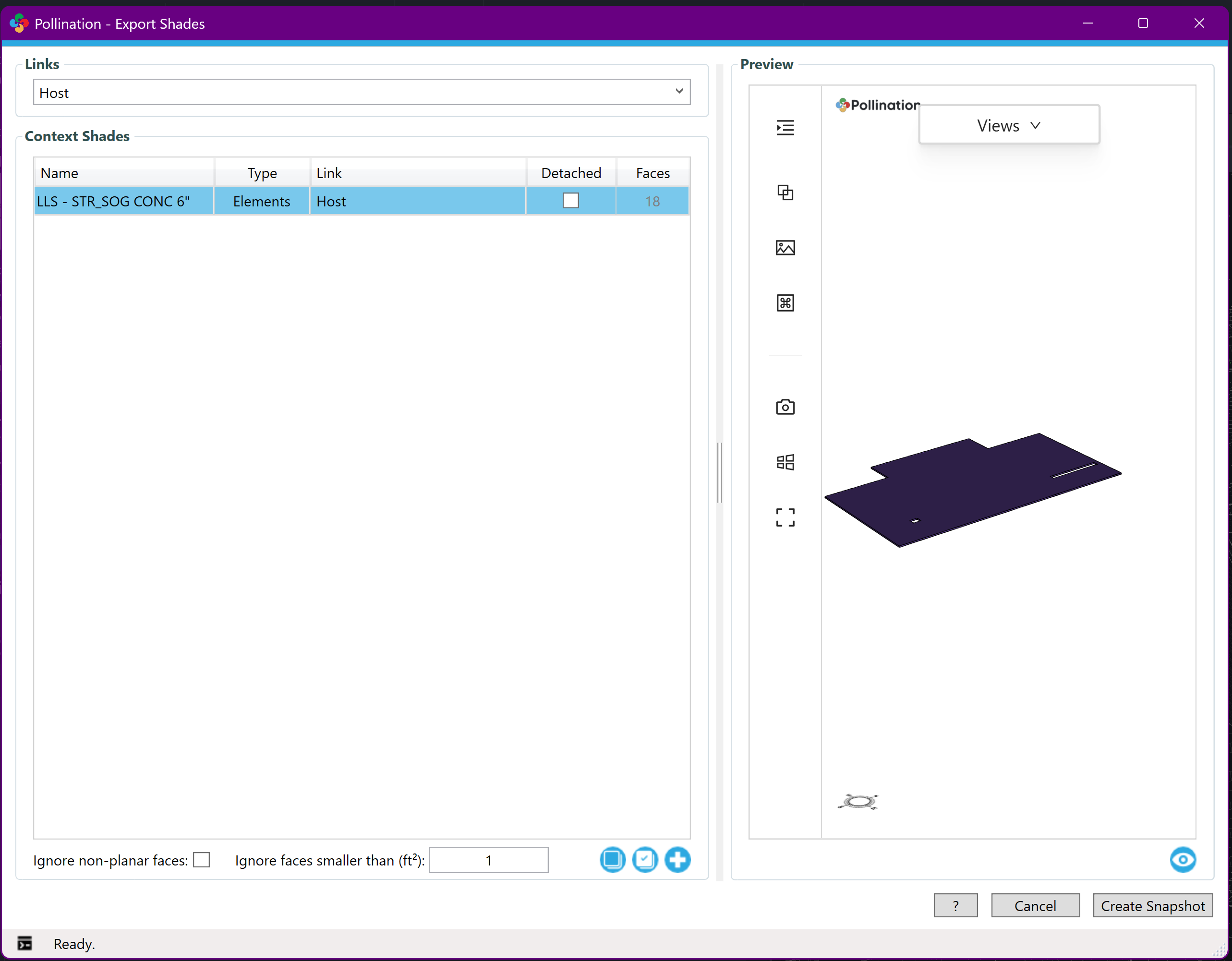
I thought maybe i can download the shade as a JSON file and then import it as a roof and then split it and convert to shade. but I couldn’t find a download button in the shades section in the revit plugin (and there is no way to add roofs based on selecting a surface [as one is able to do with shades]).
This is a good question, and has come up before. Currently, we don’t provide many editing features for the shades. Mainly because shades can be meshes and are different from the other geometry types. That said we do support some functionalities like align to grid for shades.
@chriswmackey, what are your thoughts about adding support for splitting the shades in the Model Editor?
I don’t know about IESVE but in the EnergyPlus world it matters. You should edit the shade not to get inside the building. The easiest option that we have right now is to use the Rhino plugin.
Simply try to select the shades, and then save the selection as an HBJSON file.
We can probably add something like this, which could address the case here that @alterleon has brought up. But there will just be some ground rules about things that won’t be split by the 2D lines of the model editor:
Shades that are meshes will not be split (that is, any curved geometry in Revit).
Shades that are perfectly vertical faces will not be split.
So only horizontal and sloped shades will be split-able with the command. If we can live with this limitation, I can probably add support for splitting shades sometime tomorrow or the day after. Otherwise, if we think these rules are too implicit such that people will get confused by them, it will take me a while to figure out how to support these cases.
Hey @chriswmackey, since most of shades from Revit are currently exported as meshes, an implementation that doesn’t support splitting mesh geometries might not be very effective for most of the shades that are exported from Revit.
I know that it is a half-year later but I found that I needed to add support for splitting shades with the Split command in order to give eQuest users a way to manage shades with more than 120 vertices (more than what eQuest permits).
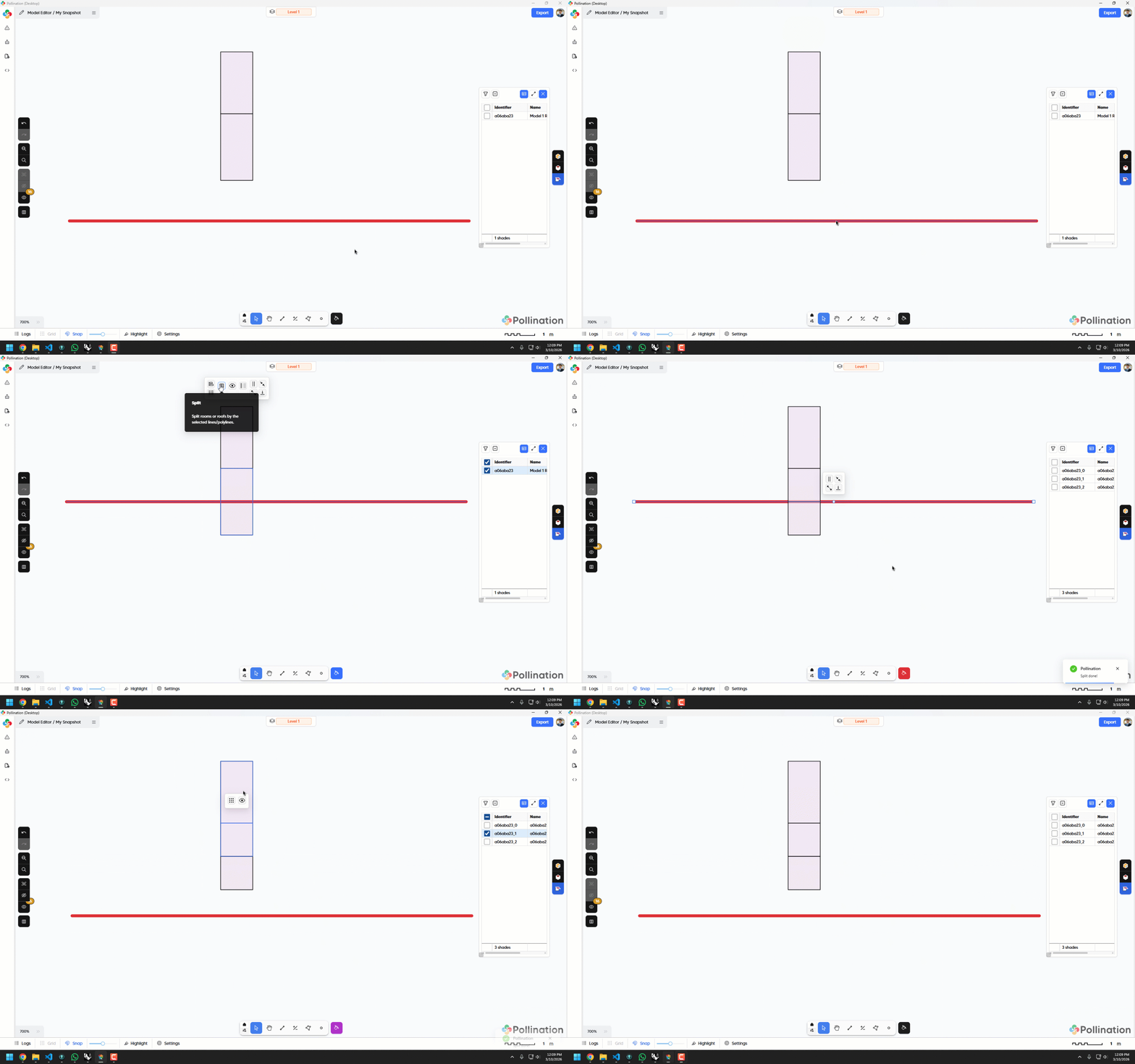
So the development version of the model editor now supports splitting shades like so:
Granted, the new functionality has the two limitations that I listed above RE: meshes and perfectly vertical shades. But I think the new functionality should be enough to address the use cases that you showed in your screenshots at the top of this post.
So I’m am reassigning this issue to @mostapha so that he can let you know when there is a new release of the model editor with the shade-splitting functionality.
Thanks again for bringing this up and giving me an extra reason to implement it.