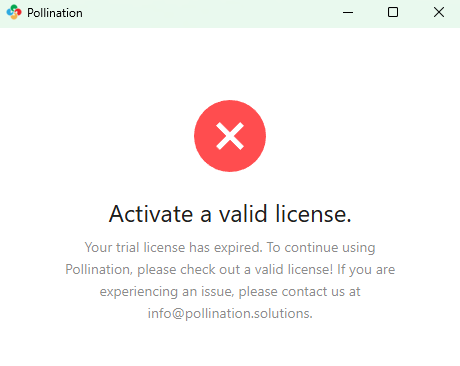
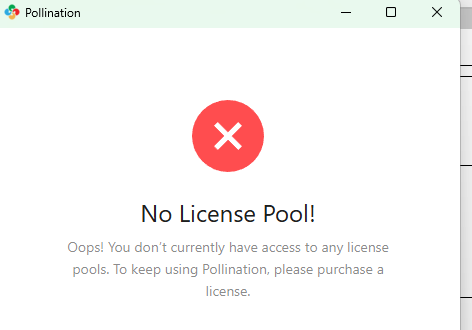
I have just created an account to use the free trial of Pollination for Revit, and I have installed the latest available version of the plugin.
However, after installing and opening Revit, it appears that I do not have an active license, and the software is not recognizing the free trial associated with my account. As you can see from the attached screenshot, the license does not appear to be active.
Could you please advise on how to activate the free trial license, or let me know if there are any additional steps required on my end?
Hi Mostapha, I think the issue was that I was using a shared company computer, as you mentioned. The extended trial access works.
Thank you for your help