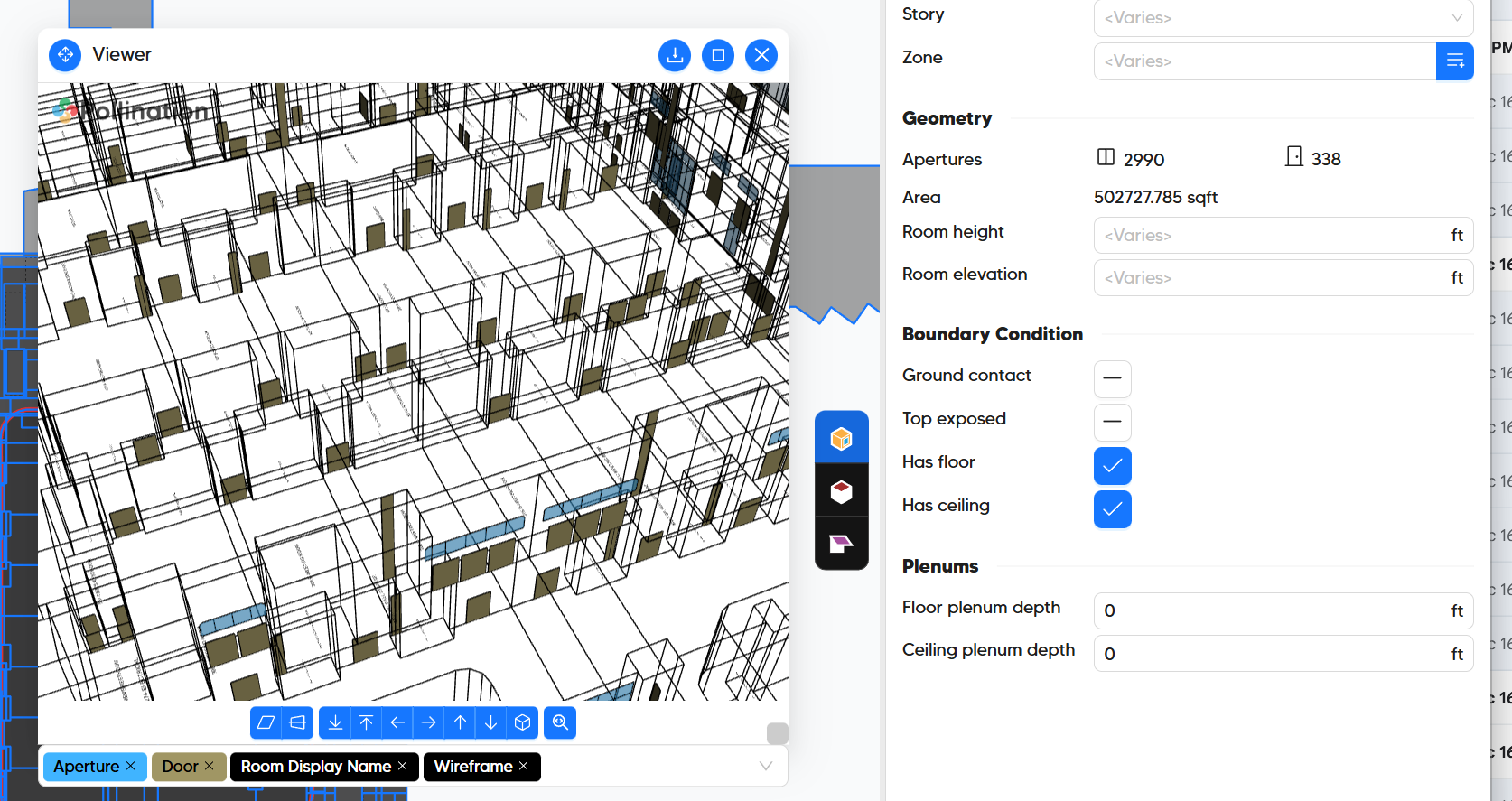
This .pomf file has been causing me a lot of problems lately. I am trying to reimport doors from the .hbjson file and it does not seem to work. I would always have to abort the import as it would never successfully update the doors.
What would be the reasoning behind this? I couldn’t upload the .pomf/hbjson files as an attachment here for some reason.
Hi @aalkhamees, can you upload them to Dropbox or sooner other file sharing platform and share the link here? It’s hard to tell without seeing your file and the model. Thanks.
Thank you for sharing the model. I’m going to share the updated model with you in a private message but I was able to add the doors to your model successfully.
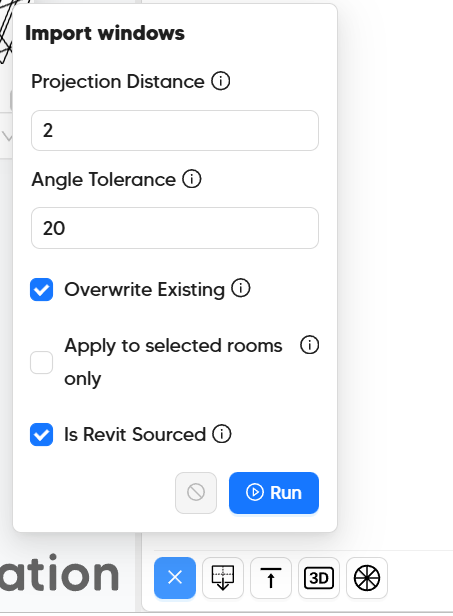
Here is the workflow that I used to make it possible.
Something that is not obvious in the UI is that if you don’t choose the Overwrite Existing option the whole logic for adding the doors and windows to the model changes to a more detailed 3D approach that can take a much longer time to calculate.
@chriswmackey, what do you think about changing the current logic to use the approach that I used for this model? That way we can avoid the need to use the full 3D calculation that can take a long time for a model like this.
Thanks, @mostapha but I’m fairly confident that I do not understand your suggestion.
At face value, it sounds like you are saying that you want to change the default of the “Import Windows” command back to having “Overwrite Existing” checked but I remember you saying how much this had previously confused many users who could not figure out where in the process their windows got lost. So I don’t think you mean this?
The other possible thing that I imagine that you might be suggesting is to forego the check that ensures that “Import Windows” does not create duplicate windows/doors on top of one another whenever the “Overwrite Existing” option is not used. This is a major reason why this option can take a while to run but it obviously comes with a major risk of people really messing up their models unless they are really careful about it. So I am guessing that you probably do not mean this either.
Maybe a third possibility is that the part where this model is taking a long time is in the translation of the rooms from 2D dragonfly world to 3D in order to compare Aperture/Door duplicates when the “Overwrite Existing” option is not used. With a little effort, I can probably switch this over to just add all of the input 3D windows to the 2D rooms and them perform a check to remove duplicates in the 2D plane of each wall. This should have a performance benefit that could be particularly significant for models with sloped roofs. But I have no way to know if this is actually the performance bottleneck without the POMF file that @aalkhamees is using. So I would need to be invited to the PM to test this one out.
Thank you, @chriswmackey. My suggestion is different from what you listed above. I’m not suggesting to change anything about how the user interacts with the command. It is only about changing the current logic for adding the windows and doors and only for the case that the Overwrite Existing option is not selected.
Currently, in this case we switch to a 3D is order to compare windows and doors. What if instead of that we:
Load all the existing windows and doors from the model.
Add them to the new windows and doors that the user wants to add.
Use the 2D method for adding all these windows and doors to the model.
My understanding is that this approach will use the existing methods that we use in 2D to detect and remove identical windows and does everything in 2D which is much faster.
I will create a card and shared the model with you on Basecamp so we can discuss this in more details.
Thanks @mostapha. Ok, so what you mean is the third option that I listed. And, yes please invite me to a discussion with the POMF or start something new on Basecamp so that I can test whether this has a meaningful performance benefit for this model.
Sorry it took a little longer to get around to this than expected but I just pushed a change, which greatly improves the performance in the case that you’re not overwriting the existing windows doors.
For my profiling of the runtime, applying all of the doors to this model has dropped from 4 minutes all of the way down to a couple of seconds.
Thanks again for letting us know about this, @aalkhamees .