License Manager shows a blank white page

Hi there, I’m trying to use the Pollination plugin for Revit 2025. The License Manager button appears red and all other buttons are grayed out. When clicking on the License Manager button, a popup window appears that seems to be asking for login credentials, but the window is blank. See pictures below of after clicking the License Manager button.


I am able to log in on both the Pollination website and the Pollination desktop app and I have a valid license. Thanks in advance!

Hi @emodels,

Can you try to right click on the white canvas and Refresh the page? It’s most likely just a network issue that stopped the page from loading successfully.
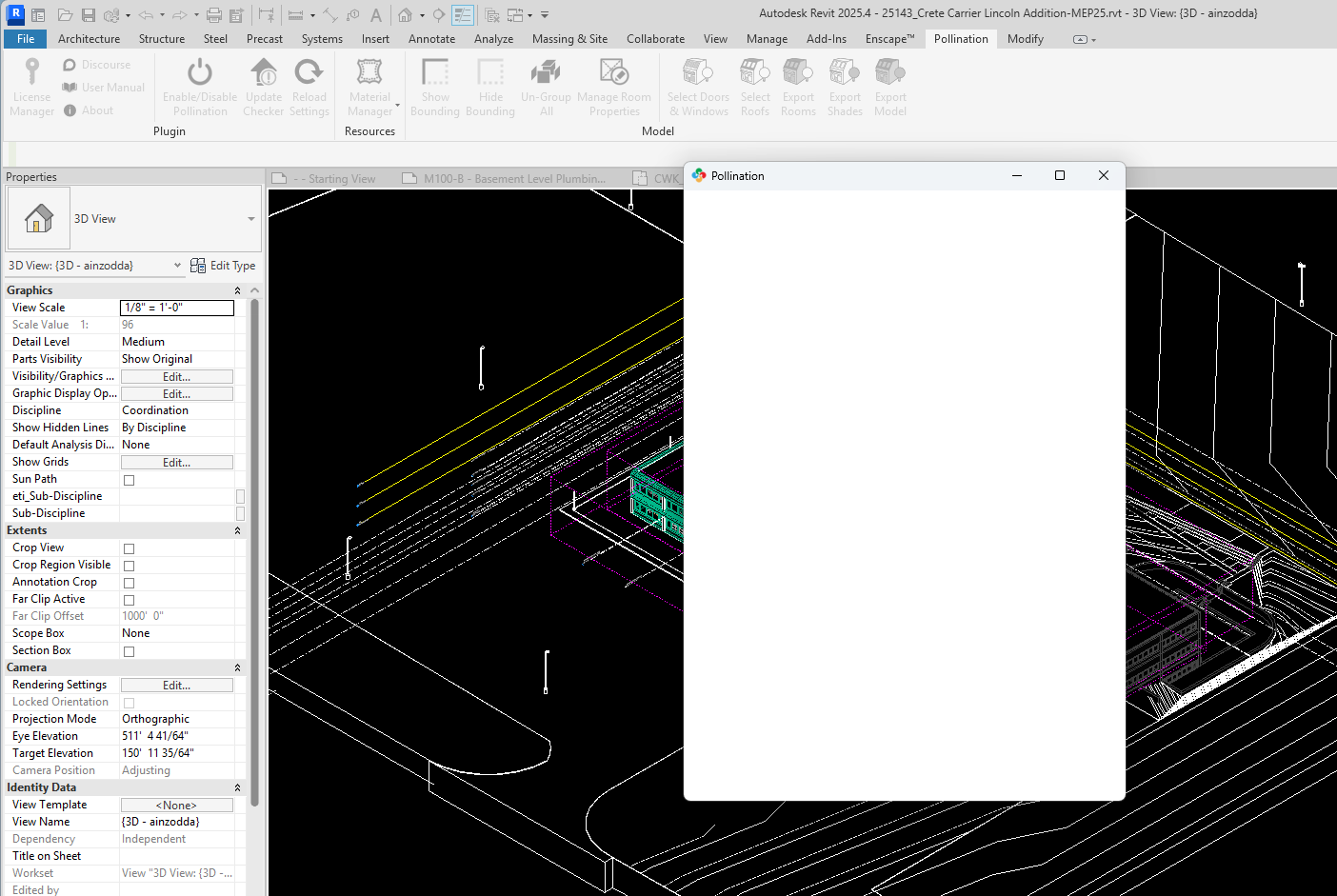
@mostapha My team is also having the same issue in Revit 2026 and 2025

Hi @marentette1, what happens when they try to refresh the page?

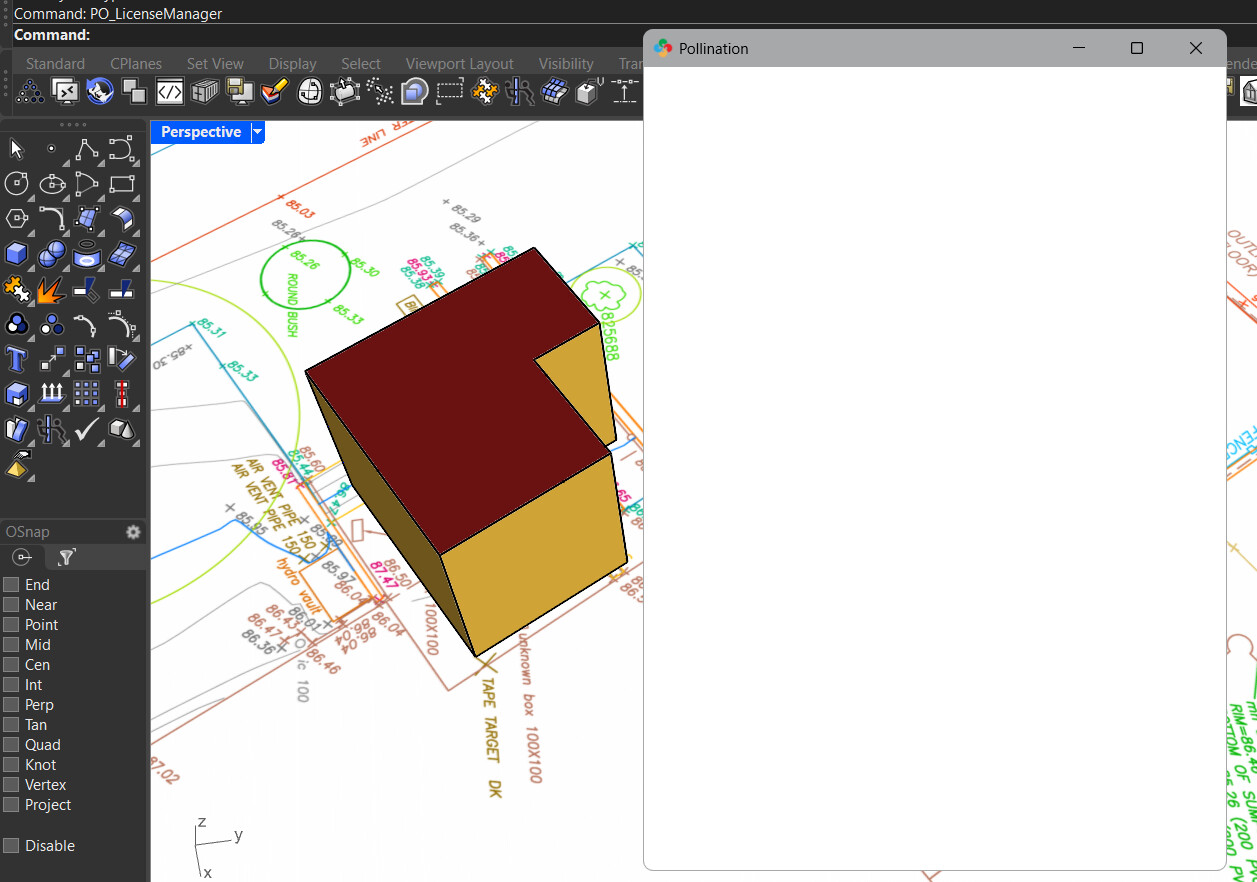
Right-click refresh does nothing. Same issue in the Rhino pluggin:

1 Like

Thanks! Let me see if I can recreate the issue. I’m also adding @mingbo to this thread.

@emodels and @marentette1, can you try to right click and refresh again. We redeployed the page. Hopefully, this has fixed the issue on your end.

1 Like

Yep it is back working.

1 Like