@mostapha I’ve installed the latest version of pollination (v2.293.2) and get the attached error when I click on “Manage Room Properties” for a space. If I disable pollination and enable it again, to clear all Pollination values and selected user data, then click on “Manage Room Properties” it works. However, after I create a snapshot and click on “Manage Room Properties” it gives me an error.
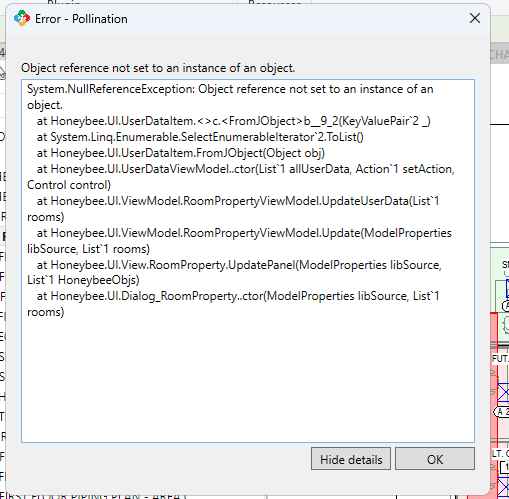
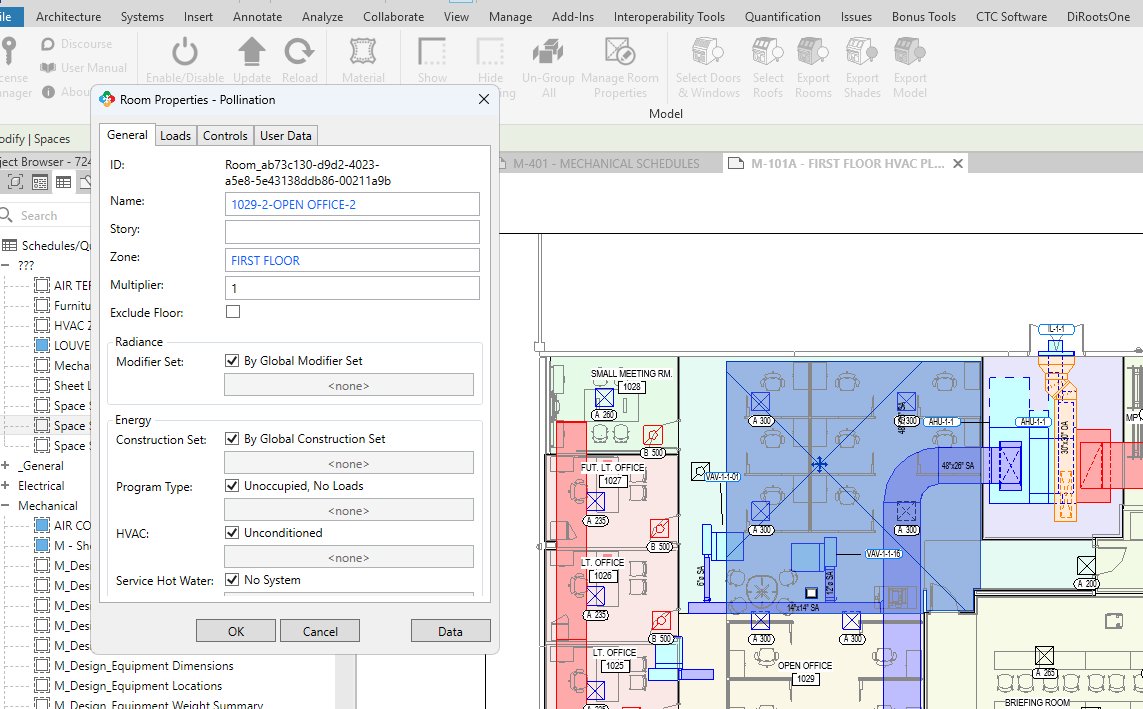
Hi @jfreg, thank you for documenting this.
@mingbo, can you tell what might be going on based on the error message? I will try to see if I can recreate the issue.
@jfreg, interesting that you’re using this feature. Do you use this to assign the Zones? Or do you use it for a different reason? I’m asking because you can assign all the properties inside the Model Editor too.
@mostapha I typically only use this feature for troubleshoot or referencing your schema than anything else.
In my case, I wrote code to apply zoning done in Revit to a snapshot then export it to a csv. After exporting I noticed that several rooms were missing the user data from Revit. When I was troubleshooting this, I tried running my code right after opening a newly created snapshot and after modifying the rooms using Model Editor clean up the export. I’ve attached both csv export files and my code.
I’m thinking that maybe one of the Model Editor commands has logic that modifies a room’s geometry by deleting and creating a new room and assigns properties from the corresponding .dfjson file from my AppData\Roaming folder.
From the error message in Revit mentioning an object instance, I speculate that each snapshot instantiates the elements in Revit selected and the Pollination Add-in somehow keeps track of each snapshot. Perhaps have two or more snapshots referencing the same room id with conflicting information, like maybe doing a save as or a copy and paste. If so, I’m not sure how to unlink snapshots in Model Editor v2.
2025-1013_pollination-takeoff-modified_by_model_editor.csv (76.7 KB)
2025-1013_pollination-takeoff-unmodified_by_model_editor.csv (90.5 KB)
pollination_takeoff.py (1.6 KB)
Hi @jfreg,
Thank you for adding more context here.
There are commands like merging and splitting that affect the user data. But they should be exported from Revit initially correctly. Otherwise, it is a bug that we should fix.
Thanks. We will look into this. As long as we could recreate the issue, we should be able to fix it for you.
The next major item on our list is to improve exporting the metadata including thermal properties. It feels you are creating a similar custom workflow. I’ll send you a private message so we can set up a call to get a better understanding of your workflow, and get you what you need.
Also, I have been late on publishing the new release notes but we have already rolled out the functionality to read and write files from/to a local folder in the Python script editor. Hopefully, that saves you some time, and makes the process more streamlined.