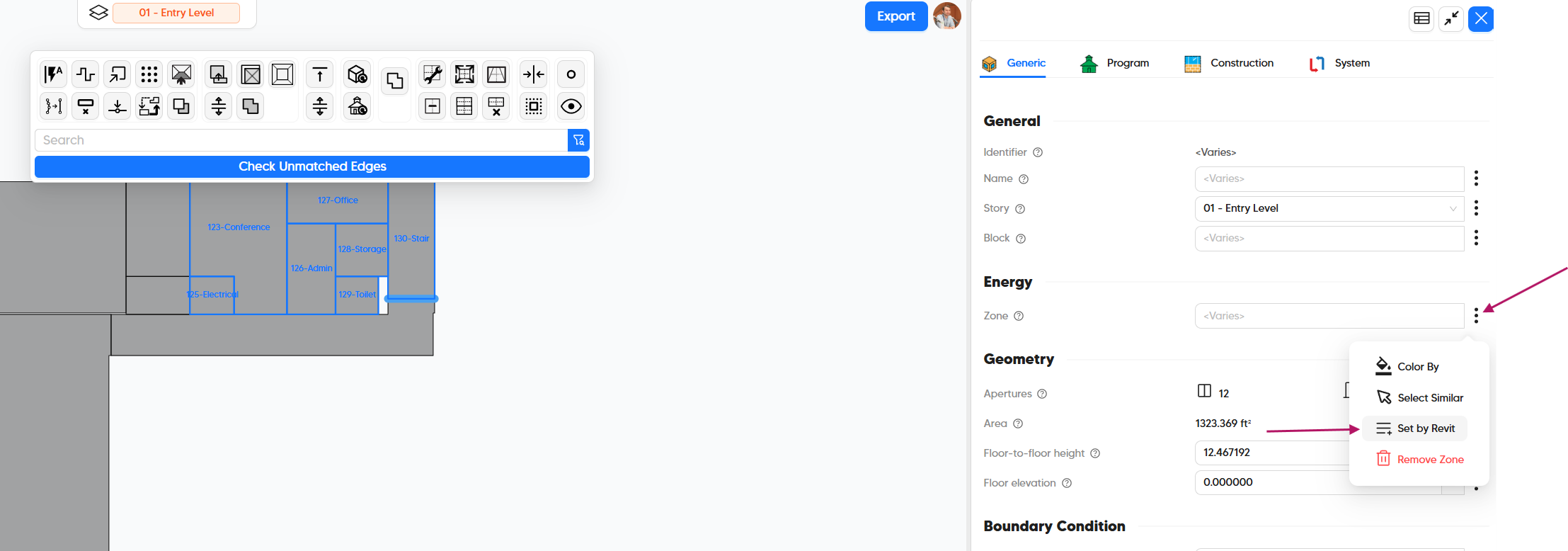
Hi Pollination team and community,
I am using the new Pollination Revit workflow to export MEP Spaces from Revit and then export the model to IDA ICE.
My goal is to populate two Pollination room properties directly from parameters that already exist in the Revit MEP Spaces:
- Room name → based on a Revit parameter such as Element_ID (which I need later in IDA ICE )
- Energy zone → based on another Revit parameter, for example Gruppe, or an HVAC/energy-zone
At the moment Pollination assigns the name of the room only with the Name or Number (or combination of those) of the MEP Space itself.
My idea would be to:
- change the current Pollination room name (i.e. F.E—.TF1) with Element_ID (i.e. 11792361).
- assign the Zone according to Gruppe (i.e. Treppenhaus)
Current workaround idea
As a workaround, I can export an Excel file from Revit with three columns: /CURRENT_Name / NEW_Name / NEW_Zone.
Then I would use a Pollination Model Editor Python script with logic like this:
if room.display_name == CURRENT_Name:
→ room.display_name = NEW_Name
–>room.<zone_parameter> = NEW_Zone
Changing room.display_name works correctly in the Model Editor. However, I cannot identify the correct Python property for the room’s Zone field.
Questions
- What is the correct Python API property for the Zone parameter of a Pollination room in the new Model Editor? Is it something like “room.zone” or another field?
- In Pollination Revit Classic, it was possible to export Revit parameters as User Data. Is there an equivalent way in the new Revit workflow to bring arbitrary Revit MEP Space parameters such as Element_ID and Gruppe into Model Editor Python scripts ?
This is important for large models with thousands of spaces, where a manual rename/grouping workflow is not feasible.
Thank you for any clarification, API example, or recommended Revit → Pollination → IDA ICE workflow.