Thanks, @aishanuraaa,
I had assumed that there is more to the model because there is this Surface boundary condition at the end, which I presumed connected to another part of the model:
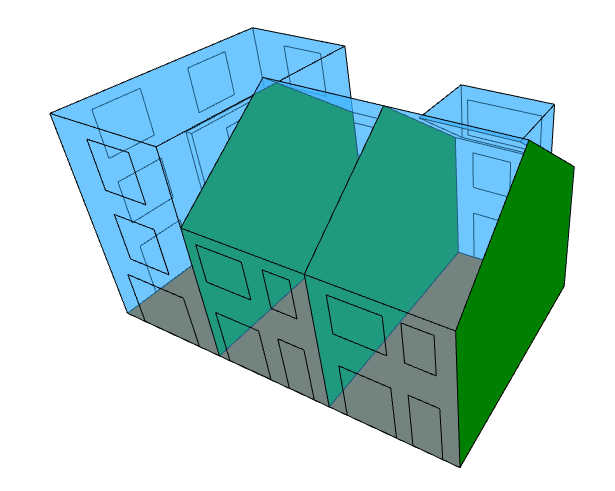
But, if that is actually supposed to be an adiabatic boundary condition at the end, I can just patch the missing adjacency.
The more I looked at this and the other topic you posted, I think you just want to do your own custom post-processing within a GHPython component. You can see in the Grasshopper component source code that all of the edges are associated within individual room faces here in the function that classifies the edges of each room:
So you can just pull off the orientation of the thermal bridges by analyzing those Honeybee Faces and those Faces are also what tell you the room associated with each edge.
When I get the chance, I’ll put together a custom GHPython component that should give you everything you need to do your custom analyses. I am thinking it just gives you each thermal bridge edge and that Honeybee Faces associated with it so you can you your own custom analysis of these faces to evaluate what type of thermal bridge it is and what orientation it is facing. I’ll include a room_filter_ option so that you can get the result filtered by a subset of rooms in the full model.