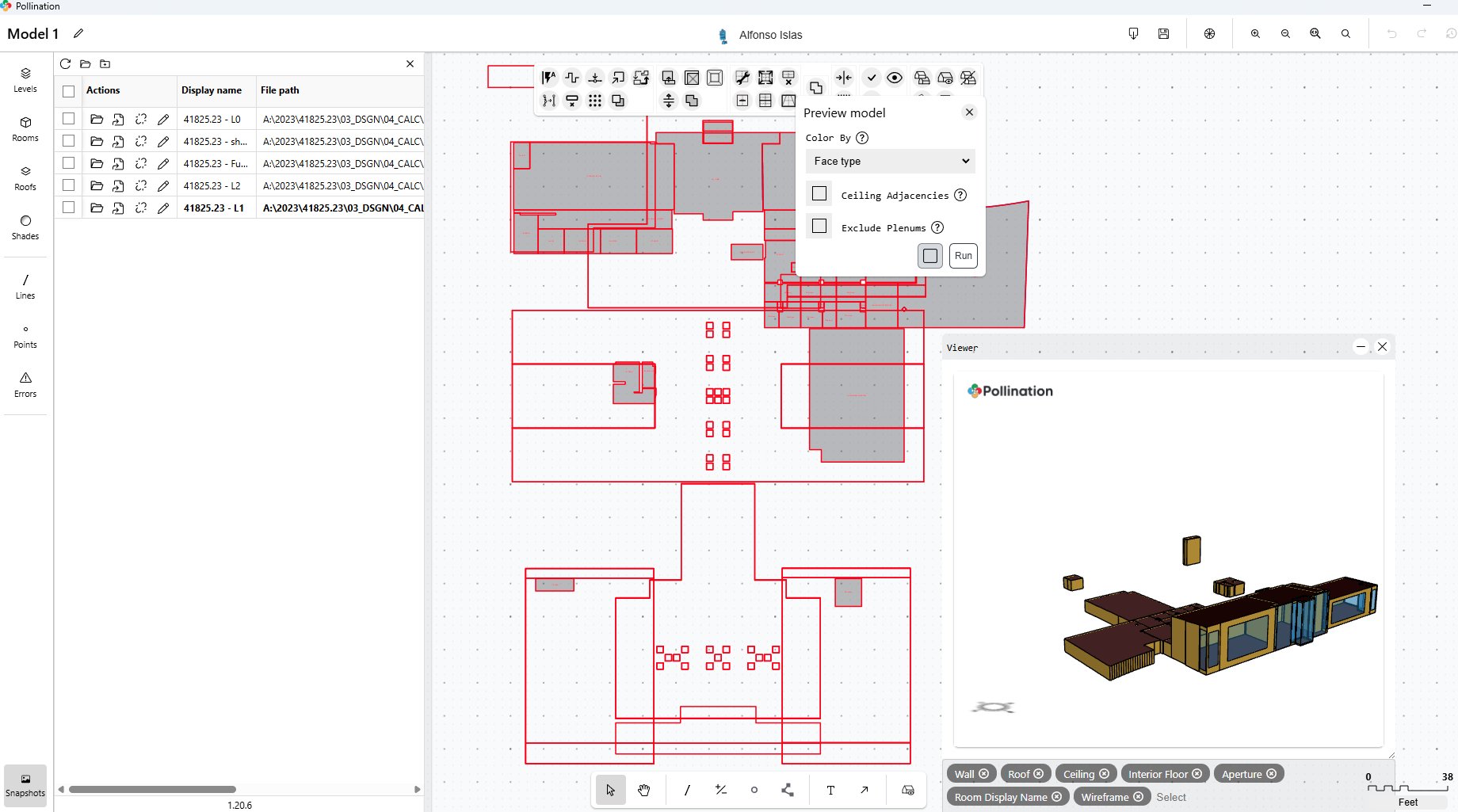
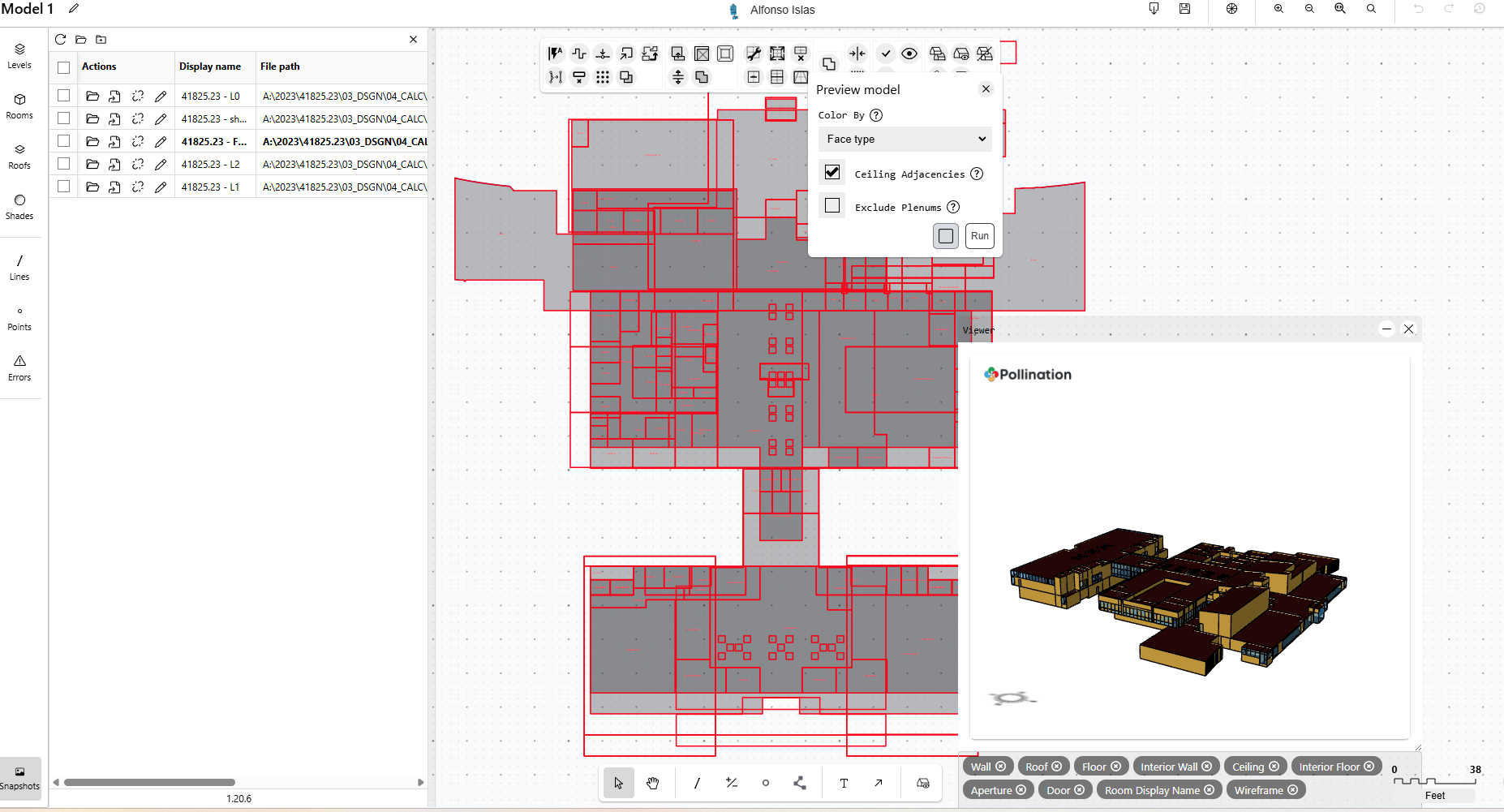
I am having issues with pollination model editor not showing rooms that are intended to be open to top as high rooms. This is occurring on multiple levels. I have attached a video showing that in the “Export Rooms” Tab, the rooms are appearing up to the roof deck, when i import the lone snapshot in model editor as well, however after importing into a joint snapshot, it chops them down to the standard roof height. This has been going back and forth multiple times with the preview showing the correct model, then showing it incorrectly later, and the viewer for the snapshots in the model editor doing the same thing.
This is an image of the snapshot of the level by itself
Hi @aislas, can you share the PoMF with us? I can use it to explain what is happening. I can’t see a video but based on what you wrote this is happening because you’re either not selecting the roofs or you don’t have the roofs in the Model Editor. As a result, the rooms only get extruded based on the extrusion height. Once you have the roofs, they go up all the way to the roof.
I figured that might be the case, but when I highlight the entire model manually (which i assume also selects the roofs, it still limits the room height). I am trying to import into IES. If the irregularity is actually part of the snapshot, is it still possible to edit the geometry later in IES to correct the issue?
Hi @aislas, thank you for sharing the models. Can you give me the name of one of the rooms that are causing the issue that you mentioned above? Or try to reshare the video that you mentioned above if the video highlights the problematic rooms? I’ll check your model after my morning call.
Sorry that it took me longer than what I hoped for. I know it is different from what you were hoping to get, but what you see is the expected behavior.
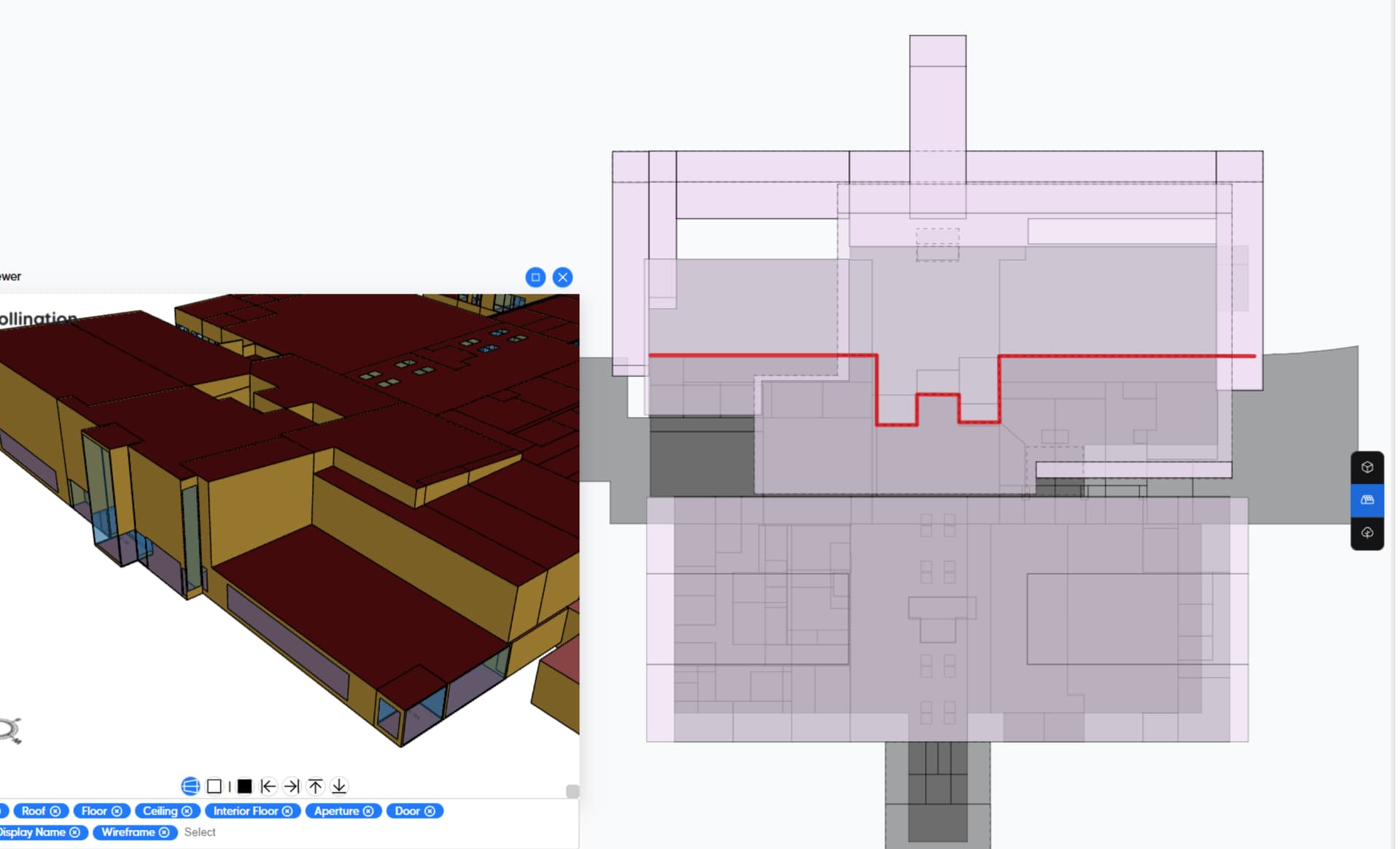
You need to ensure all the expected roofs are in the model. In the model that you sent many of the roofs are converted to shade.
You need to split the roofs that are covering two different levels and assign them to the correct level manually.
Once you take care of these two items, the roofs will start showing up as expected.
P.S. @chriswmackey, this is one of those other cases that we should keep an eye on and try to automate at some point. Similar to what we talked about this morning, the fact that the initial result doesn’t look like what the user would expect causes confusion.