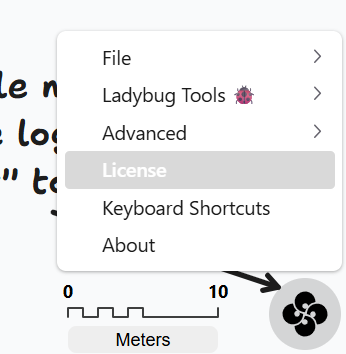
I am using a 14 day trial version of the Revit Plugin and am having issues with the Model Editor.
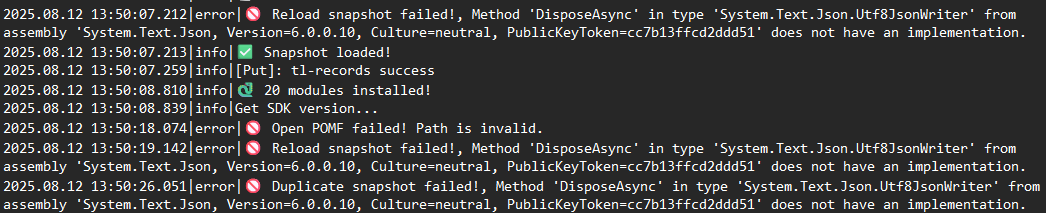
I was initially able to open a snapshot i created, but was unable to duplicate it. I closed the software and am now unable to load any snapshots to the Model Editor and am receiving license errors.
In the model view application I’m now unable to load in any snapshots, it just prompts the popup that my license is invalid.
However, if I use the plugin version of the application within Revit, I am able to use most functions of the the model editor. I have a minor issues where I can duplicate a snapshop but it wont allow me to rename it, but all other functions of the model editor work fine.
@mingbo should be able to help. I remember this issue came up before the release and we solved it on our end. What version of the Revit plug-in are you using?
Could you please try to use the standalone desktop version of the Model Editor (you should be able to find it on your desktop) to see if it has the same issue?
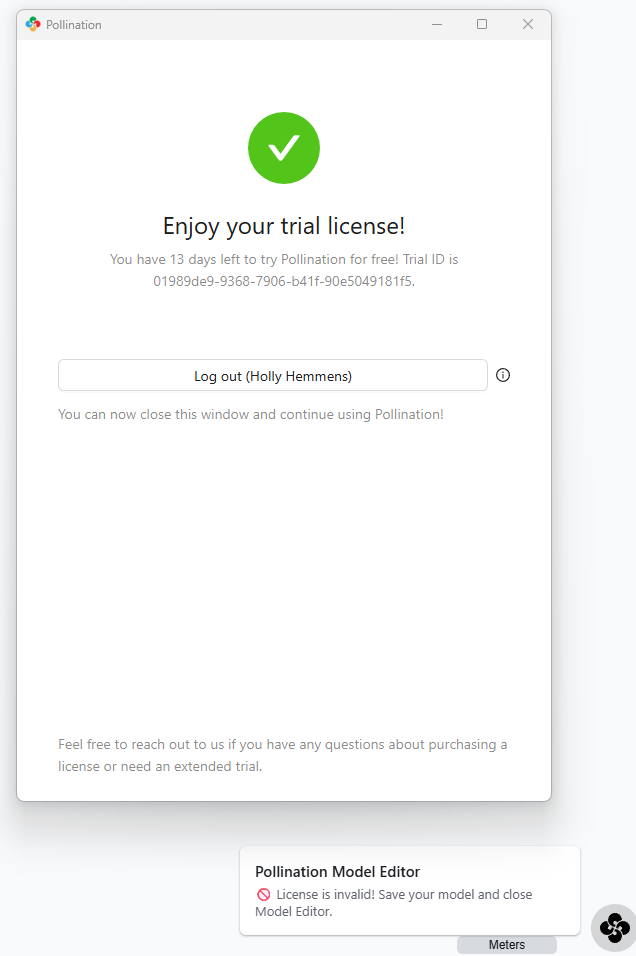
The standalone desktop app doesn’t work. It allows me to log in displaying the time remaining on the free trial but simultaneously pops up in the bottom corner with invalid license warnings. Im unable to open snapshots within the desktop app. There’s an image above in the chain for reference.
The Model Editor accessed from within Revit works and is usable bar some minor errors.
As a side note, we have now purchased licenses for the Revit plugin. It seems I’m limited to using up the remaining number of days on the free trial until I can start using the license pool. Could it be the free trial license having an issue which might be resolved with I log in with the paid license?
Both the standalone app and Revit plugin are sharing the same licensing system, if there is no issue with licensing in Revit plugin, the standalone app should be working fine.
Am I right that you are using the Revit 2024 or below?
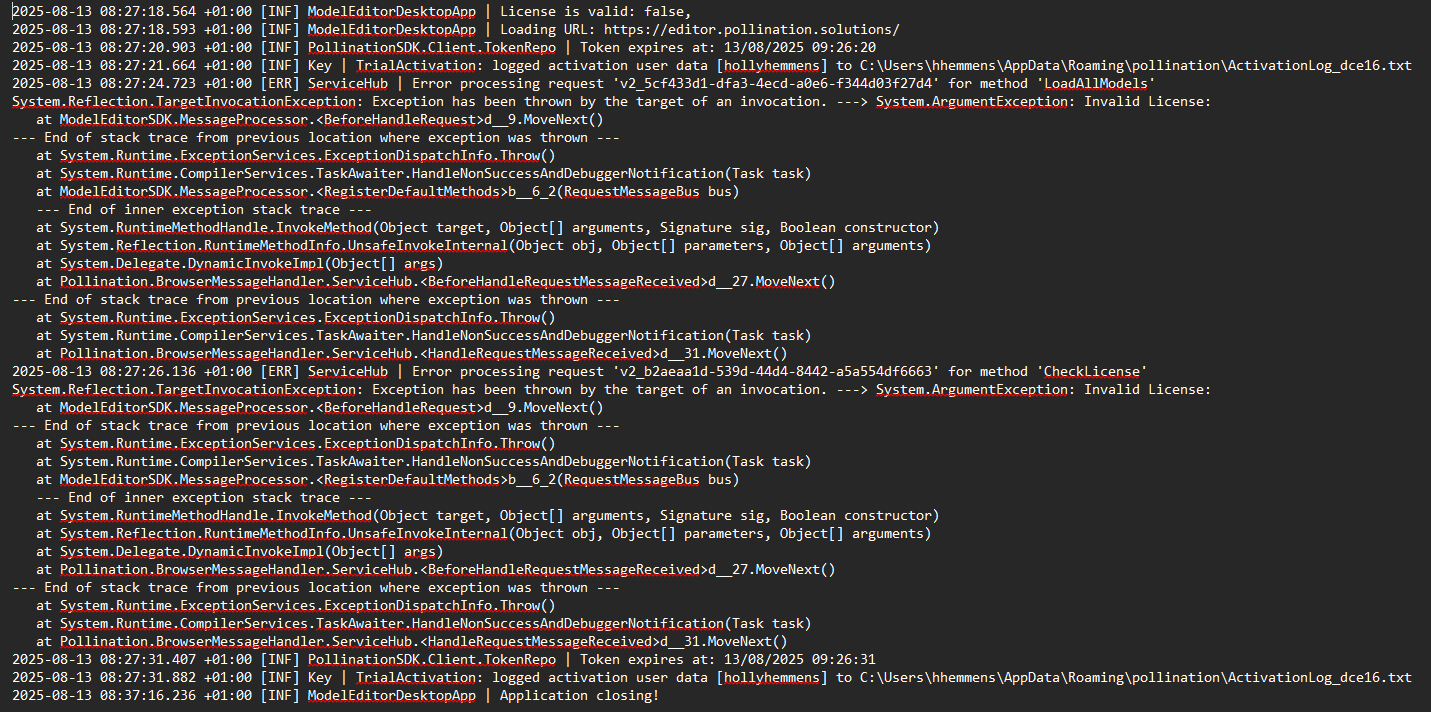
I’d like to see a complete log file from the standalone app. Before sending the file, I would like to follow the following steps in order to capture the full picture of the issue:
Close both Revit and the standalone app if any of them are open.
Clean up all log files in %appdata%\Pollination\model-editor\logs folder.
Start the standalone app and try to reproduce the issue.
Close the app and get the log file in the above folder. (You can send us via private message)
 Welcome to the forum.