- Is it currently possible to create or modify Program Types and Construction Sets (including parameters like people, lighting, materials, etc.) via Python in the Revit Model Editor? If not, what is the recommended workflow for setting these custom parameters per room?
- Why does a model that passes validation in Revit fail validation after being exported to Rhino? Also, if I only assign Program Types and Construction Sets in Rhino, will this affect the validation results?
- Why are certain elements (such as apertures and roofs) not properly recognized in Rhino after export? Additionally, why does the model preview in Revit Pollination differ from the Grasshopper Honeybee model preview, and how can this be resolved?
Hi @bioarcht,
Thank you for posting your question. I wish you would have shades some screenshots with your questions. I’ll do my best but I will need more information to be able to help you effectively.
Not at the moment but as I mentioned in the announcement post for the new Revit plugin it is something that we’re currently working on and should be released in the next few weeks. Here is a short recording. It also comes with an “Auto Assign” function that automates most of the process.
What is the error that you get? It should not happen but if the errors are related to the roof, they can cause cases that the validation error only shows up after translation to a full Honeybee model. If you share the PoMF with us, we can have a closer look.
No. The validation routine is currently mostly focused on geometry. We have some checks related to assigning different program types to the rooms in the same zone but don’t will not affect the validity of the geometry.
Similar to above, I need to see the model to be able to tell. Do they show up correctly in the preview in the Model Editor? If that’s the case, one possible cause of the issue is that you’re using an older version of the Rhino plugin with an older set of core libraries. Let us test your model, and if that is the case, I can create a new release of the Rhino plugin with the latest dependencies.
Hard to tell what the differences are from your post. You need to be more specific here. What are the differences between the two? Maybe you can share a couple of screenshots with some annotations?
Thank you for your prompt reply.
I have encountered another issue after the recent UI update. I am currently unable to open files that I saved in the previous version. These files appear to still be in the Pollination model format rather than the classic model format.
I am not sure whether I may have missed a step during the workflow, or if this is due to a compatibility issue caused by the update. Could you please advise if there is a correct way to open or convert these older files in the new UI?
Hi @bioarcht,
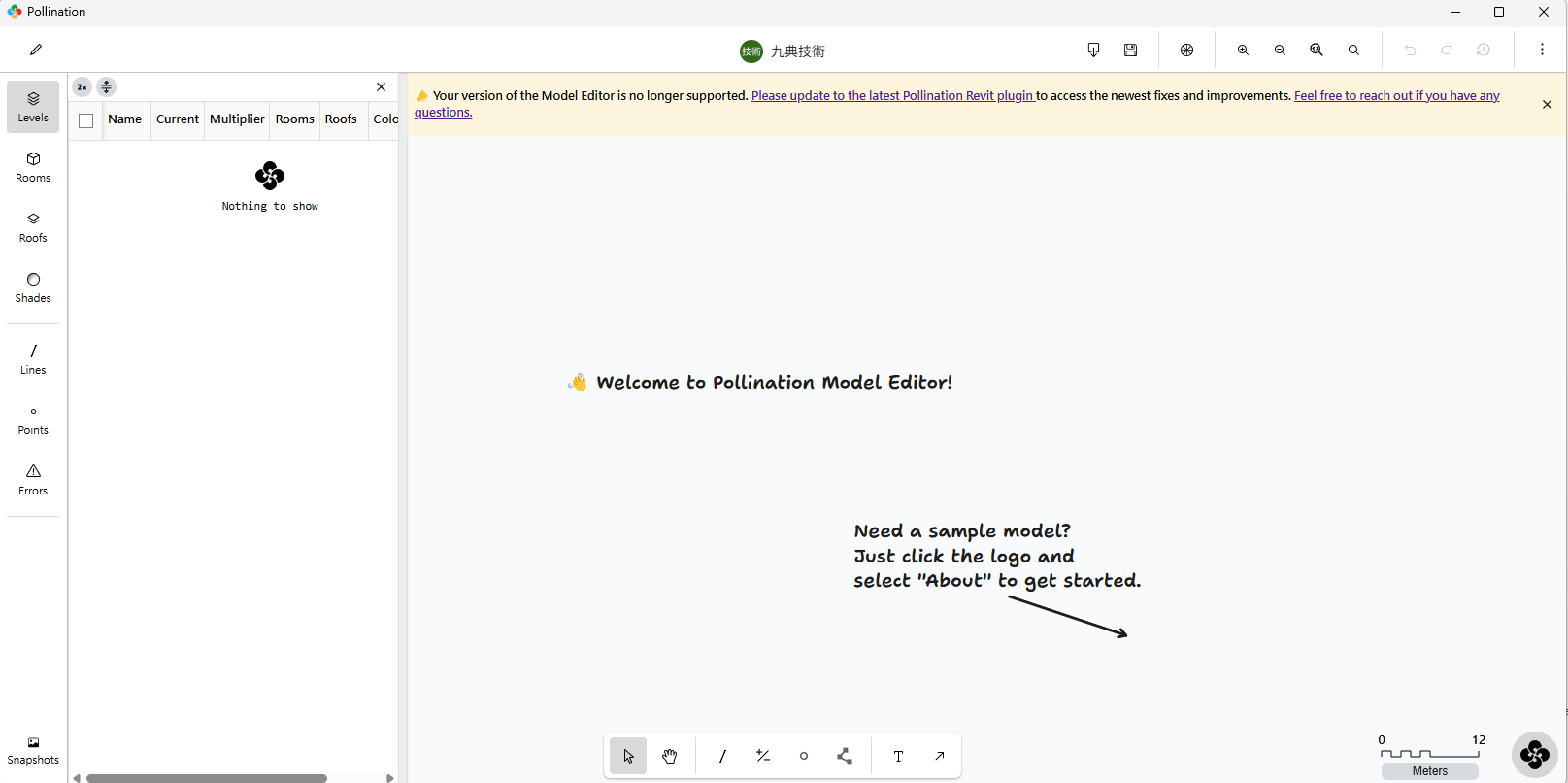
You’re currently using a much older version of the Model Editor. Try the steps here to switch to the newer version.
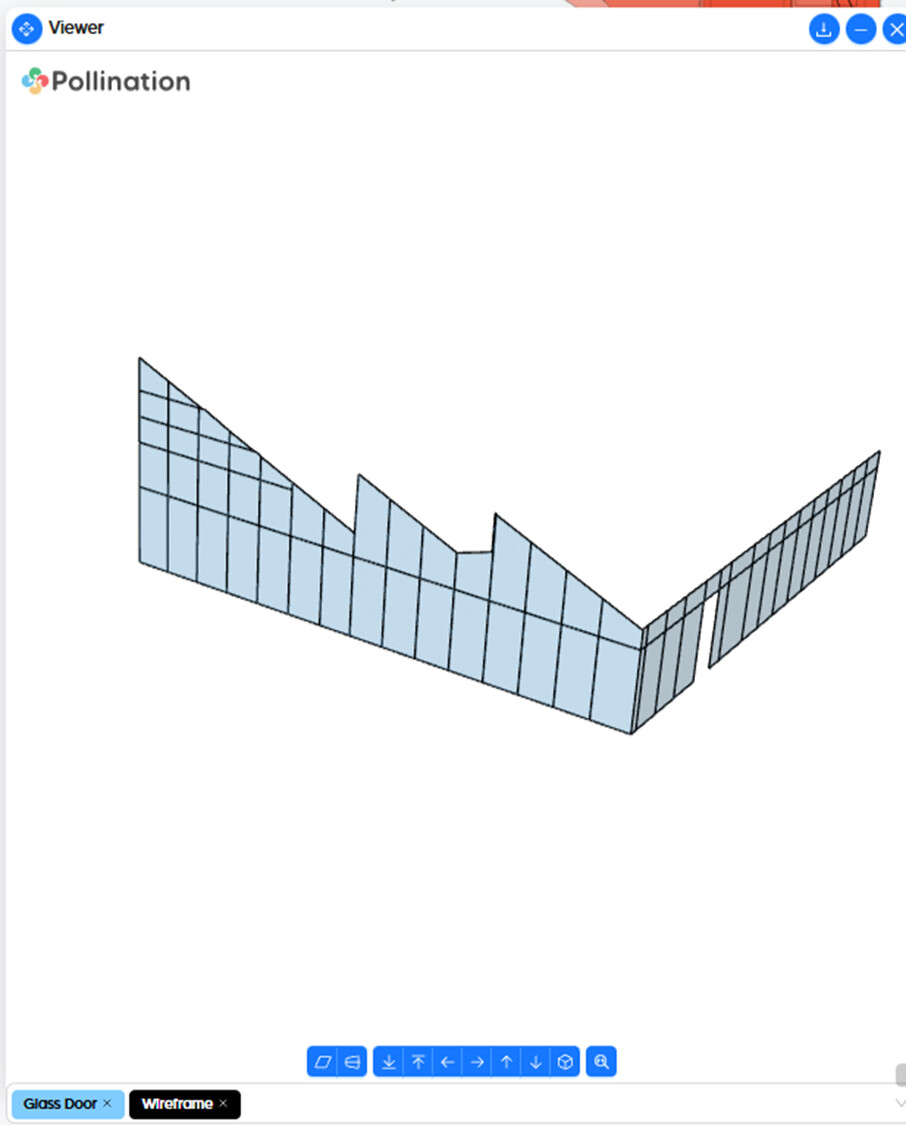
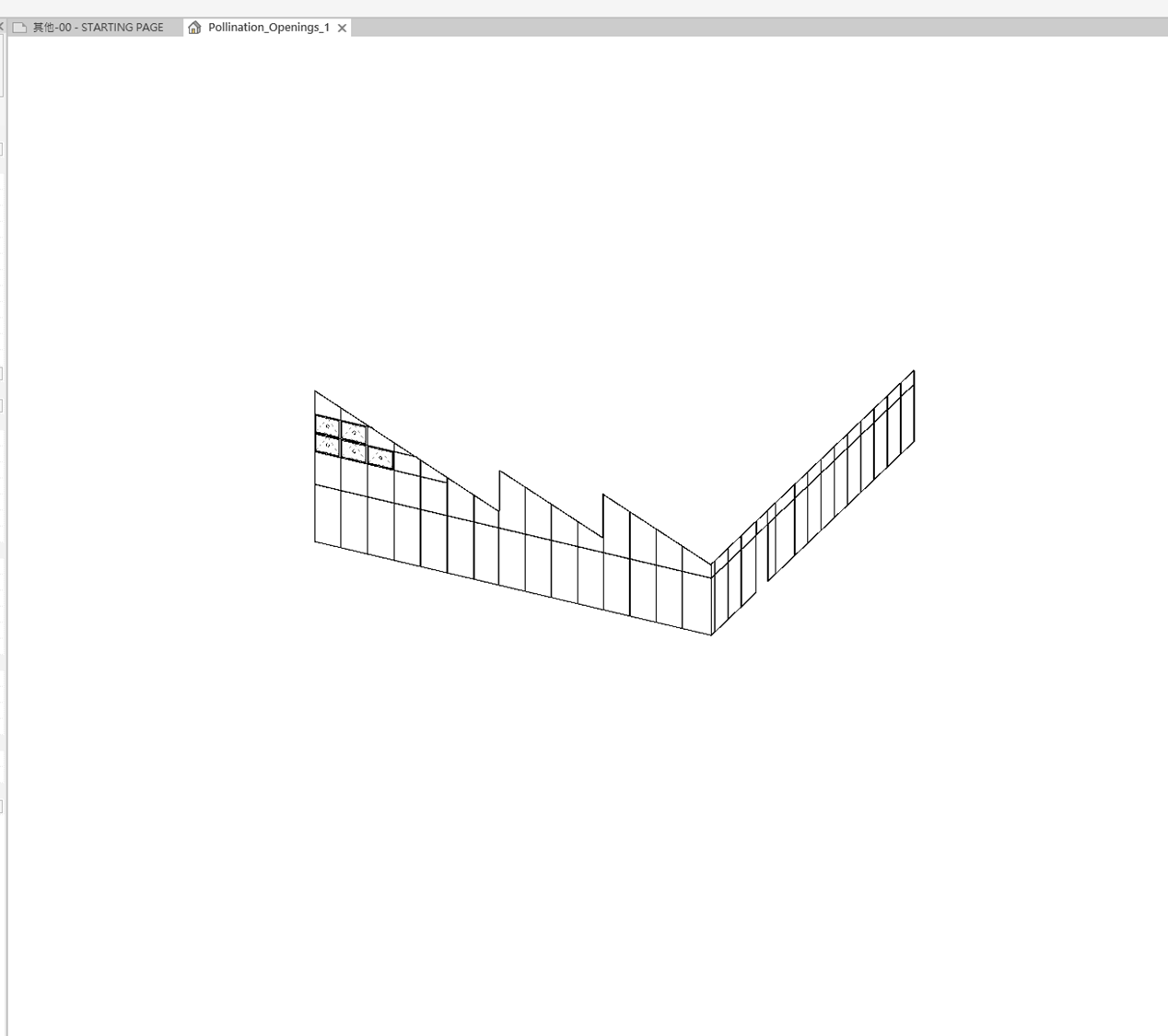
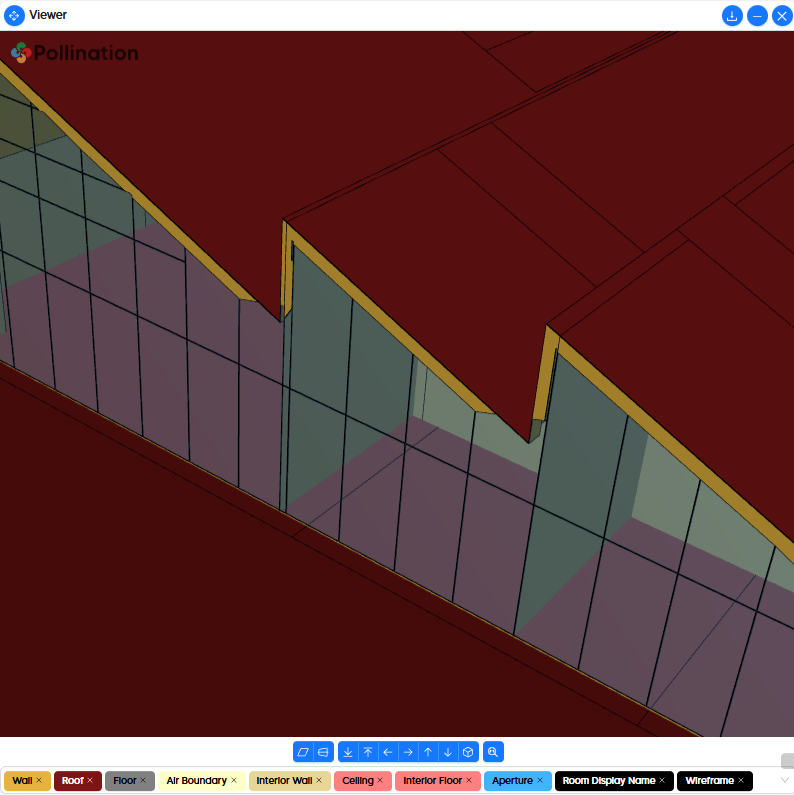
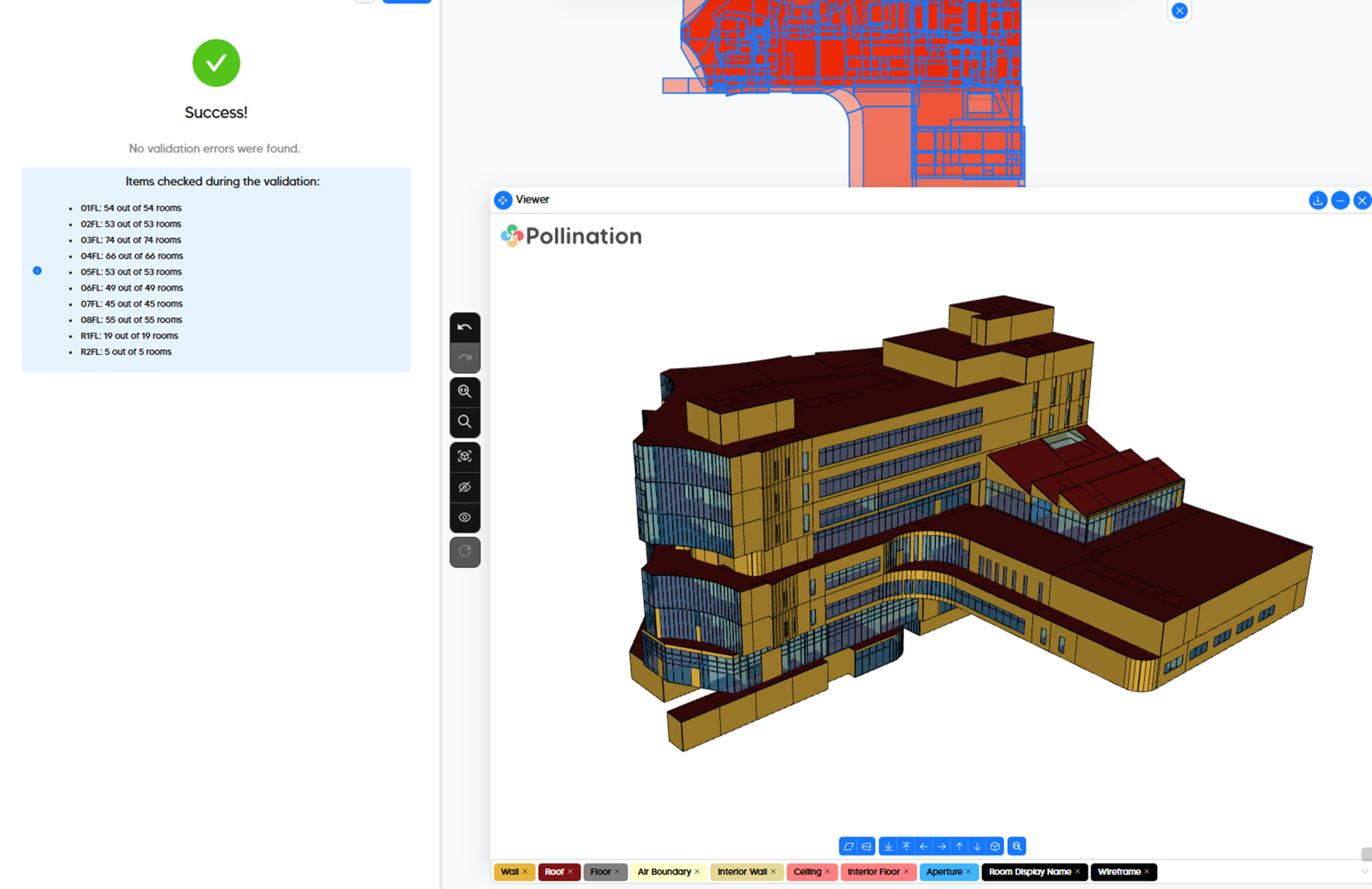
Hi @bioarcht, thank you for the detailed documentation. This is very helpful.
I can start answering your questions but to be able to really help you, I need to have access to the model. Can you share the PoMF model with me? I can show you how to fix the roof misalignment with walls that causes the rest of the issues with windows.
Also, some of the issues that you pointed out seems to be mostly visualization errors and not real issues with the model. The Rhino plugin has some commands to help with those.
Nevertheless, the model looks pretty good! Well done! It could be an intimidating model as your first model. I’m impressed!
I just saw that you sent me the model via an email. Thank you! I will try to respond to them one at a time during the next couple of days.
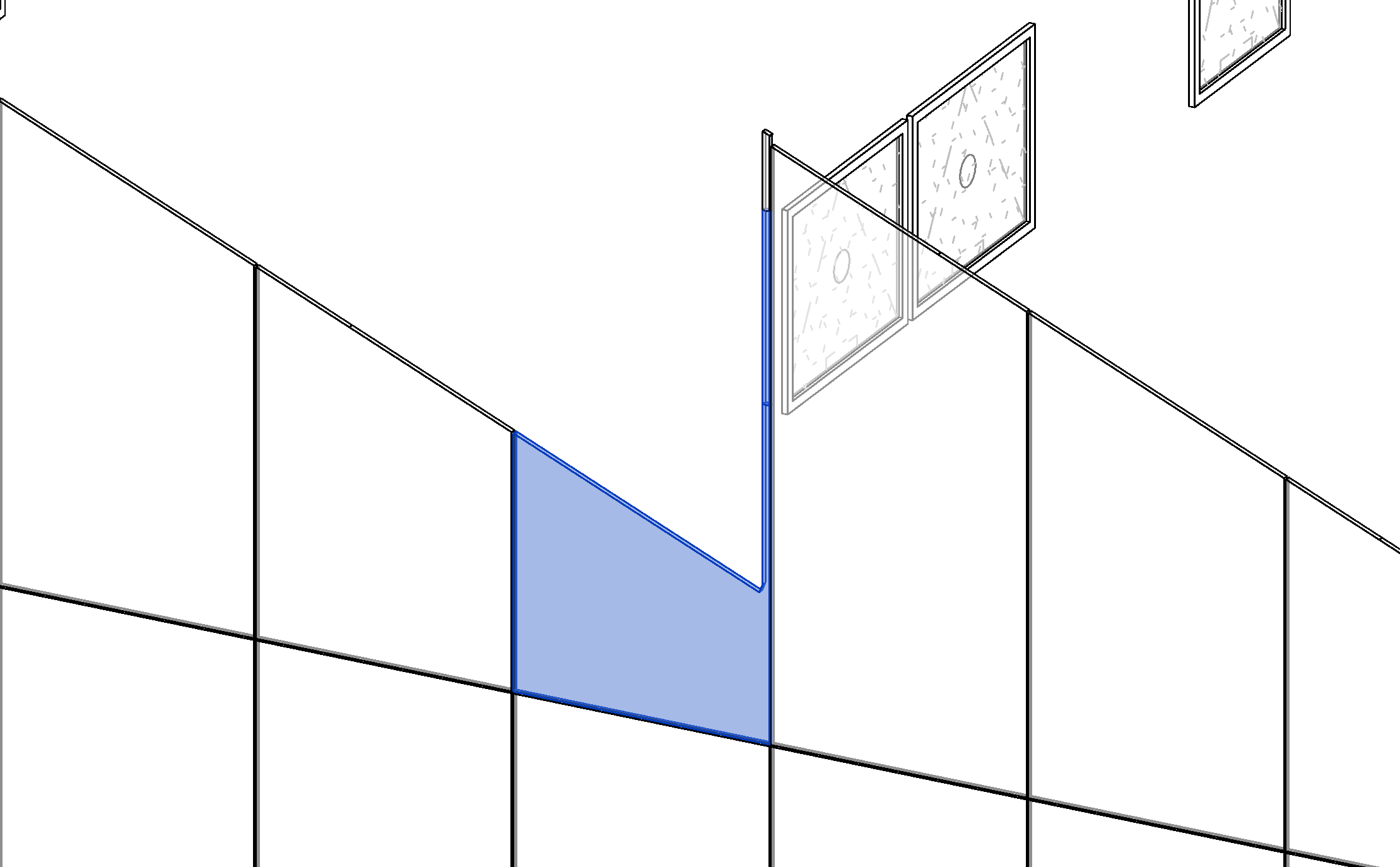
Windows with the unexpected shape
This is a modeling problem in Revit. The extra pieces of geometry are why you get the different shape. try editing the geometry and it should fix the problem. You can also try to edit this specific window in Rhino if that is easier.
Here is a short video that shows how you can edit the edge of the roofs with the rooms.
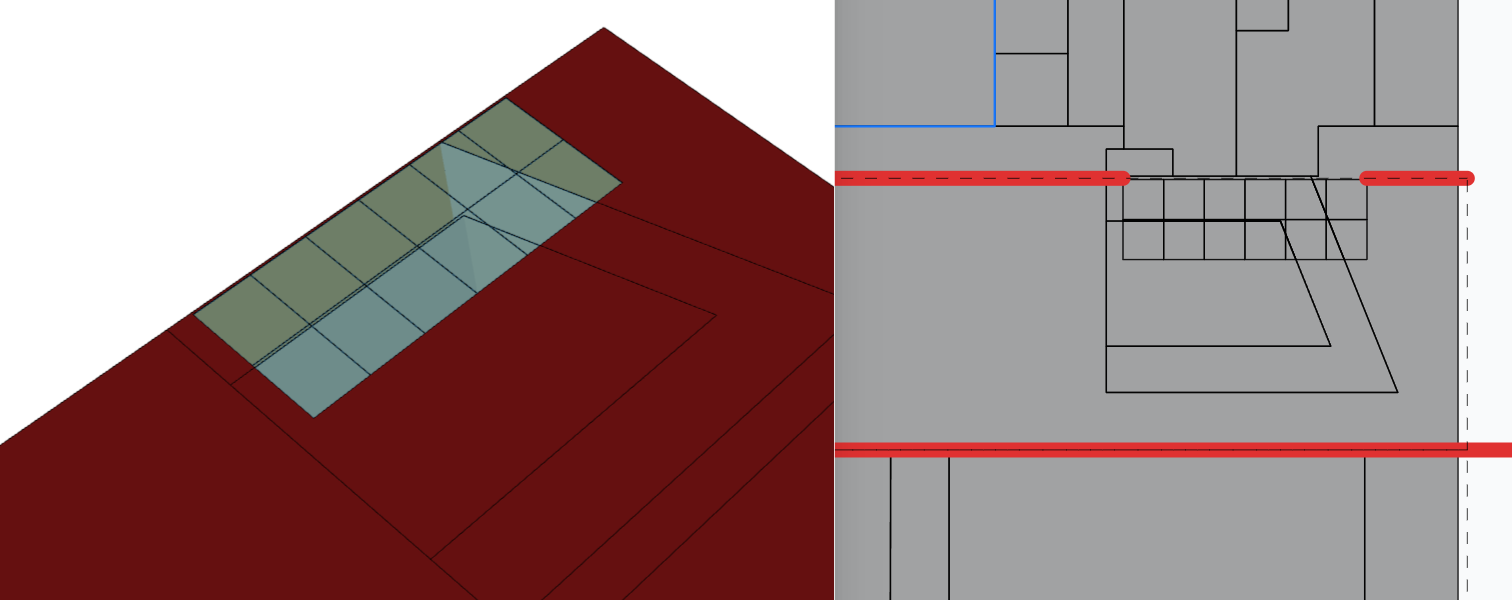
I just meant the window issue that you fixed. Thanks for the detailed solutions! The other problems are in Rhino.