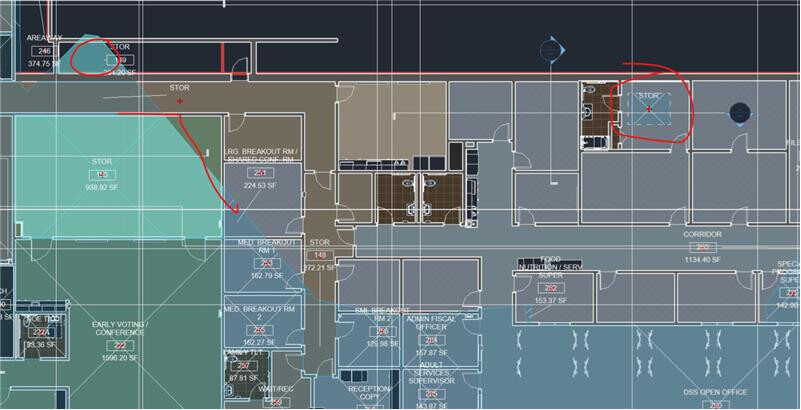
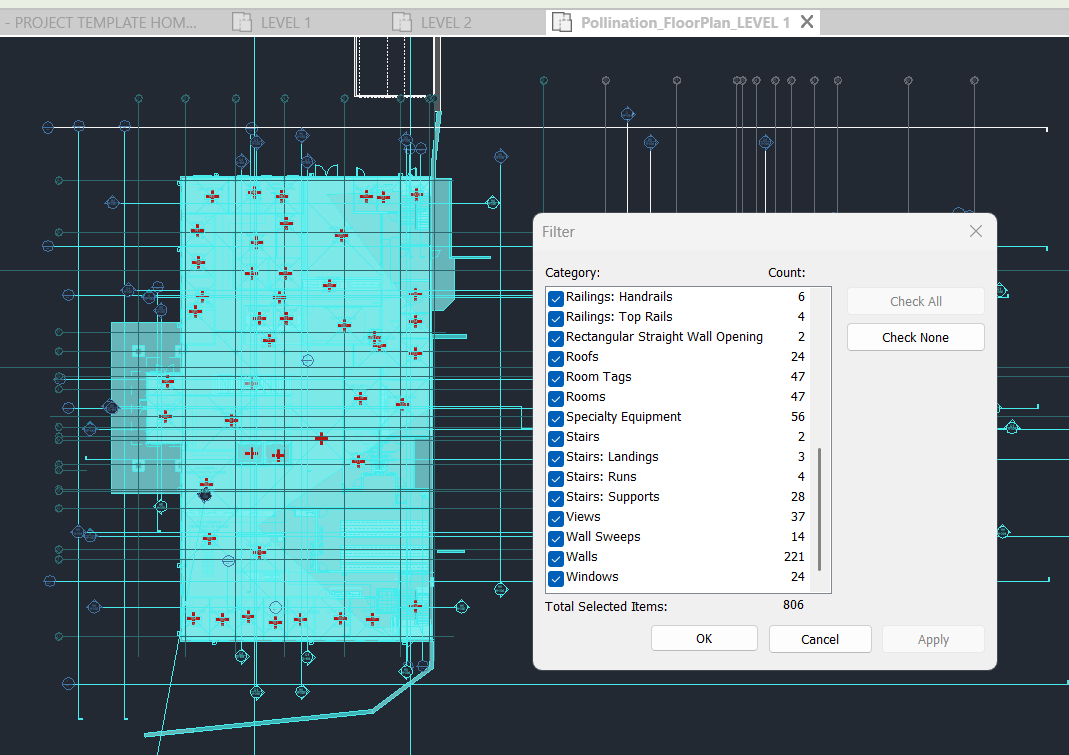
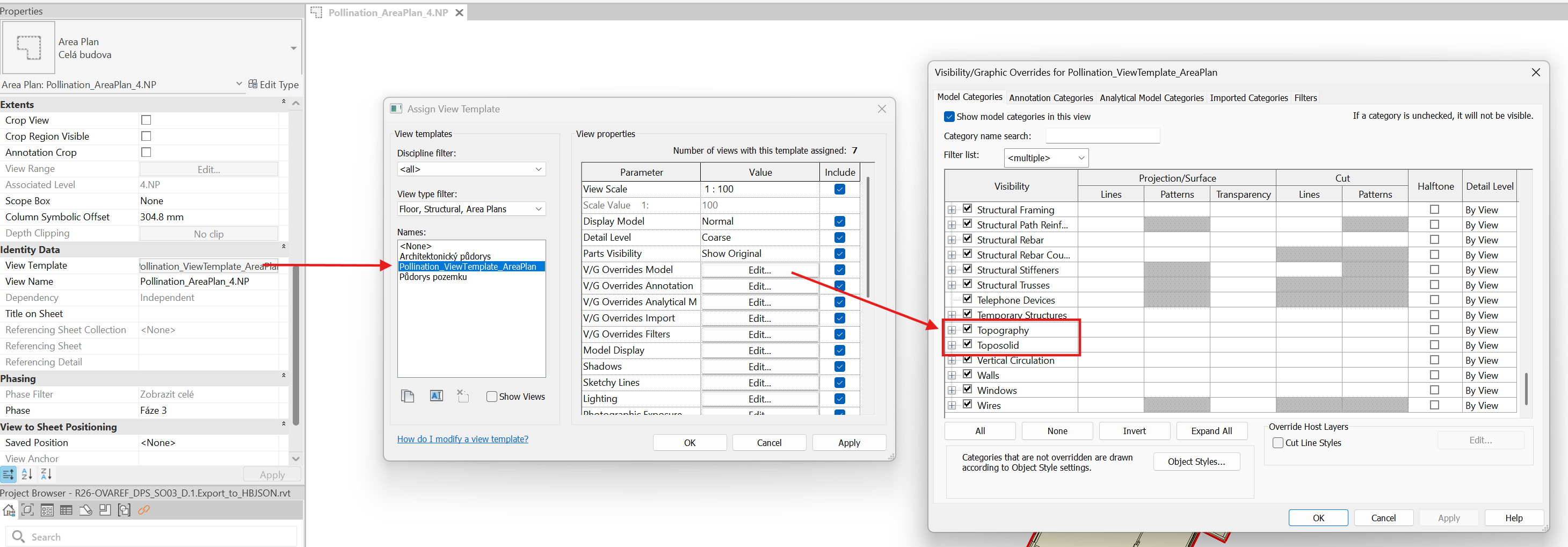
I run into a Revit Room issue. After running the Pollination, some Rooms can’t be seen on floor plans, but it doesn’t allow me to create new ones in the same rooms. And some rooms are showing very strange geometry that is based on nothing from my perspective.
The view and rooms are all native Revit features. Pollination just generates a view for you to review them. If they are already placed in Revit they should show up when you create Pollination rooms even if they are not visible in the view.
I will be happy to have a closer look at your model if you think that would be helpful.
I sent you a private message so you can share the Revit model with me.
That should not be the case, since Pollination doesn’t edit the Revit elements including the rooms. It only creates a view and changes the visibility graphics. I will have a closer look once you send me the model. Thanks.
It might also be in a different Workset that is hidden. I tend to purge all the worksets when I open the file as they are not really helpful when extracting and energy model. You want all of them to be visible. Maybe that’s why I was able to see it right away.
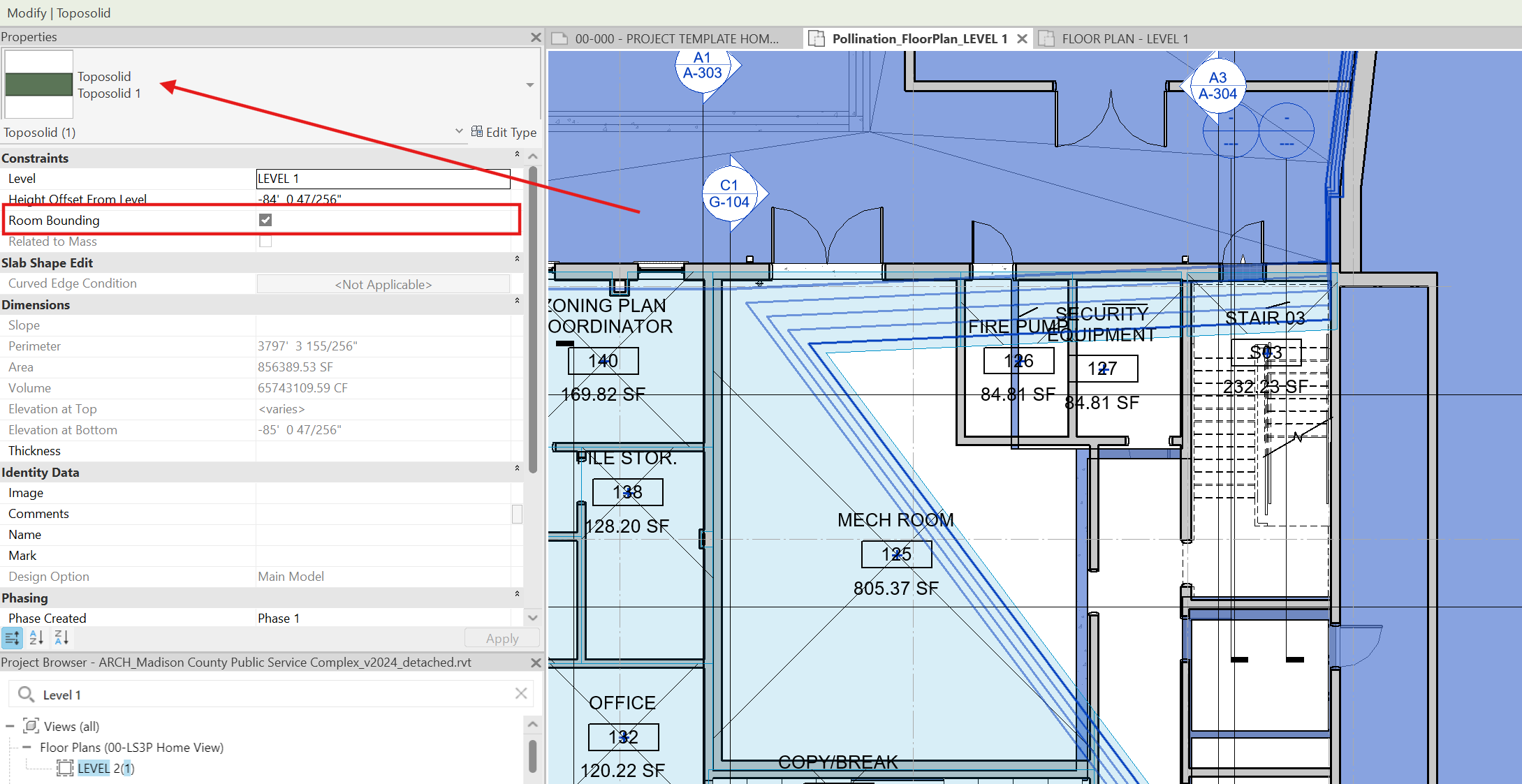
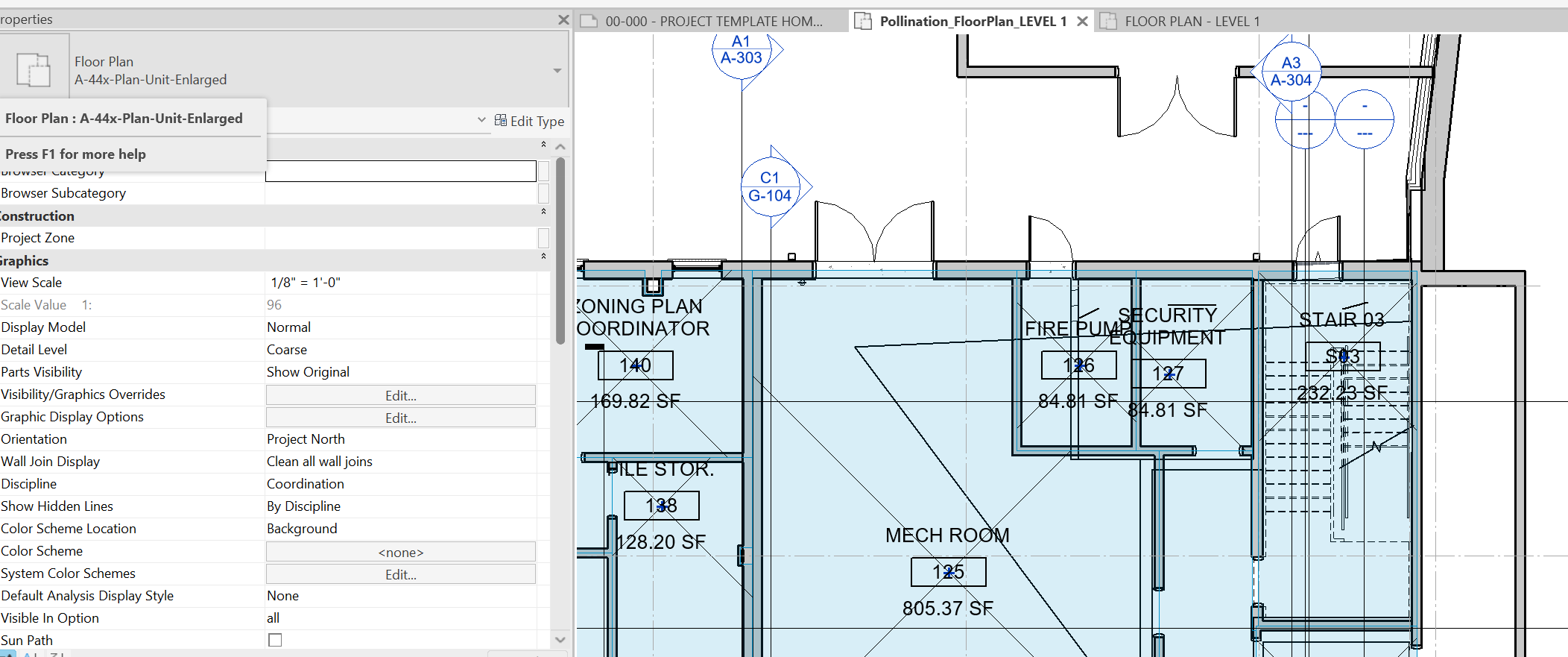
Thanks, Mostapha! It is under a hidden workset! But here comes another question I have. Before running pollination, I can see the same room boundaries 100% followed the wall. Just after pollination created the floor plan and run a 3D preview with pollination, the room boundaries changed to follow the toposolid under the hidden workset. Do you know how this happened?
It doesn’t make sense for architect to keep a toposolid as room boundary. But they did it and didn’t make any problem during their project design process. How would this be possible?
Good question! I don’t know the answer to the question. Can you provide me with the original model before you created the Pollination view so I can see if I can recreate the error on our end? If we can do that @ksobon should be able to address the issue.