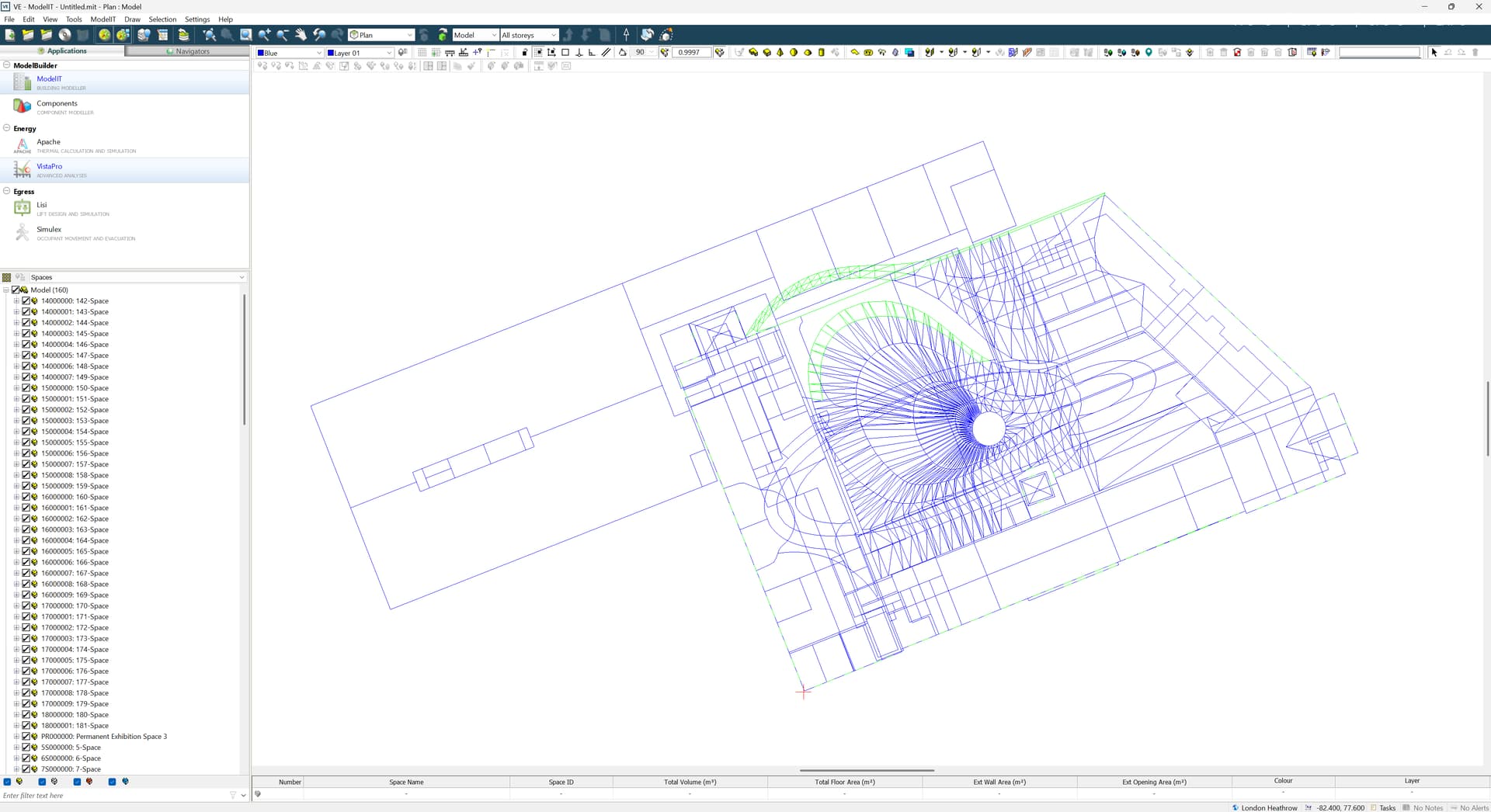
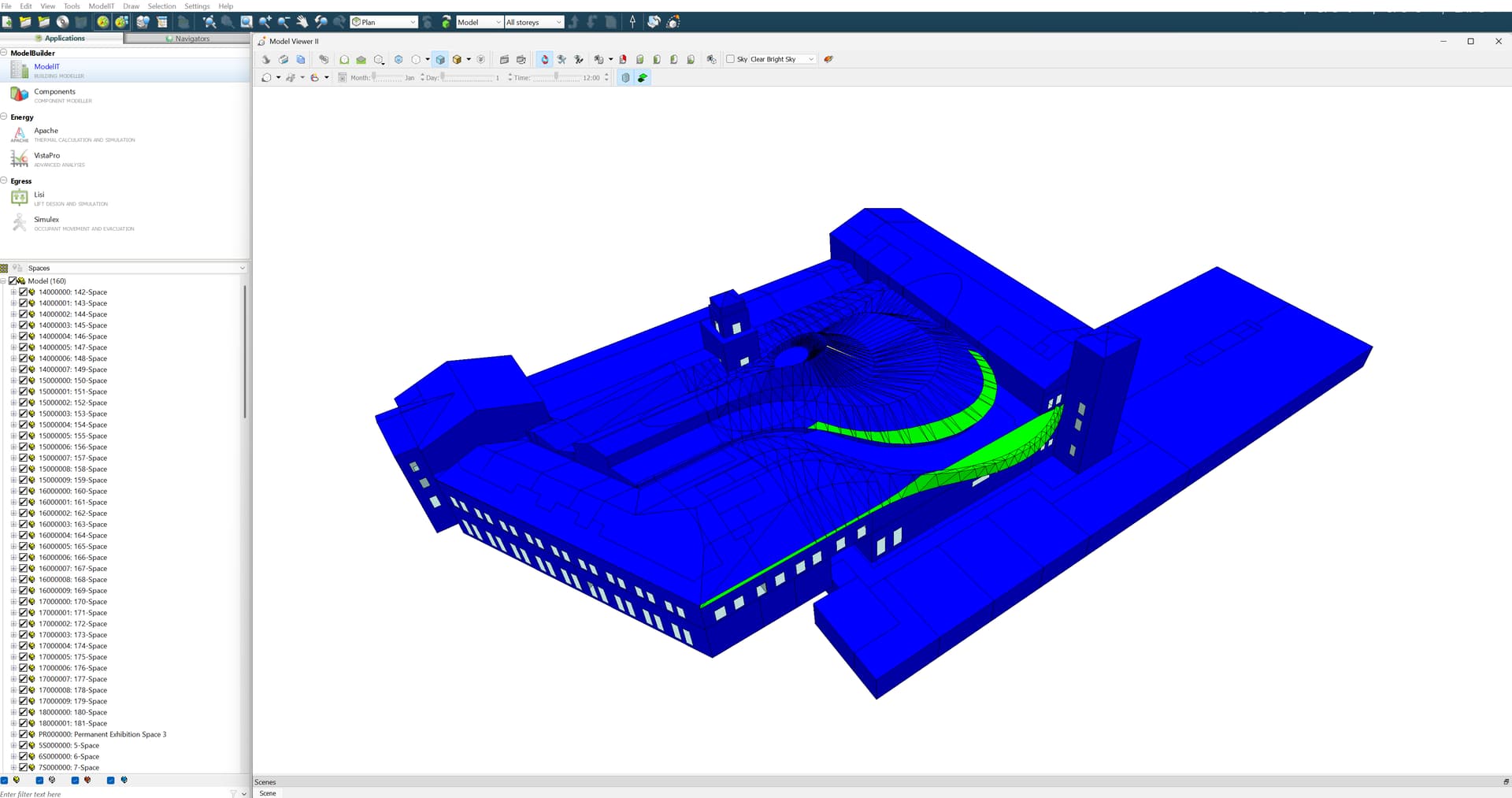
I am trying to convert a Revit model into IES VE through Pollination plugin.
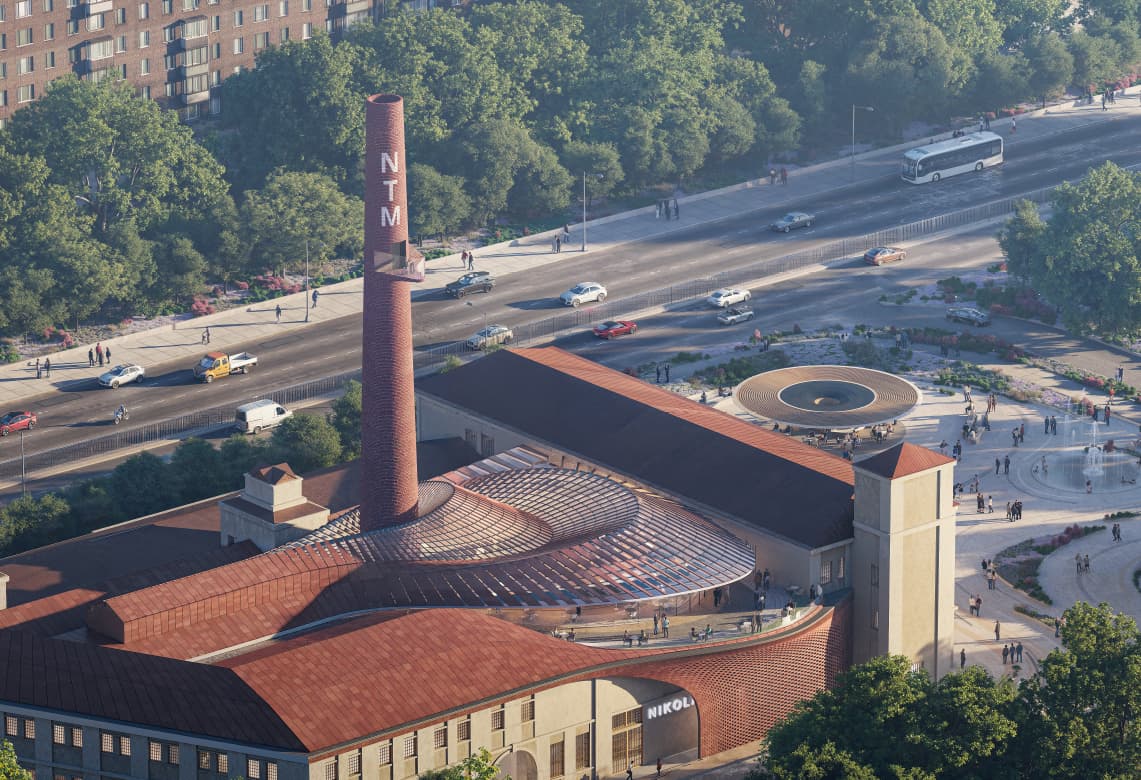
The roof is a bit complicated (as you can see in the photo bellow) and consists of both opaque and transparent parts. In the Revit model, the transparent (glass) parts are categorized as Curtain Panel type, and the opaque parts as Roofs type. Nevertheless, the Pollination Plugin does not seem to recognize neither category. They do not appear in the Select Roofs panel, nor in the Select Doors & Windows panel (as the Curtain Panels are actually glass material).
Why aren’t they recognized and how do I fix this issue?
If you can share the model with us, I can have a closer look. Are those modeled as walls or curtain wall? If they are modeled as curtain walls, the curtain wall panels should show up.
That said, this might be pushing what is possible to export directly via Revit. Not that you can’t get the geometry, but it will probably meshed so heavily that is not really useful. For geometries like this, my suggestion is to export the roof, and the glazing on the roof as shades. Then use the Rhino plugin to clean up and edit the geometry, and import them back into the Model Editor.
We have used this successfully in several projects with complex roofs.
For future reference, the roof and windows in this model were Direct Shapes, and that’s why they were not showing up in the menu. That said, we were able to build the model using the Revit plugin to export most of the rooms, and the Rhino plugin to build the roof, and export the windows.