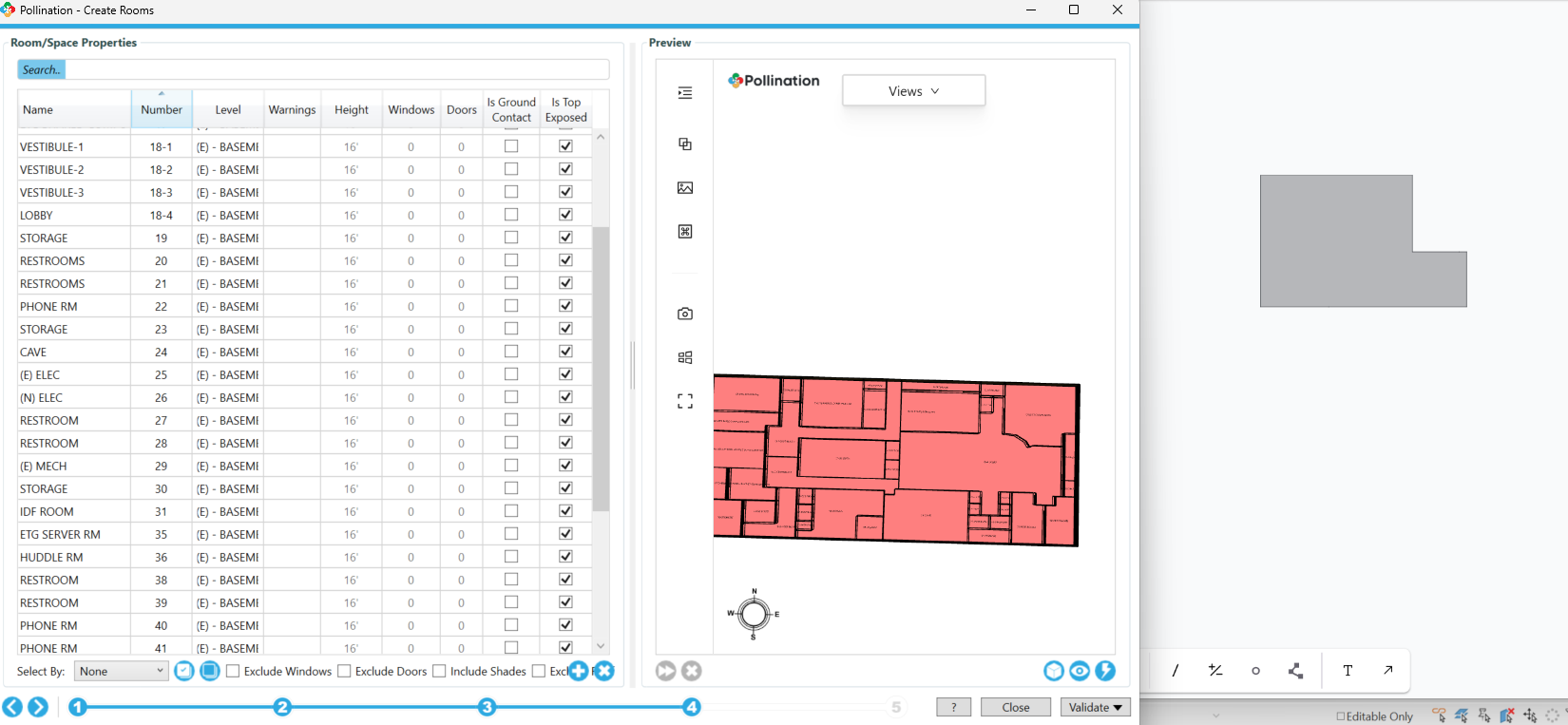
Hi everyone, this is my first time using Pollination as a Revit plug-in, so please excuse me if I ask any silly questions.
A bit of background — I built an analytical model in Revit using spaces, and I’m now trying to export the model using Pollination’s “Export Models” feature. I can see the complete model under Pollination – Export Rooms just fine. However, after saving the snapshot and opening it in Export Model, I can only see two rooms.
I’m wondering why this might be happening and how I can fix it. Thank you so much for your time and help!