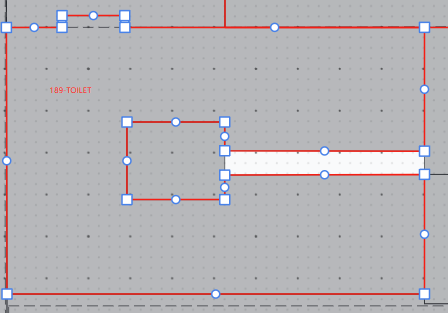
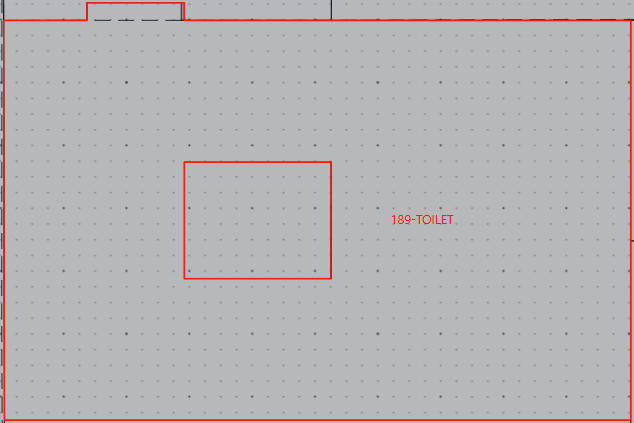
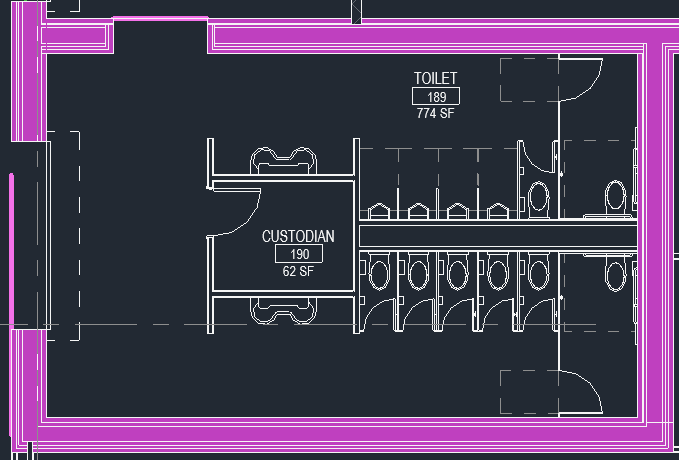
Hello, I exported my revit model into pollination, which included a small janitors closet enclosed by a bathroom, with a chase separating the Men’s and Women’s R.R.
I want to zone this as one single connected room encasing the custodian, however I can’t get the two ends to connect, and when I put their vertexes are in the same location to mate the ends (see image), I get an error that the room is overlapping itself when I validate my model for IESVE. Is there a method for solving this issue? Thank you.
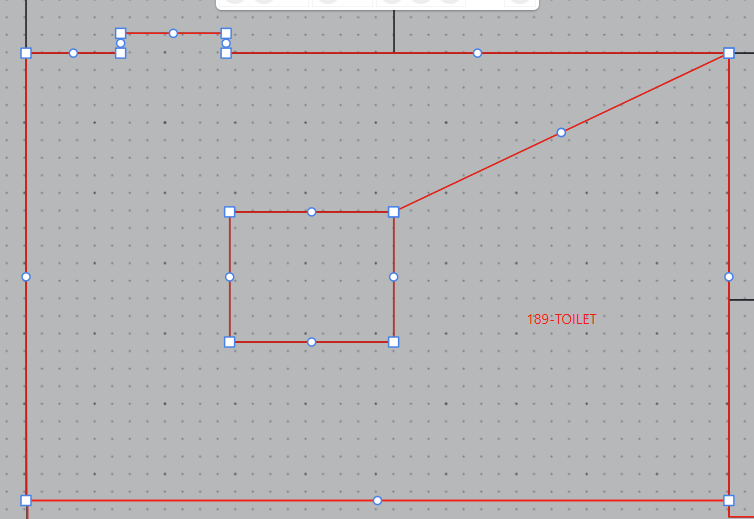
The line is there because the Revit space did not include the plenum, so you are correct that it is just two walls very close to each other (my attempt at hiding the gap). The image below has my current design of it. Remove hole/merge rooms doesn’t seem to solve this problem for me. As the space is not enclosed by the room, and the space is only one room. I want to keep the Custodian room.
Thank you for your response, Mostapha. I needed to keep the Custodian closet in the middle of the room, but your video help me figure that out. I ended up creating a room using Polyline, selecting both the new room and the Toilet, then selecting Merge Small Rooms.
 Welcome to the forum!