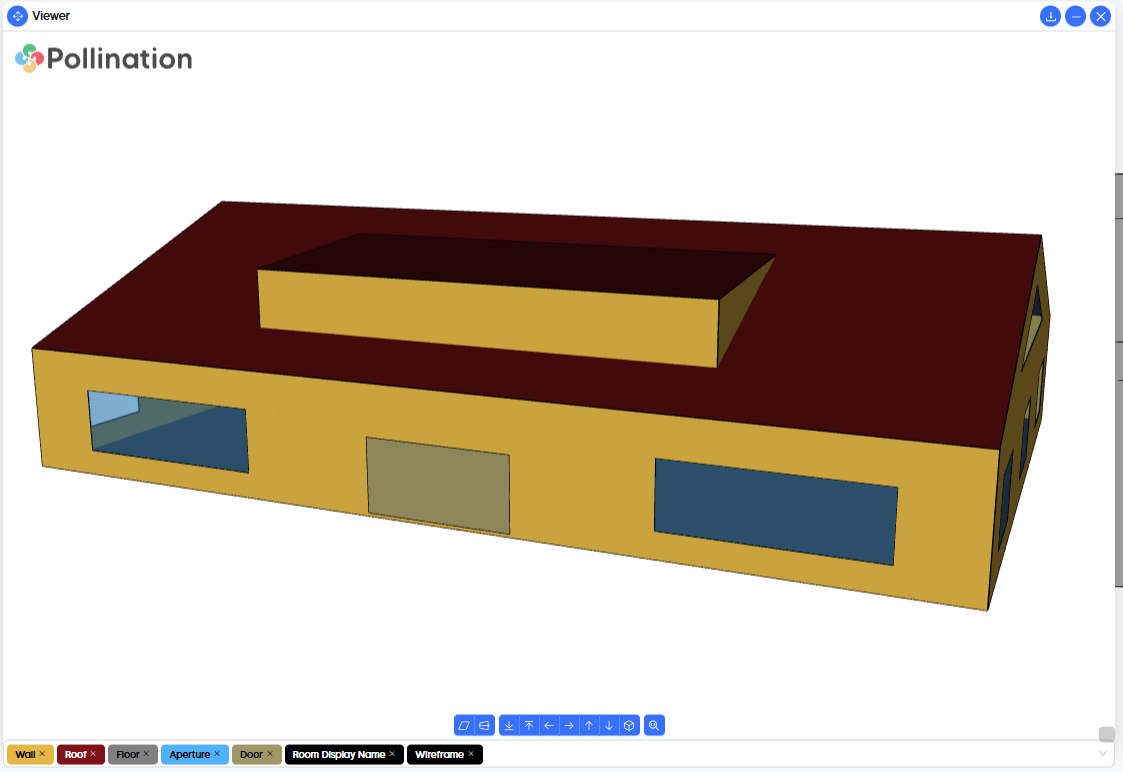
First I want to congratulate you on the V3 Revit Plug-in, honestly massive improvement. I think this workflow is a lot more efficient.
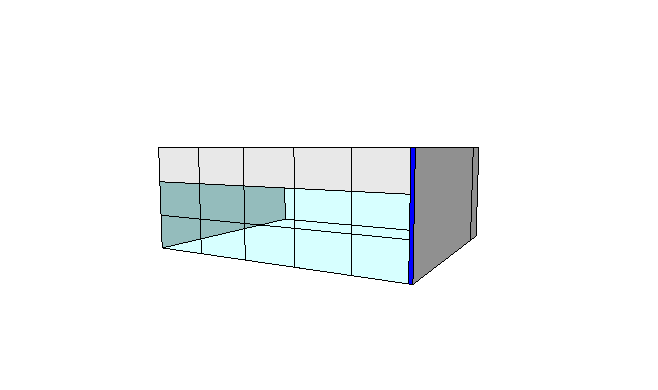
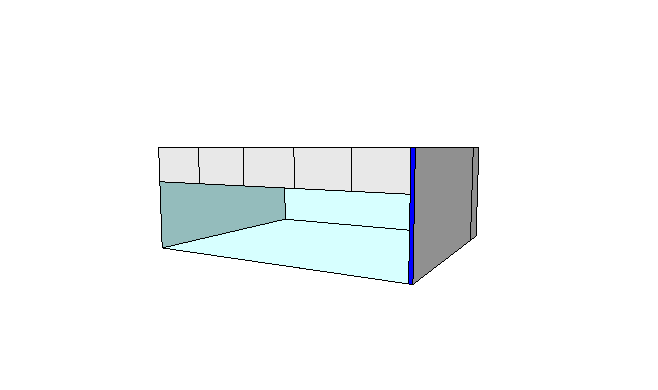
For curtain walls, windows come as individual panels, that means that there are too many openings/windows for IESVE. The more openings the longer the Suncast calculations take, in small building is manageble, but not so much in large building. Is there a function to merge window panels that are “touching” each other? To go from the 1st image to the second one?
Thank you for the kind words! I’m glad to hear that.
Have you tried the Simplify windows command with a Merge Distance of 0? That should give you what you need.
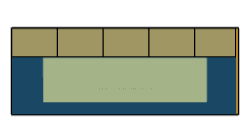
Or maybe it won’t work as expected because in this case you have exported the spandrels as doors? In that case, we will need to an option to Ignore Doors similar to the one for the windows and skylights.
I’m also adding @chriswmackey to this topic in case you have any other questions.
Hi, I did try simplify windows, but not with those exact settings. I tried it just now and it seem to have worked. I also had the single window option which might be what gave a result that did not work as I wanted it to.
I am just confirming that the default behavior of the “Simplify Windows” command when the “Single Window” option is unchecked is to not make any changes to the doors of the room. I figured that it was a rare case that someone actually wants to merge doors and, in the source code, they get separated out before any merging happens.
Granted, I had not considered the possibility of someone modeling a bunch of spandrel panels as doors and so I see that they they might want these doors merged. If @contrerasfrancisco confirms that this is what he wants for this case, I can add functionality to merge the doors that are next to each other together. And then I can add an “Ignore Doors” option like you mentioned. The merging of doors would still happen separately from merging windows so you won’t get the doors merged into the windows. But this would let you merge a bunch of door spandrel panels together just like what currently happens with the windows.
Hi @chriswmackey, it would be ideal to have the option, there will be scenarios where you want to retain the individual spandrel panels if you have a varity of performance and want to model to that level of detail and assign different performance to different spandrel types. Or the more common situation which is that most of the spandrel will be modell with the same performance. IESVE can slowdown by having extra “elements” so having 10 panels for a strip of spandrel that will have the same performance has no benefit results-accuracy wise but has the drawback of slowing your model if it is large enough.
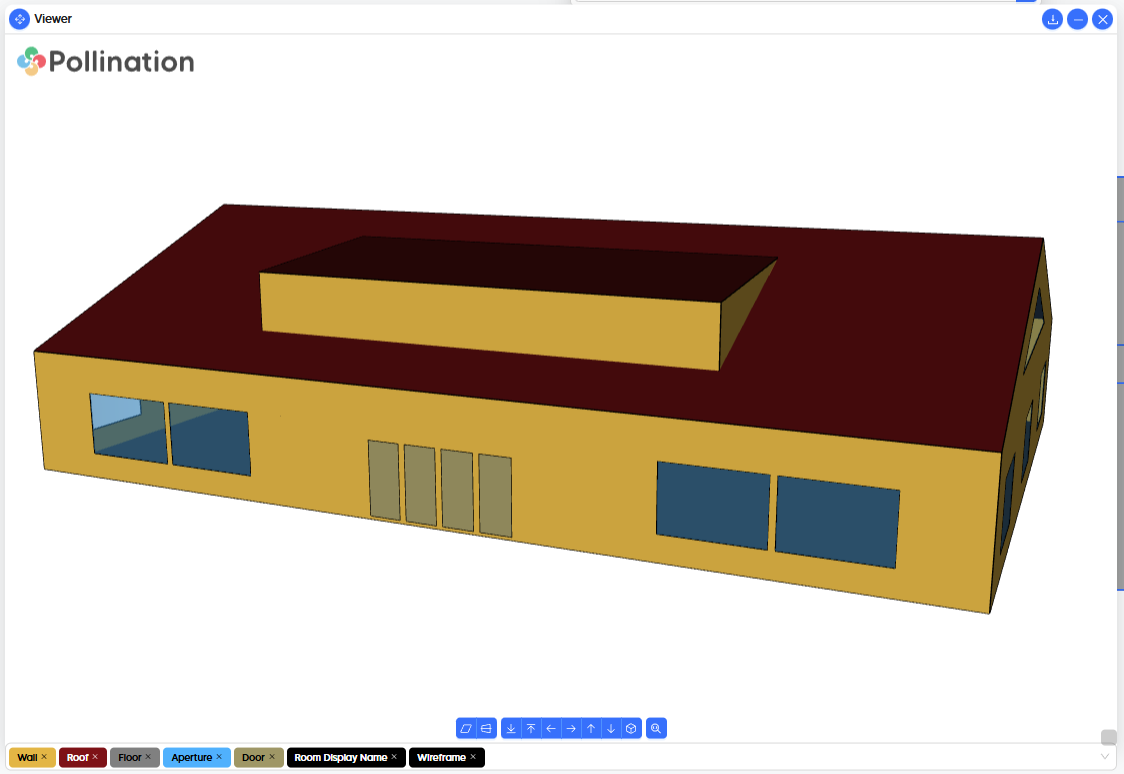
By default, this is left unchecked and doors that are next to one another get merged together like you originally wanted for this case. Here’s a sample on a simple model. simplify_windows_sample.pomf (16.4 KB)