mostapha
January 14, 2026, 3:00am
6
Hi @kuan ,
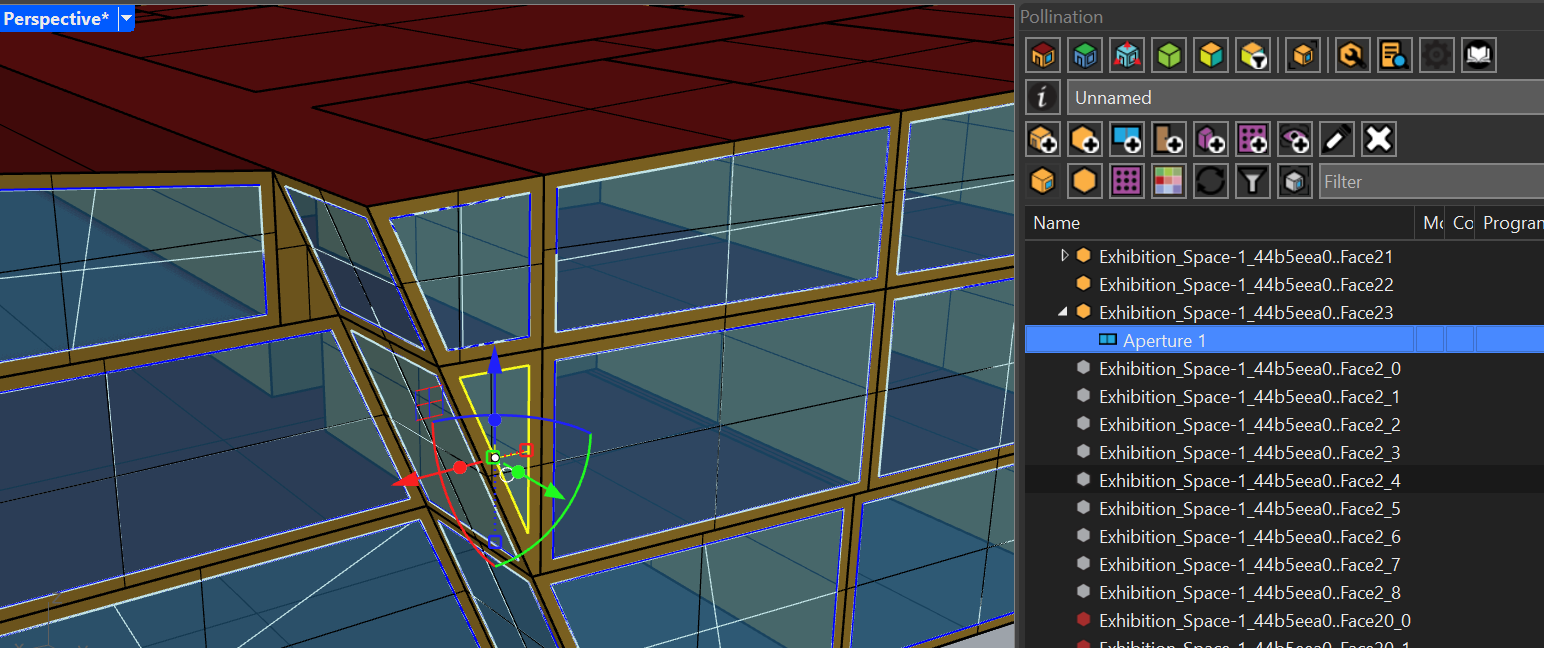
I was able to add the window with no issues. I use Rhino 8 and the latest version of the Rhino plugin.
I zipped the 3dm file so I can upload it here:
20260113_Pollination_testmodel_v7.zip (9.4 MB)
We have changed the UI a long time ago. You should us PO_Panel instead.
Hello everyone!
We are excited to announce the release of our new improved workflow for running your Pollination studies. As we mentioned in our roadmap for 2023 our goal is to unify the user experience for running studies and visualizing results from the CAD plugins and the web UI. So here it is!
You can now run the studies locally or on the cloud, and visualize the results back into Rhino without ever leaving Rhino! The new panel brings the Pollination web UI inside Rhino!
[Pollinat…
kuan:
I’ve run the simulation in the grasshopper, the model seems to be valid. But the simulation result shows “1. ** Severe ** DetermineShadowingCombinations: There are 8 surfaces which are casting surfaces and are non-convex.” Could this be having too many concave rooms? does this effect the simulation results?
You can find the answer to this question on the Ladybug Tools forum. The easiest way to fix this is to change the shadow calculation method to pixel counting method. See here: