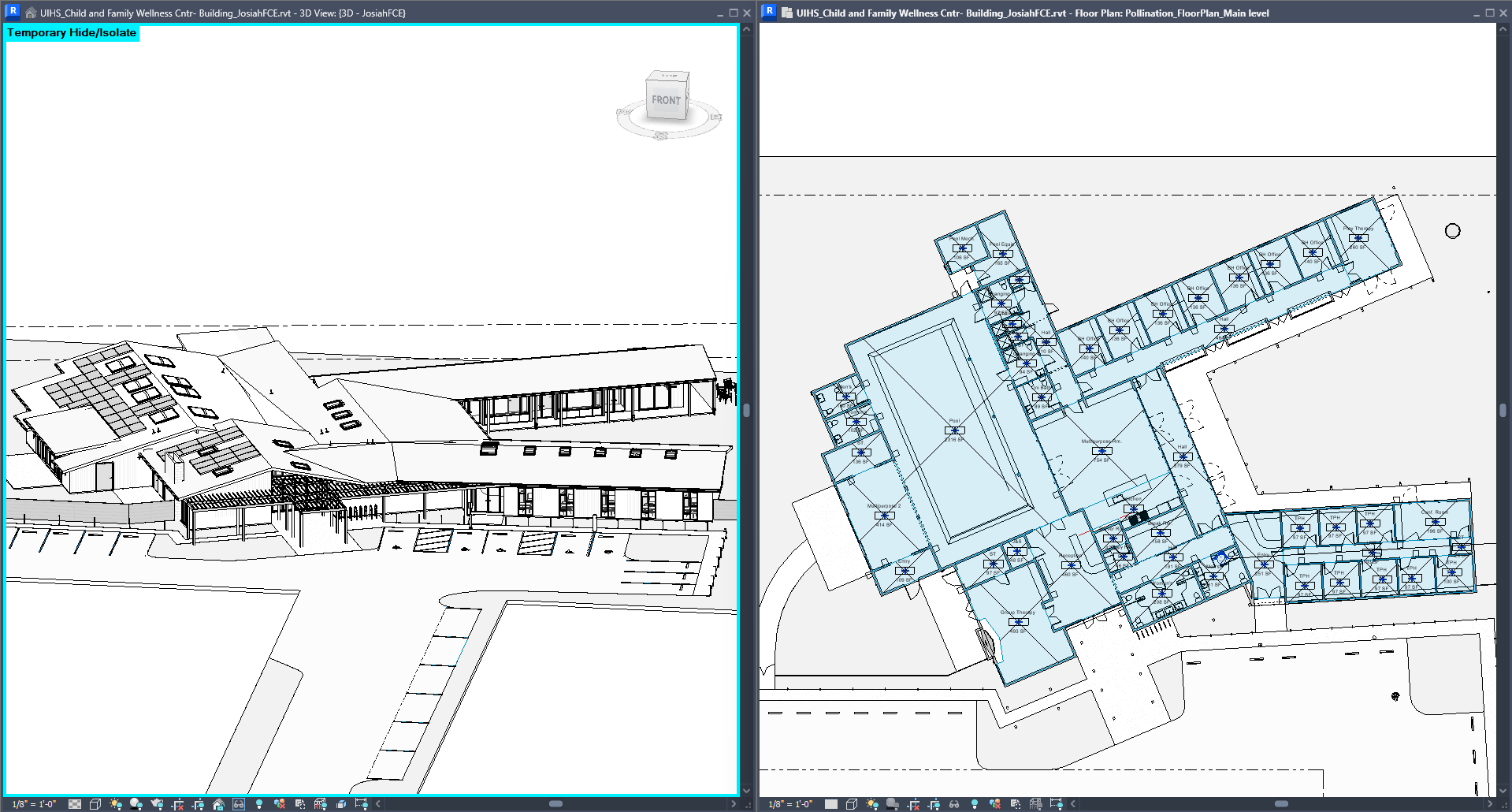
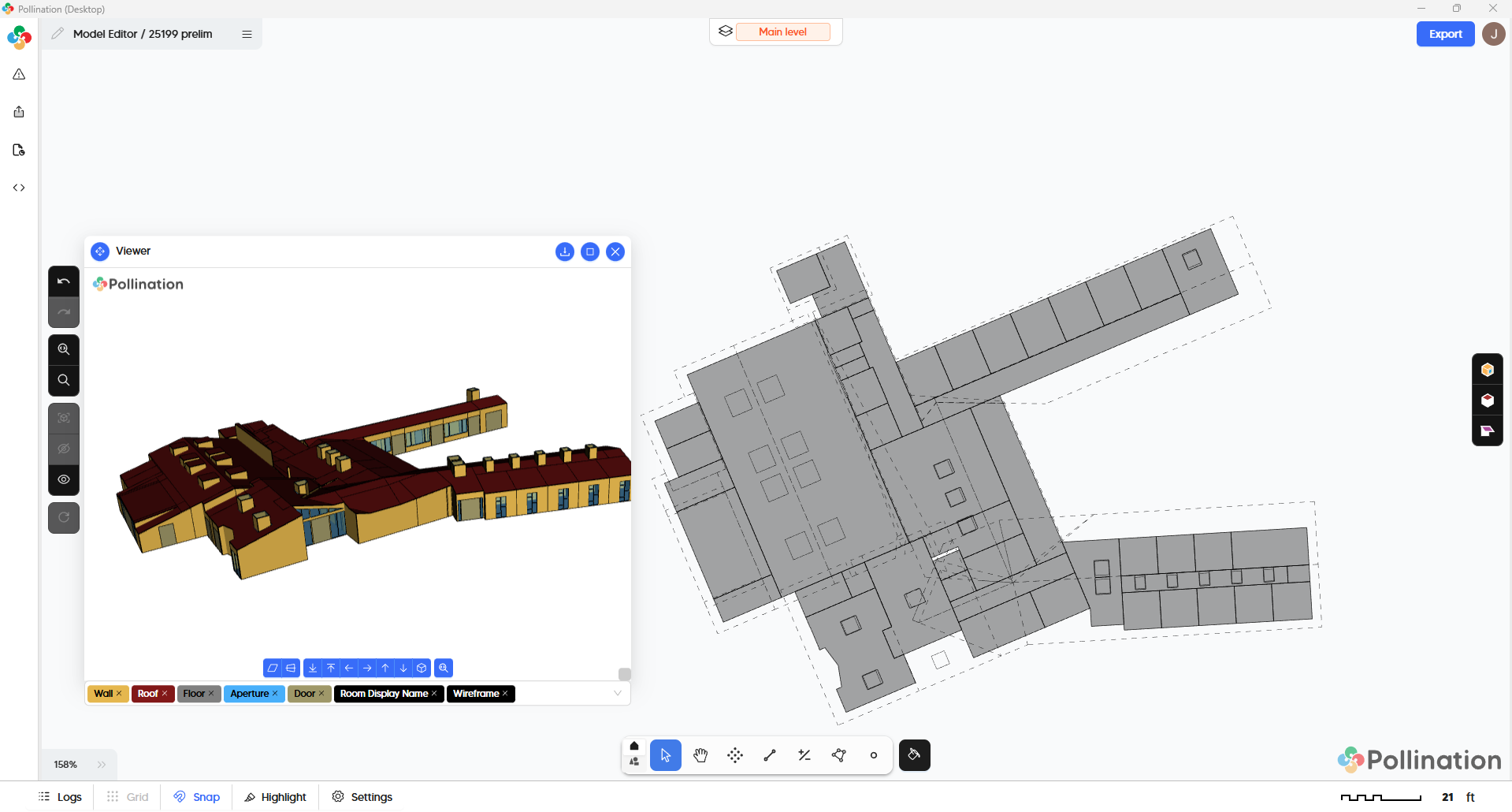
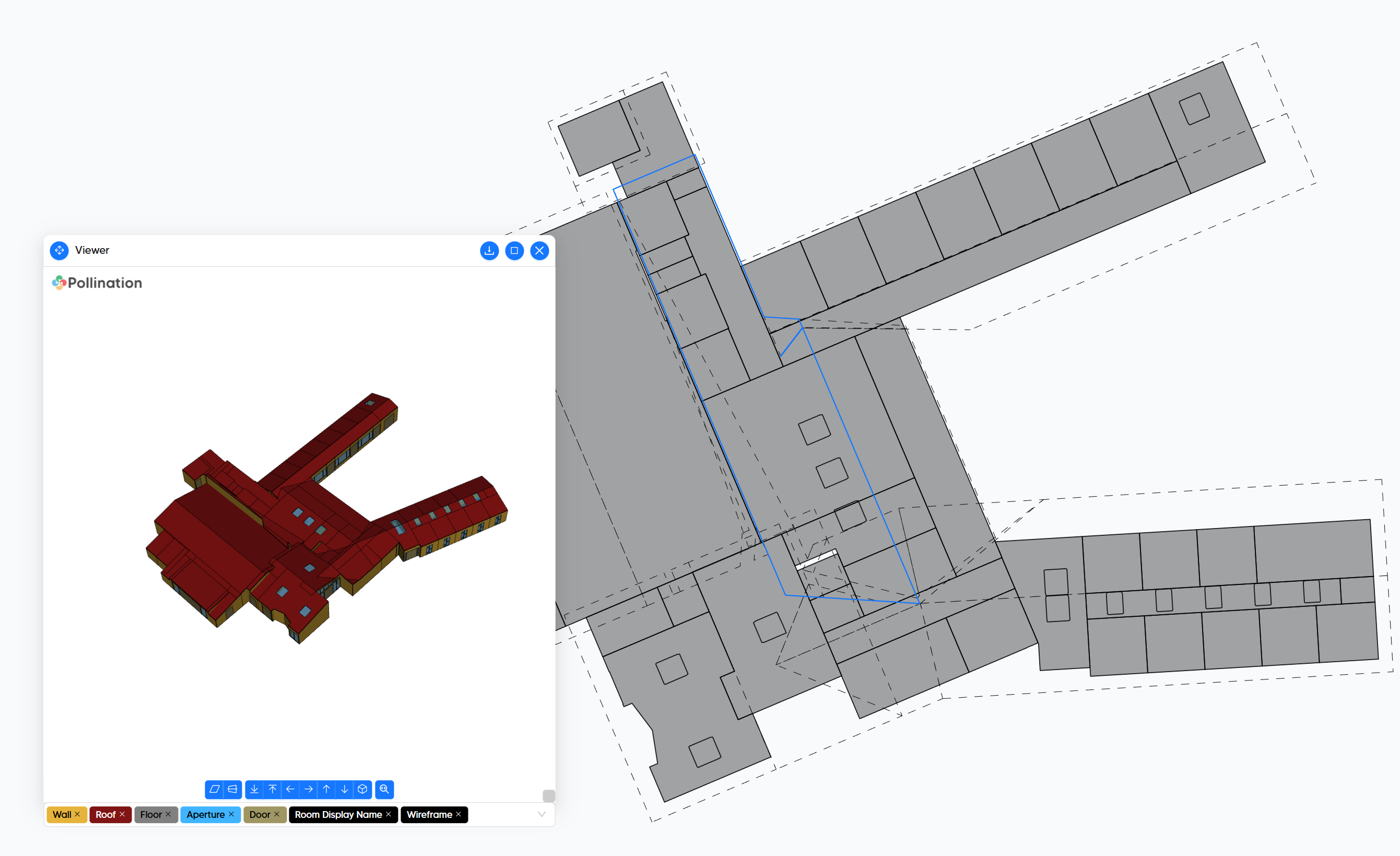
I’m looking to clarify where I am going wrong in my process…
After selecting all of the respective glazing, doors, roofs, and rooms, I have trouble in having my skylights stay after adjusting the roof holes.
My goal is to have my skylights show up in IESVE, but last time I went through the process, it required manually creating those skylights in IES, which was quite time consuming.
As a side question: I’m hoping to catch a refresher definition on what we set “Computational Height” and “Extrusion Height”, as that seems to be fine to go past the roof peak but this seems to be causing the roof “shafts” located at each skylight.
Happy New Year, and thank you for documenting the question carefully as always.
I will record a video for you when I get a chance to explain this in more detail but from what I can see in the screenshots, you should try to remove the holes from the roofs using the “Remove Holes” command, and that should resolve the issue with the skylights. since there are holes in the roofs in those areas the room goes all the way up to the extrusion height.
Are the explanations here helpful?
Let me know if you have any follow up questions, and I will try to answer them when I record the video.
There are some missing skylights that you can add by re-exporting the windows from Revit and adding them to the model. I believe I have already showed you the workflow but here is the link to the documentation just in case.
P.S. I just noticed that you have shared a screenshot above. Let me know if you want me to record another video and show how I would clean up a roof like this one.
Your video explanation helped me to upgrade my understanding for skylights. That was fantastic!
And I may start to adopt the .hbjson Window and door method. That feels much cleaner and helped resolve issues on another big model.
I appreciate your thorough guides to resolve issues as they come up.
Hope the Hackathon was successful and you enjoyed the holidays!
That’s what I do for almost any model that I receive. And it will become the default workflow when we release v3.
Thanks! Always happy to help. My Hackathon project ended up be updating the documentation which honestly was as joyful as working on any project. It really needed some updating.