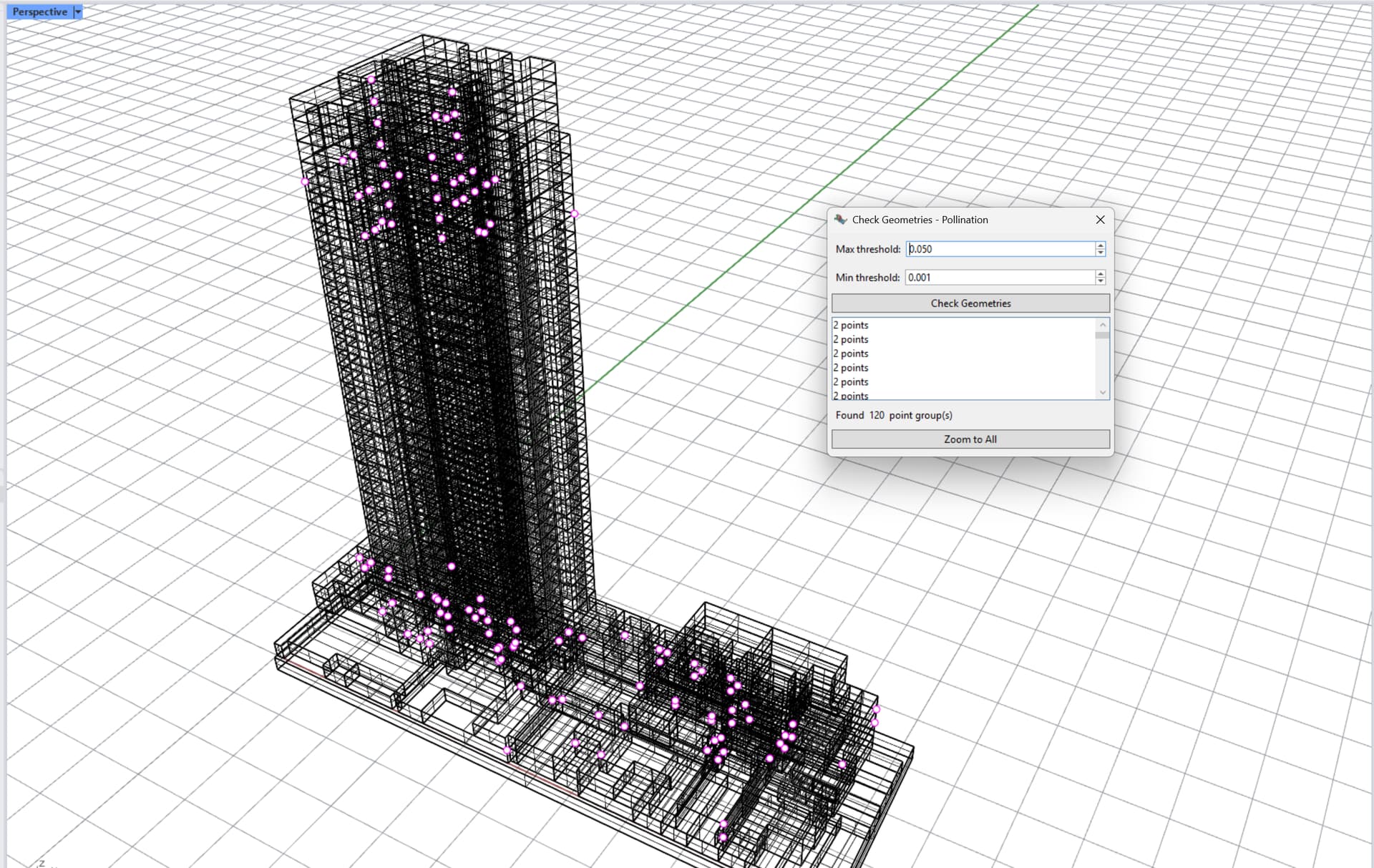
I’m currently experiencing an issue with my latest geometry after running Solve Adjacency. The model was originally created in millimeters and validated successfully. However, the EnergyPlus simulation reported that some of the rooms are not fully enclosed, which led me to suspect a geometry-related problem.
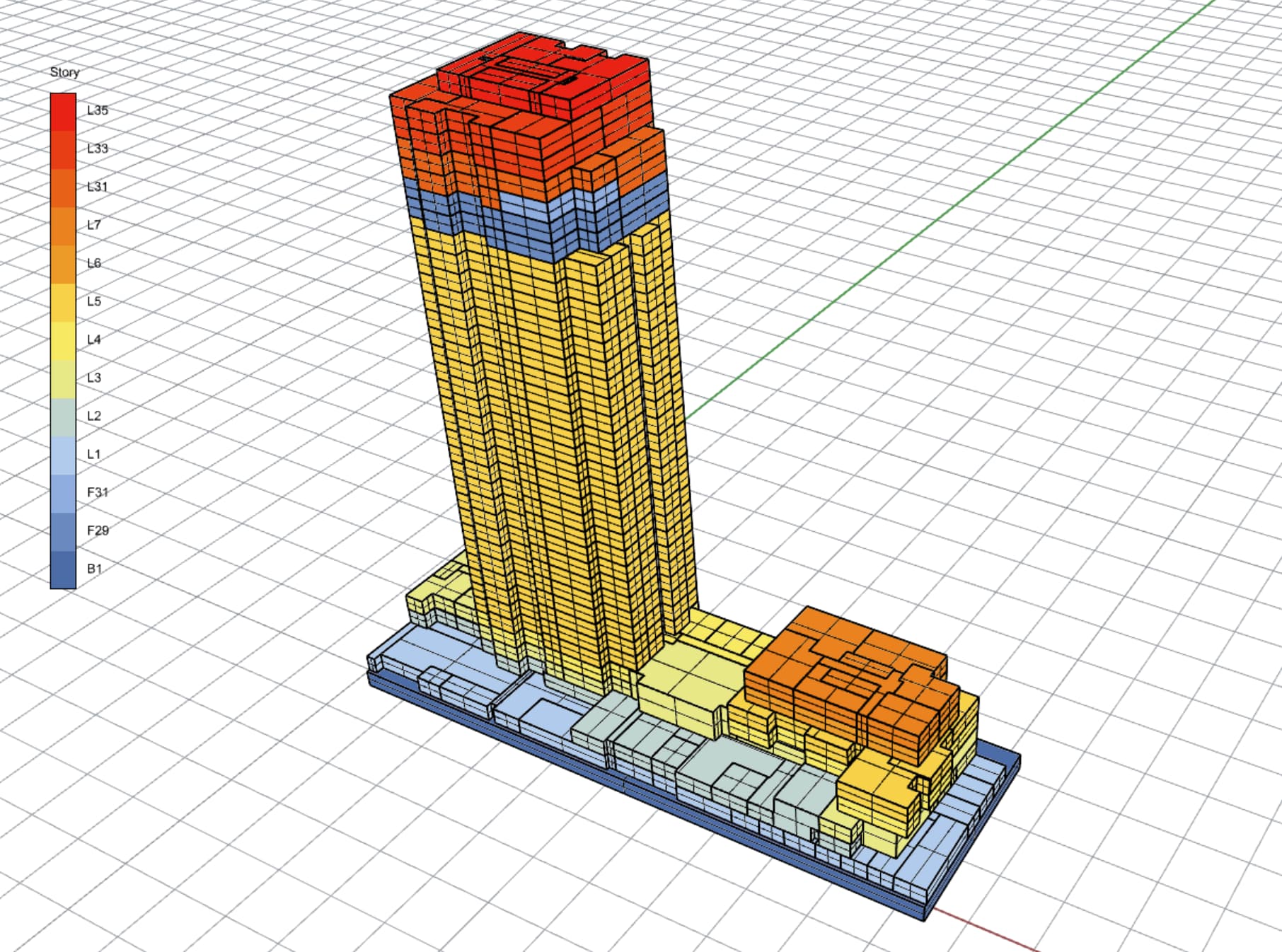
To address this, I converted the model units to meters, with tolerance 0.01. Since then, I’ve encountered difficulties during the Solve Adjacency step. At one point, I managed to get the model validated, but the boundary conditions between floors did not appear correctly—they were not displayed with the expected color coding.
I would appreciate any guidance or support in resolving this issue.
I wasn’t able to upload the attachment, so I’m sending file via WeTransfer link.
I was hoping to show you how to use the Model Editor to fix these issues, but I wasn’t able to load your model into the Model Editor. We will look into this. Meanwhile, you can fix everything inside Rhino as I show in the recording.
I noticed the stories are not set correctly in the model, which might cause the issue for importing the model to the Model Editor. I’ll keep you posted on that.
I know that the developers of EnergyPlus like to log lots of warnings (which are sometimes helpful) but I can assure you that, in the case of a valid model from Pollination or Ladybug Tools, it is safe to ignore this particular EnergyPlus warning and accept that E+'s results are valid and an accurate representation of the geometry.
The long explanation for this is that EnergyPlus has been designed to work with only one units system (Meters) and one hard-coded absolute tolerance (0.01 meters). I understand why the E+ developers did this for their own sanity but it means that most of E+'s geometry capabilities are not designed to work with the unit systems and tolerances of real CAD and BIM models and, as a result, many of the geometry-related checks and warnings that E+ does are irrelevant when you are using Pollination. When we export a valid pollination model in a unit system other than meters to EnergyPlus, we process the geometry in a way that removes any sliver geometry smaller than 1 cm, for which E+ would throw fatal errors. We also overwrite many of the E+ geometry fields that we know are correct in the Pollination model (like the room volume). This ensures that E+ actually runs in a way that accurately represents the valid input geometry such that you can trust E+'s results. So, even though the room geometry in the IDF is technically open with the 1cm sliver geometry removed, E+ isn’t using an autocalculated room volume derived from it’s own internal geometry engine for any of its calculations since we already tell E+ what the room volume is supposed to be using our more robust geometry callabilities in Pollination (which are designed to handle the full spectrum of unit systems and tolerances).
Of course, even though everything is fine, the E+ developers like to be conservative and will log warnings just in case they are actually relevant. But in this case, it’s really just noise that you can tune out.
Granted, if the warnings are really bugging you, it is possible to get them to go away by making your model valid at EnergyPlus’s native tolerance of 0.01 meters as Mostapha showed. But I just wanted to clarify that this is not necessary if the goal is just to get accurate simulation results from E+.