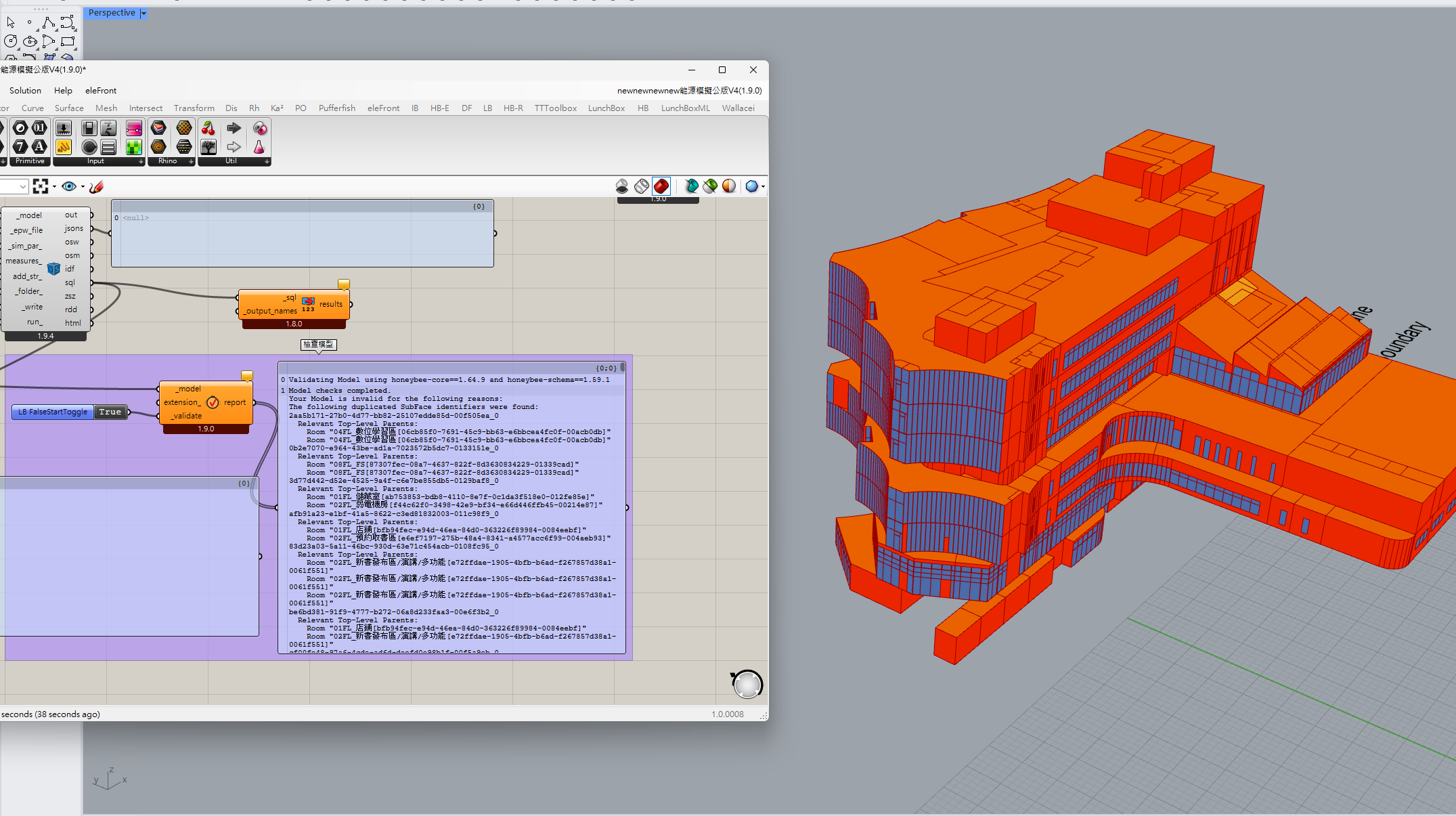
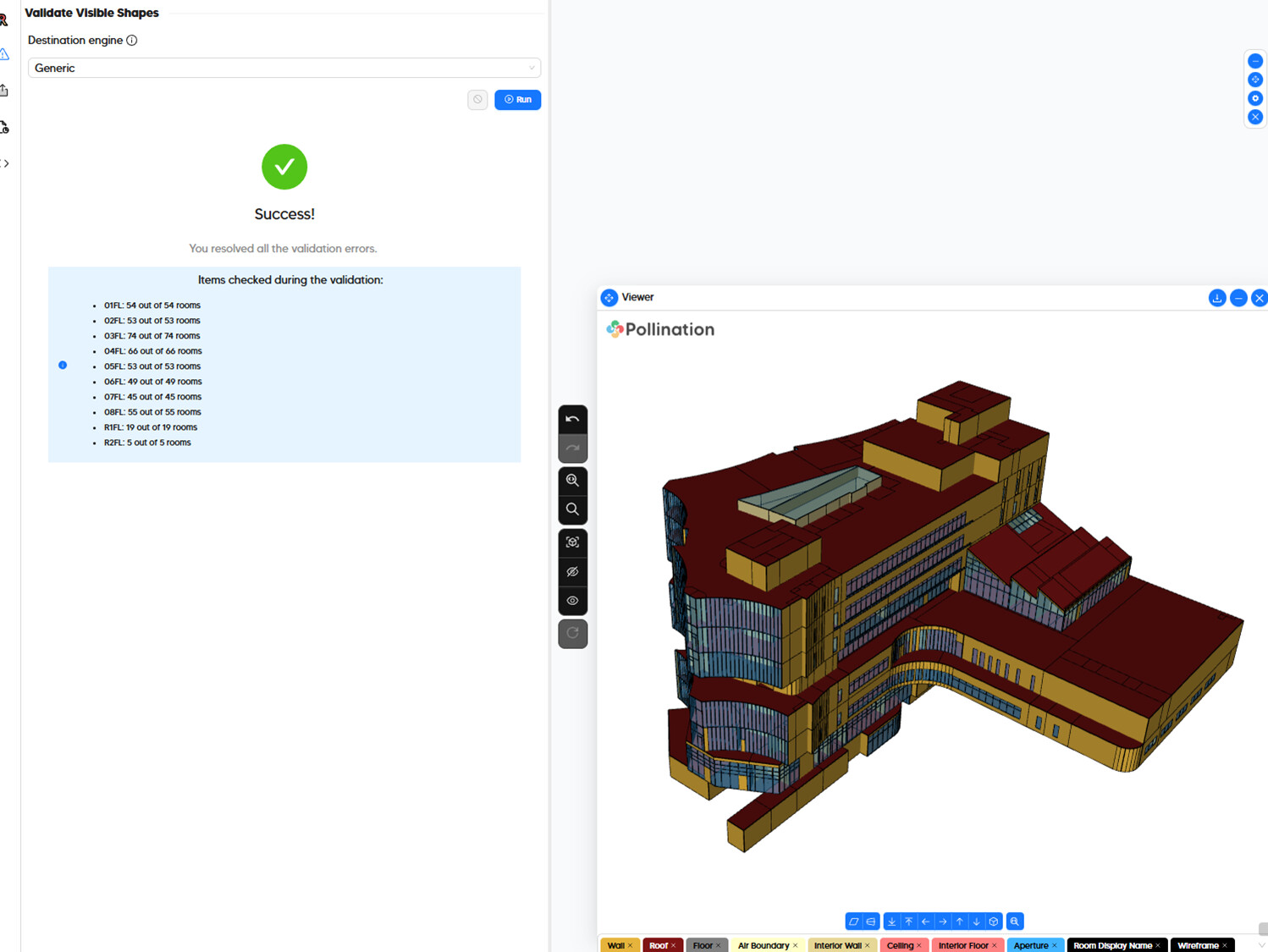
third problem: So I validated the model in Pollination, and then I sent it to Grasshopper to run the validation again. However, there are still a lot of problems.
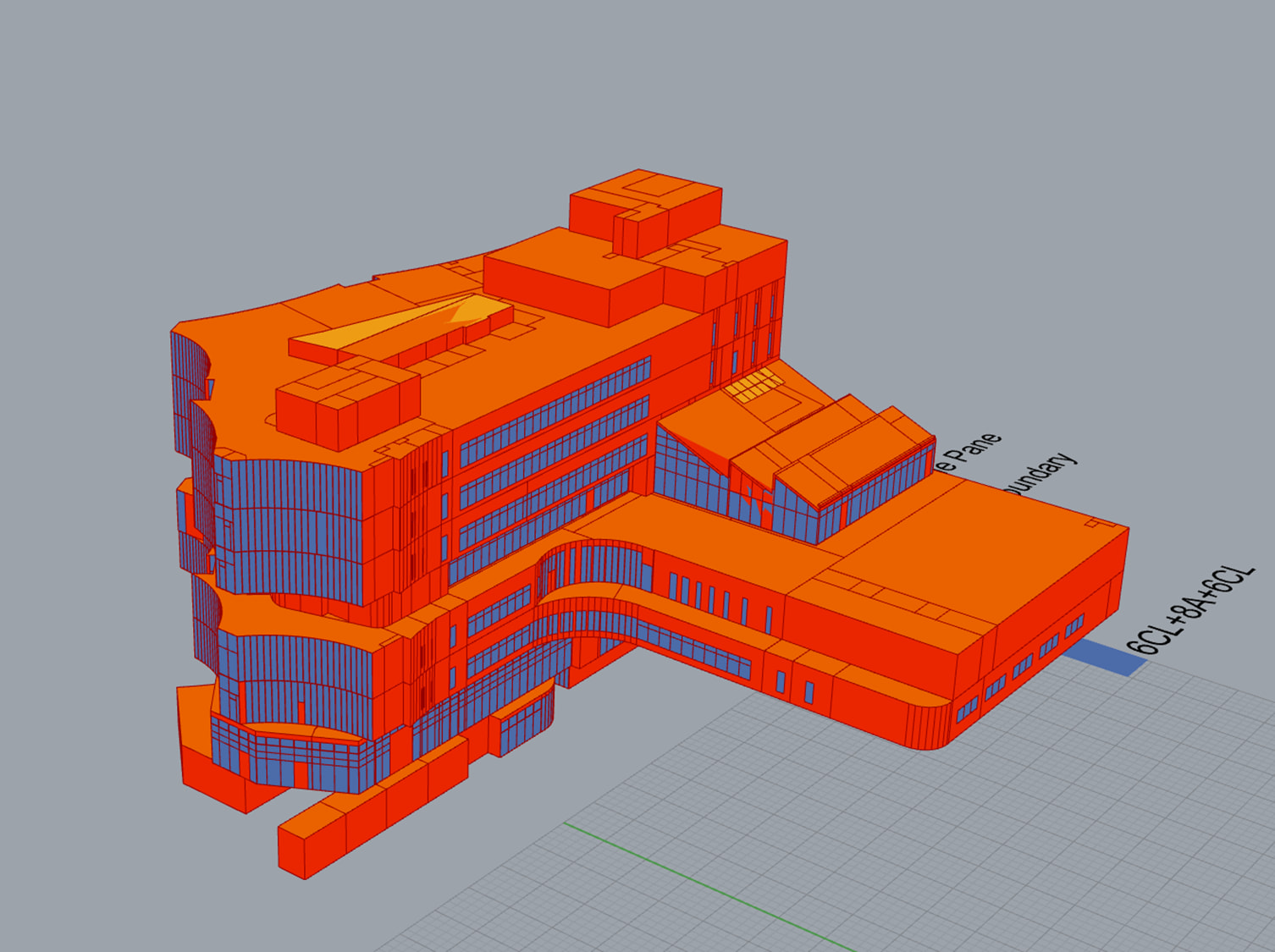
Hi @bioarcht,
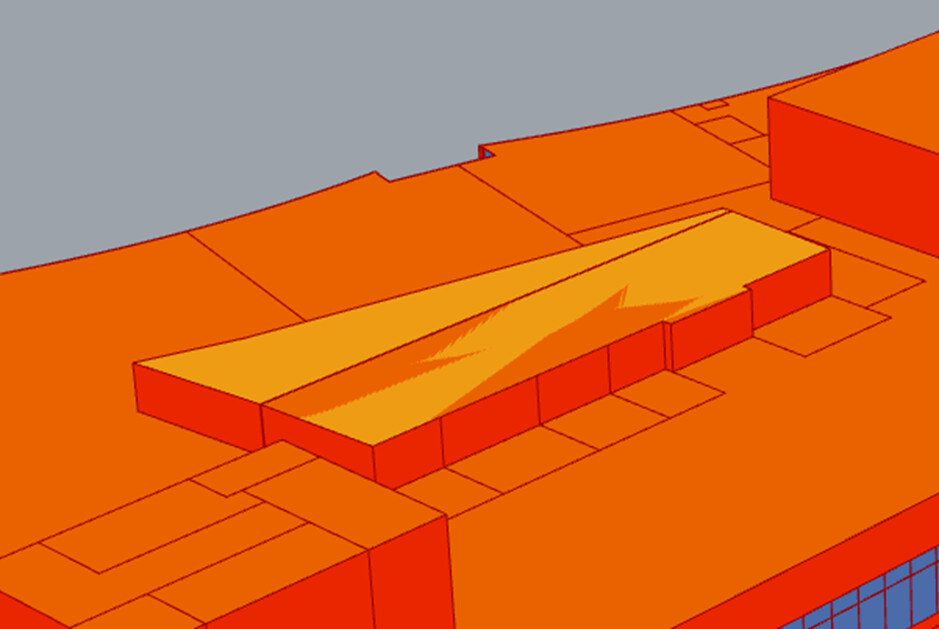
What you see in the roof is because of a small gap between the two segments of the roof.
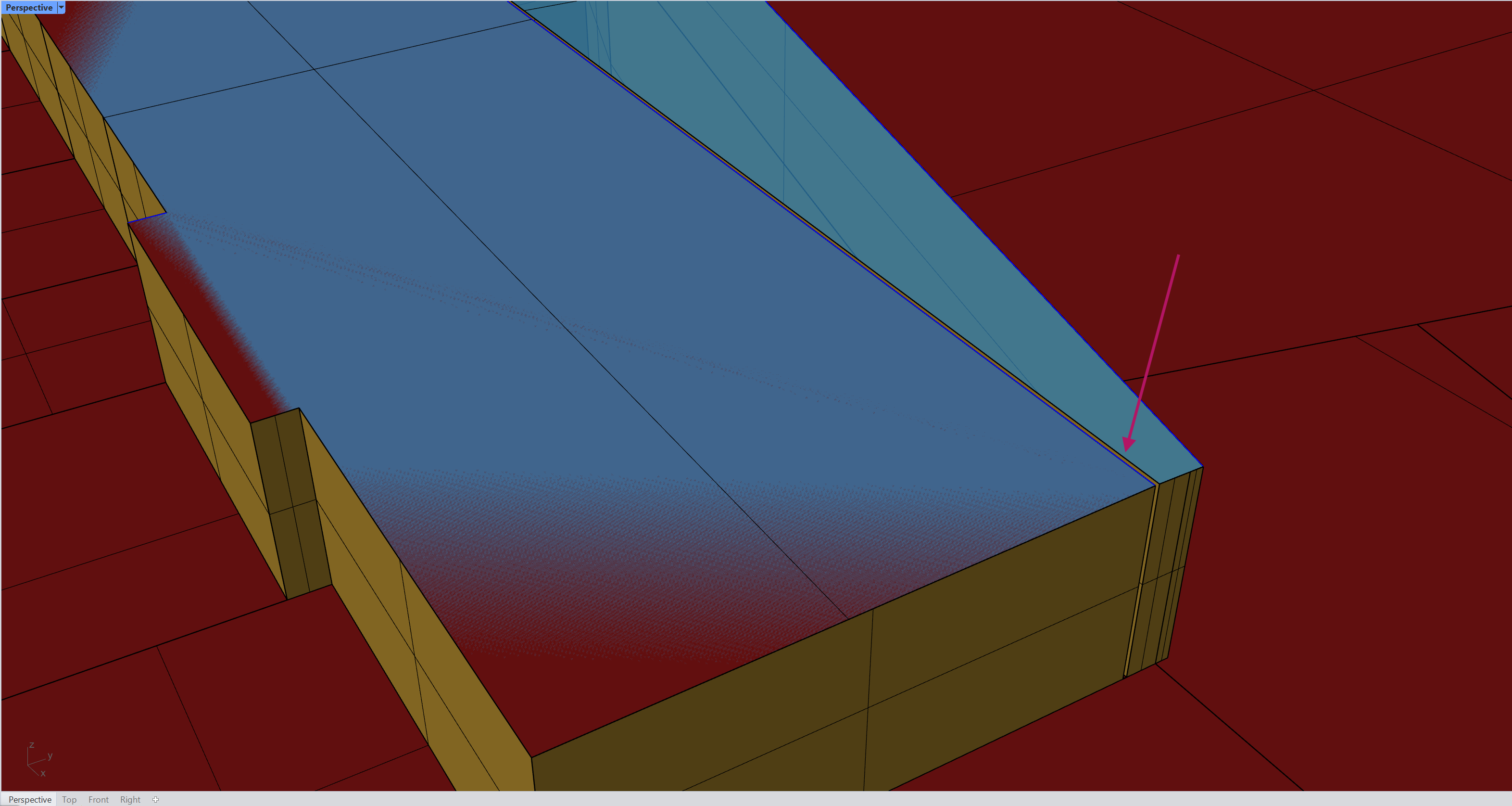
You can fix that by editing the roofs.
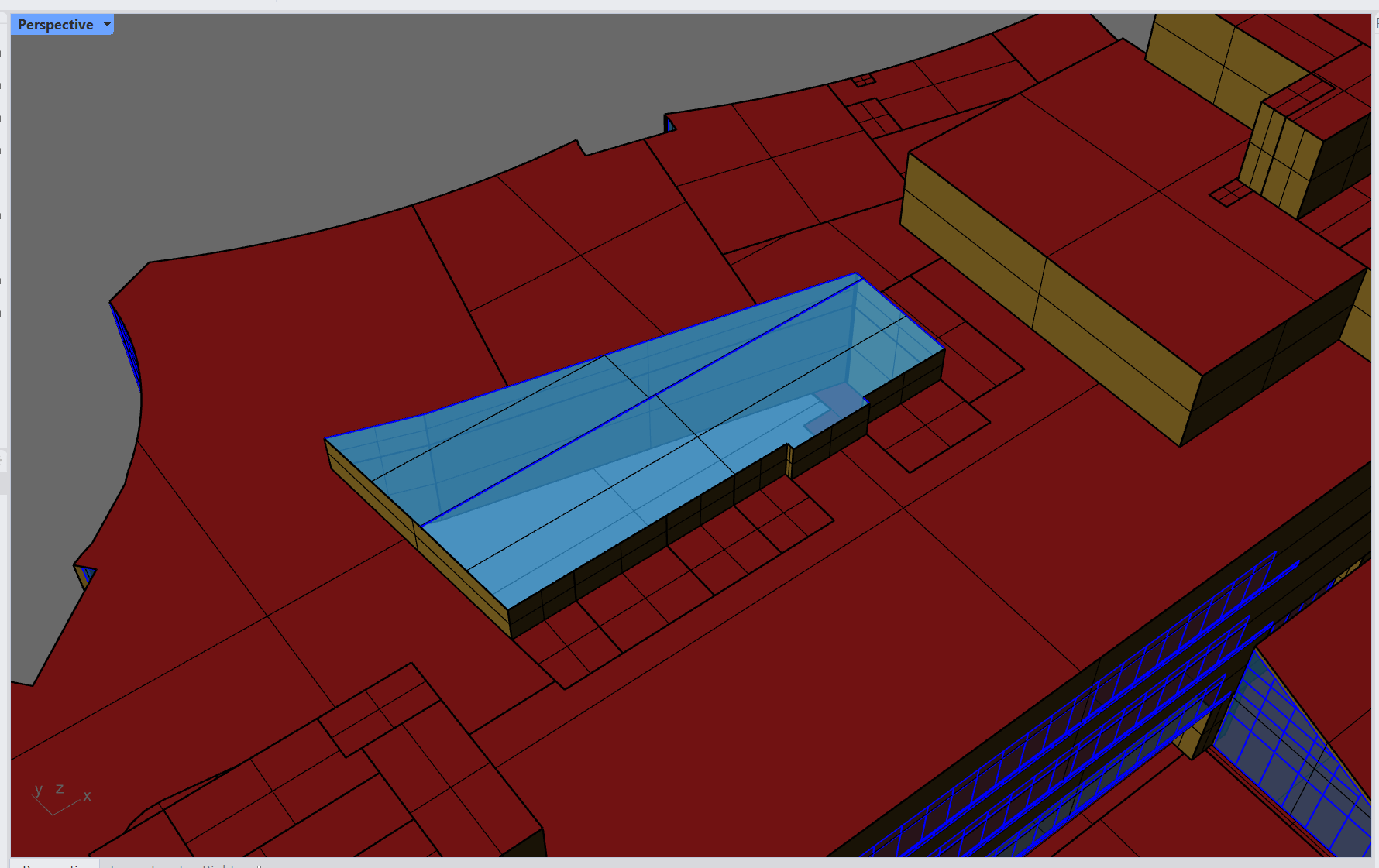
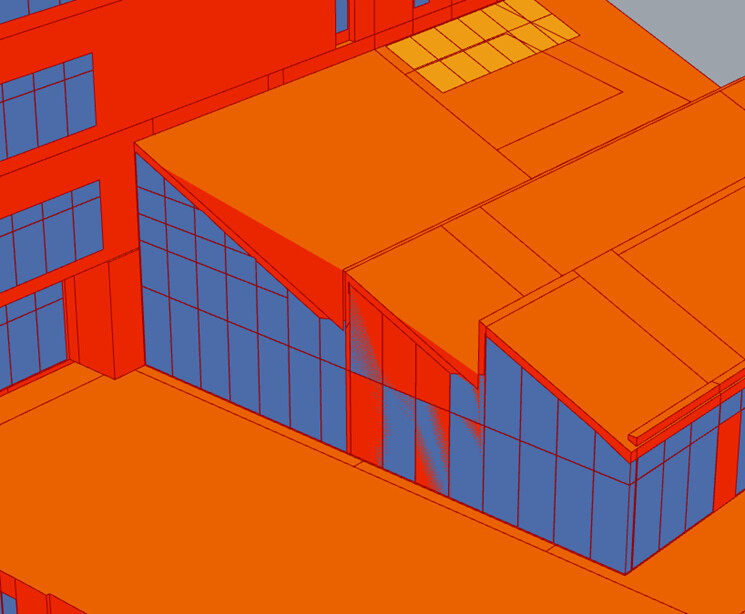
Here is a recording that shows the process. There are also walls that you should use the Join Planar command to simplify so you don’t end up with many unnecessary edges on the rooms.
Let me know if you want me to clean up those issues that I showed in the model in each level or if you have any other questions.
Also, @bioarcht ,
Those duplicate subface identifier issues are addressed in the latest version of the model editor that was pushed yesterday. If, @mostapha confirms that this new version has been deployed, you should be able to export this model to HBJSON again and there will no longer be duplicate ids.
Yes. Revit plugin v3.10.0 is already available for download. I did a check and those validation errors for duplicate ids are gone.
There are still some degenerate faces errors but they can all be addressed easily by cleaning up the rooms with many small faces by using the commands that I showed in the video.