Automating thermal bridge length extraction in Pollination

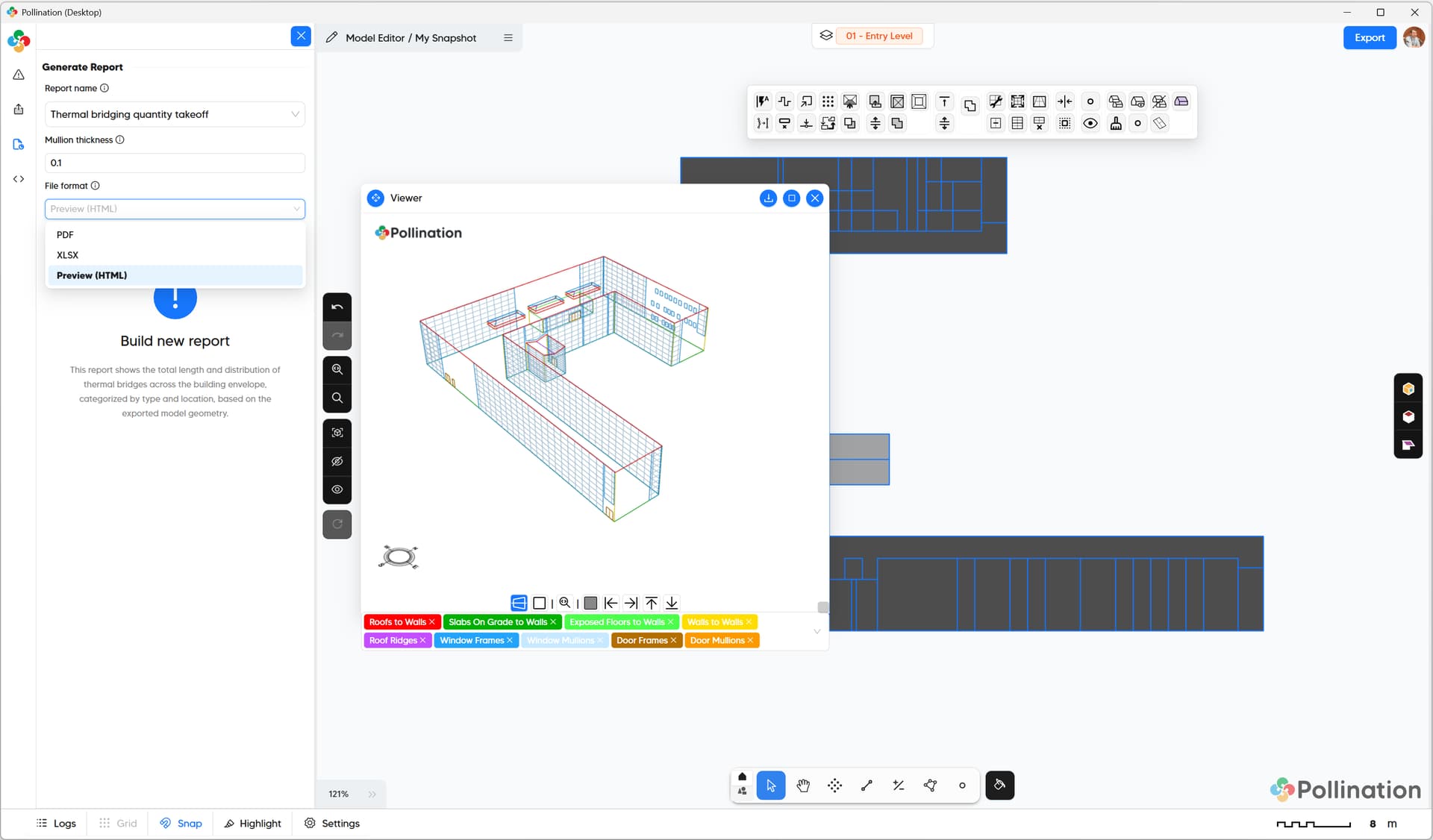
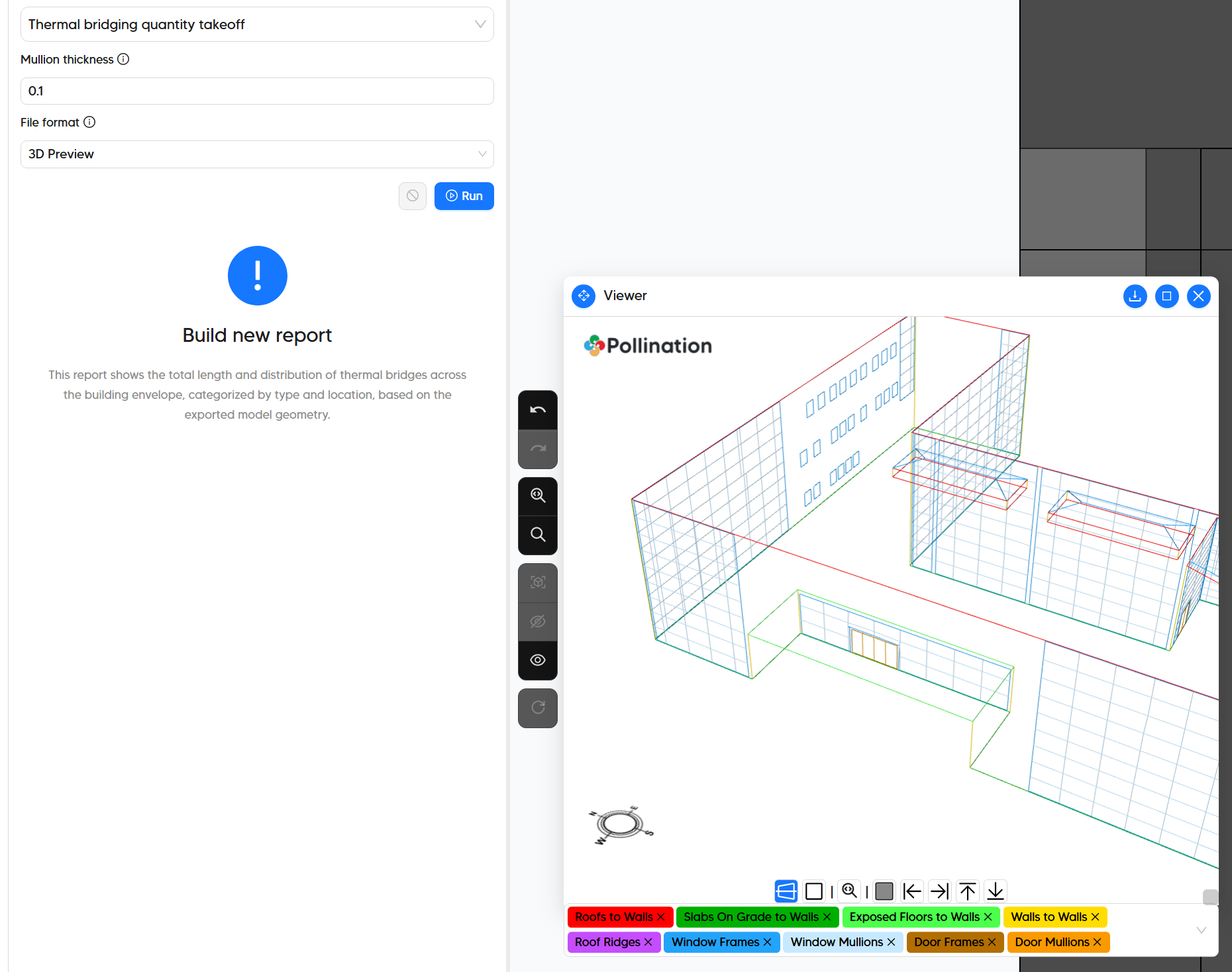
Hello everyone, we are finalizing the step for exposing the user interface for you to be able to generate the report in the Model Editor.

Meanwhile, here is a sample PDF report that I generated for the Revit sample model. Have a look and let us know if you have any feedback.

Pollination Thermal Bridging Quantity Takeoff-thickness.pdf (854.7 KB)

@rbs and @kempsl does this satisfy the needs for your projects? Let us know what you think.

@edmay, you may want to check the new methods that have been implemented to the core libraries as they might be useful for some of the honeybee-ph components to automate the process of extracting the edges.

3 Likes

This is honestly kind of insane and super useful. I’ll test it on a project as soon as it’s available in the Model Editor.

For future iterations, it would be great to have an Excel export. If the output were grouped by Type and then by individual continuous length, it would make it easier to assign different psi values to various assembly junctions, even when they share the same type.

Really awesome job, this will save countless hours.

1 Like

Thank you for the kind comments! :slight_smile: Keep in mind that this is the first version. We will most likely need several iterations before getting to the final production-ready version. The best part is that we know have the infrastructure code to make those adjustments if needed.

We discussed providing it in Excel format but we decided not to do it in this iteration. Our understanding is that you could copy the table from the summary page to Excel easily. Let me know if I’m misunderstanding your request.
[Update] I stand corrected. It was not easy to copy these values to Excel. I tried and I failed miserably. We should an option to download the table as a spreadsheet. cc: @mikkel

We might need a longer explanation on this. Here is what we got so far. Do you need these values to also be broken down in smaller groups? If yes, how would you like them to be grouped?

Cheers.

yeah, exactly, having the option to break it down into smaller groups would be super helpful.

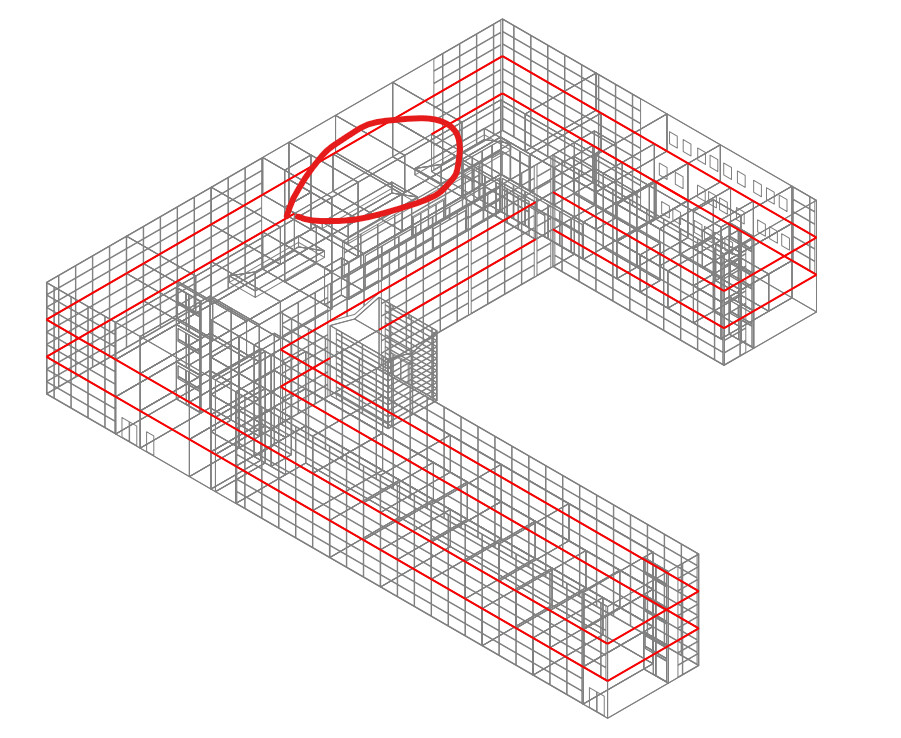
when you’re doing quick code compliance or early-phase studies, grouping by TB type like corner, slab edge, window perimeter, etc. is totally fine since it gives a clean overview without overcomplicating things.

but later on, especially if someone wants to assign specific psi values to particular junctions, like one corner having extra insulation or a thermal break, it’s really nice to keep track of each instance individually.

for example, you could have
TB type: corner
Junction ID: cnr-01 (wall to wall 90°)
Instance: cnr-01-1 (north east corner, 3.25 m)
Instance: cnr-01-2 (south east corner, 2.45 m)

that way, if one instance has a different psi, say from a flixo or therm calculation, it’s easy to plug in the right number without losing it in the total.

so in short, grouped TBs are great for the big picture, but having a per-instance option keeps flexibility for anyone doing a more detailed analysis later.

also, i think what you’re building here could really make a difference for the AEC industry as a whole. tools like this can help architects, energy modelers, and designers actually see and quantify how much thermal bridges affect total energy demand, and how impactful it is to design them out early.

if this gets refined enough, it could honestly become a game changer, maybe even something that could justify government-funded development to streamline TB takeoff and automate code compliance. that would save a lot of time while pushing the whole industry toward more thermally efficient and climate-resilient design.
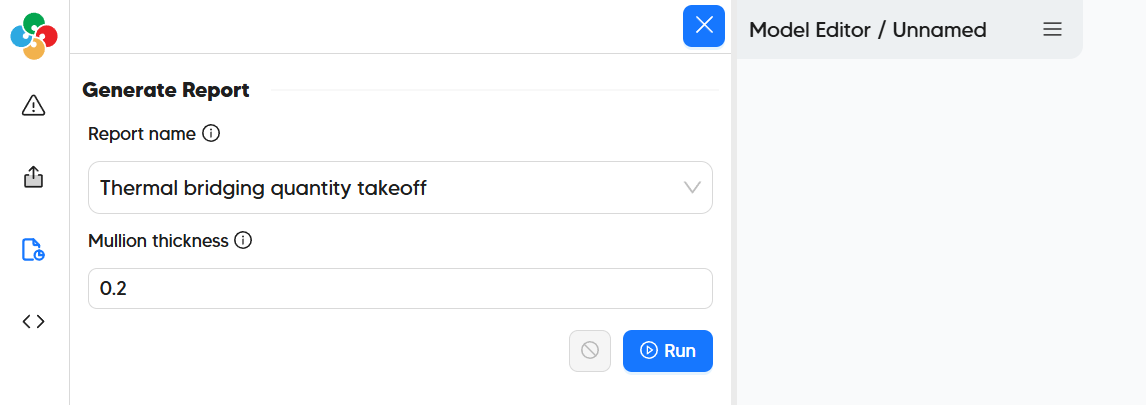
2 Likes

Hello @rbs, everyone,

We just released a new version of the Revit plugin (v 2.299.2) that has the first version for testing. It is still WIP but it will be helpful to hear your thoughts as we develop it further. These features will only work after you install the latest version.

Here is a quick demo to get you started.

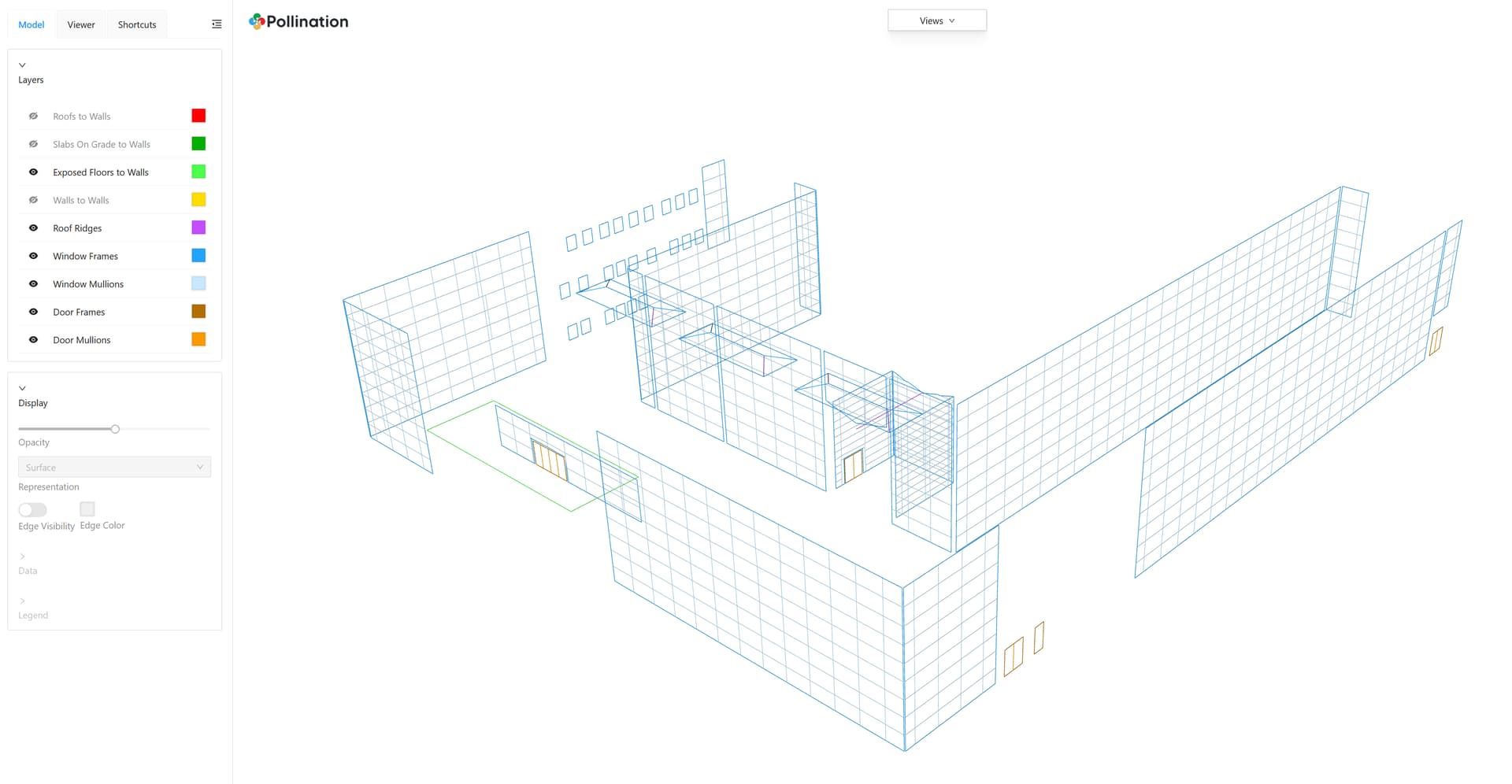
Here are a copy of the sample model (PoMF) and the PDF, XLS, and HTML reports that I generated during the demo.

thermal-bridging-test-model.pomf (210.1 KB)

Pollination Thermal Bridging Quantity Takeoff.html (3.0 MB)
Pollination Thermal Bridging Quantity Takeoff.pdf (854.4 KB)
Pollination Thermal Bridging Quantity Takeoff.xlsx (5.3 KB)

Here are a couple of topics that we can use some help:

  • Are the quantities matching your expectations? Both the categories that we cover, and the way the quantities are calculated. Can you test it with a project that you have done manually and let us know if the values are correct?
  • Do you have any comments on the HTML visualization, the PDF report, and the spreadsheet? We already started working on a more granular version of reporting the quantities but is there anything else that you would like to be added?

Next steps

@rbs, thank you so much for providing feedback! We have already started working on a report that provides a more granular report for each segment in the building. We’re still debating the best way to make them identifiable but it should be doable. We will post an update here once we have the newer version of the report.

Probably, the best option is to create a 3D interface that is synced with a tabular representation that allows you select and set the psi values, but that is out of the scope of the Model Editor right now. We might create a standalone app that does that at some point. Maybe as an extension to the Model Editor. For now, the scope of the feature is to give you everything that you need to add the psi values in the spreadsheet or a custom Grasshopper script to get the values that you need.

3 Likes