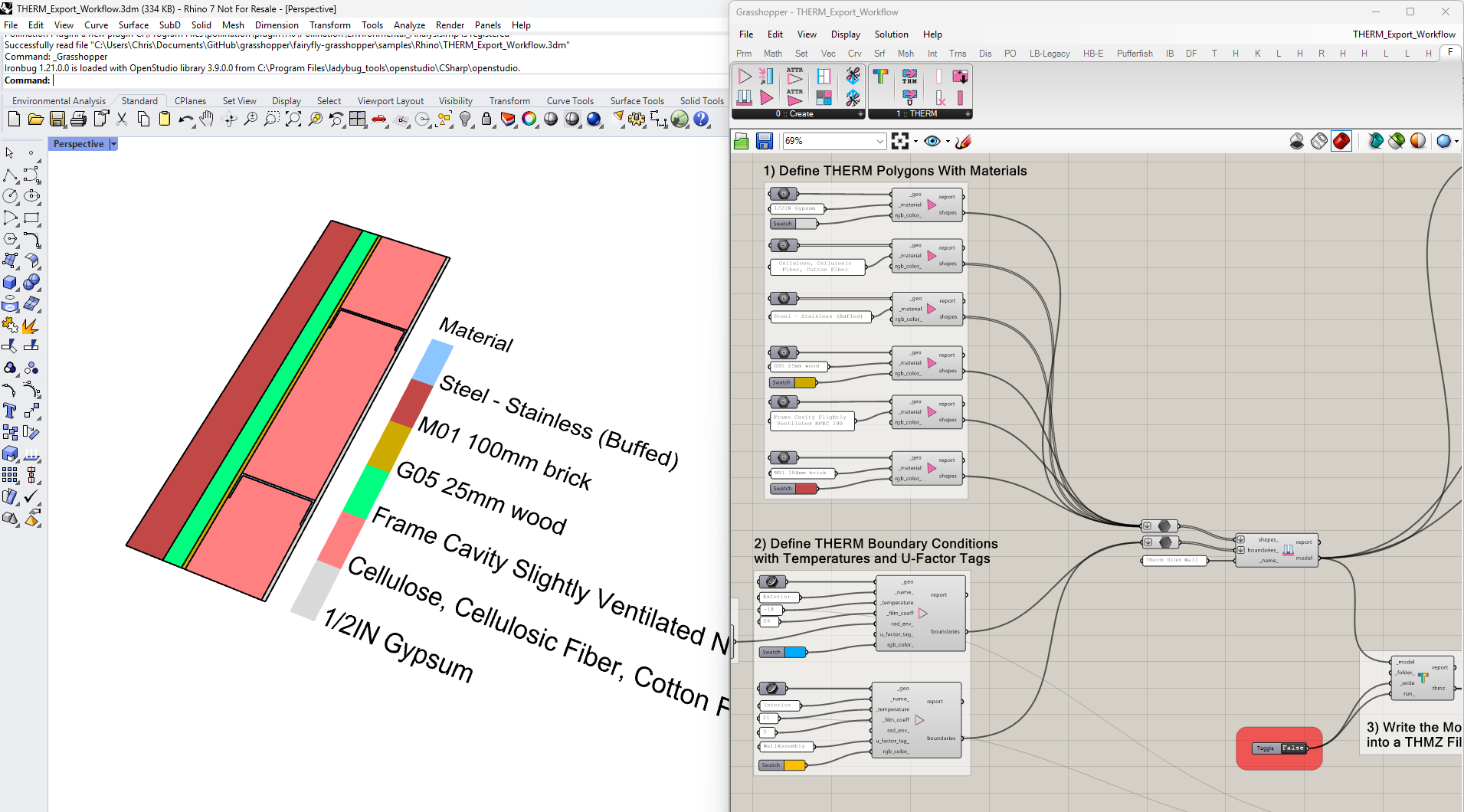
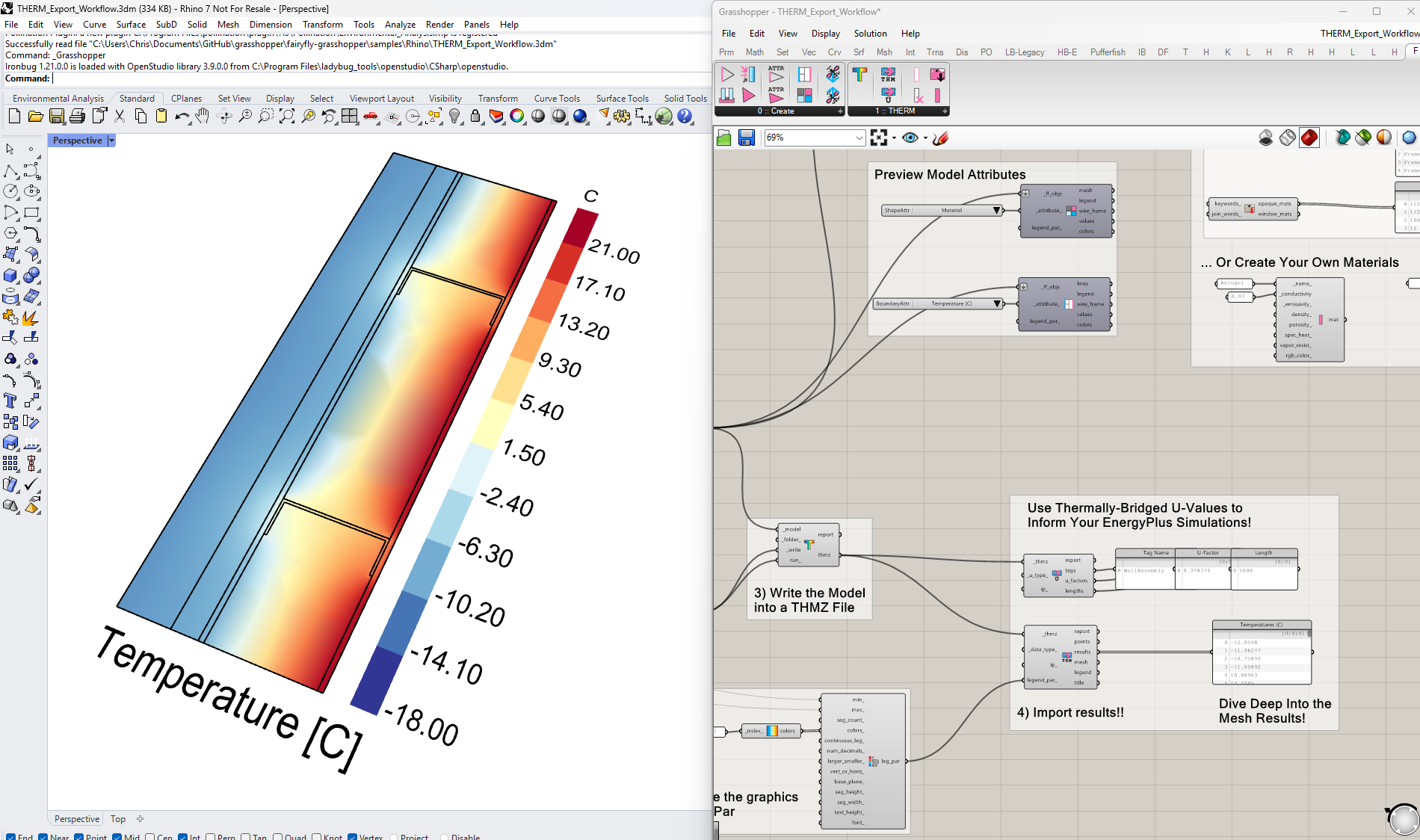
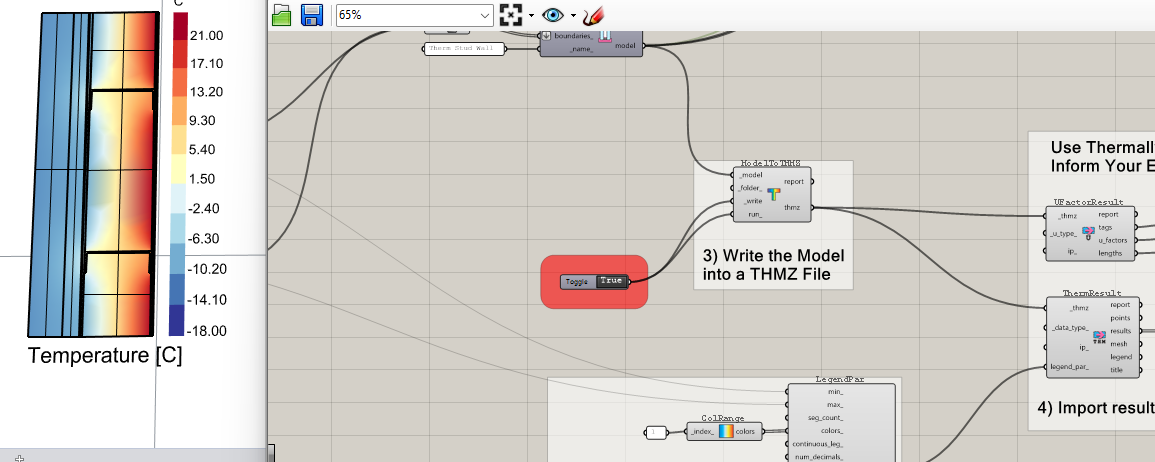
As of a few hours ago, there is now a new insect available on the development version of the LBT plugin, which you can get by running the LB Versioner and restarting Rhino twice in a row. The insect is called “Fairyfly” and it does THERM simulation:
We have a few kinks to iron out in other parts of the software before we can post a single-click installer that includes the new components but you can test the new Fairyfly capabilities now via the Versioner workflow that I mentioned. And we should hopefully have a new pollination single-click installer out before the end of the week.
We are also hoping to do another stable release of LBT-grasshopper in the next couple of weeks so that we can more clearly announce the new THERM capabilities along with some other good stuff @mikkel has worked on.
We are committed to only working with THERM 8 here on out and you are right to point out that you will need to get your IT department to install it on university machines. We cannot distribute compatible copies of THERM with the Pollination single-click installer like we do with EnergyPlus and Radiance. We have the work of the Berkeley IP Office to thank for the fact that the THERM License is still so restrictive. But I’m hoping that a year or two from now maybe they might give us some type of exception to this part of the license. If they just put this in their license so that they could track the number of downloads, we can help them get that info though our software.
Also, I know that the LBNL team put a scary-sounding warning there but the steady state calculation that THERM 8 performs is practically identical to the THERM 7 one. If you also account for the fact that we can actually write the glazing systems and air cavities correctly in THERM 8 files, then your steady state simulations from LBT are already going to be more accurate than what you can achieve with Legacy Honeybee and THERM 7.
As I understand it, the main reason why THERM 8 is in Beta is because it has new support for transient simulations, which are really cool and are undoubtedly going to be useful in the future. But I am sure that they have a few more rounds of validation and testing that they want to do on them before they remove the “Beta” tag.
Oh joy - this is fantastic news! (I will rewrite the instructions generated in conversation with the tech folks right now).
As we are apparently moving to a central deployment, as needed by cohort or lab, rather than a single image deployed everywhere the wait for a couple of weeks should not be a problem (in principle) with the start of the teaching term being 23 Feb this year.
My world will be complete when Radiance 6.0 Spectral Rendering for Circadian lighting becomes “visible” . Happily negotiating Natural Ventilation now - though still struggling with making models that are compatible with the gr8 potential of @Naga’s AirFlow Network connection to Eddy3D.
Cool: I have downloaded and installed the Therm and Window LBNL programs. Then I have run the development Polination version and then the versiner. As you noted the Fairyfly dropdown only turned up on the second restart of Rhino.
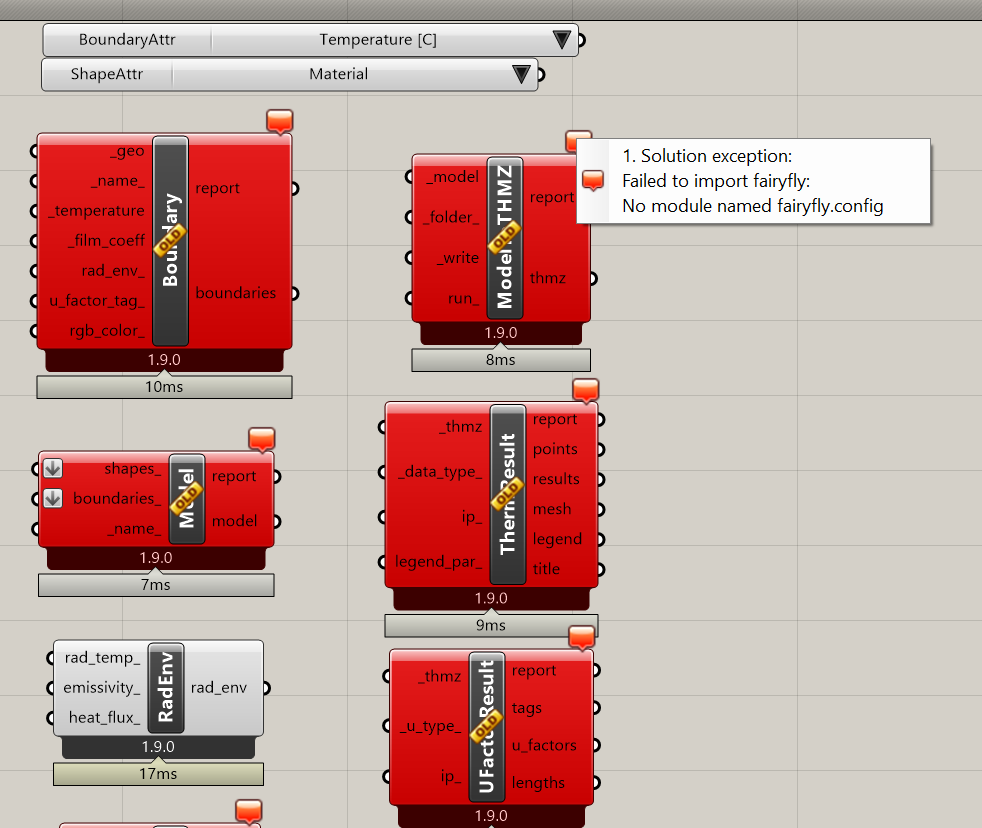
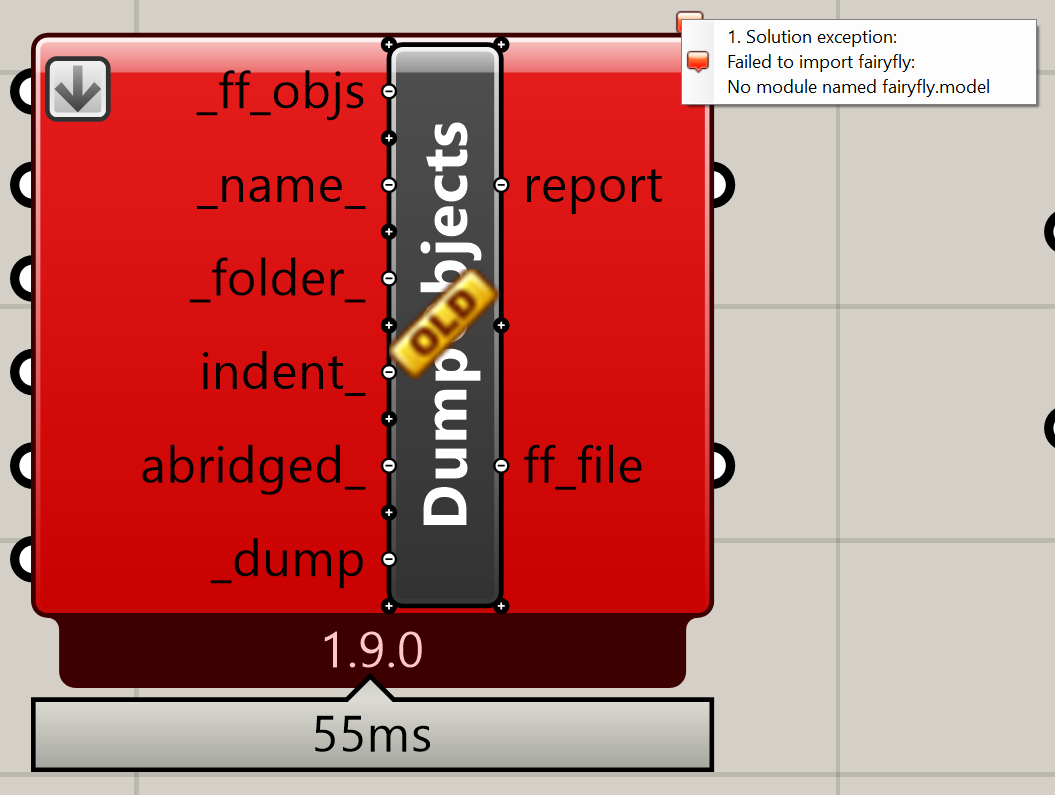
However, almost all the components are labelled as not compatible with my installed version of Python:
Thanks, @thedonn . I probably should have tested this Versioner workflow before I posted here. I think there is probably a bug in the Versioner update process that is causing the core library to not get installed. Let me take a deeper look.
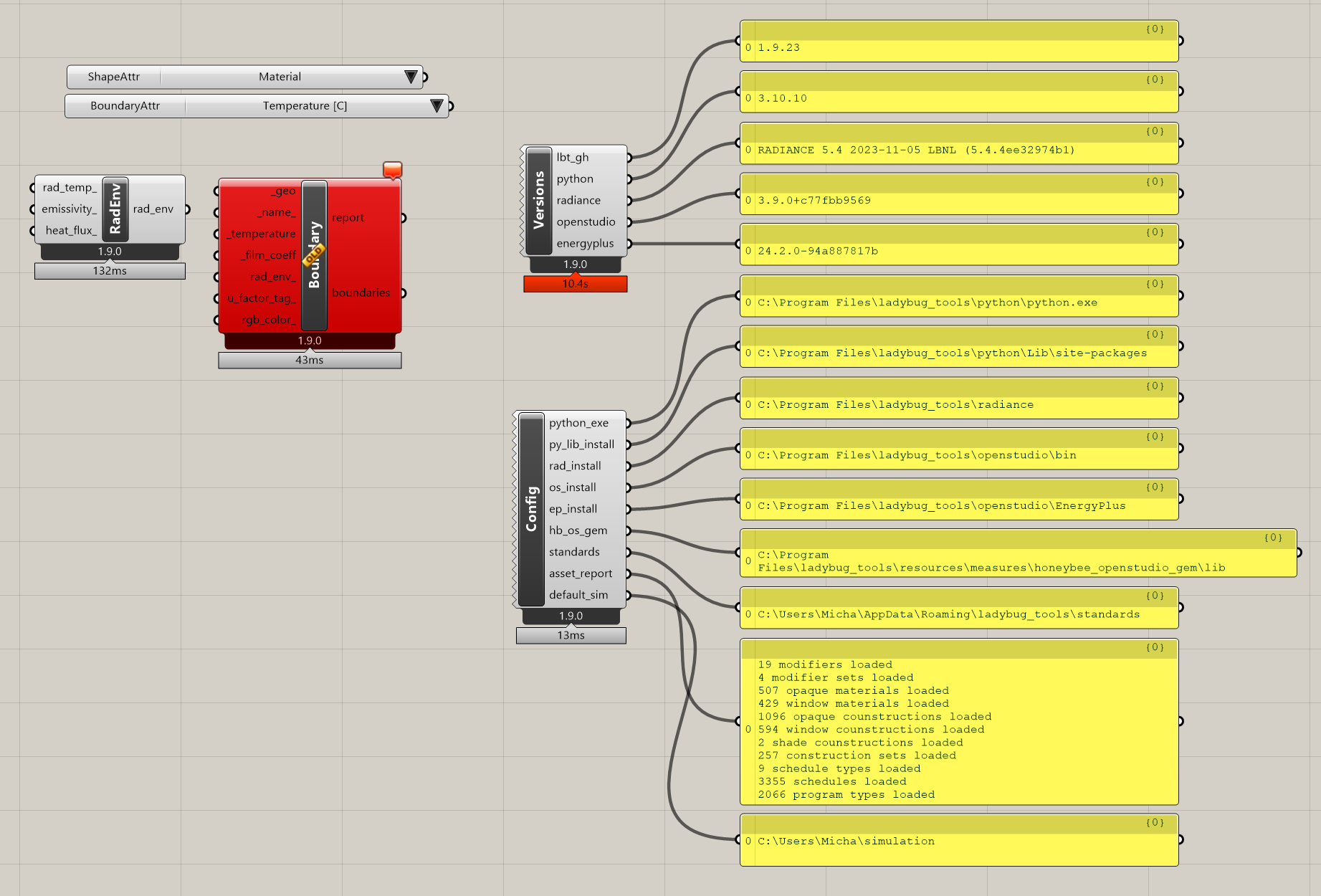
I just pushed a fix and verified that this solves the problem:
So, now, you just have to run the Versioner and restart Rhino two more times. Then, you should have everything you need to run the Fairyfly plugin. And, for the sake of clarity, people in the future will not need to run the Versioner 4 times (2 times should do it now that I pushed the fix).
Thanks for testing it so quickly, @thedonn. And for reporting it before it became a problem for other people.
@thedonn
Try again now. The updater sometimes takes some time to work.
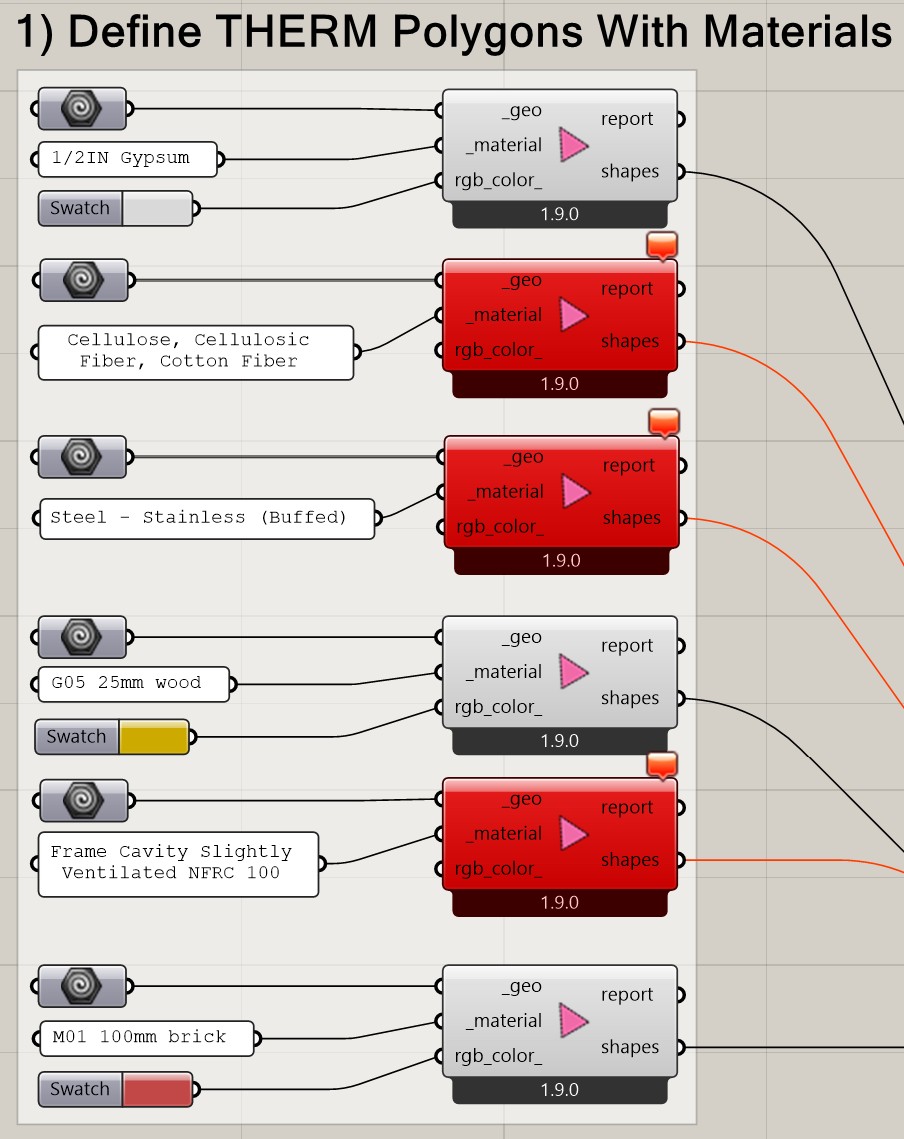
It works for me … half way: @chriswmackey : some materials in the example file appear in red. For instance those 3:
Solution exception:“Frame Cavity Slightly Ventilated NFRC 100” was not found in any of the material libraries.
Solution exception:“Cellulose, Cellulosic Fiber, Cotton Fiber” was not found in any of the material libraries.
Solution exception:“Steel - Stainless (Buffed)” was not found in any of the material libraries.
I know that this Versioner distribution pathway is a little wonky with big changes like this so it’s possible that maybe the Versioner needs to run one more time for you @thedonn . The single-click installer should make this all much easier in another day or two.
To get the full library of THERM materials, you need to install THERM 8.1 from the LBNL website. Once you do that, you should see that you machine has all of those materials referenced in that sample file. This will also enable you to run the Fairyfly model through THERM and see the results.
Too soon to cry victory:
Something REALLY weird happened after installing Therm 8.1.
Now all components appear red as before the Versioner.
Tried again to update but still red.
Edit Update:
Investigating a bit more, the error is the following [editing the SearchMats component]. Is the same error for all material related components. Those not related show fine:
Runtime error (KeyNotFoundException): Air
Traceback:
line 7, in , “C:\Program Files\ladybug_tools\python\Lib\site-packages\fairyfly_therm\lib\gases.py”
line 11, in , “C:\Program Files\ladybug_tools\python\Lib\site-packages\fairyfly_therm\material\cavity.py”
line 4, in , “C:\Program Files\ladybug_tools\python\Lib\site-packages\fairyfly_therm\material_init_.py”
line 12, in , “C:\Program Files\ladybug_tools\python\Lib\site-packages\fairyfly_therm\properties\model.py”
line 11, in , “C:\Program Files\ladybug_tools\python\Lib\site-packages\fairyfly_therm_extend_fairyfly.py”
line 5, in , “C:\Program Files\ladybug_tools\python\Lib\site-packages\fairyfly_therm_init_.py”
line 45, in script
The traceback is really useful and it explains the issue that @thedonn is having. It looks like the library of THERM 8.1 gas materials is different between what I have on my machine and what comes by default with the THERM installer. I must have made some edits to this library without realizing it and then assumed that it came by default.
Let me try to push a quick fix now. I still have an hour before it’s midnight in my part of the world.
Just give it 20 minutes for the change to make it through our CI before re-running the Versioner (you only need to do it once this time, @ayezioro and @thedonn ). After that, I think you should be able to use the components.
Still, even after this, It is possible that the materials I use in the sample file might not get loaded up to your machine until you open the THERM interface for the first time. If so, I’ll probably need to add a new package so that people have a library of materials to work with that does not depend directly on the THERM installation.
Let me know what you end up finding and I can make some more changes tomorrow if need be.
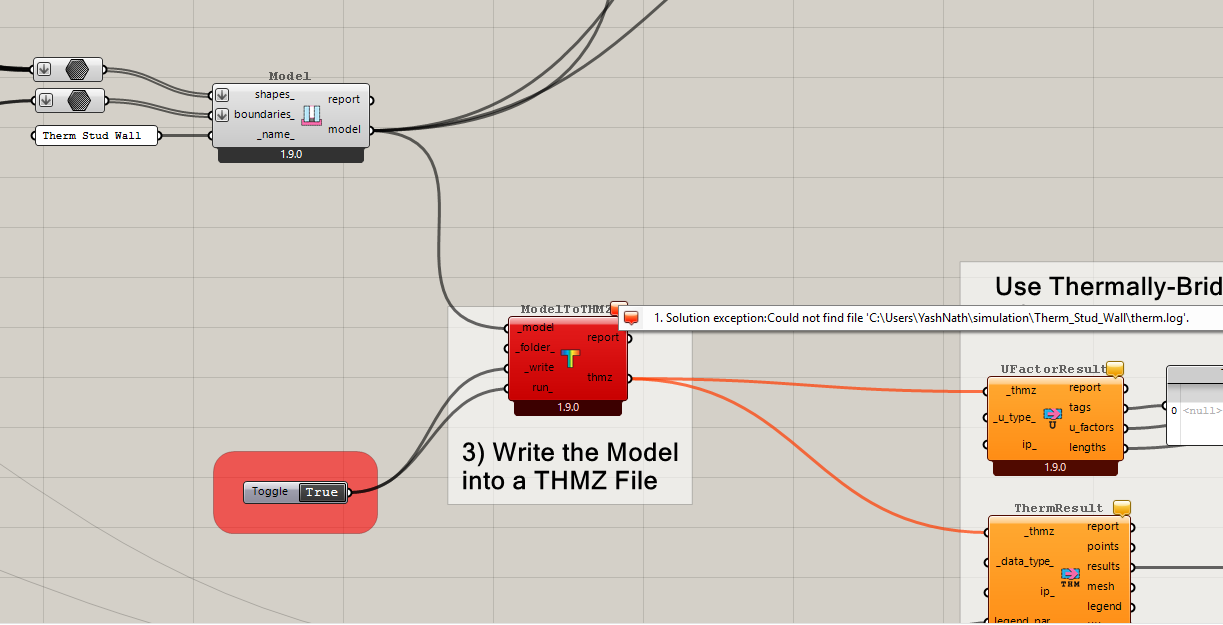
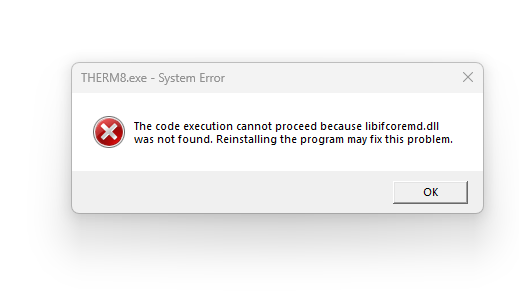
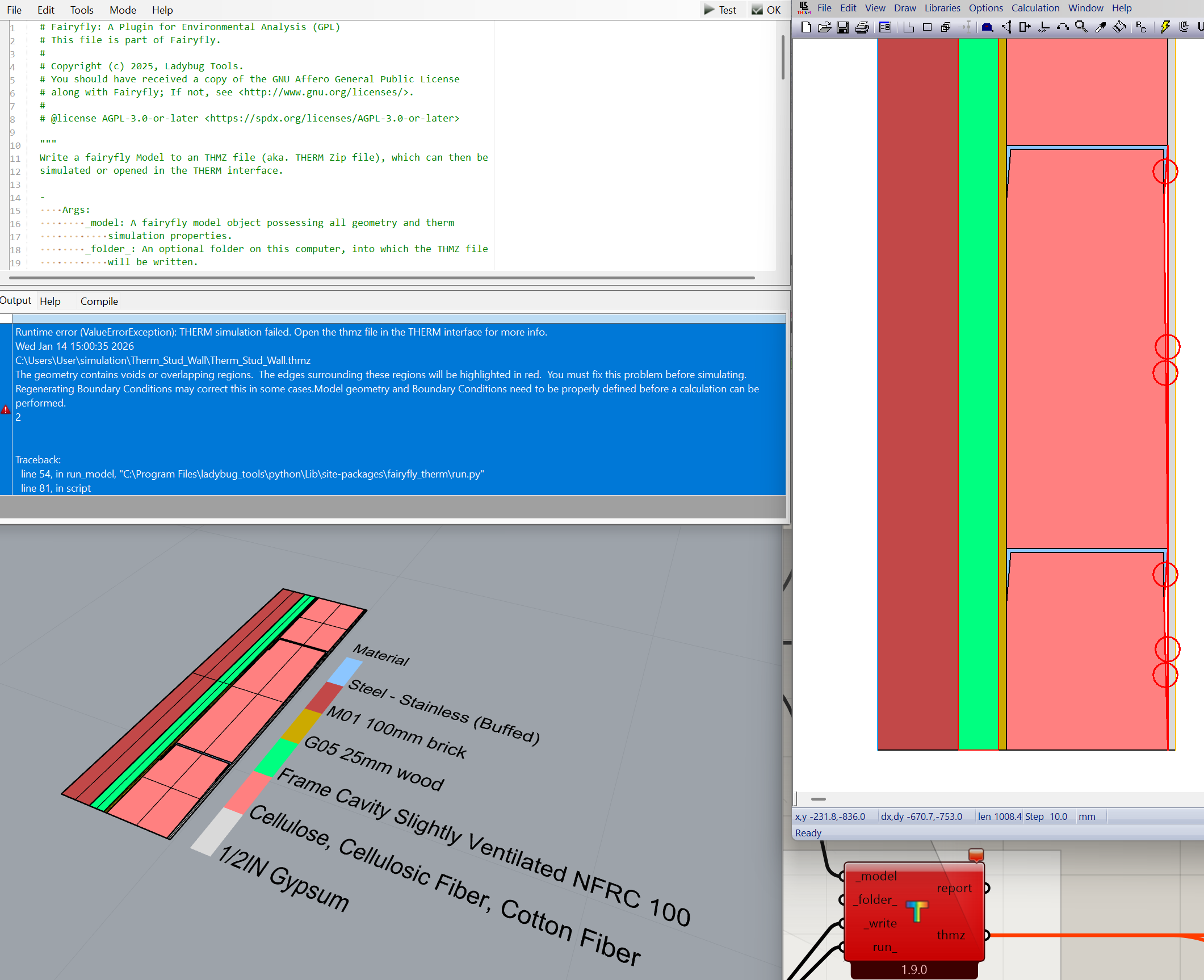
In principle it is working but … it fails in the run. It complains about:
1. Solution exception:THERM simulation failed. Open the thmz file in the THERM interface for more info.
Wed Jan 14 15:30:28 2026
C:\Users\User\simulation\Therm_Stud_Wall\Therm_Stud_Wall.thmz
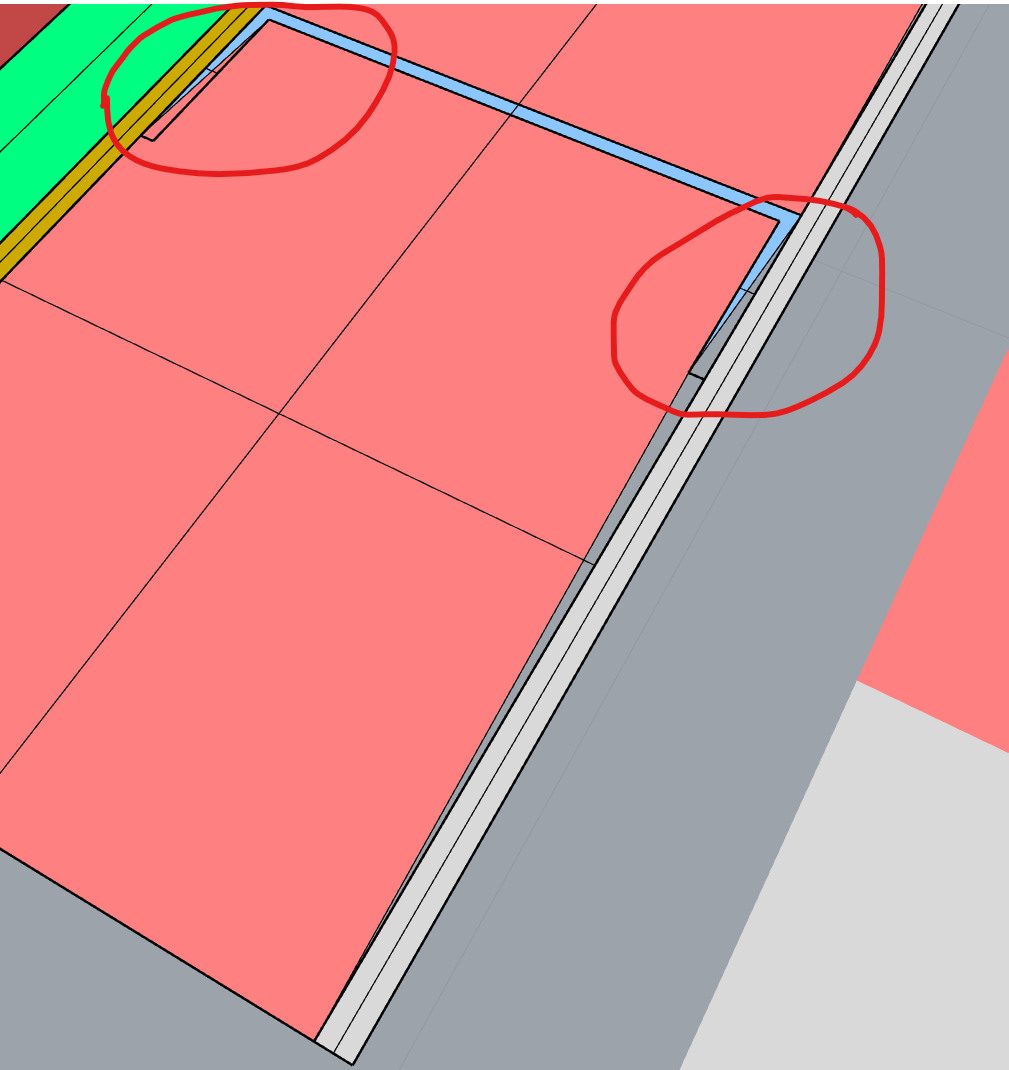
The geometry contains voids or overlapping regions.  The edges surrounding these regions will be highlighted in red.  You must fix this problem before simulating. Regenerating Boundary Conditions may correct this in some cases.Model geometry and Boundary Conditions need to be properly defined before a calculation can be performed.