I am receiving an error “Fatal error: room “1001 Corridor” is not valid and is not following honeybee-schema: There must be at least 3 vertices for a Polyface3D. Got 0” When attempting to use full volumes. When using extruded floors, the preview generates. I tried lowering the height of the room bounds in the revit model below the ceiling, and the preview generates when using full volume calculation. However, with the rooms bounded to the ceilings, the preview does not generate, and throws that error. When selecting an individual room, this happens for every room. Invalid building: RoofSpecification must have at least one Face3d Here is an older post outlining a similar issue, so I will attach it for reference. Thanks!
Hi @jacob-presley, welcome to the forum, and sorry about the issue.
Can you share the PoMF file with me to have a closer look? Are you dealing with a complex roof geometry? This issue should not be happening in the latest version of the plugin. The discussion that you linked to is quite old at this point. 
Thank you for sharing the model! Can you try to re-export these rooms in the extruded mode? This should be an easy model to export. If you can share the Revit model with us, that would be even easier to debug. You can share the link with me via a private message.
Our assumption is that no Revit model is ever set up for energy modeling! You should be able to export this model without making any major changes. The first fact about Revit models is that: “Revit models always need some cleanup before being exported as energy models. Just get over it!” 
See here for all the 3 fact. 
I may also use the most recent snapshot and add/combine the areas that were bound incorrectly instead of messing with the Revit model
I’ll check this model first thing tomorrow
I attempted to export the geometry using HVAC spaces from the Mechanical model instead of using rooms from the Arch model. Same Error. I still believe it may be an error with the floors/ceilings and their room bounding geometry
Debug.log (173.2 KB)
Hi @jacob-presley,
Thank you for sharing the model. Here is a recording that explains the issue. You have many small roof elements in your model that are causing the issue. Once you remove those, it becomes like any other model.
Also, I stand corrected. The rooms in this model are large! But that shouldn’t stop you from cleaning it up with the Model Editor. Here is your model after the cleanups that I did in the video.
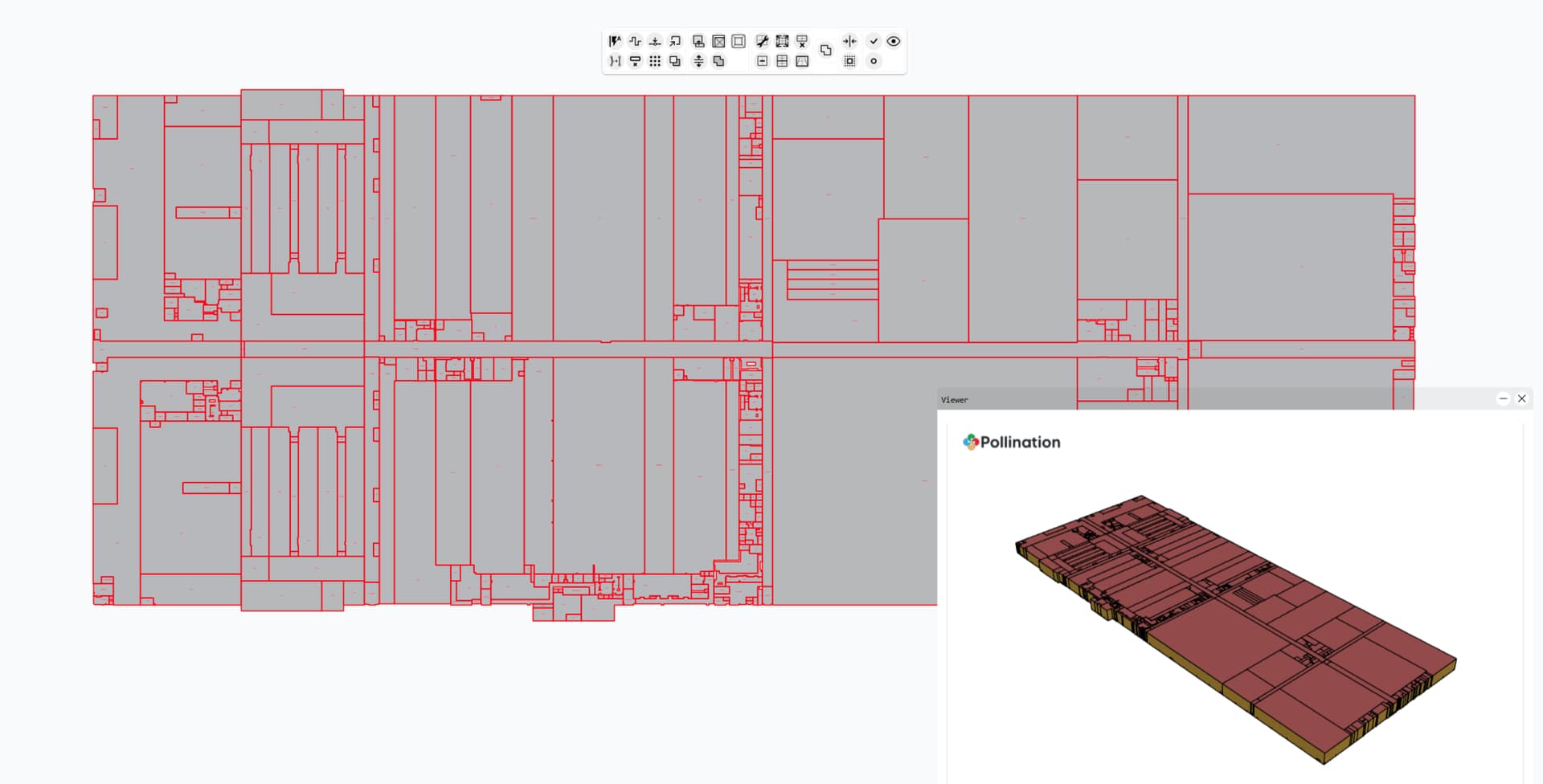
Ceiling-Geometry-Error-ExtrudedFloors.pomf (1.3 MB)
Let me know if you have any questions.
P.S. I’m planning to do a full clean-up of the model once we fix the bug for opening it in V2, but let me know if you need me to do the full cleanup for this model earlier, and I can continue the process in the current version.
1 Like
Thank you so much for the swift response and the help! I will continue cleaning up the model. Sorry about the size of the model, I also am encountering some slowness just due to size. However, given the alternative, pollination has been a gamechanger.
1 Like
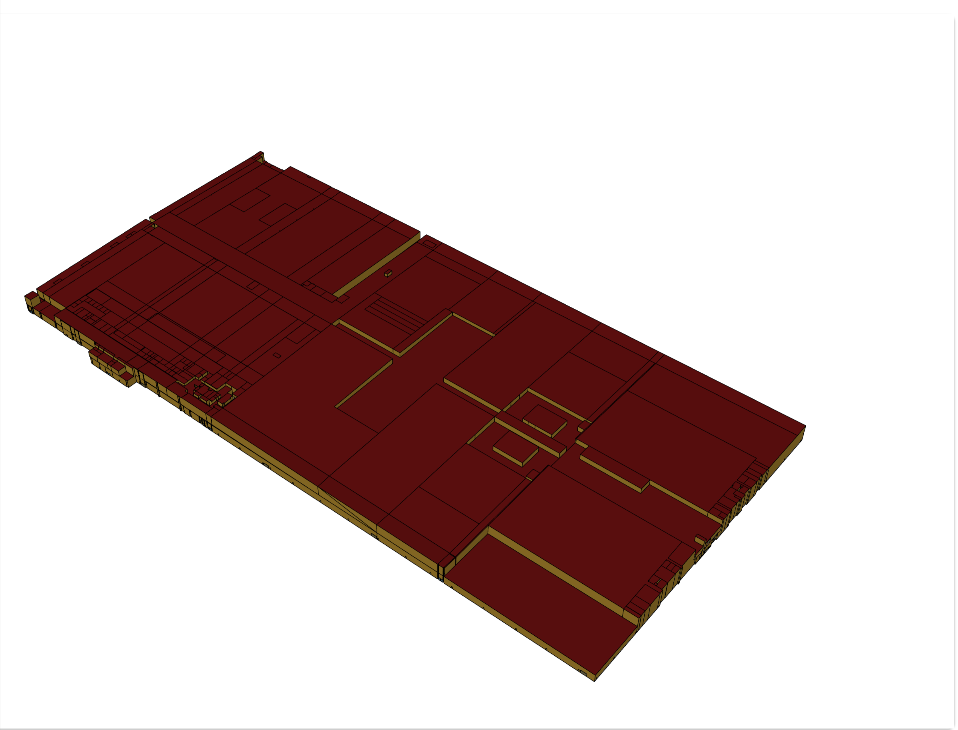
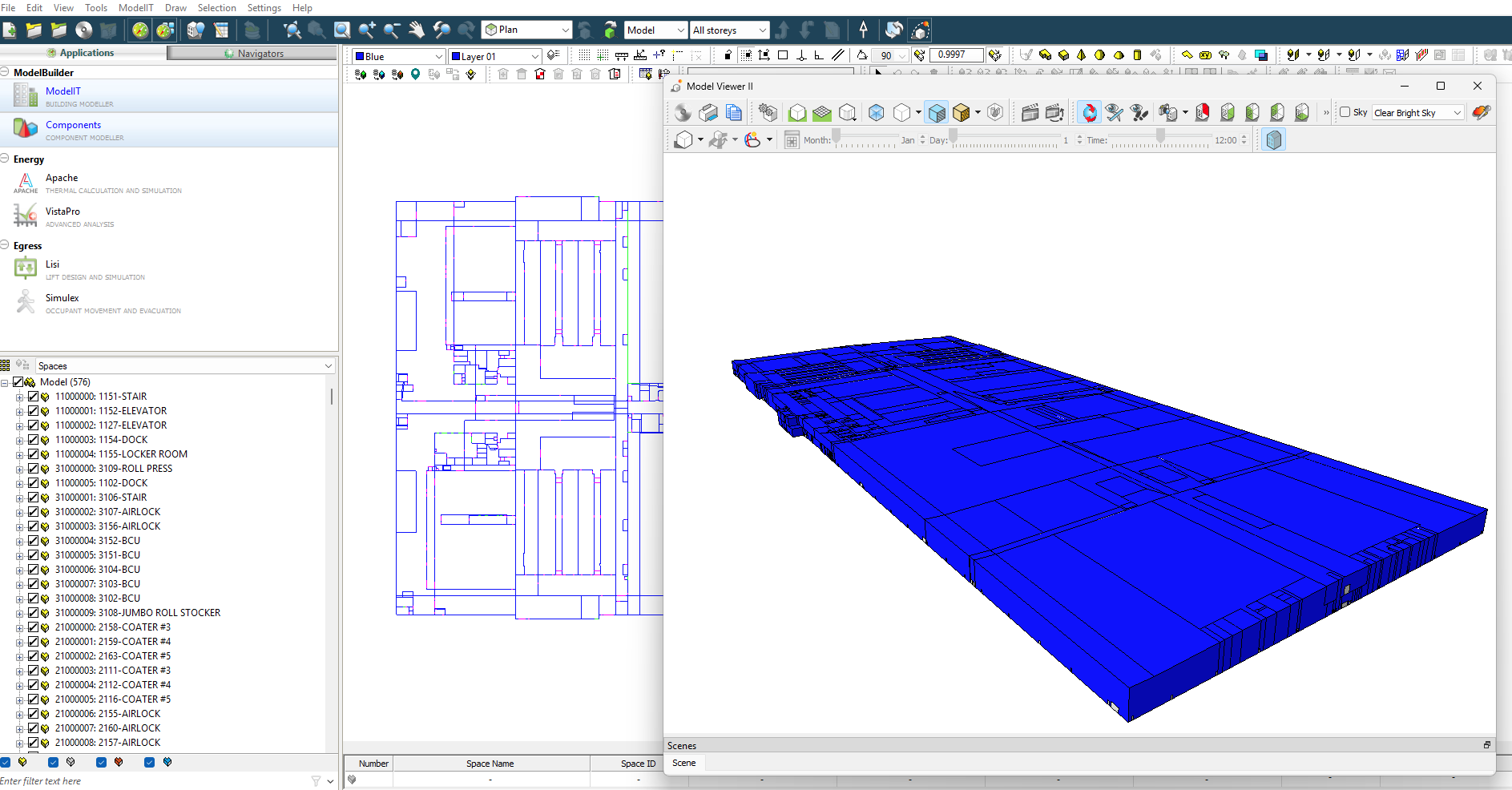
In the revised pollination model, the room heights still aren’t bounded by roof bounding elements, the extrude height seems to override the ceiling height. The floors with room bounding on (from a linked model with room bounding on) are not bounding room heights. The first image is the entire model with the roof converted to shades just to be able to view it like this. The second image is a small office area that should be two stories stacked. I need the maximum extrusion from the first floor to go up to the roof for some rooms, while still maintaining room bounding for instances like the multi level office space. This is why I was trying to use the ‘Full Volume’ calculation option instead of extrusion.
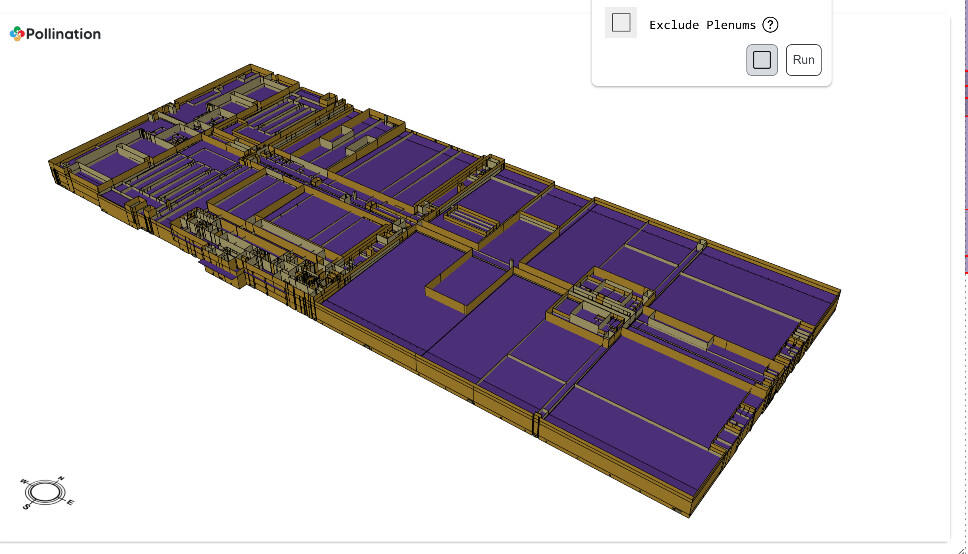
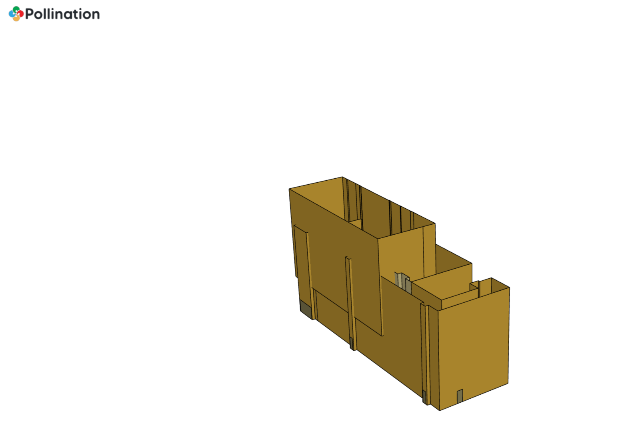
1 Like
I can only thank you for sharing this model with us! This is a great case to test the upcoming Model Editor. I’ll post here once I get a chance to test it.
One solution to get around the slowness with the current version of the Model Editor is to break down the model into 2-3 segments and edit them separately, and then merge them back together. Let me know if you want me to record a video to show you how to do this.
This is the expected behavior. You can achieve what you want by using the combination of is-top-exposed and setting the extrusion height to correct values. You don’t need to use full volume for that. Here is a recording. My suggestion is to just use the correct height for each room instead of spending time trying to fix and align the roofs, but that’s up to you.
If you can point me to the section that you have highlighted above, I can record another video to show how to deal with that.
Let me know how it goes, and if you have any other questions. 
Thank you for the video! This method should work for most rooms, but it does not correctly set the roof for overhangs. Can rooms have two heights depending on the area above, or must these rooms be split using the split room/roof tool shown in the video? Also, can roof heights and roof assignments be chosen manually? The option to assign a roof to a level and/or assign the top of a room to a roof/level would be helpful (feature-request)
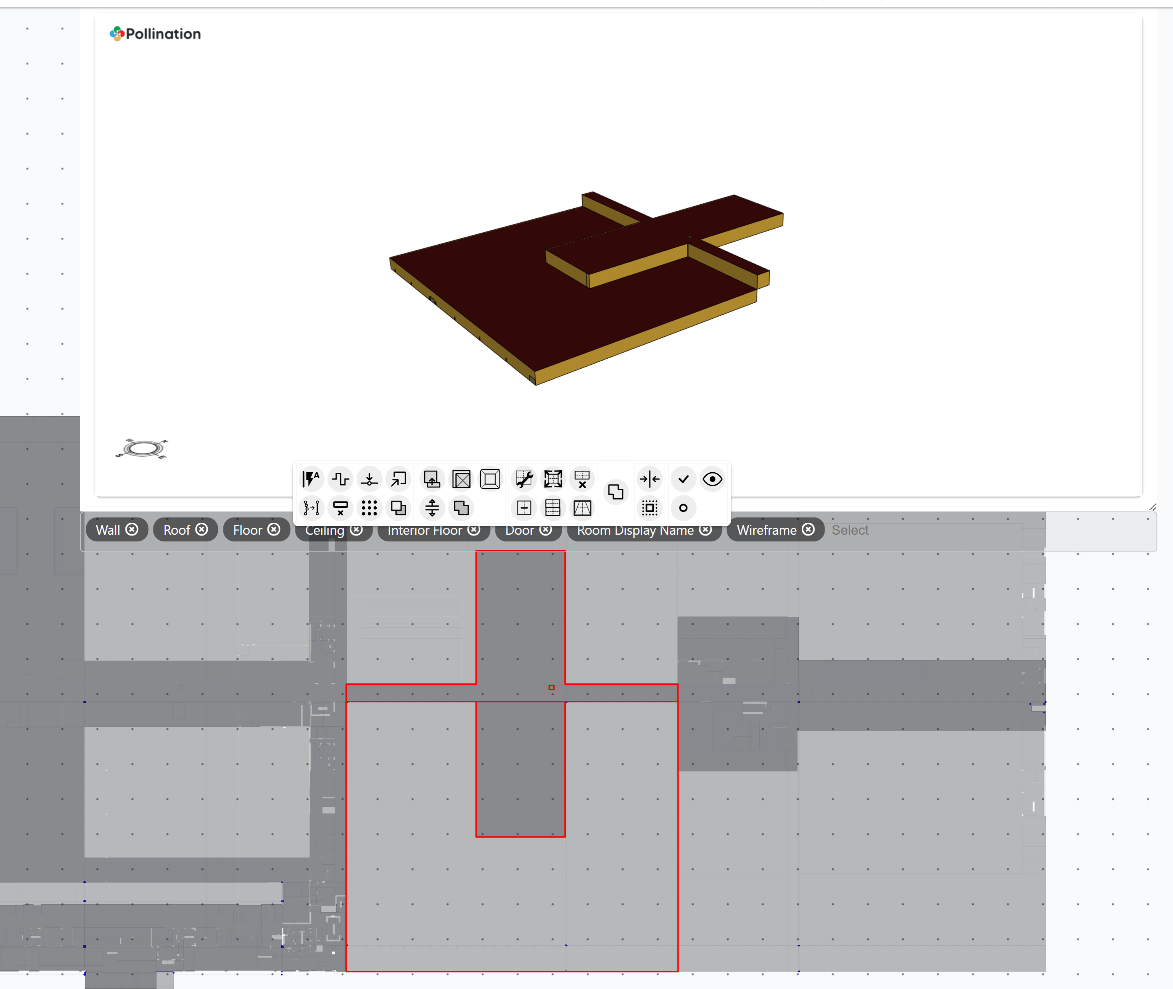
Hi @jacob-presley, good questions.
Yes. The rooms can have different heights when there are different roofs above them and there are no other rooms on top. In case there is a room between the two, then you need to split the roof. @chriswmackey and I have discussed potentially automating the step of splitting the roofs, but it hasn’t been on top of the list.
The assignment of roofs can be changed manually in the upcoming version of the Model Editor. The rooms will always be mapped to the roofs that are associated with that level.
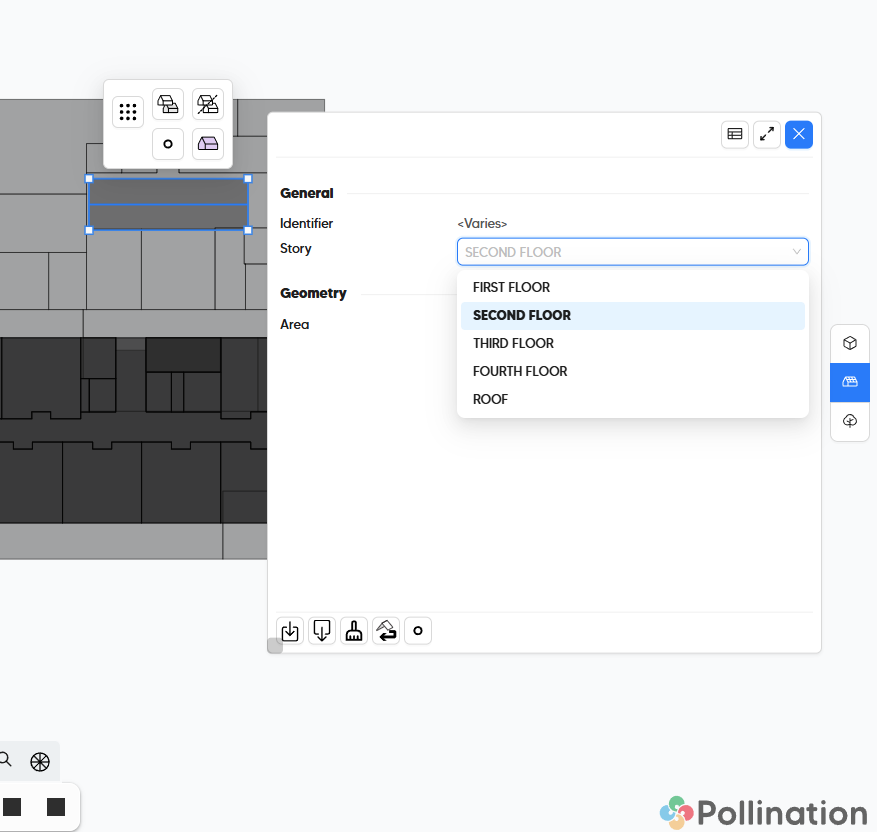
Here is a short recording that shows how to work the segment that you highlighted above.
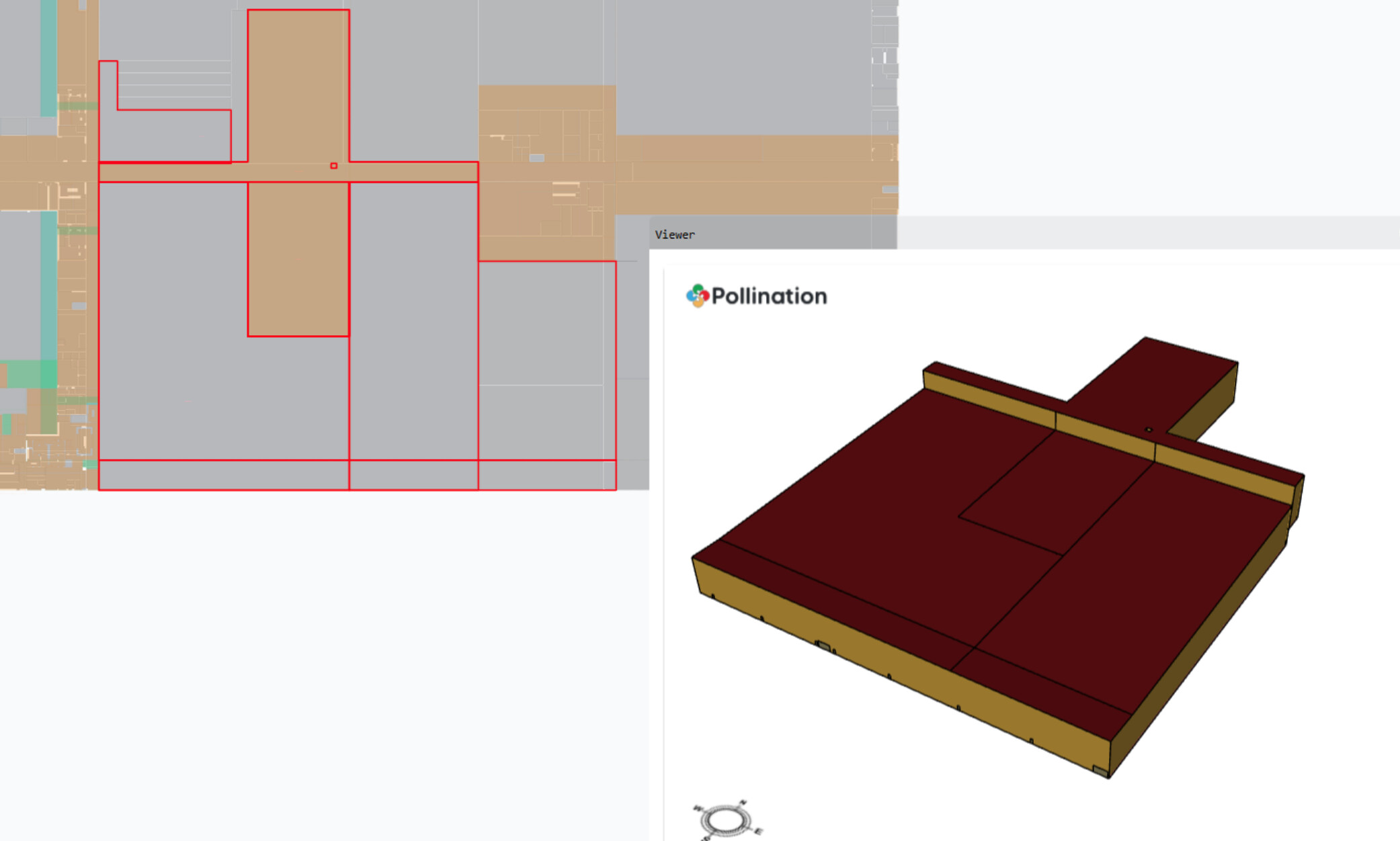
Let me know how it goes, and if you have any other questions.
P.S. If I were you, I would export this model level by level, and make sure everything is correct with the rooms before dealing with the roofs. That would have given you a much better starting point.
You certainly can accomplish this with two roof geometries but it is often also do-able with just one. You just set the room’s floor-to-ceiling height to be equal to the story’s floor-to-floor height so that it naturally stops at the floor of the room above it. Then, for the double-height part of the room, you use a roof at the correct height. The way that the roof calculation works is that, any part of the room that is not covered by a roof geometry assigned to the room’s story is just automatically set to be at the room’s floor-to-ceiling height.
Hi @jacob-presley,
I spent some time today testing this model with the upcoming version of the Model Editor. The goos news is that it is much easier to work with this model in the new version.
I fixed all the levels, but I didn’t try to fix all the roofs. Would it be useful if I did so? If that is the case, I need to better understand how you would like to model the rooms in the Conveyor Bridges. They are pinkish in the screenshot below. Are they supposed to be modeled as closed rooms?
I ended up merging the rooms in the Office Level with the ones in Equipment Platform since they had the same elevation. Or at least that’s what I thought.
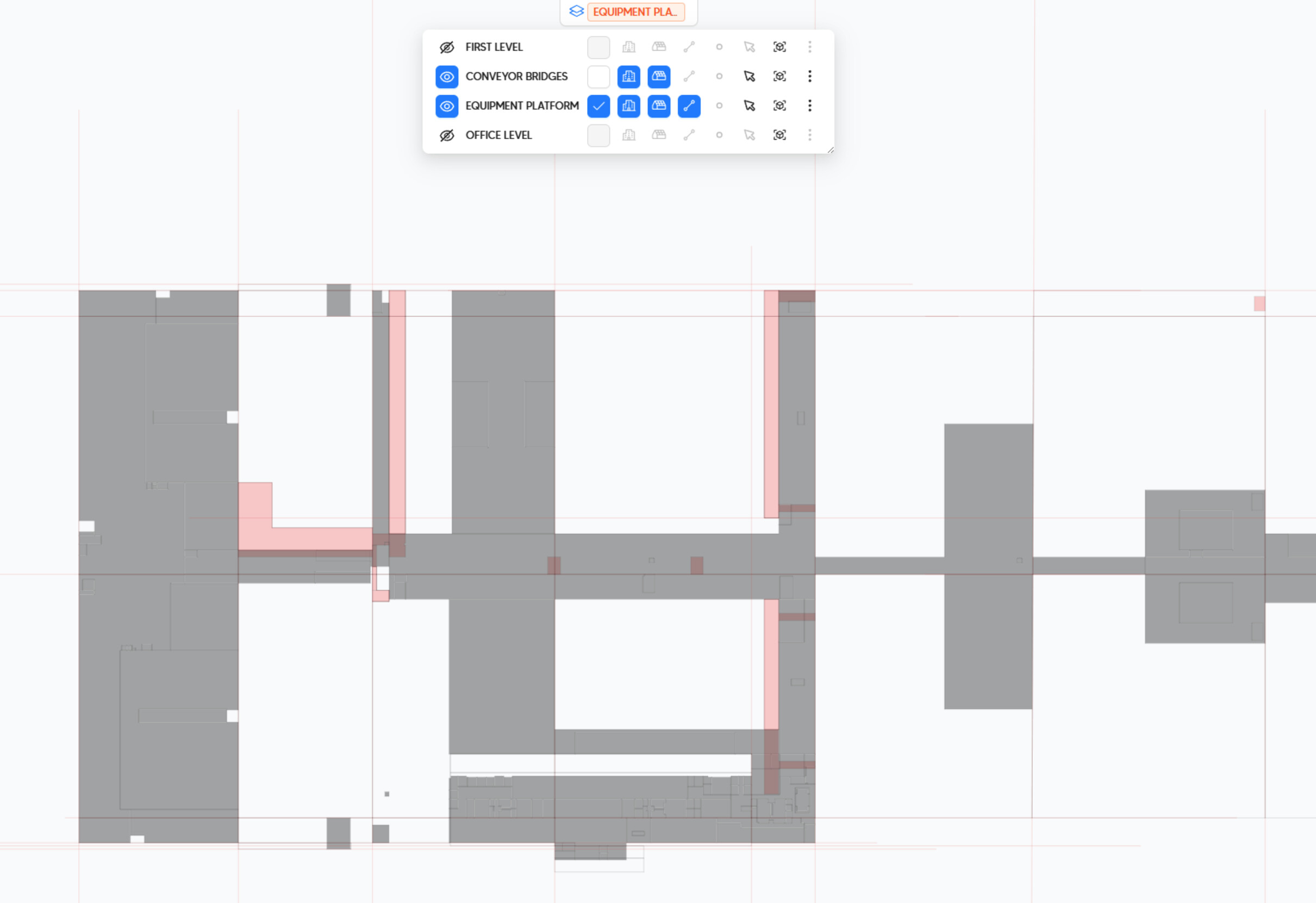
In case you’re curious, here is the first ~24 minutes. I had to take a break, and the screen recorder crashed. And I didn’t record the rest of it, but I think I covered the main differences in the upcoming UI.
Let me know how you would like to proceed.
Thank you both for providing so much assistance for the project, I am glad it is able to be helpful in some regard for testing/showcasing the new model editor! I just had a couple questions about how roofs work. Is the ''Story" of the roof is just the level where it searches for rooms with no adjacencies? If this is the case, the roofs must be divided in this case because the roof panel is above rooms of two different stories; the rooms on the roof’s story are the only ones to be captured correctly, and the rooms below have roofs at their floor to floor height. Does this process happen for all rooms, or does the room only search for a roof if it is top exposed? (i.e. does it technically have the ability to auto solve roofs by turning on Top Exposed for all rooms?) Additionally, I know this is a bit irrelevant given the upcoming version of the editor, but the function to automatically set roof levels produces confusing results sometimes. Is it tied to the highest elevation story it covers, or something similar; it may make more sense to set the roof’s story to the one it covers the most exposed area of.
 This roof shade is automatically assigned to the orange floor because of a very small alignment error.
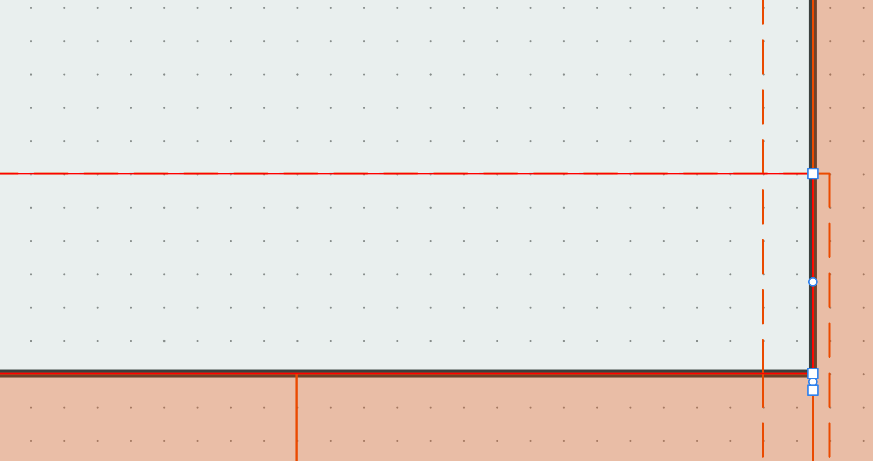
As for mostapha- your walkthroughs have been so helpful, thank you so much. I wrote the prior part of this reply earlier today, I had to leave work but wanted to make some progress before I responded. After doing more work with the model. The roof in the previous images continued to select the wrong level even after the geometry errors in the photos were resolved. The roof above the highlighted rooms on the first level did not resolve to the first floor when it is modeled as one rectangle. I segmented it by room and it selected correctly.
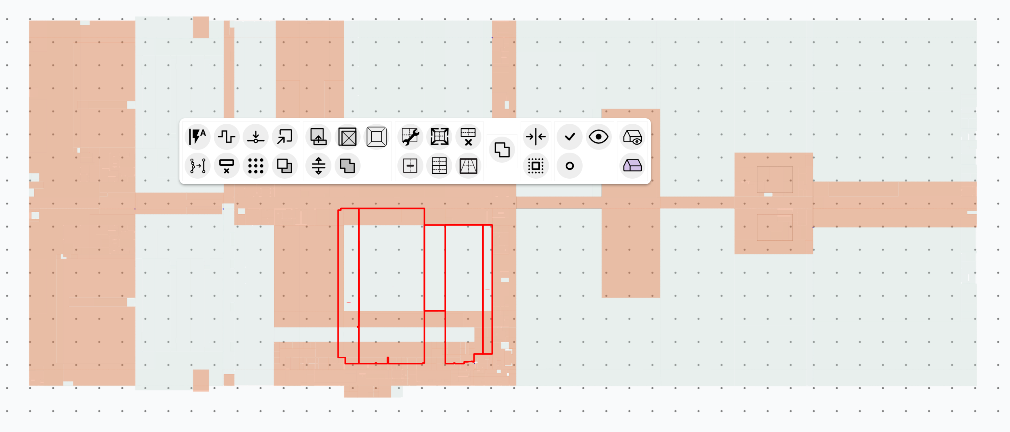
I was late to be put on this project, but I am pretty sure the conveyor belt level was for interdisciplinary coordination- I deleted the conveyor level, and merged office+equipment
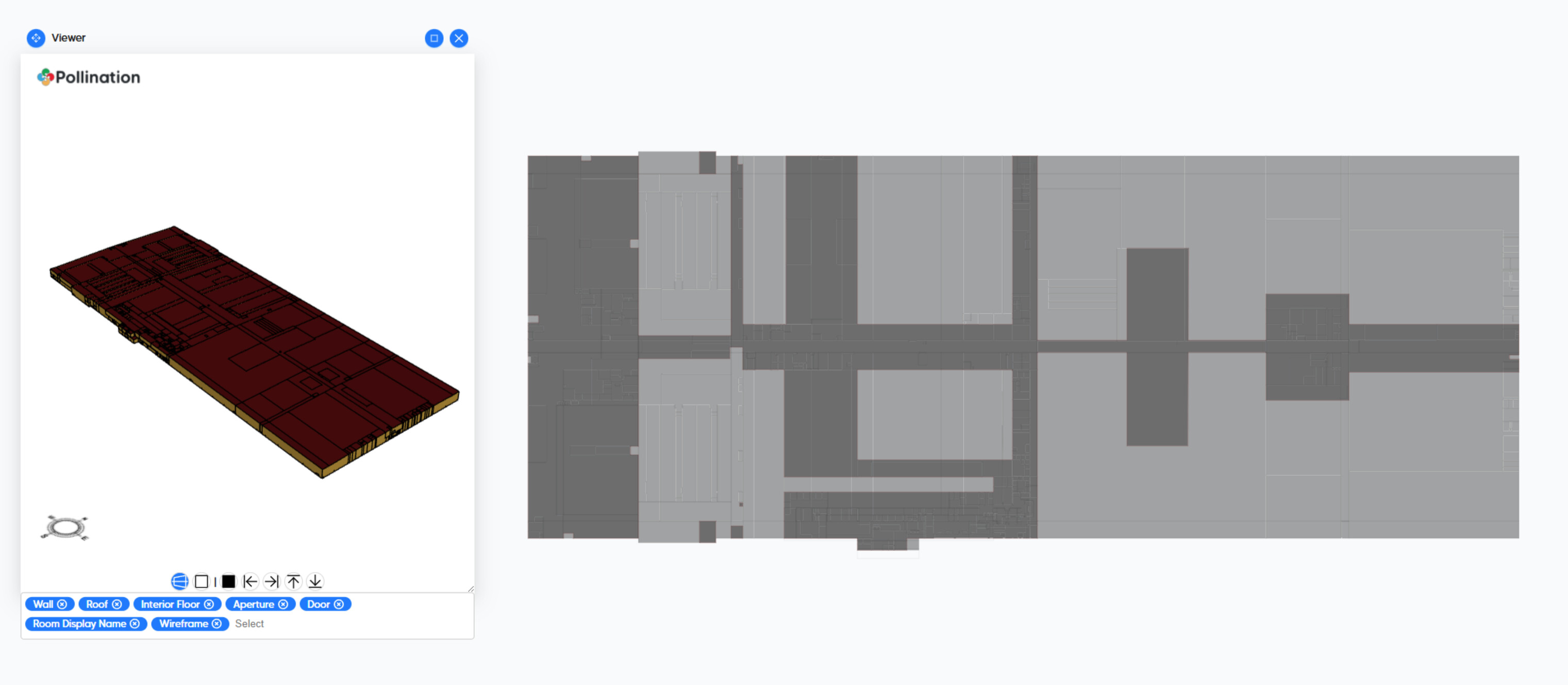
Lastly, here is the progress I made. I had a lot of success manually using the method described [https://drive.google.com/file/d/1nK-VxUxFfs0gcvVoHstWSSHI_MDA8NQs/view?usp=sharing](https://In this video you sent); I created a boundary around the second level and split the roofs from the polyline. This is where I will leave it for now, as only a portion of the building needs 100% modeled. Again, I am so happy with pollination, and excited for the upcoming model editor release. Here is a screenshot showing the right half of the building, along with the snapshot. I was never able to get the section in the middle to extrude to the ceiling, even though the roof above it is the correct level and it is top exposed. If I had to guess, the solution will likely involve cleaning up the geometry around the peak of the roof as it transitions to +1 degree to -1 degree- the roofs above the short areas would not merge with the correct Equipment Level roofs.
Ceiling-Geo3.pomf (828.8 KB)
Hi @jacob-presley, thank you for the additional explanation. Very helpful.
Good to know! Then I’ll go ahead and finish the cleanup and share the cleaned-up PoMF with you.
We’re due to record a new video to better explain how to deal with the different cases that can happen for roofs. I have been waiting for us to get the new version out before recording more videos. But maybe I have to do it using the current UI if we don’t release V2 in the next couple of weeks.
@jacob-presley, here is the cleaned-up model for your reference.
Ceiling-Geometry-Error-ExtrudedFloors.pomf (581.2 KB)
And the GEM file.
full-model.gem (628.0 KB)
The model helped me find a bug in our routine for roof assignment, which I will document for @chriswmackey. Meanwhile, I’ll fix the 3 affected rooms in the Rhino plugin.
I also had to use Rhino to adjust the roof elevations after I realized they were all in slightly different elevations. This is one of the last items in the list that can’t be fixed in the Model Editor right now.
The way I have resolved this in Rhino is to pick one of the roofs and use it as a guide to redraw/move all the rest of the roofs without changing the footprint. I think we should be able to provide a command to do something similar by matching the slope and top/bottom elevation to another roof.
Maybe I could have done most of that with the add/remove vertices and the dragging of the roof corners. But we still need a command to match the top elevation of the roofs in the middle.
Finally, we can benefit from a command that shows the small gaps between roofs and rooms. We already have commands to check the small gaps between roofs or rooms in isolation, but we don’t have one to include both. This will be helpful to ensure we don’t end up with small roof segments after splitting them with the room boundaries.
I will document both of them on Basecamp, but I wanted to document it here first to keep track of the origin of the idea.
1 Like
Hey @jacob-presley ,
I’m just letting you know that all of the bugs that we found from working with your model have been fixed in the latest version of the model editor and Revit plugin, which are now available for download.
There were at least 3 different issues that your model helped us fix, all of which are related to how the 3D room volume is calculated from the roof geometry. It seems this model just had a lot of cases with roof and room geometry lining up in a way that we had not seen in other models.
The fact that many of the roof geometries of this model did not meet along the ridge lines still presents us with some things to figure out but we’ll eventually offer a solution that does not rely on Rhino to fix them. I think the type of solution we implement in the model editor will just depend on whether all of these small vertical gaps between the roof geometries are just fundamental limitations of Revit’s geometry engine and the way it resolves roof intersections or if they are modeling errors on the part of the Revit user. If it’s the former, we can figure out what the rules of these Revit limitations are and offer an automatic way to fix them with our geometry engine. Otherwise, if they are Revit user errors, we’ll probably need a more customizable and controlled way of fixing them in the model editor.
In any event, thanks again for sharing the model.
1 Like