Hello,
I am having trouble getting the clerestory windows to show up correctly on Pollination. I am using the most recent version. I did go over a similar thread on this forum How do I import high clerestory windows right under the roof? but unfortunately it didn’t solve my issue - which is that I can get windows on the East facing wall just fine but the Windows go missing on the West facing wall and gets interrupted halfway on the North and South facing walls. Any help would be greatly appreciated!
I have run the validation within Pollination for IES-VE and it comes out with no issues. I can send my files privately if needed.
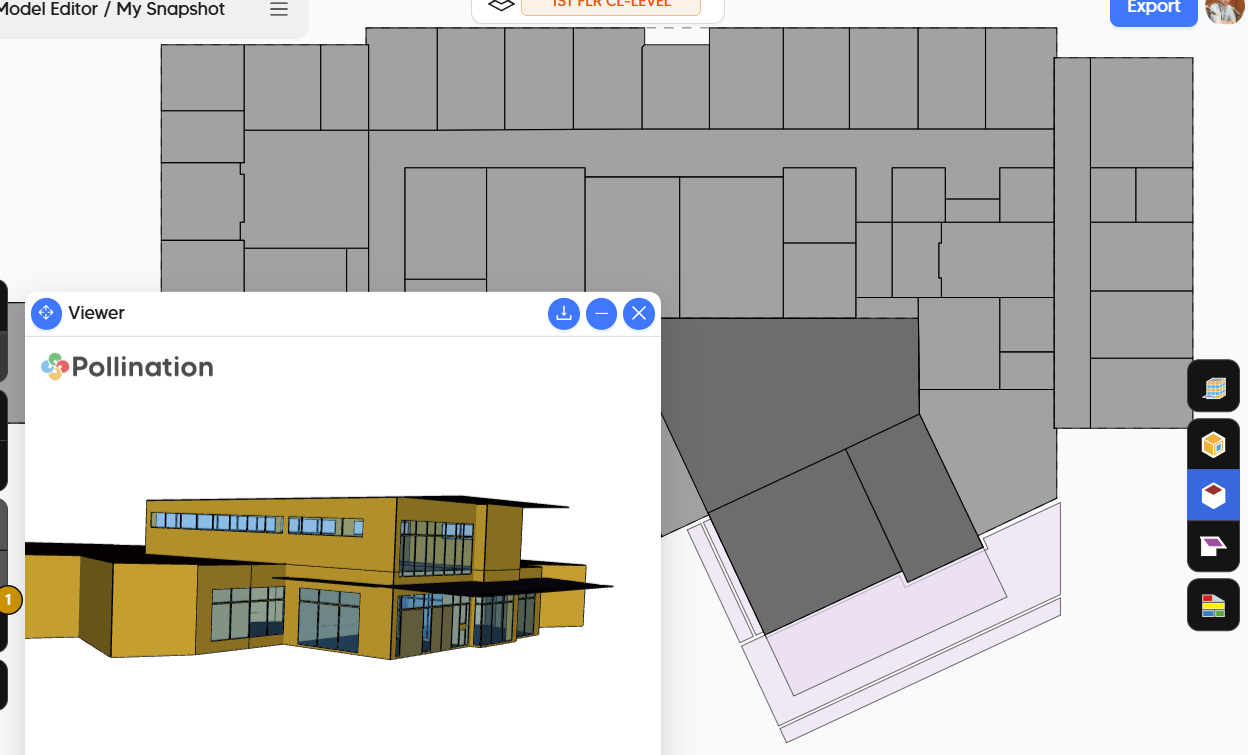
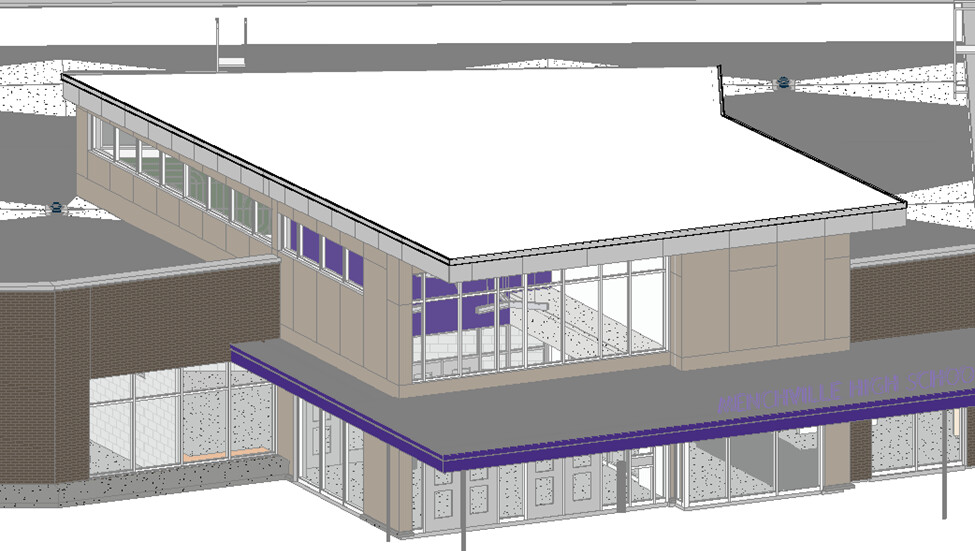
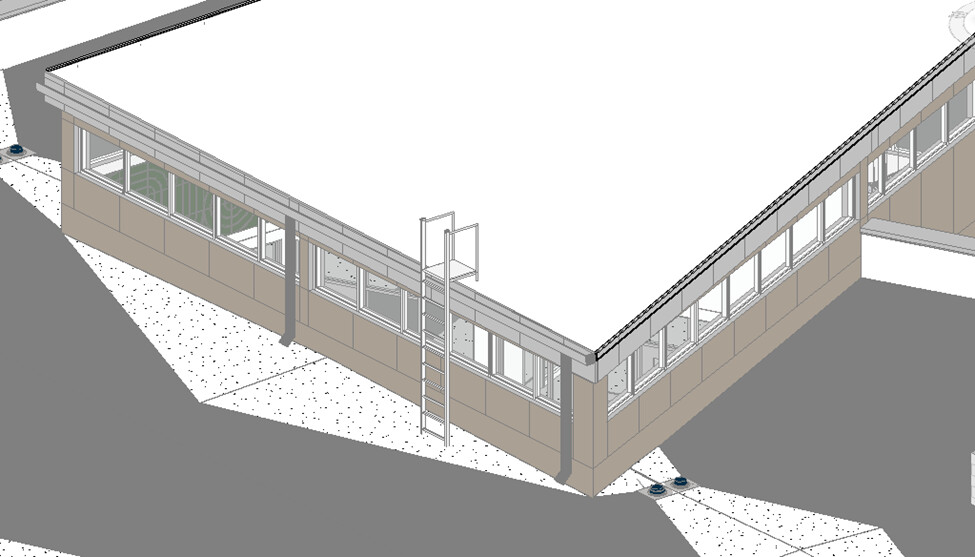
Here’s the 3D view from Revit.
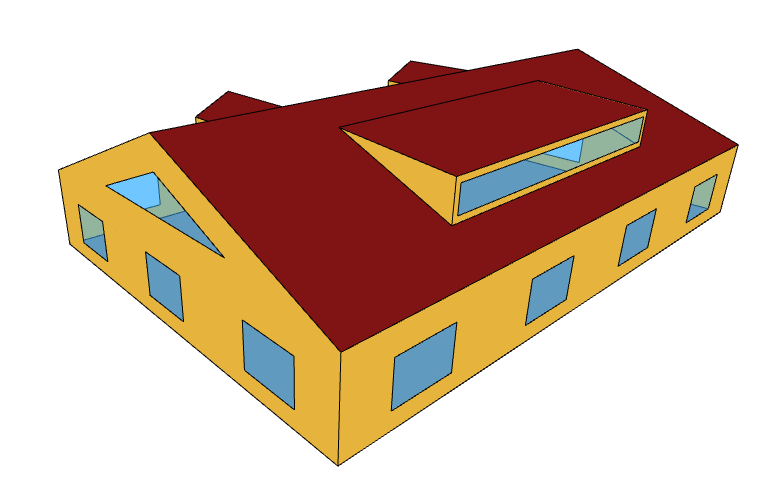
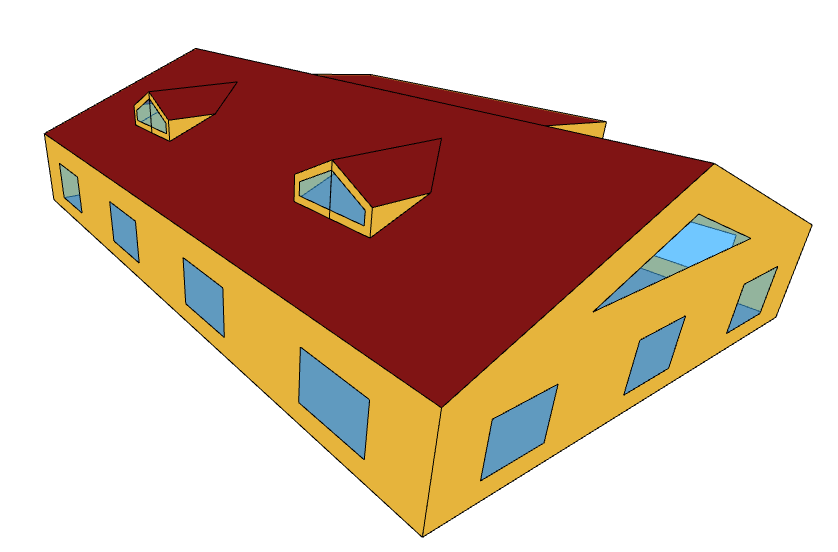
Here are the pollination renderings:
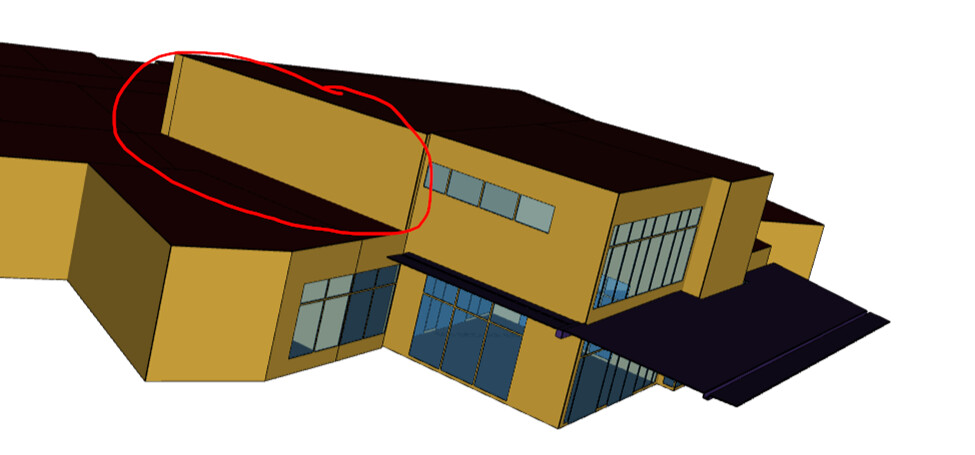
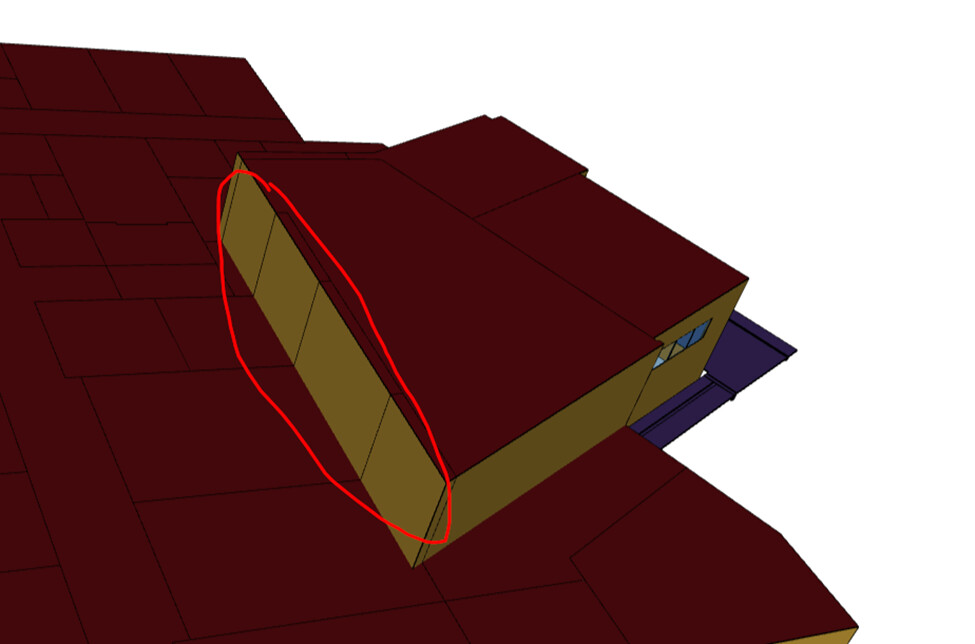
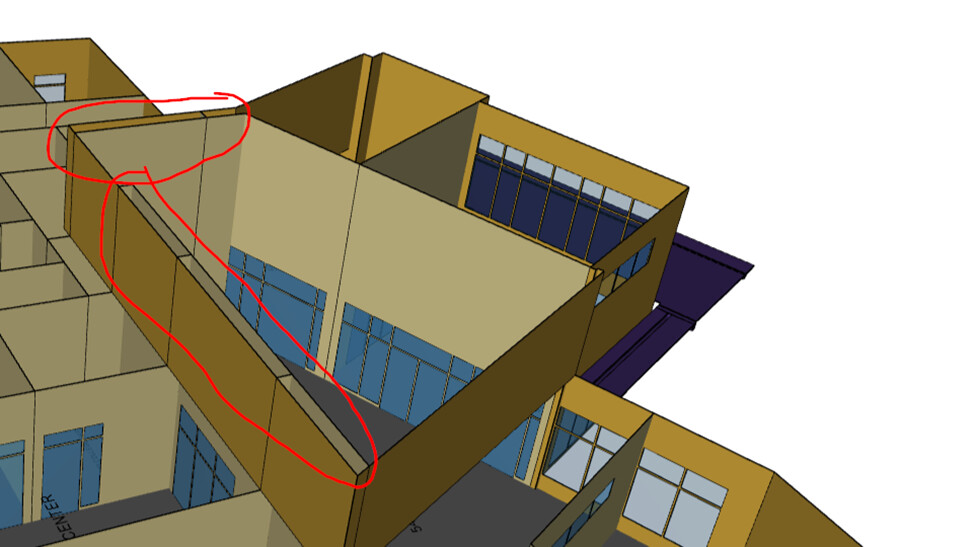
The room is top exposed and the windows show up fine on the East and North walls, but as you can see in the picture, the windows on the South facing get interrupted and there’s almost no windows on the West and North facing walls.