Updates
Ok, I just pushed several more changes that are now available with the LB Versioner based on your feedback, @thedonn and @ayezioro .
They are as follows:
-
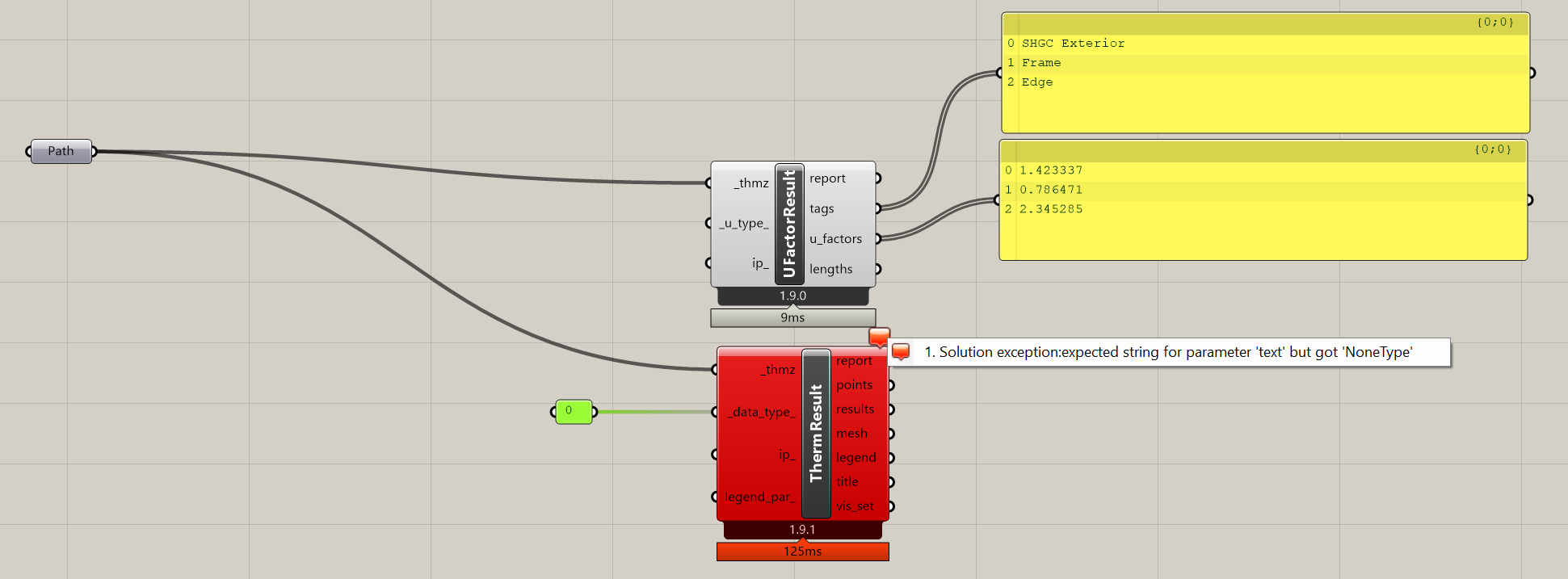
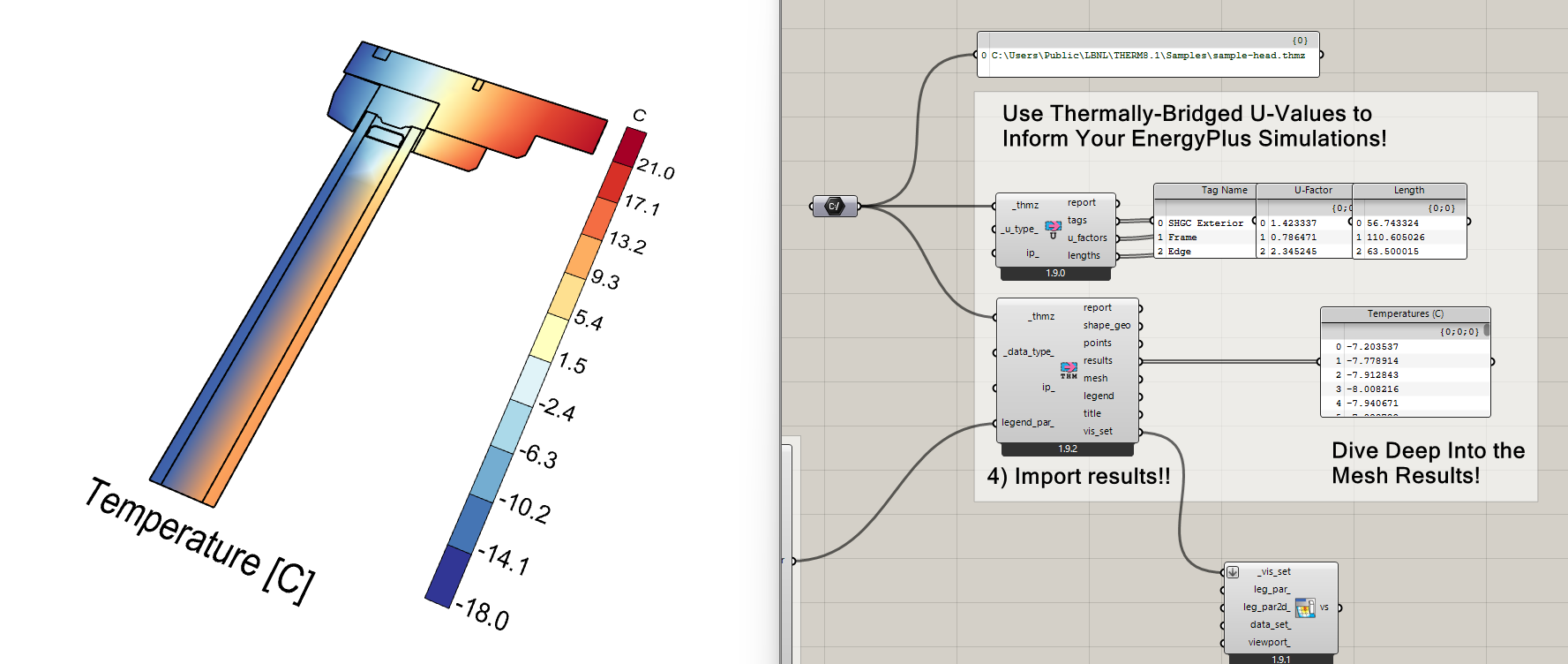
I fixed the bug that @thedonn found in the “Read THERM Result” routine that was causing it to fail to import the samples distributed with the THERM installation. These samples can now be imported with the “FF Read THERM Result” component:
-
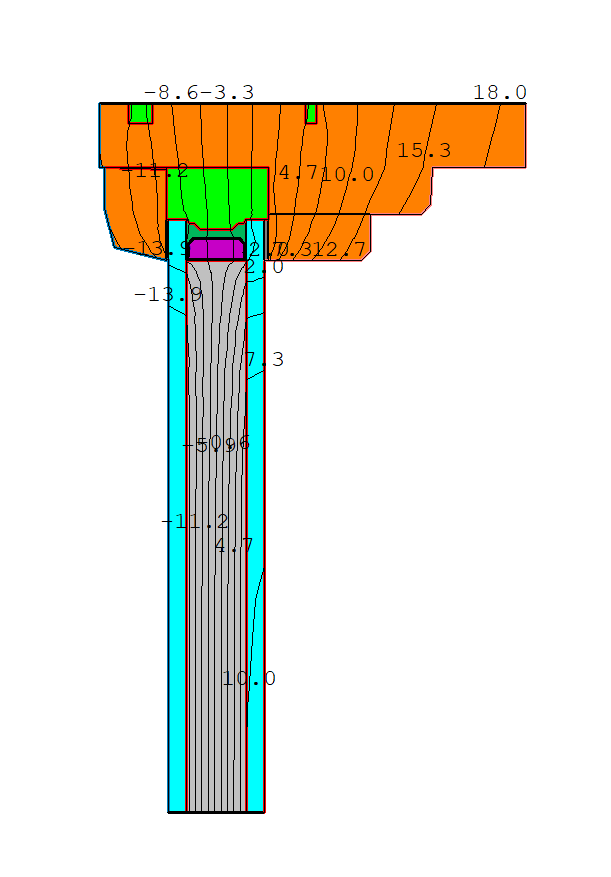
As the screenshot above shows, I have also added a new shape_geo output from the “FF Read THERM Result” component, which will import surface geometry of the shapes from the THMZ file. These can be used to customize the visualization of the result mesh. They are also used to produce a wireframe of the shape polygons that overlays the mesh in the vis_set as requested by @ayezioro .
-
I fixed the bug that @ayezioro found in the “FF Solid Material” component, which was accidentally causing the density_ and spec_heat_ inputs to be assigned to the back emissivity of the material (hence, why you were getting “float in range” errors). Now, all of these properties get assigned correctly in the latest version of the component, though I should note that the density_ and spec_heat_ inputs currently don’t have any bearing on the results that you get by running the THERM simulation from Grasshopper because we don’t yet support transient simulation. But you can clearly see by the fact that I exposed these inputs that we plan to expose transient simulation in the future, at which point these inputs will become relevant. And you can obviously still open the THMZ in the THERM interface and set it to run a transient simulation there.
-
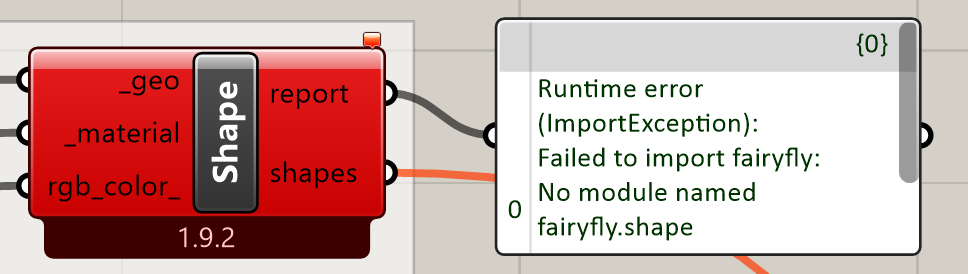
I made it possible to plug the outputs of the HB Opaque Material and HB Glass Material into the “FF Shape” component _material input. Hopefully, this all gives people a better way to coordinate their THERM results with their HB-Energy simulations.
Other items for later
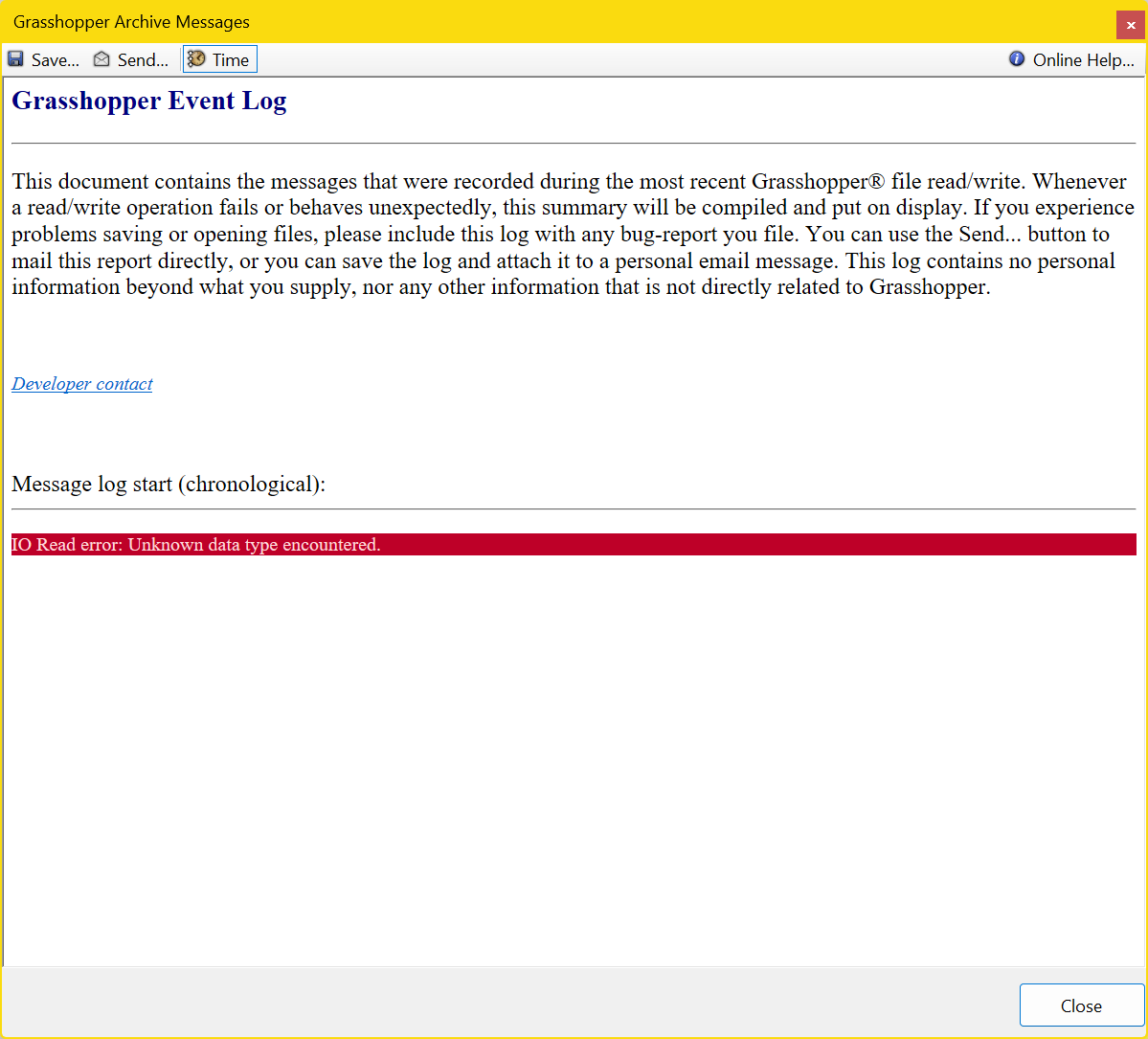
I was still not able to create @thedonn 's Grasshopper IO warning but it reminds me of the warnings that I get when I save a .gh file to a remote storage folder like Google Drive or Dropbox. Maybe try re-downloading the latest version of that sample file into your downloads folder, open it from there, and see if you still get it?
As for simulating insulated glazing systems, @ayezioro , this is out of scope for the first Fairyfly release as I am just trying to get the basic functionality and result visualization in good shape first. But I will eventually add a dedicated Fairyfly object for GlazingSystem that allows you to take the IGUs that you export from LBNL WINDOW and include them in your THERM models (complete with all low-e coatings, gas layers, and glass properties taken directly from the manufacturer). I’ll also add some way to set up these GalzingSystem objects from HB-Energy WindowConstructions if you are trying to coordinate between E+ and THERM. For now, you can probably get pretty close insulated glazing system results by using the “FF Cavity Material” for the gap layer between panes of glass and using the “HB Glass Material” for your glazing layers. The only thing that isn’t really supported in this Grasshopper workaround right now is the low-e coatings on only one side of the glass. For this, you’ll need to open the THMZ in THERM interface, change the emissivity of the relevant boundary on the side of the gas, and simulate it there. But this type of workaround will all just be temporary until I can add support for real GlazingSystems. Give me some time following a LBT 1.10 release to implement it.
Lastly, we can eventually officially move the location of the THERM user library. Technically, you can set this up manually yourself right now by creating the following 3 folders:
C:\Users\[USERNAME]\AppData\Roaming\ladybug_tools\standards\therm\materials
C:\Users\[USERNAME]\AppData\Roaming\ladybug_tools\standards\therm\gases
C:\Users\[USERNAME]\AppData\Roaming\ladybug_tools\standards\therm\conditions
… and dropping JSONs and XMLs into there.
This will replace the materials being loaded from:
C:\Program Files\ladybug_tools\python\Lib\site-packages\fairyfly_therm_standards
But I was kinda thinking that most people would create many of the custom THERM materials that they plan to reuse in the THERM interface. Or, if you are a big LBT user, you might create them as HB-Energy materials and add them to:
C:\Users\Chris\AppData\Roaming\ladybug_tools\standards\constructions
… so that you can use them for both THERM and E+. What do you think?
And, thanks again, @ayezioro and @thedonn I can always count on you to find the bugs at the bleeding edge before I do official releases.