Hi @aishanuraaa ,
You can find a script below that uses a couple of custom GHPython components with a few lines of code in them that leverage the honeybee Python SDK. These custom components use a some new methods that I just recently added to the Python SDK so that you don’t need to have as much code inside the components themsleves. So you will need to run the LB Versioner component and restart Rhino to get the latest Python libraries in order to use the following Grasshopper script:
preview_envelope_edges2 - vector.gh (284.2 KB)
After this, these new components and .gh file should allow you to do all of the customized analyses that you are hoping to perform on the different room edges by giving you access to the room face objects that adjoin each edge.
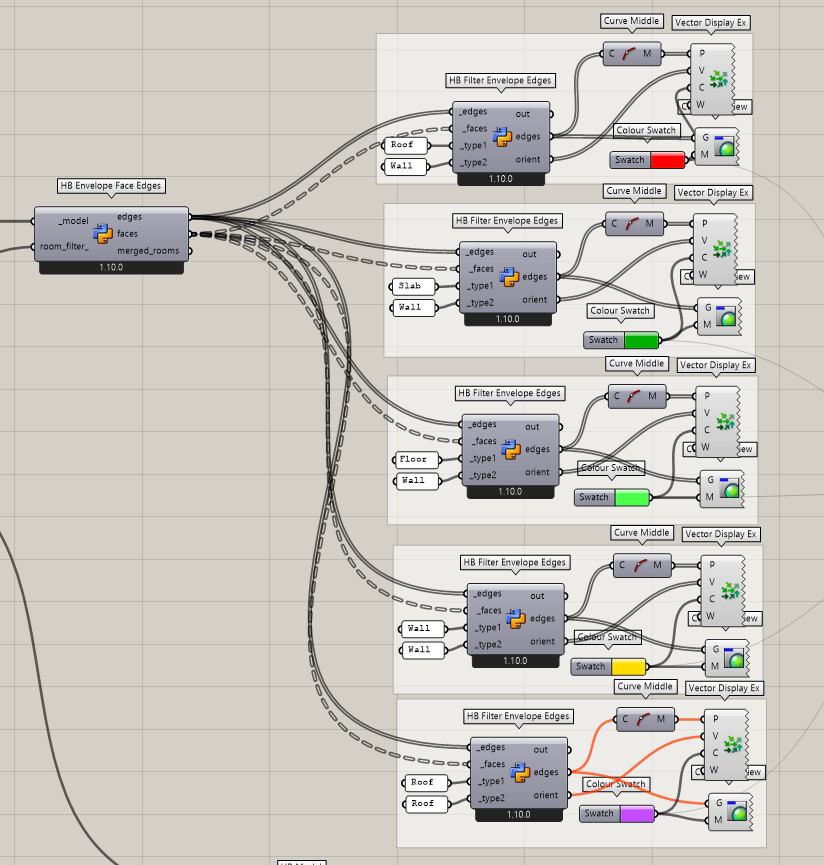
Here is what the full script looks like:
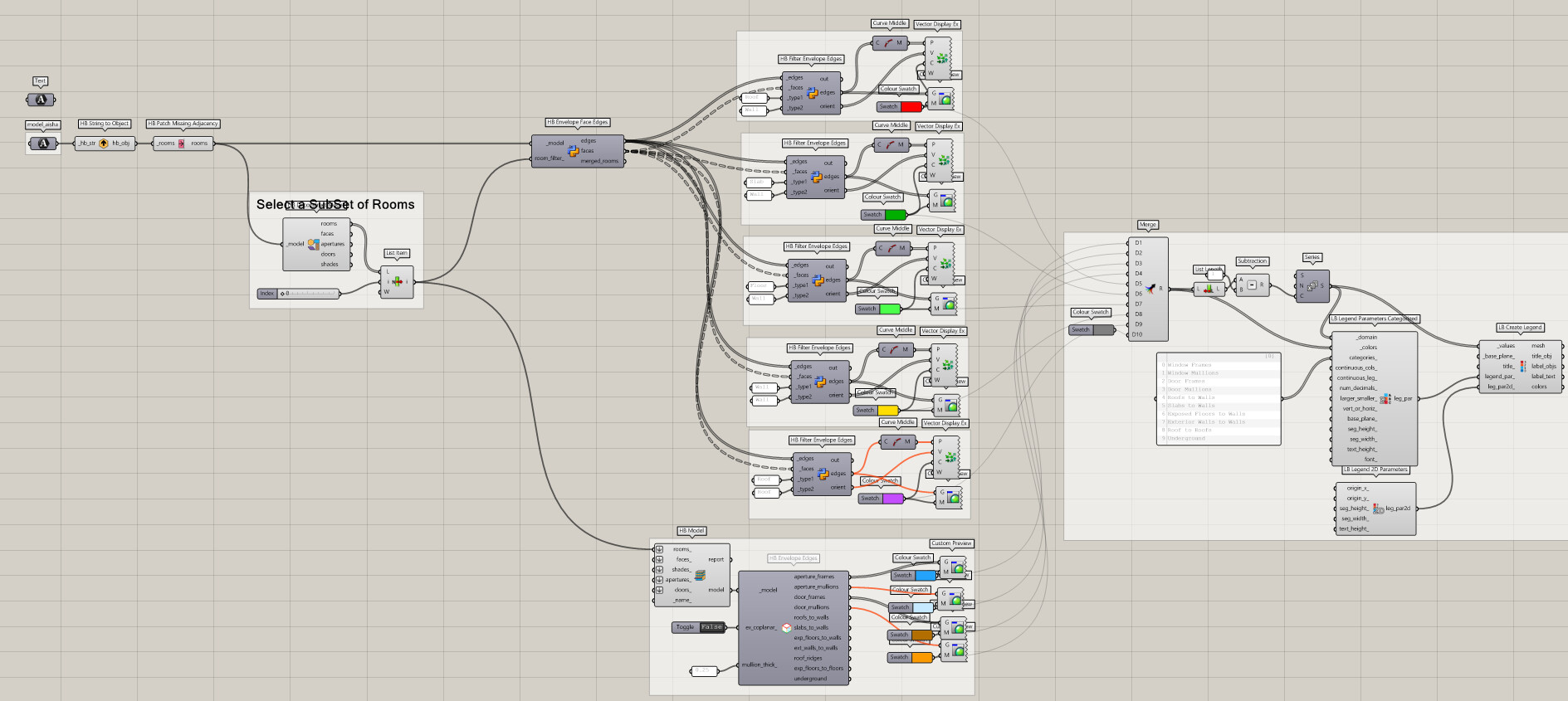
You can see that it’s broken down into two parts. The first does the whole calculation of envelope edges (including an option to filter the output by rooms) and it returns each envelop edge along with the Honeybee Face objects that adjoin it.
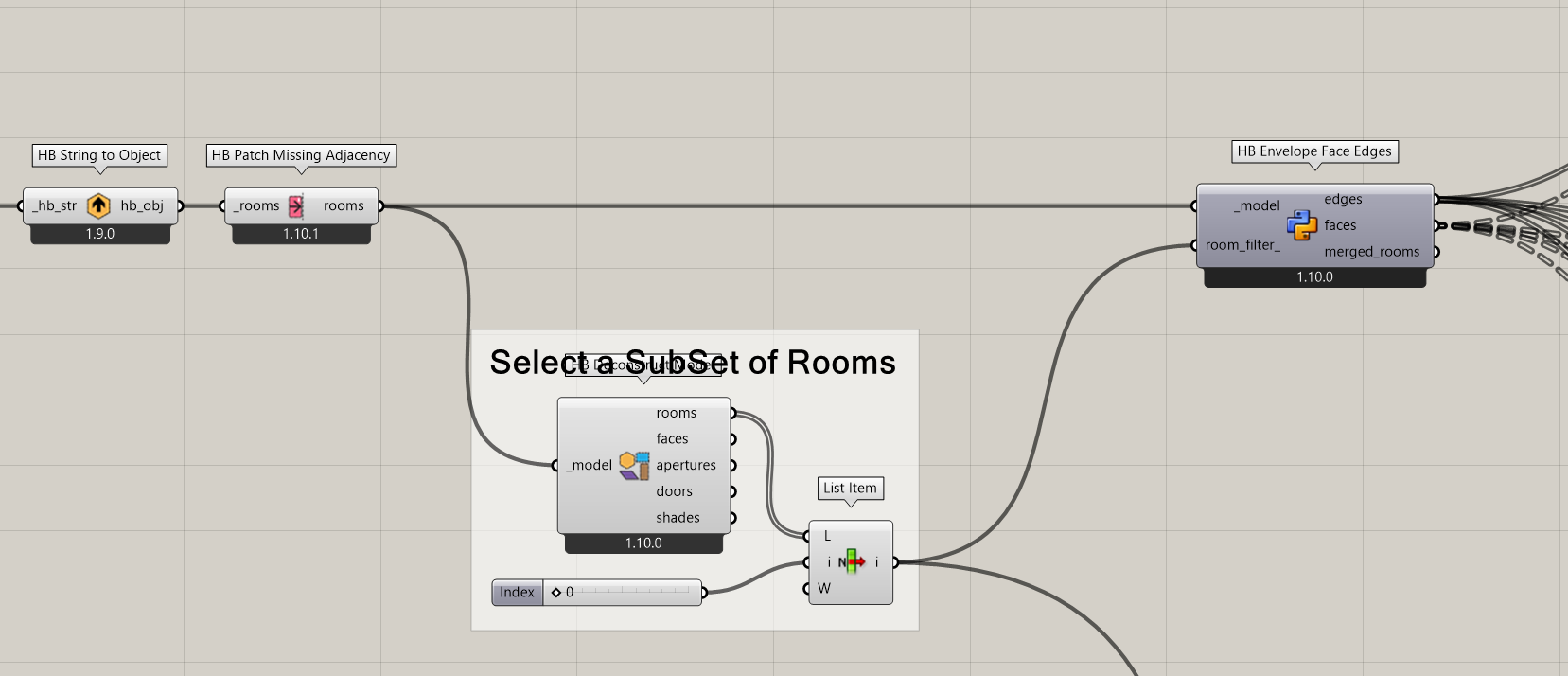
The second part uses the edges coordinated with faces to filter the edges by the type of edge (eg. Roof-to-Wall). It also gives you the orientation of each edge as dictated by the adjoining faces addressing your request here.
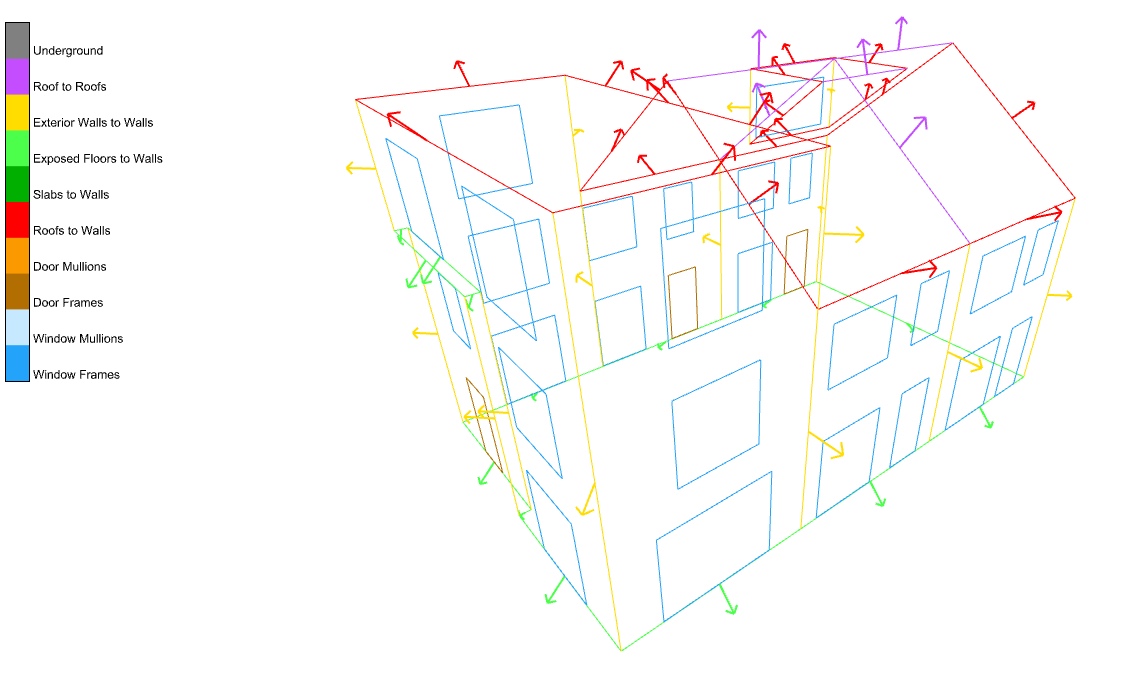
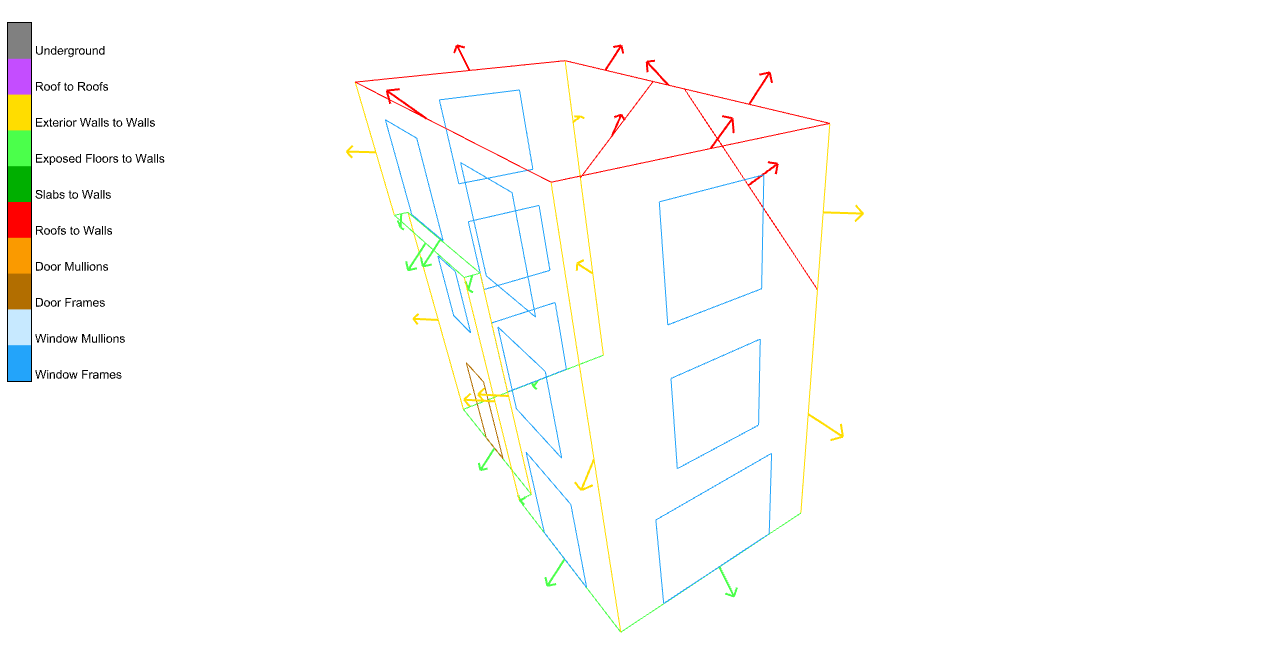
This allows you to get the individual room edges for a subset of the model along with the direction that each edge faces:
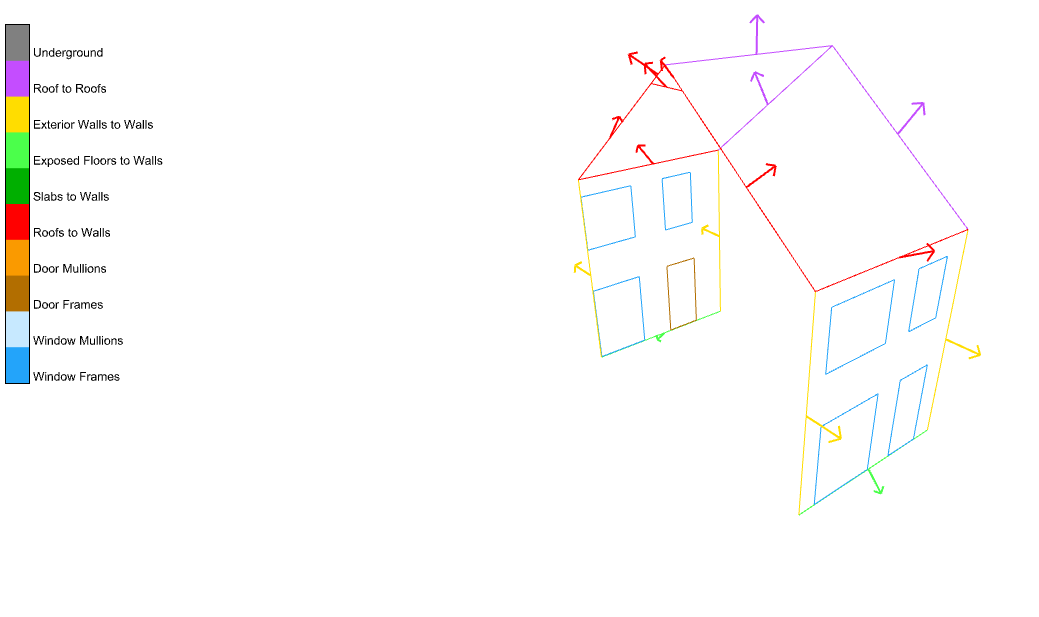
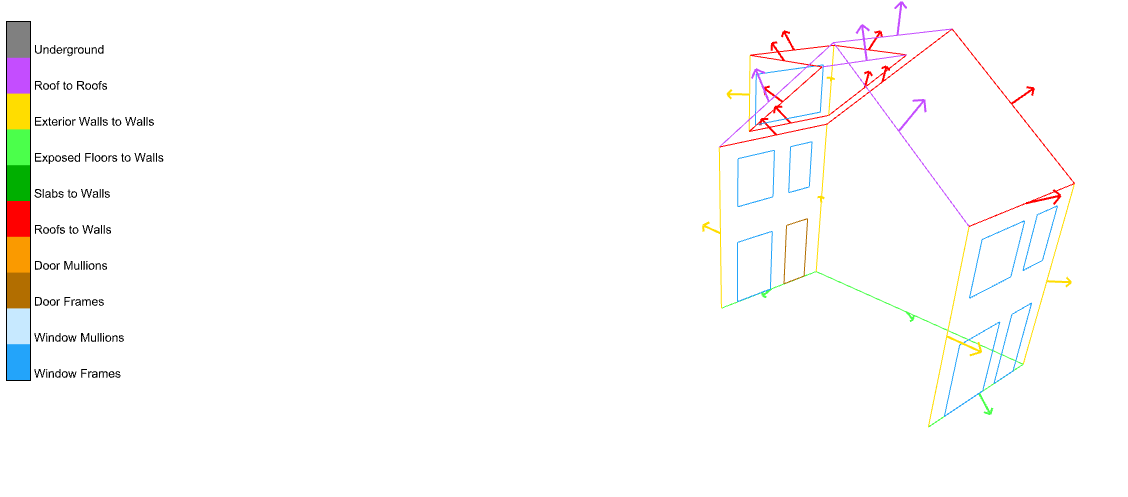
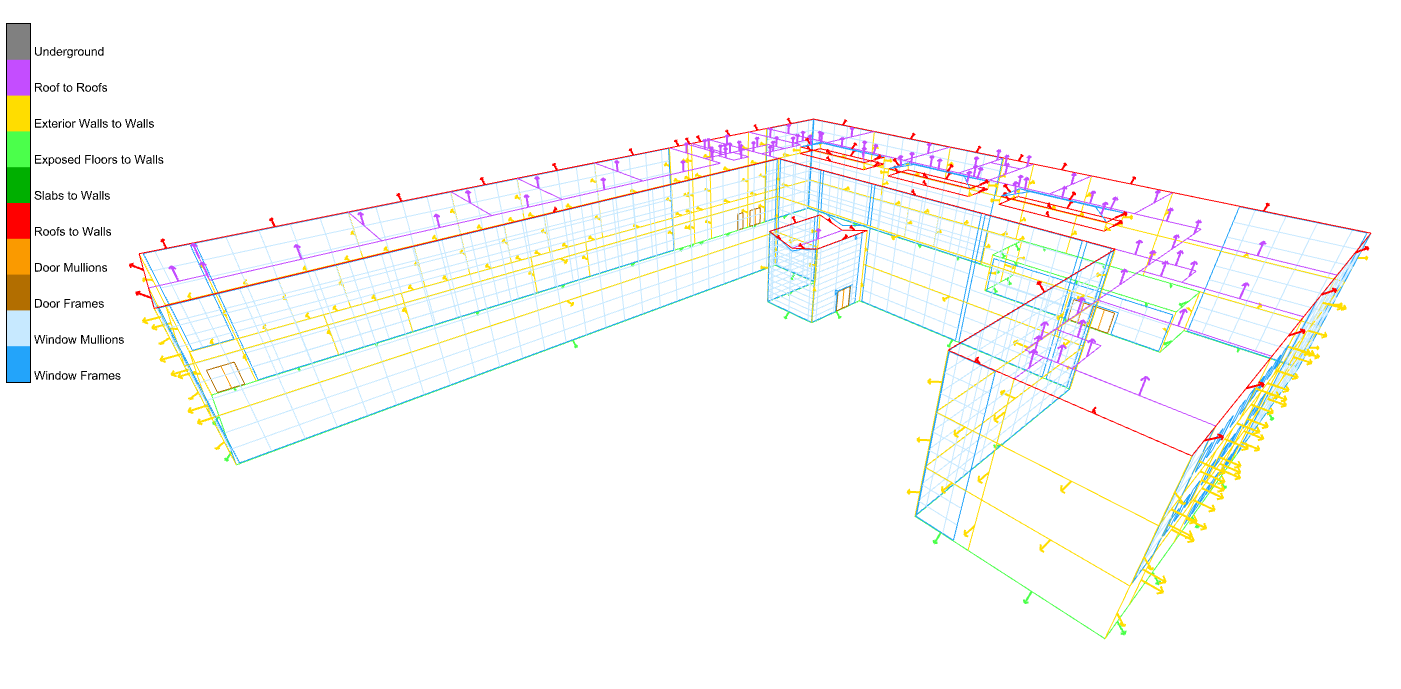
… Or you can get the orientations of edges for the whole model by disconnecting the room_filter_: