Hi, it is a great step up. I actually need to be separated per orientation. Is there maybe a way?
Hi @aishanuraaa,  welcome to the forum and thank you for your feedback. Can you be more specific about your enhancement request?
- Why do you need this? Is it because of a specific code requirement?
- Do you want the values broken down by orientation in the PDF report or the Excel spreadsheet report?
Hi @mostapha thank you!
It is needed for calculation in the netherlands for the energy label.
Not specifically in the excel or pdf, i just need the length like now but it should be breaked down again per orientation. I think it is because every orientation receive different radiation and it will result to different thermal bridge value rather than summing everything up.
Hi @aishanuraaa, thank you for the clarification.
You should be able to do this by post processing the values in Excel. You can get the orientation of each segment from the geometry and group them based on a vector comparison. We should also be able to automate this on our end.
Hi @mostapha thanks for the reply. I am trying to visualize the orientation in rhino by doing the cross vector. But I think it is a bit inconsistent (see yellow highlight) for the wall-wall (yellow lines). I am trying to upload the gh file but now allowed since I am new user.
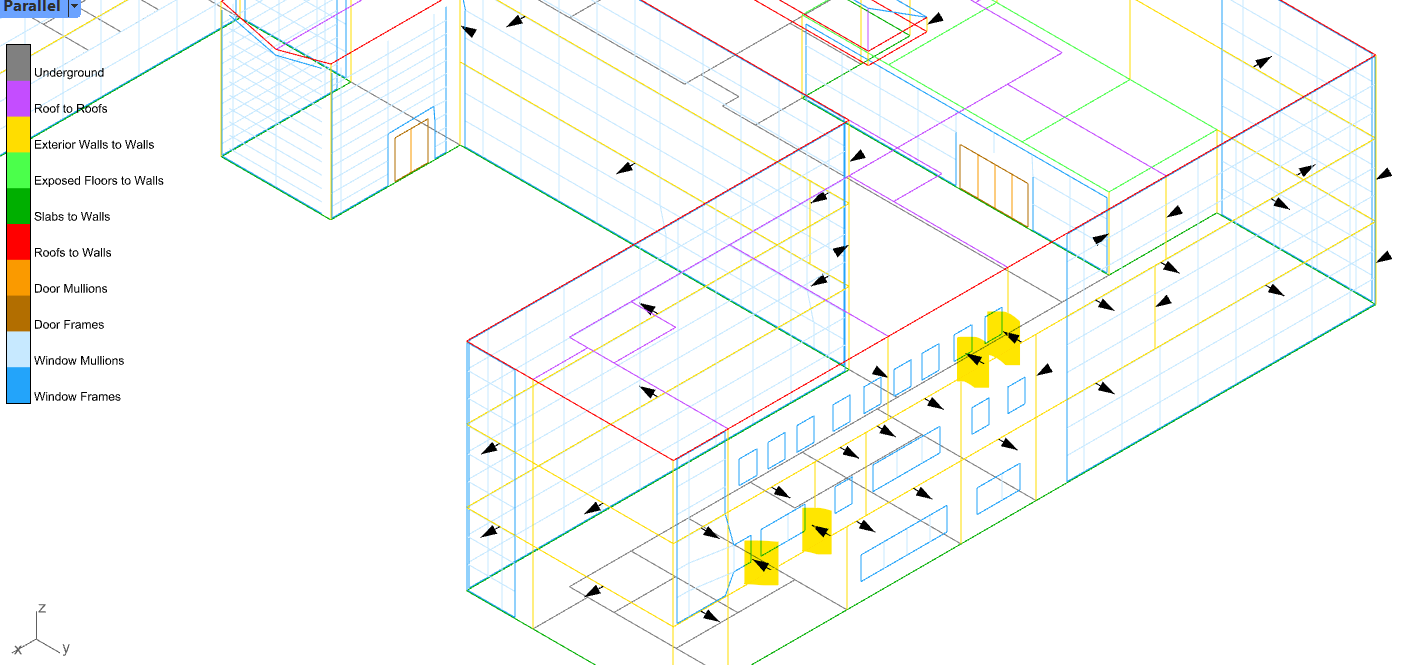
Hi @aishanuraaa,
I changed your trust level and now you should be able to upload files.
Let’s see what @chriswmackey and @mikkel think about this. It might be more reliable to do it on our end and provide an extra column that documents the orientation of each segment which you can then use for grouping them per facade/orientation.
This should be feasible by comparing the edges with the faces of the closed Polyface from which they were derived. Do you only care about horizontal orientation (azimuth)? Or do you also need to know the tilt (altitude) or if an edge is between two faces pointing up or down?
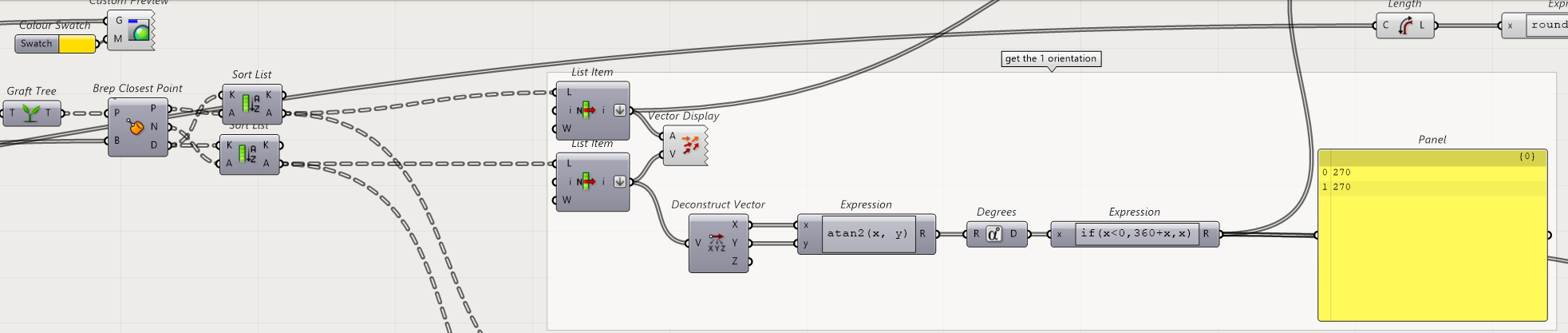
I am just making a note that all of this was addressed with a custom script that I shared over here on this thread: