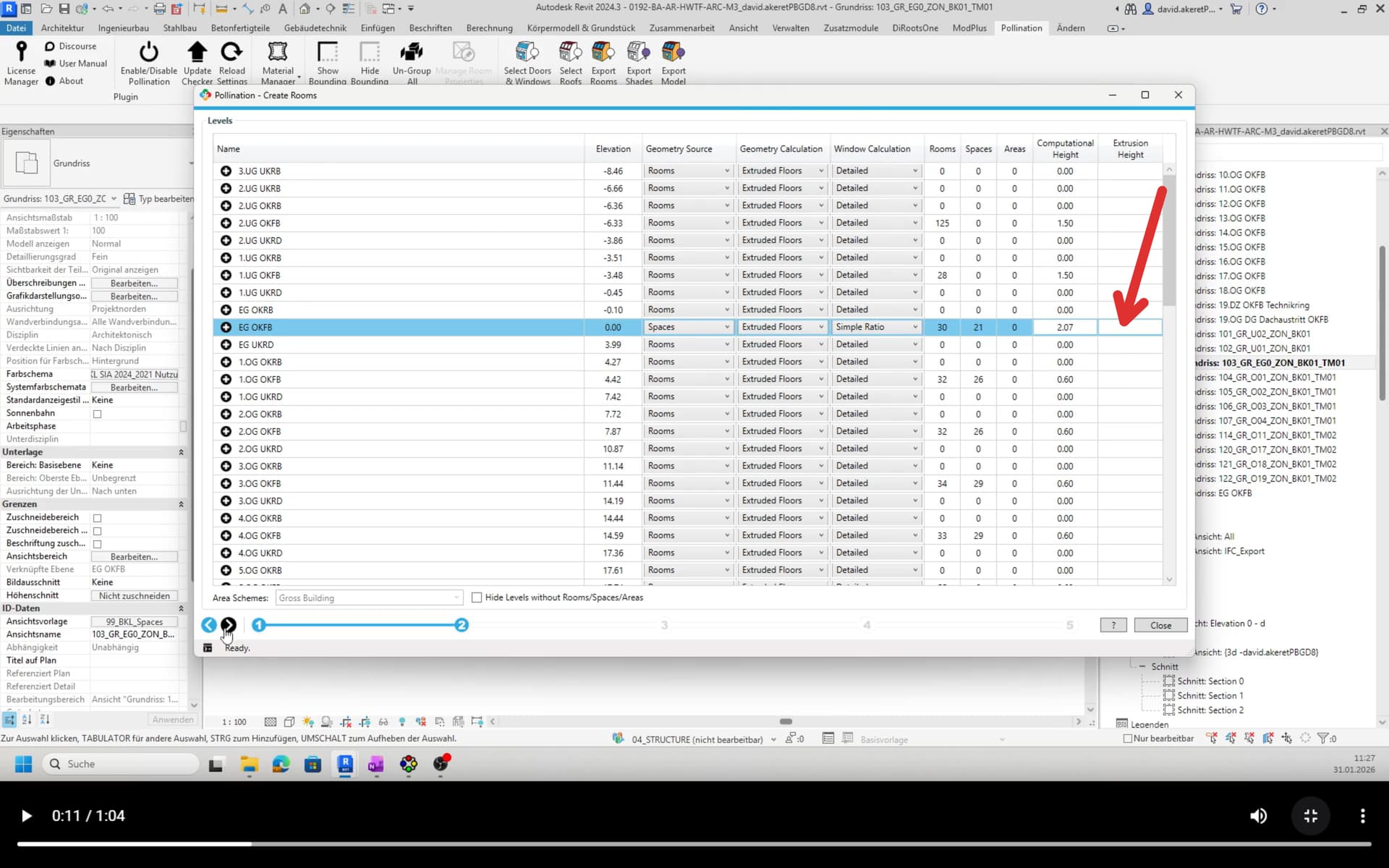
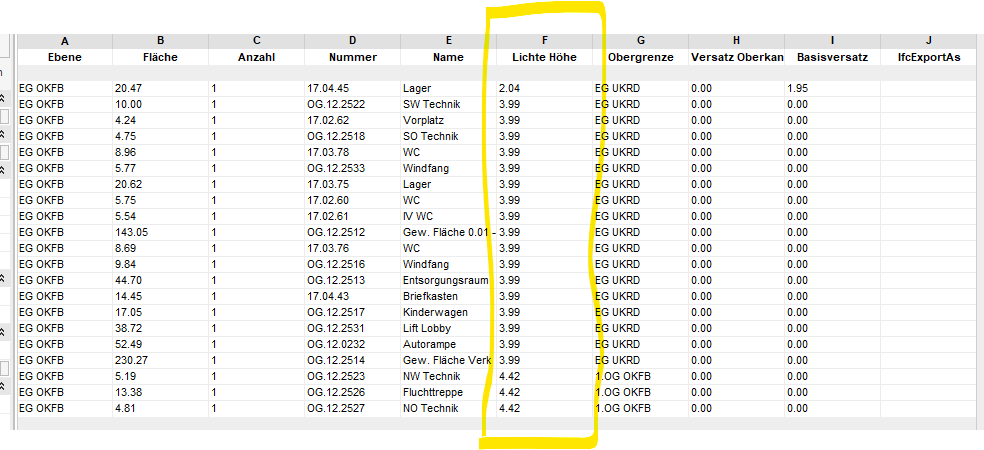
I’m trying to figure out how to correctly transfer the room height from Revit into the Model Editor.
The room height is set correctly in Revit, and I’d like that exact height to be used. When I preview the rooms, the correct room height appears in the list (greyed out). However, when I double-click it, the value changes to 3.05 m. After exporting to IDM, all rooms end up with a height of 3.05 m.
I’ve made a short video clip to demonstrate the issue:
Otherwise, the plugin will try to find the correct height based on the room bounding elements in your model. Once you set the value in step 2 it overwrites the computed value from the model.
To better explain my thinking:
There are two workflows to obtain the room height.
You can compute the volume using the room boundary elements.
Alternatively, you can define the room height manually in Revit.
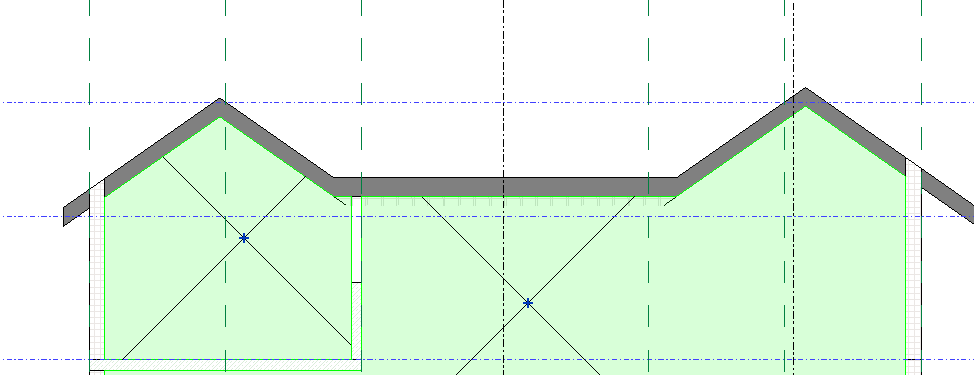
The first option (computing volume) requires significantly more effort, and the model needs to be very clean. However, this approach may be necessary for certain rooms, for example those with inclined roofs or complex geometries.
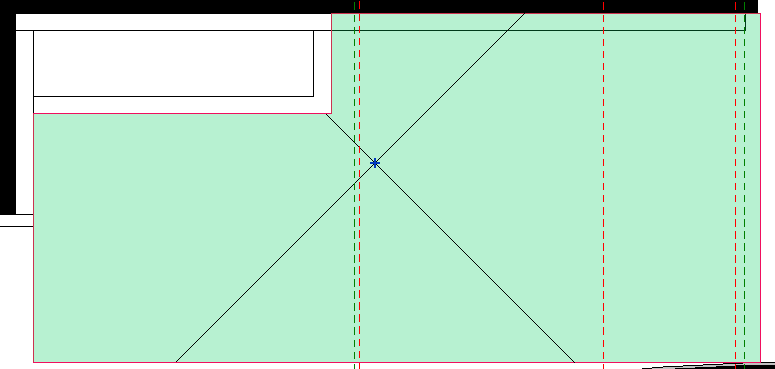
In about 95% of cases, you do not want Compute Volume to be enabled, because it can lead to issues such as partially dropped ceilings being included in the calculation (for energy simulations not relevant and increases complexity and simulation times).
To summarize:
Compute Volume should only be used where it is truly required. In all other cases, defining a fixed room height—without influence from boundary elements—is the preferred and more robust approach.
You should always use the extruded mode. Even for the rooms with inclined roofs. The roofs are automatically resolved by the Revit plugin. We’re removing the Full Volume option from v3.
Because almost always the values are left to the default value and not set correctly.
I’m not sure what is going on with your model. If you can share the model with me, I will have a closer look. I can’t replicate the issue on my end.
That said, and to answer your second question, the better place to set the room height is the Model Editor. See the discussion here: