marentette1
January 14, 2026, 12:04am
1
Hi @mostapha ,
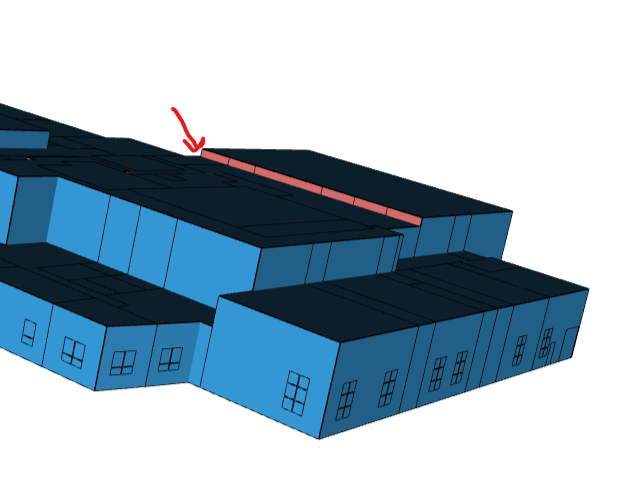
What would be the best way to set the following wall as exterior:
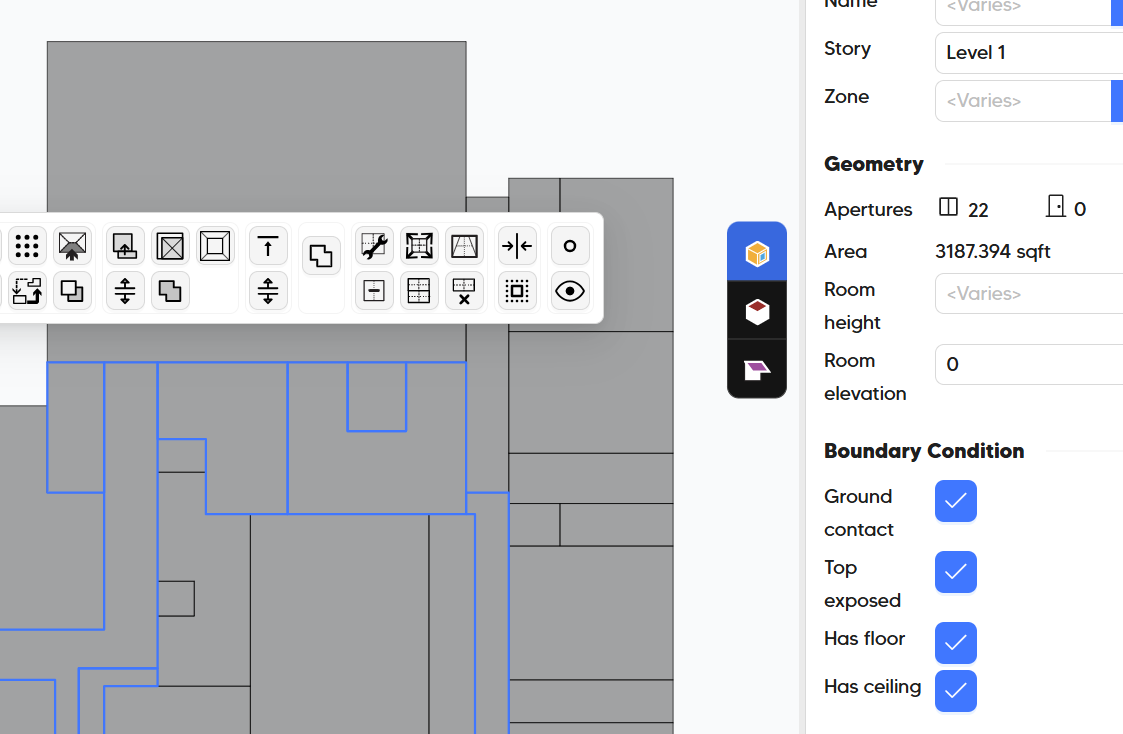
I have the top exposed set to true on the adjacent space but the walls are slightly different heights. I solved the ceiling adjacencies as well. Seems like the wall is not being split to account for the exterior portion.
I messaged you the pomf file for reference.
mostapha
January 14, 2026, 1:41am
2
Hi @marentette1 , good question. I was also confused about this behavior not long time ago. See @chriswmackey ’s answer here for a similar case.
Hey @mostapha and @josiahfce ,
Sorry for the delayed response. I should first note that the wall boundary conditions for the case in your screenshot are resolved during the simplification that we do to the geometry for TRACE to accept it. So your model is perfectly fine as-is in TRACE even though it doesn’t look right in the 3D viewer. You can prove this to yourself you opening up your TRACEXML in the Spider gbXML viewer and you’ll see how the geometry becomes simplified to flat-topped extrusio…
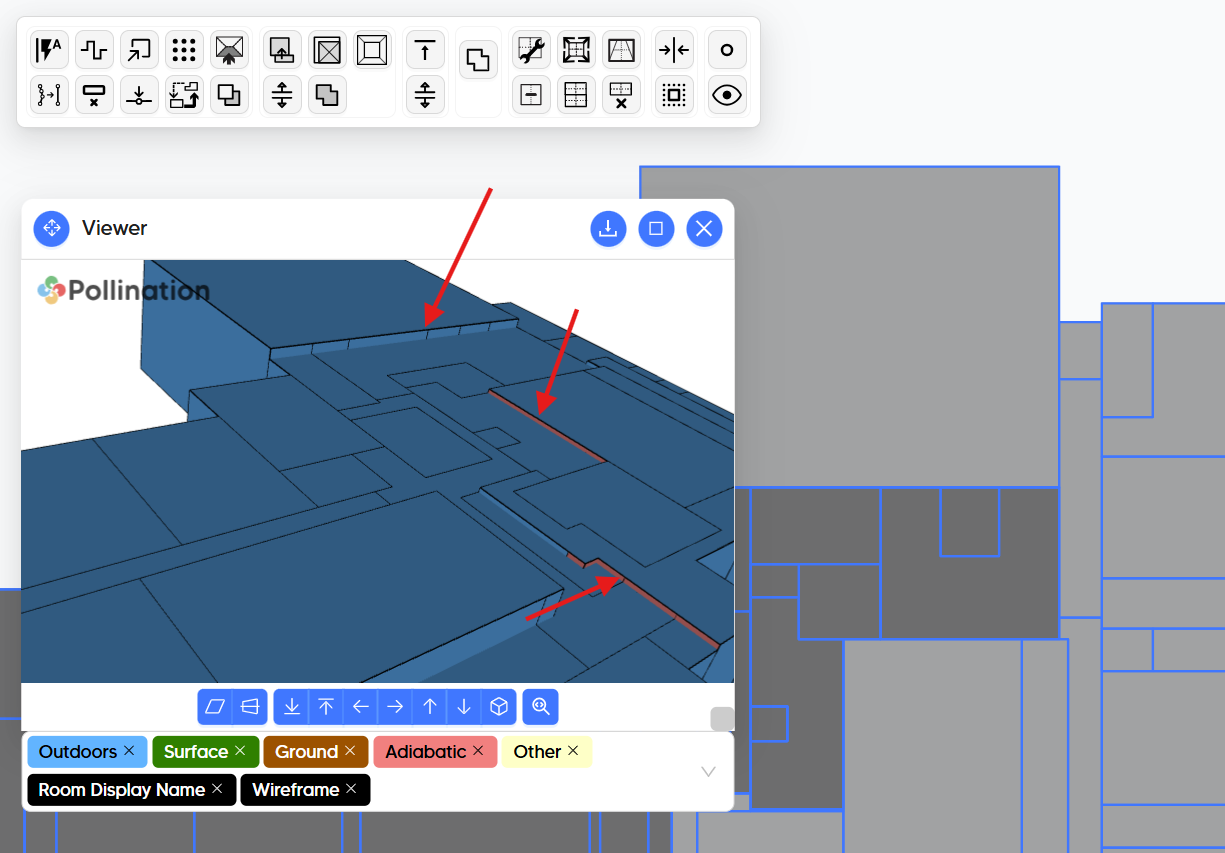
You need to set the rooms next to this room on the ground floor to be top exposed.
And that will change the boundary condition from adiabatic to outdoors. There are two other rooms that need a similar approach. But as you can see the one that you showed in your screenshot is fixed after I made the change.
marentette1
January 14, 2026, 5:04pm
3
@mostapha
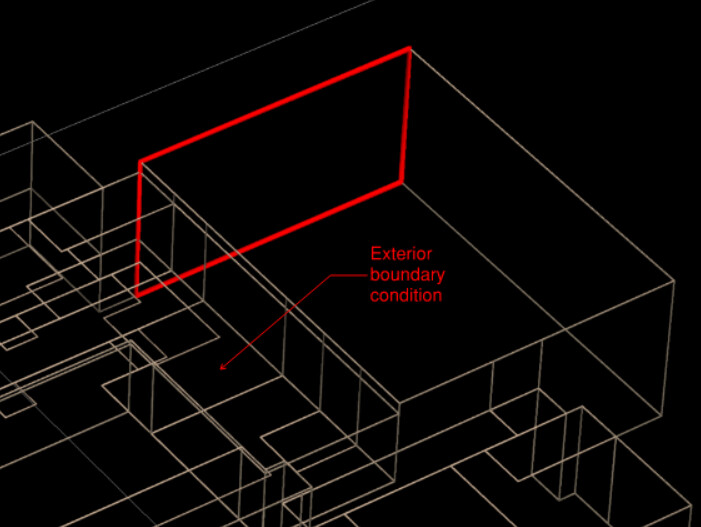
Yes, that sets those small strips to the correct boundary condition. But when I import into eQuest, it doesn’t update those top surfaces to interior:
mostapha
January 14, 2026, 5:17pm
4
Hmm. Let me check. Just to make sure, are you selecting the solve ceiling adjacency option when exporting the model?
marentette1
January 14, 2026, 5:39pm
5
@mostapha , yea that fixed it. Thanks!