Does IES Suncast still ignore planar faces if it’s imported via Pollination?
I tried one of the workarounds in the thread which was to apply “Heal Geometry”, but that made the shading geometry worse. So had to undo it.
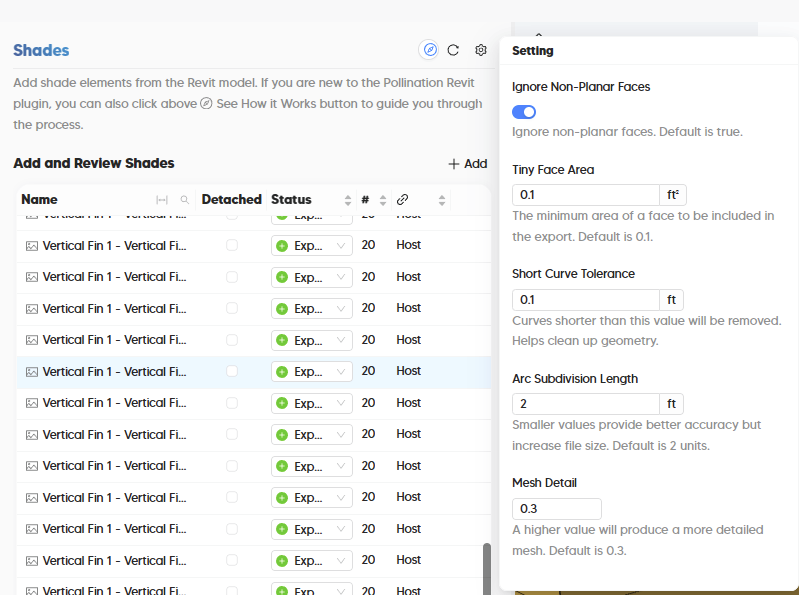
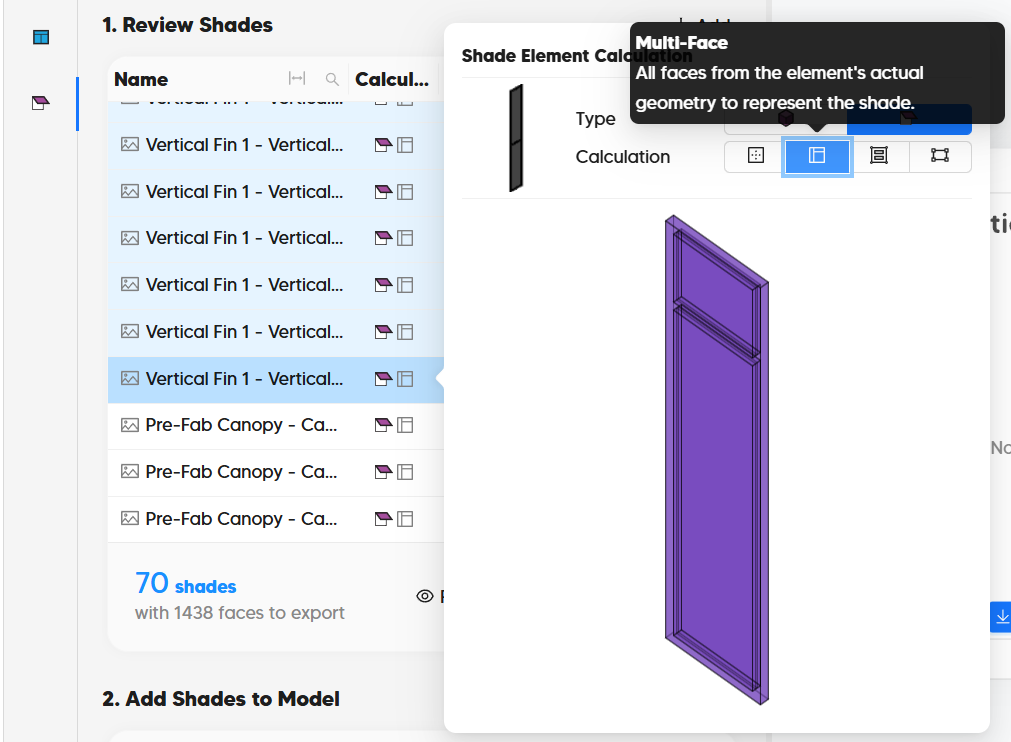
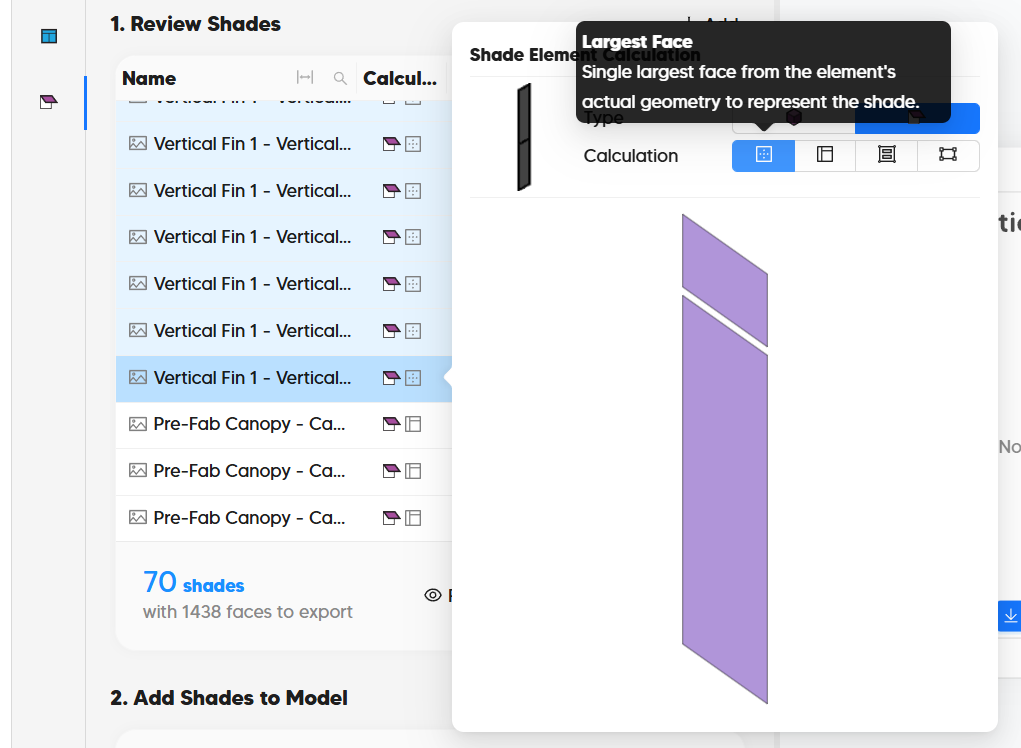
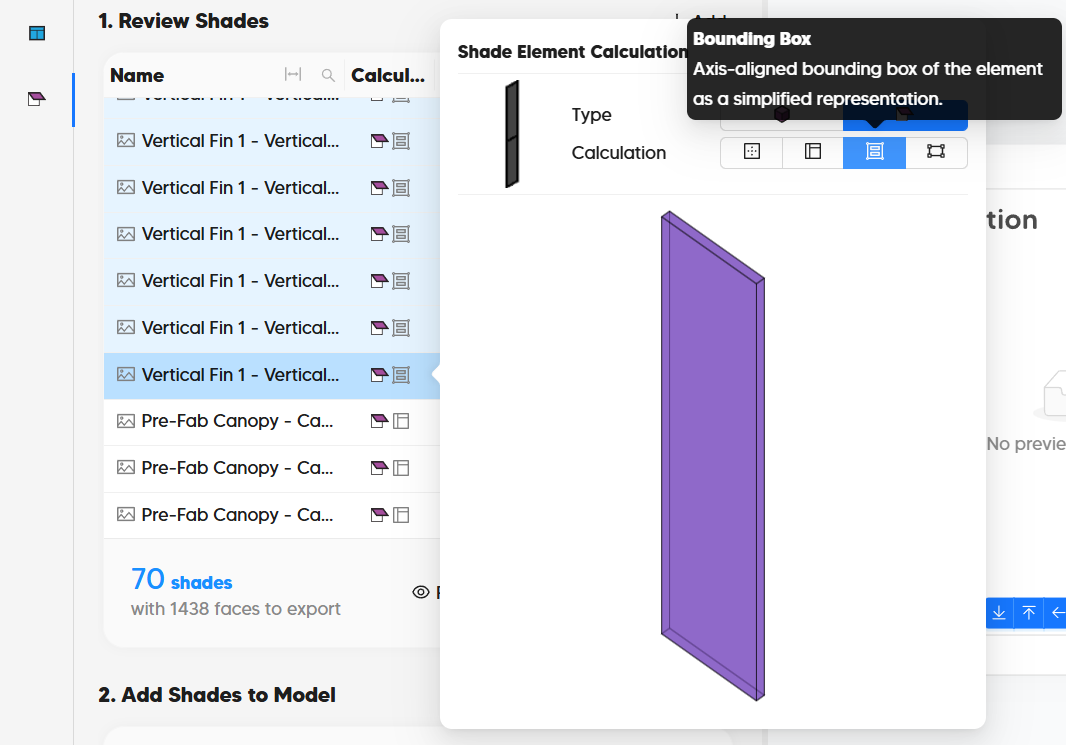
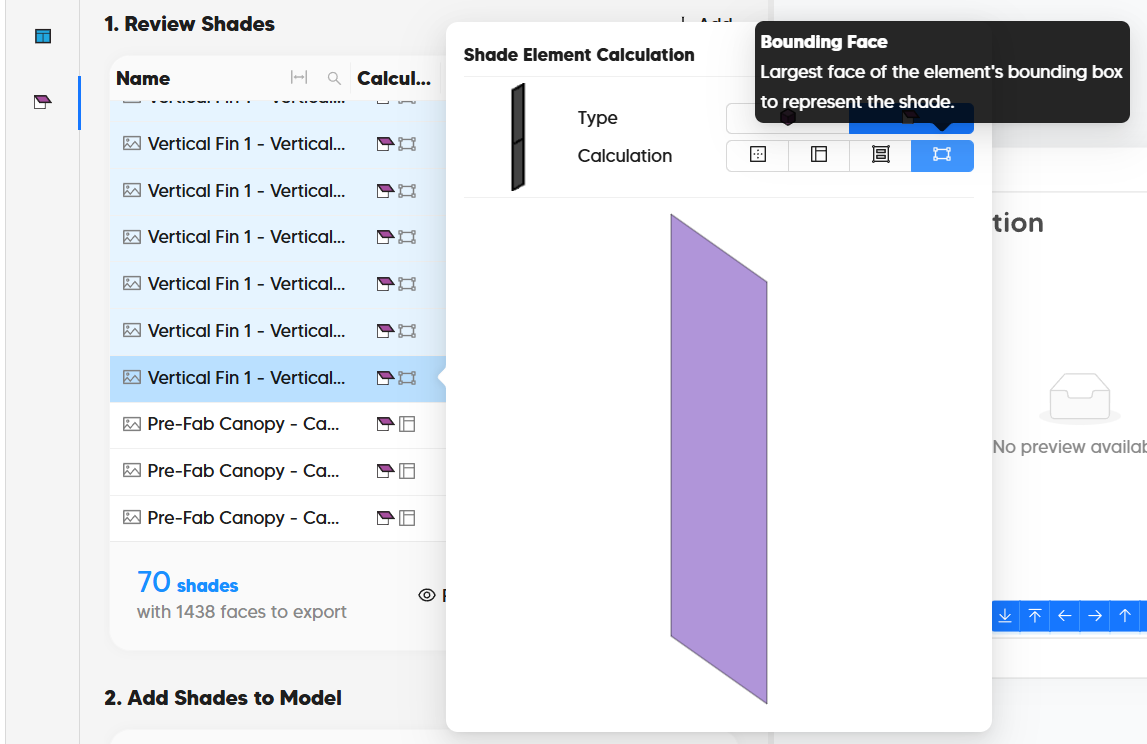
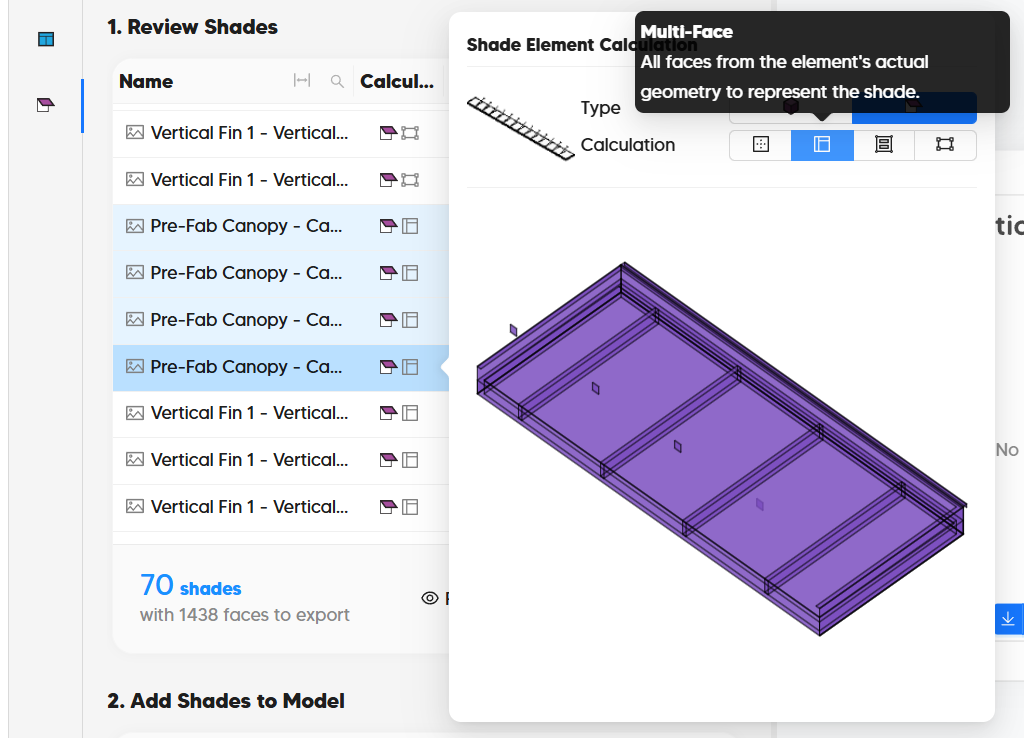
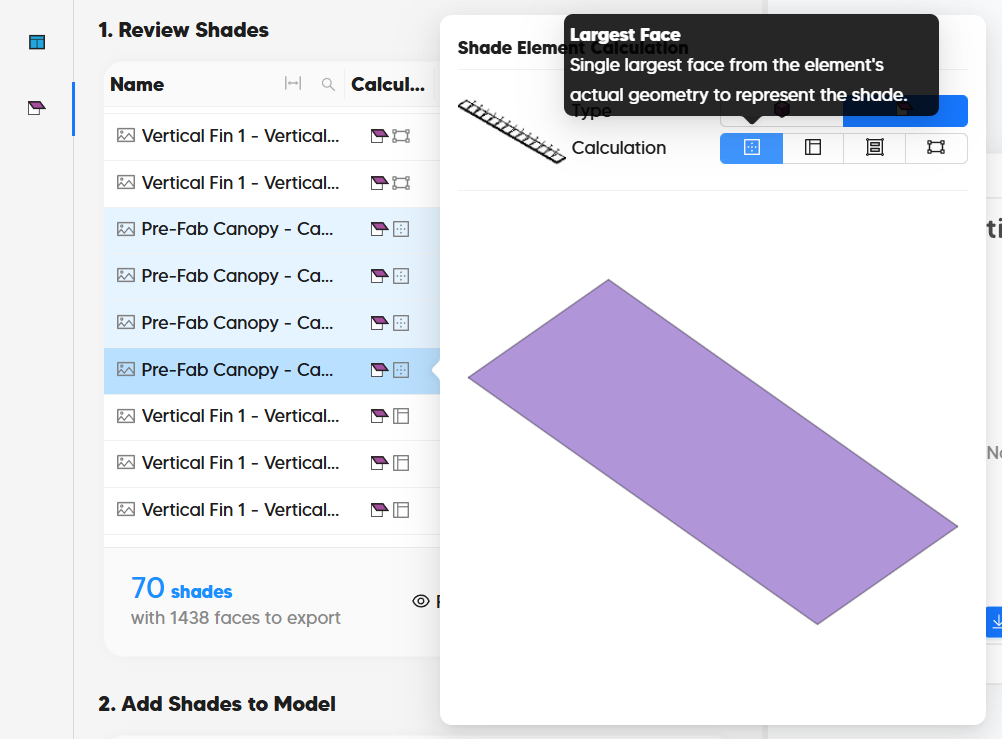
These are my current settings for Shading elements. I believe Pollination used to have a “Pick Faces” option for Shades, if I recall correctly, although I may be misremembering. Was that removed because IES was ignoring zero-thickness planar surfaces in SunCast, or was that unrelated? Is there currently a way to select/export only one representative face from a Revit shading element rather than bringing in the entire 3D solid?
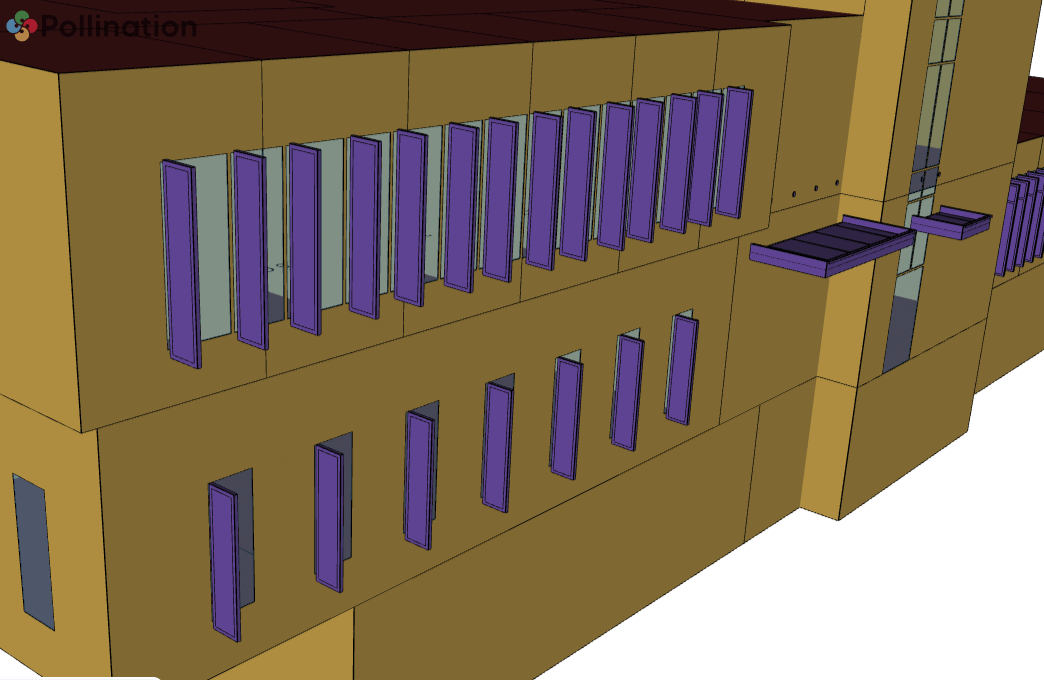
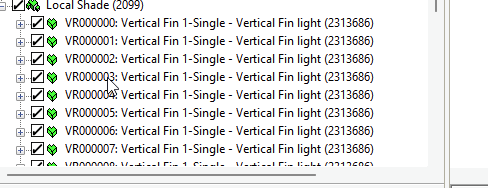
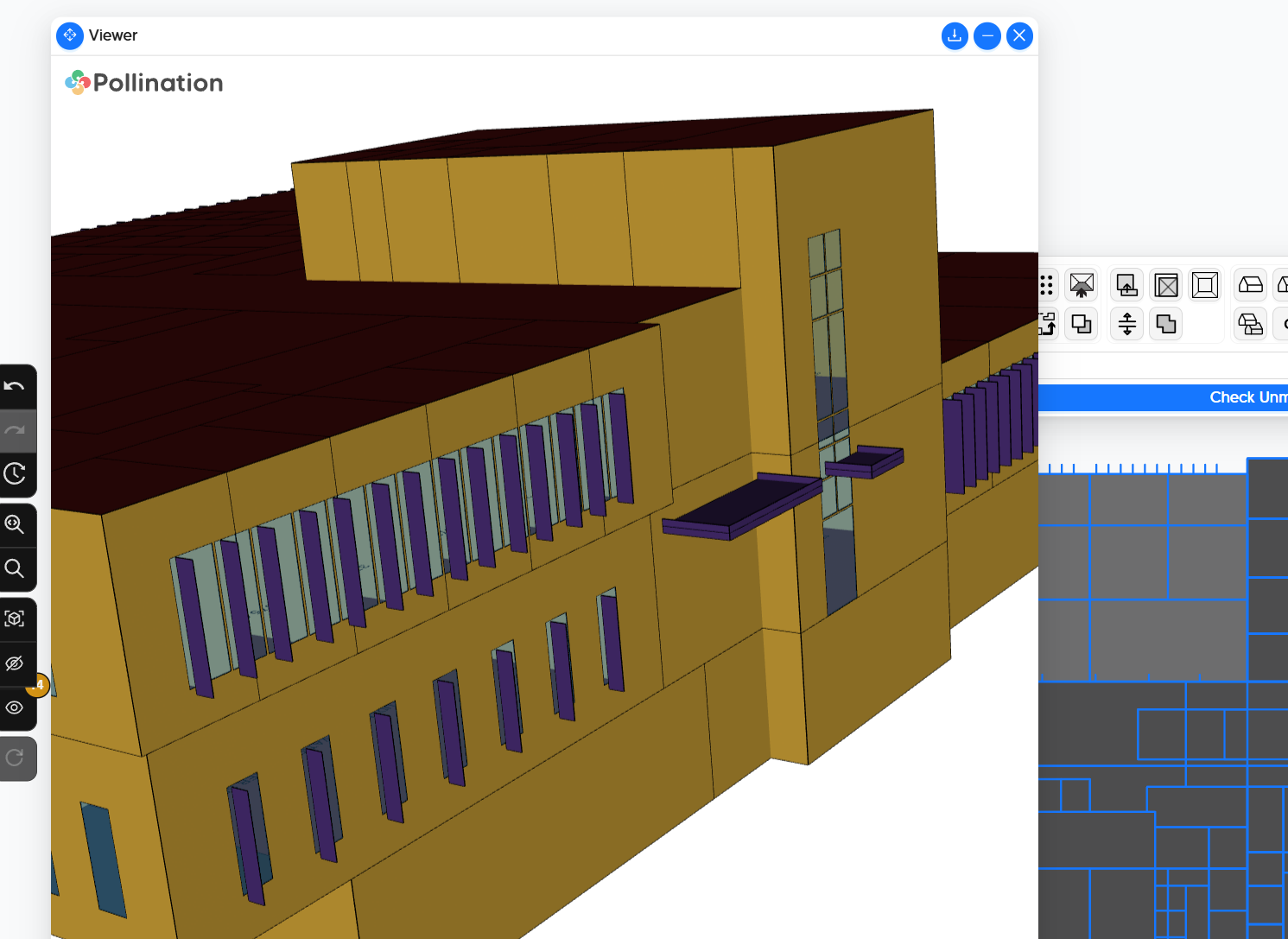
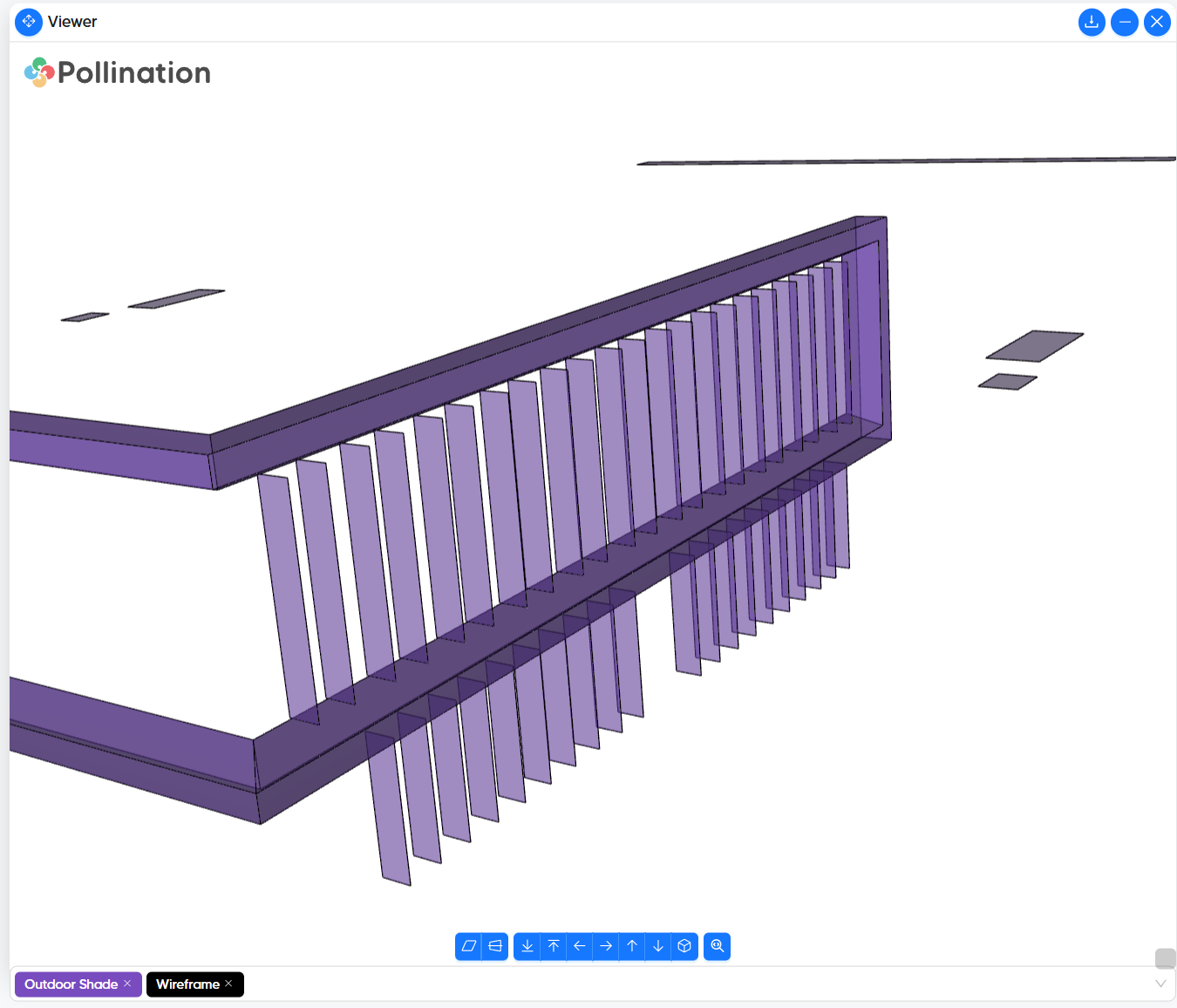
As you can see in the image, a single architectural shading component is imported into IES as several individual Local Shade elements. The model currently has roughly 2,000 Local Shade objects, and it is significantly slowing down the model.Is that expected behavior when exporting Revit shading solids through Pollination/GEM?
I’m not sure about this. I was under the impression that using “Heal Geometry” fixes this issue. We have removed the automated workflow to add thickness to shades.
We removed Pick Faces feature because it was confusing the users. I felt having only one way to do it is going to be easier to communicate but I see your point about having many faces. We can bring this back.
My first suggestion is to increase the tiny face area in the settings, so it removes many of the smaller faces.
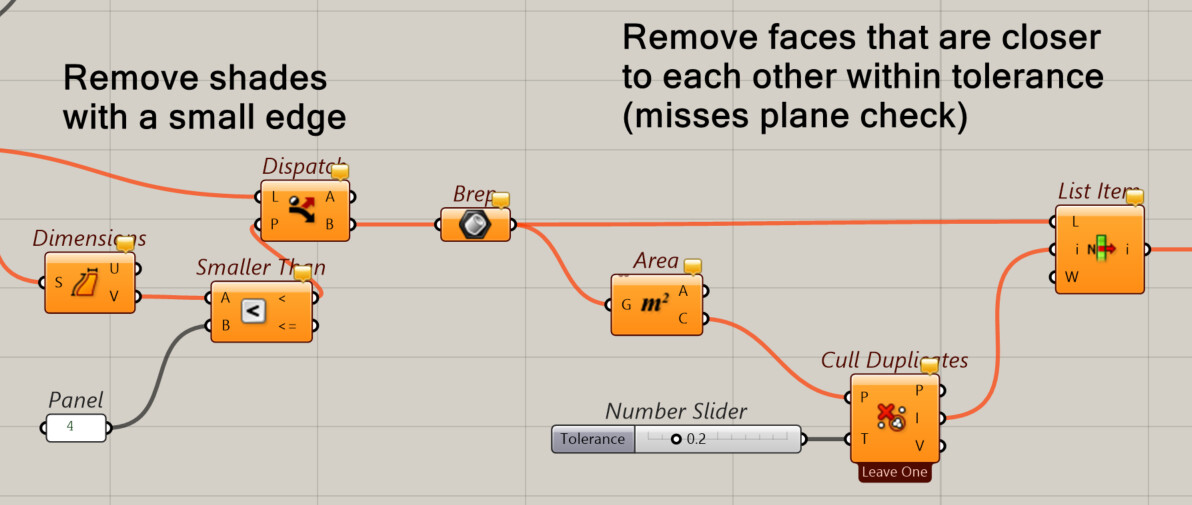
I have been using a Grasshopper script to convert these shades into a single face, but we should be able to provide a similar routine in the Model Editor to remove them.
Can you share the Revit model and the PoMF with me privately? I will use the script to clean up the shades for you so you can move forward with this project, and then we will work on:
Investigate why shades are not grouped together as a single solid anymore.
Add the pick from face feature to the new version.
Potentially provide an additional simplification routine to remove the shades.
For anyone who might be interested, here is the logic in the Grasshopper script. We should be able to implement a better version of this logic in Model Editor.
We added 4 different calculation types for shade objects that allows you to simplify the shades using the Revit plugin. This will be available in the upcoming release which should be out in a couple of weeks.