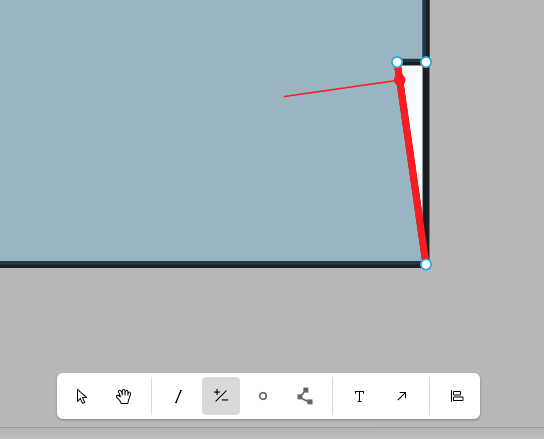
This might be user error, but iirc, the command for removing a vertex from a room polygon in Model Editor is to select the +/- tool, hold Shift while hovering close to the vertex, and left-click to remove it. It may have been Ctrl+click, but I’ve tried both. I can’t find this command in the docs so it’s hard to confirm.. If my memory is correct, I think this is a bug.
Hi @gregatze,
Thank you for documenting this. You should switch to Model Editor V2, and the latest version of Revit plugin. It has a similar command with a better UI, and we added a text with clear directions.
Here is the directions for switching to the newer version of the Model Editor.
Let me know if you have any questions.