Greetings pollination community!
We are happy to announce that we have added another export option into our software, which should make those of you using Pollination with DesignBuilder very happy.
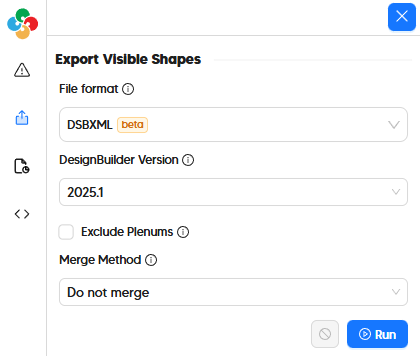
New dsbXML exporter in the Revit Plugin’s Model Editor
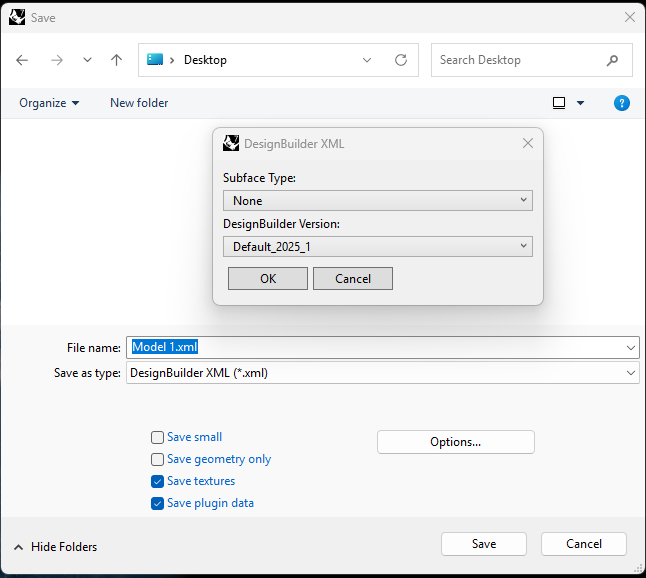
New “Save As dsbXML” option in the Rhino Plugin
Background
Previously, Pollination users working with DesignBuilder had to export their models as gbXML files to import them into DesignBuilder. While DesignBuilder’s gbXML importer is one of the best available for BEM platforms, this workflow had limitations for many models, especially those with sloped roofs or level-changes within a building story.
Introducing dsbXML
The DesignBuilder team has spent the last few years working towards a new file type for import/export, which exposes the full parameter set of the DesignBuilder application in a manner that third party software like Pollination can use. Entitled dsbXML (short for “DesignBuilder XML”), the new file format gives full control to specify all properties of the DesignBuilder model and structure it in a way that makes the most sense for Pollination models.
So, today, we happily announce that a new dsbXML export option is available in both the Pollination Revit Plugin (through the Model Editor) and the Pollination Rhino Plugin (through a new “Save As dsbXML” option). We have heavily tested this exporter to ensure that all previously problematic cases are imported to DesignBuilder without issues. Furthermore, all building stories in the Pollination model are successfully translated to blocks with the resulting DesignBuilder model regardless of whether the rooms have sloped roofs or not.
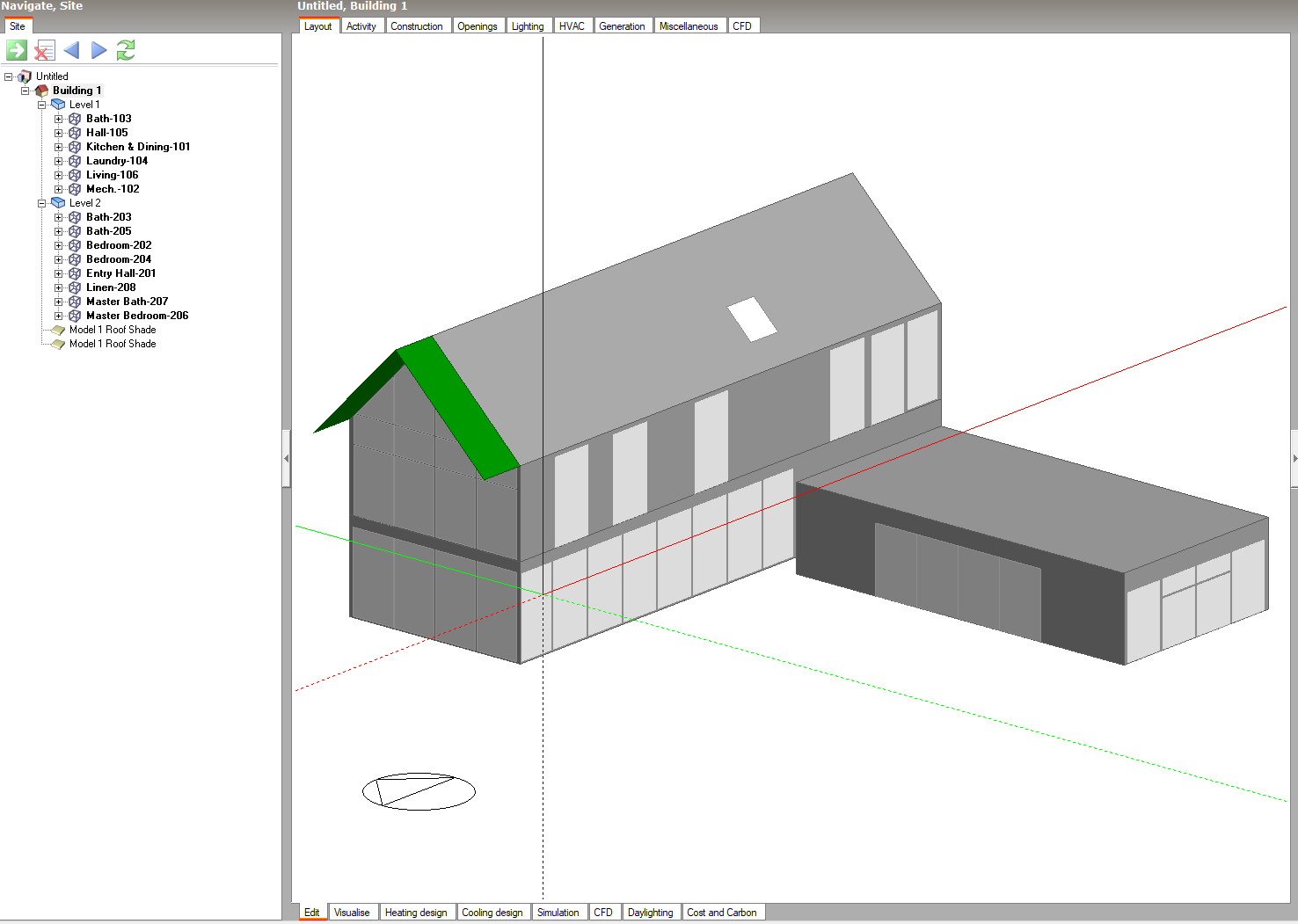
Full Revit sample model
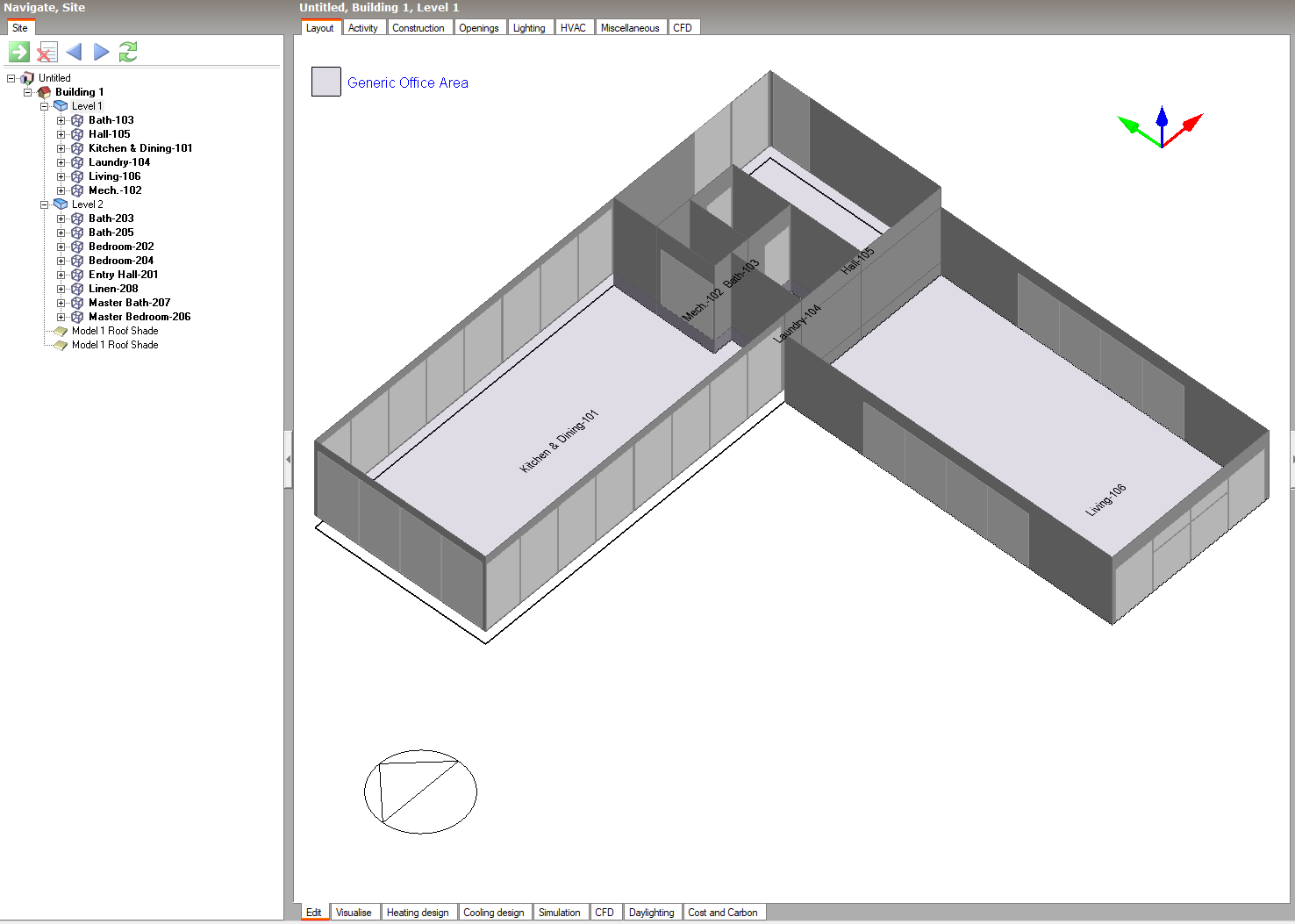
First floor of Revit sample model with a level change
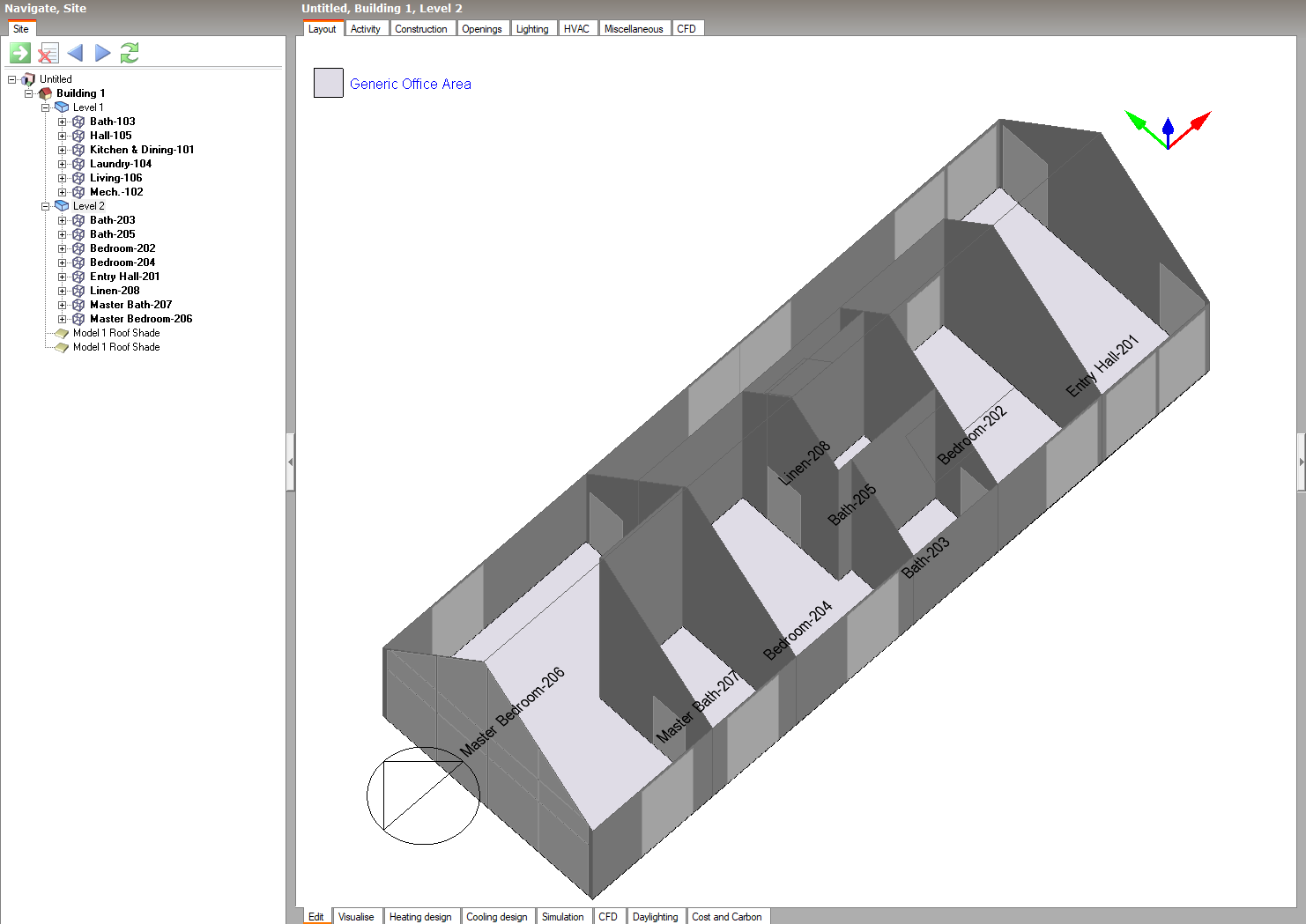
Second floor of Revit sample model with a sloped roof
Try it for yourself in the Revit Plugin
The DSBXML export option is available in the latest version of the Revit plugin (v2.304.1) through the Model Editor. The process of preparing a model for dsbXML export is virtually the same as you would do for previous gbXMLs going off to DesignBuilder. Just perform validation, fix any reported issues, and solve adjacency before exporting. Like all other pollination exporters, you have the option of either excluding the generation of floor/ceiling plenums when exporting and optionally merging the rooms by zone or story. However, the dsbXML exporter has an extra option to select the version of DesignBuilder that you are exporting to (with both the 7.3 stable release and the latest development 2025.1 version of DesignBuilder supported).
Altogether, using the new export option and importing the dsbXML is fairly straightforward once you have done it the first time as this video demonstrates:
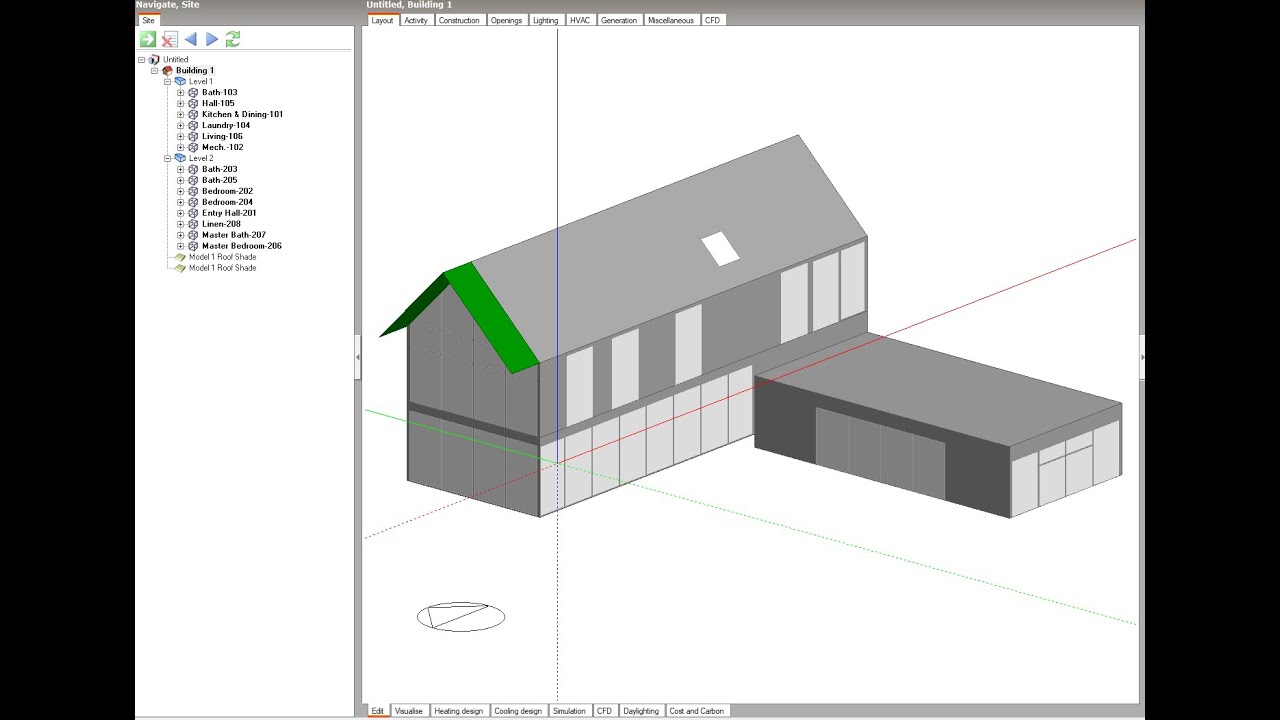
If you want to follow along with the video above (or you have version 2025.1 of DesignBuilder and you just want to see what the DesignBuilder model looks like), you can get the POMF and dsbXML used in the video here:
small_revit_sample.pomf (33.4 KB)
small_revit_sample.xml (1.6 MB)
Try it for yourself in the Rhino Plugin
The latest Rhino plugin (v1.66.8) has a new “Save as DesignBuilder XML” option that works similarly to the Revit plugin’s exporter. It has the same option to select the version of DesignBuilder when exporting. However, there is also an option to select a “Subface Type”, which can be used to translate certain types of Honeybee Doors to DesignBuilder Sub-Surfaces during export. This enables people to set up DesignBuilder models with Sub-Surfaces in a way that does not require them to split walls/roofs/floors in the traditional manner that this is done
The following video demonstrates how the new “Save As dsbXML” feature can be used to get Sub-Surfaces in DesignBuilder, which can be used for modeling radiant heating/cooling as well as complex facade cases like spandrel panels:
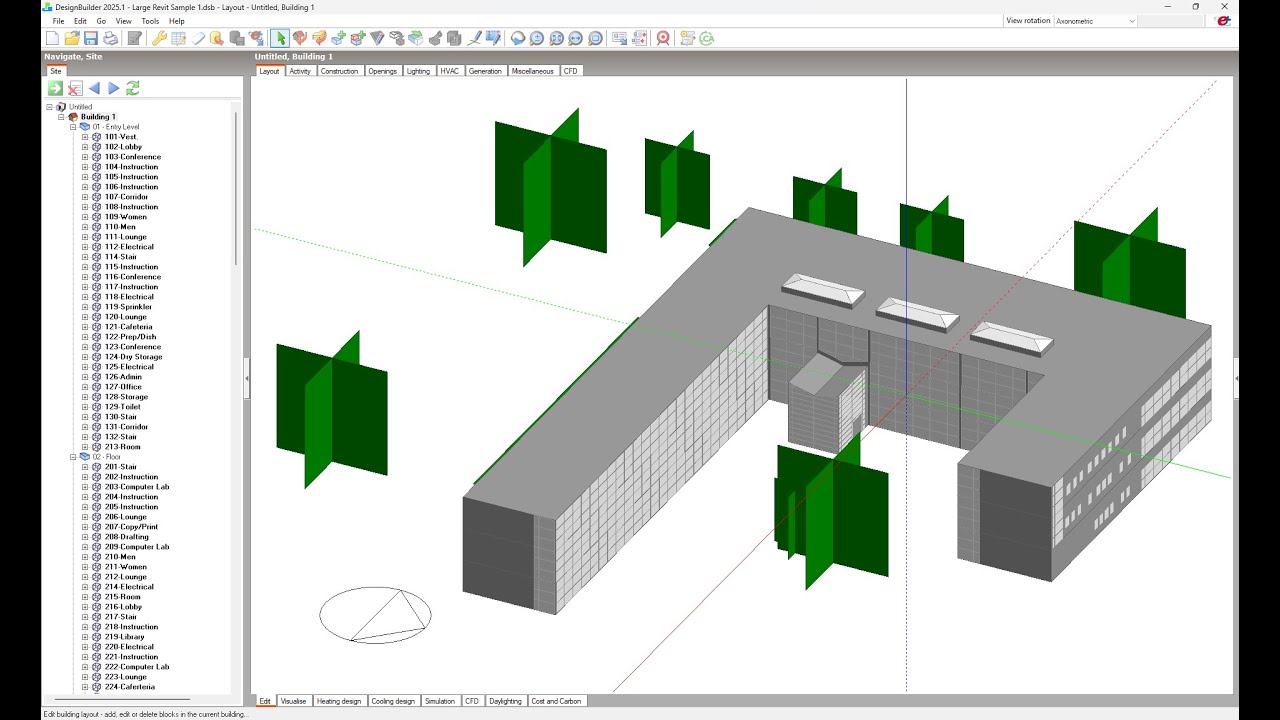
If you want to follow along with the video above (or you have version 2025.1 of DesignBuilder and you just want to see what the DesignBuilder model looks like), you can get the .hbjson and dsbXML used in the video here:
Large Revit Sample.hbjson (2.2 MB)
Large Revit Sample.xml (5.1 MB)
What’s Supported, Limitations, and Next Steps
The current exporter provides full support for translating all geometry and boundary conditions, including all ground, adiabatic, and air boundaries that you might have assigned.

However, constructions, loads and schedules are all currently following the same generic template that you might find when initializing a new DesignBuilder model. Given that dsbXML supports the ability to specify all of these parameters and we are planning to roll out interface elements for assigning these properties within the model editor over the next few months, we aim to incorporate the translation of these attributes to DesignBuilder in the near future.
Credits
A huge thanks is due to Andy Tindale and Steve Potter from the DesignBuilder team for their continued support across long email chains as we put together this first version of the dsbXML exporter.
We also want to thank all of you who have shared your models with us while using Pollination with DesignBuilder. Without this, we would be in the dark about most limitations with the gbXML pathway and there is no doubt that this first version of the dsbXML exporter is much better for it. On behalf of all of us using Pollination with DesignBuilder, we thank you greatly.